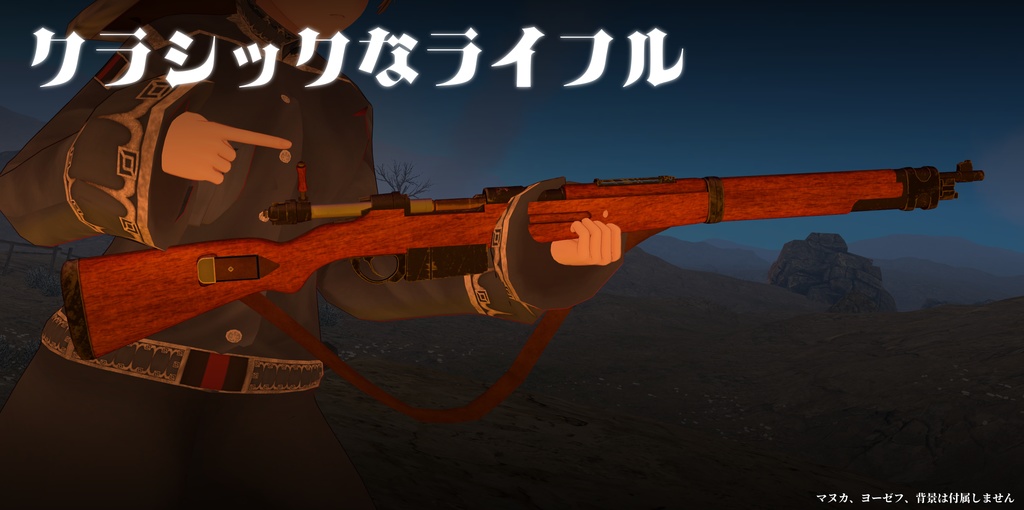
Product Description
Description
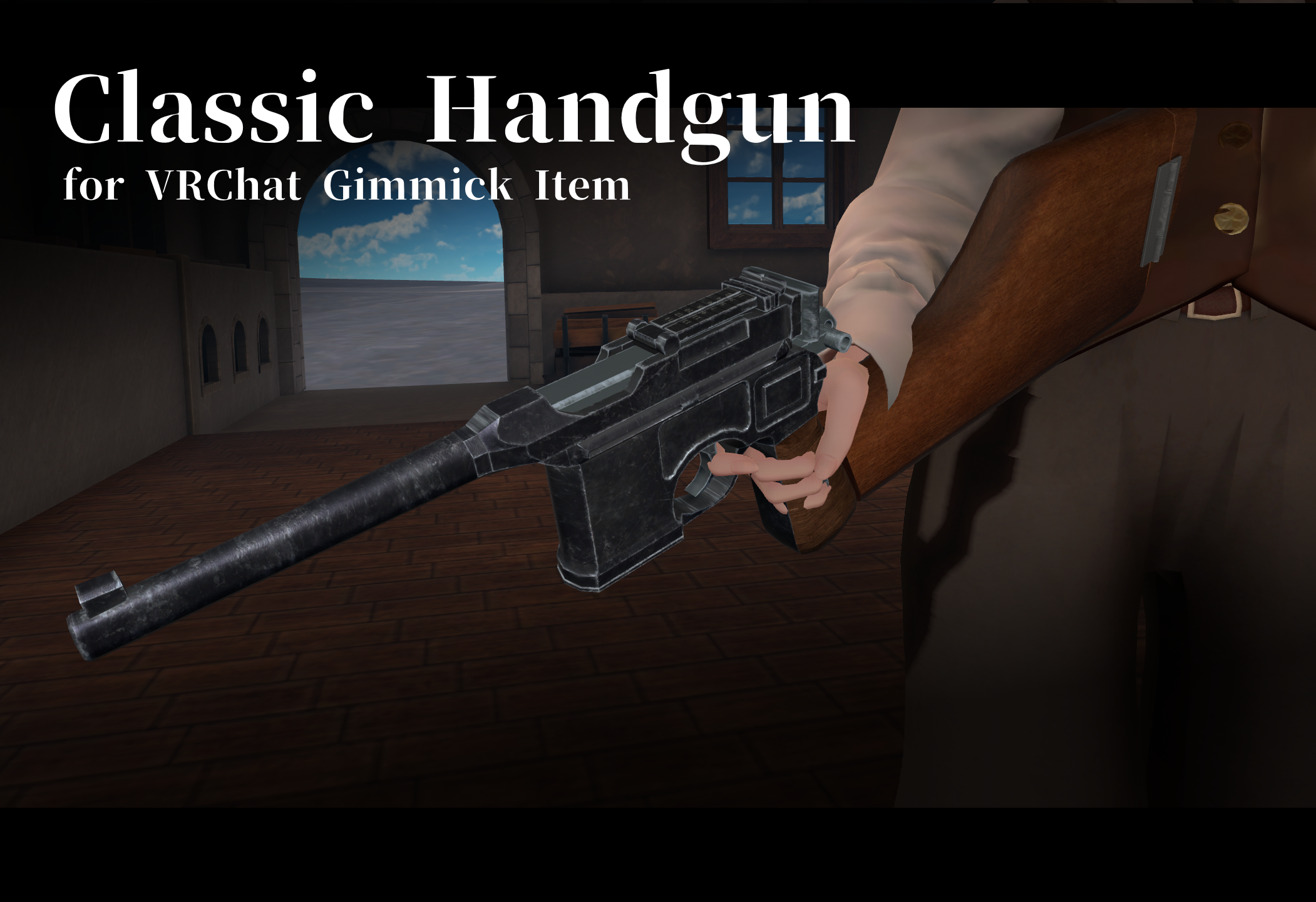
This is a handgun with a front-mounted magazine that evokes the 1920s.
It’s compatible with Moduler Avatar and features avatar mechanics designed for firing and reloading!
This product is intended for use with Moduler Avatar.
Shader is using Liltoon.
liltoon : https : //lilxyzw.github.io/lilToon/
Moduler Avatar : https://modular-avatar.nadena.dev/ja
How to Introduction
After importing, a prefab will be generated in Assets/Lefekusworks/Reworks/Classic Handgun Reworked.
In an environment where the prerequisite assets have been installed, drag and drop this prefab onto the target avatar.
After installation, you can adjust the prop’s position as follows:
Classic Handgun Reworked/Position/LeftHand_NoEdit/LeftHandRoot
➡ Adjusts the gun’s position when held in the left hand.
Classic Handgun Reworked/Position/RightHand_NoEdit/RightHandRoot
➡ Adjusts the gun’s position when held in the right hand.
Classic Handgun Reworked/Position/Chest_NoEdit/ChestRoot
➡ Adjusts the position during magazine ejection and when the gun is not being held. The holster will follow accordingly.
Scale adjustments do not apply to the three items listed above. To change the scale, please adjust the “Modernized Carbine” prefab itself.
[Realistic Recoil System]
This feature incorporates a “Realistic Recoil System” that realistically transmits the gun’s recoil to the shoulder.
To enable the Realistic Recoil System, open the Advanced Settings for the VRC Position Constraint configured in RecoilShoulder.R and RecoilShoulder.L (located directly under Classic Handgun Reworked/HandGestureOverwrite), and set the avatar’s Shoulder bone as the Target Transform.
How to Use
・Classic_Handgun➡ Opens the menu for this feature.
・Gun_Show➡ Displays this feature.
・Fullauto➡ Turns full auto on.
・Safety➡When enabled, disables firing.
・RealOffRecoilOff➡Disables the realistic recoil system.
・Carbine Stock➡Equips the holster as a stock on the gun.
After displaying the gun via Classic_Handgun➡Gun_Show in the EX menu, set your hand’s hand sign to “Point” or “Gun” and move it close to the grip to hold the gun.
Set your opposite hand to “Fist” and move it close to the foregrip to switch to a two-handed grip. Set the hand on the foregrip to “Open” to return to a one-handed grip.
To fire, set Safety to Off and then make a fist with the hand holding the gun. By default, the weapon is set to semi-auto; turning “Full Auto” on will switch it to full-auto mode.
You can eject the remaining rounds by pulling back the receiver.
Bring the hand opposite the one holding the gun close to your chest to remove the magazine, then position it near the loading port.
Tap the ejection port again with the opposite hand to load the magazine; after that, pull the receiver back to close it, and you’ll be ready to fire again.
Licence
Using the VN3 License Template.
By purchasing and downloading this data, you agree to these Terms of Use.
https://drive.google.com/drive/folders/1CSQrpL9tbguVTTFncWTNLSXWAUG7L8Md?usp=sharing
Other
Booth is here➡https://swillzerrant.booth.pm/items/6234846
Special Thanks
I am using IRONTURTLE’s “MA2VRCF” to create the VRCFury version of the prefab.
https://booth.pm/ja/items/8071143
I used a modified version of STUDIO JINGO’s “MANUKA” avatar to take the thumbnail screenshots.
https://booth.pm/ja/items/5058077