
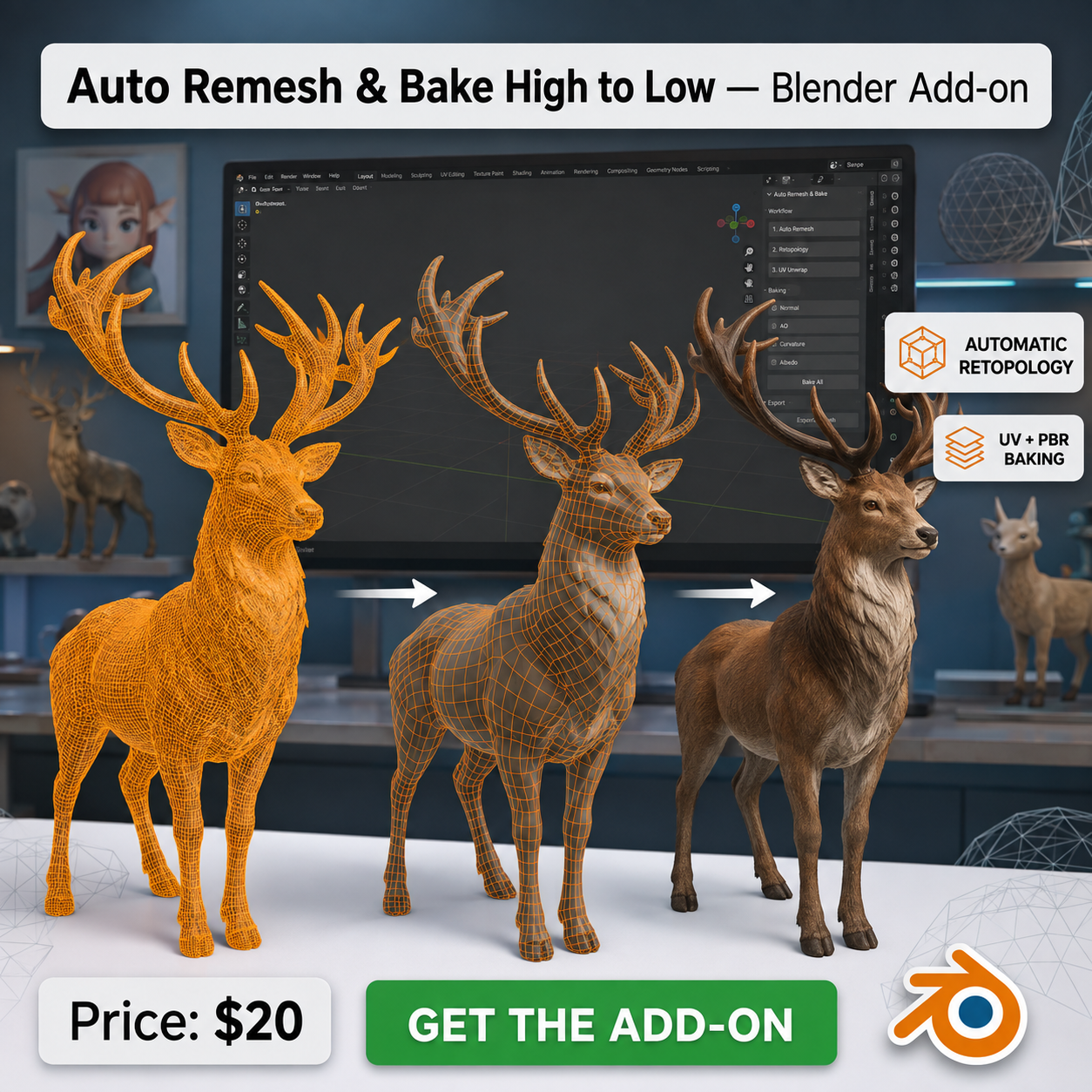
Auto Remesh & Bake High to Low — Blender Add-on
Tags
Product Description
Auto Remesh & Bake High to Low — Blender Add-on
Field-aligned retopology + automatic UV unwrapping + PBR baking, from high-poly to low-poly, in one click.
Point the add-on at your high-poly, hit one button, and get back a clean quad low-poly with proper UVs and a fully textured Principled BSDF material. No manual retopo, no low-poly to supply, no other add-on to install.
New in 2.1: native field-aligned retopology
This version no longer relies on Blender's QuadriFlow or on a chain of voxel repairs. It embeds AutoRemesher 1.2.0, an open-source C++ engine that computes a direction field, solves a global parametrization, extracts the quads, relaxes them, then reprojects the result onto the source surface.
- Anisotropic flow — loops follow cylindrical forms: legs, tails, ears, ridges
- Curvature adaptivity — quads concentrate where the surface is detailed, not on flat panels
- Separate islands — disconnected shells are remeshed independently, even when nearly touching
- Maximum Quality mode — computes several candidate quad fields, scores them on high-poly coverage, regularity, angles, quad purity and distance to your target, and keeps the best one automatically
- Calibrated target count — internal compensation corrects the engine's natural drift so you land near the face count you asked for
- Non-destructive — your high-poly and its materials are never modified
The remesh runs outside the Blender UI. The panel shows live progress, Esc cancels, and if Blender is interrupted after the native solve but before import, Recover last completed remesh picks the file back up and resumes at the UV and bake stage.
What it does
- Field-aligned remesh — clean quad low-poly generated from your high-poly
- Automatic UV unwrap — angle-based seams or Smart UV Project, validated before any bake starts
- Automatic resolution — reads your high-poly's textures (multi-material and UDIM aware) and picks 1K, 2K, 4K, 8K or 16K for you
- 7 PBR maps — Base Color, Normal, Roughness, Metallic, AO, Emission, Alpha
- Smart ray distances — cage and extrusion derived from your objects' real size, manual override available
- Material auto-built — every map wired into a Principled BSDF, ready to preview
- PNG export — saved next to your .blend, or packed inside it
Controls that matter
- Quality mode — Maximum Quality tests several solutions and picks the best; Fast honours your settings exactly
- Target face count — final quad budget
- Curvature density — 0 uniform, 1 more quads on relief
- Cylindrical / directional flow — 0 squarish quads, 1 elongated along tubes and ridges
- Edge scale — 1 tracks the target most closely; higher simplifies regular areas
- Sharp edge threshold — sharper angles become field guides
- Normal smoothing — 0 keeps faceted relief; 30–60° suits most organic shapes
No more broken bakes
Base Color and Roughness are read straight from the Principled BSDF inputs, so metallic and mixed shaders no longer bake to black. Pixels the rays miss keep safe fallback values (neutral grey, neutral tangent normal, 0.5 roughness, white AO) instead of turning black. AO is exported as its own map and is not multiplied into Base Color.
Bring your own low-poly if you prefer
The remesher is a convenience, not a lock-in. Feed the add-on a low-poly made any way you like — manual retopo, Decimate, ZBrush, InstaLOD, Quad Remesher — and it goes straight to UV + baking.
Honest limits
This engine uses the same general family of field-aligned techniques as modern commercial remeshers, but it is not Quad Remesher's proprietary solver and cannot guarantee identical output on every model. A limited number of triangles can remain in difficult topological cases. Disconnected objects stay separate, but genuinely interpenetrating pieces may be read as a single surface depending on the source mesh.
Installation
Install the .zip from Edit > Preferences > Add-ons > Install from Disk without unpacking it, enable the add-on, then open the 3D view sidebar with N and go to the Field Remesh tab.
Specs
Blender 4.3+ · tested on 4.5 LTS · Cycles · remesh engine: Windows x86-64 only · v2.1.0
Bundled engine: AutoRemesher 1.2.0 (MIT), license and acknowledgements included.
Includes the .zip add-on and full documentation.