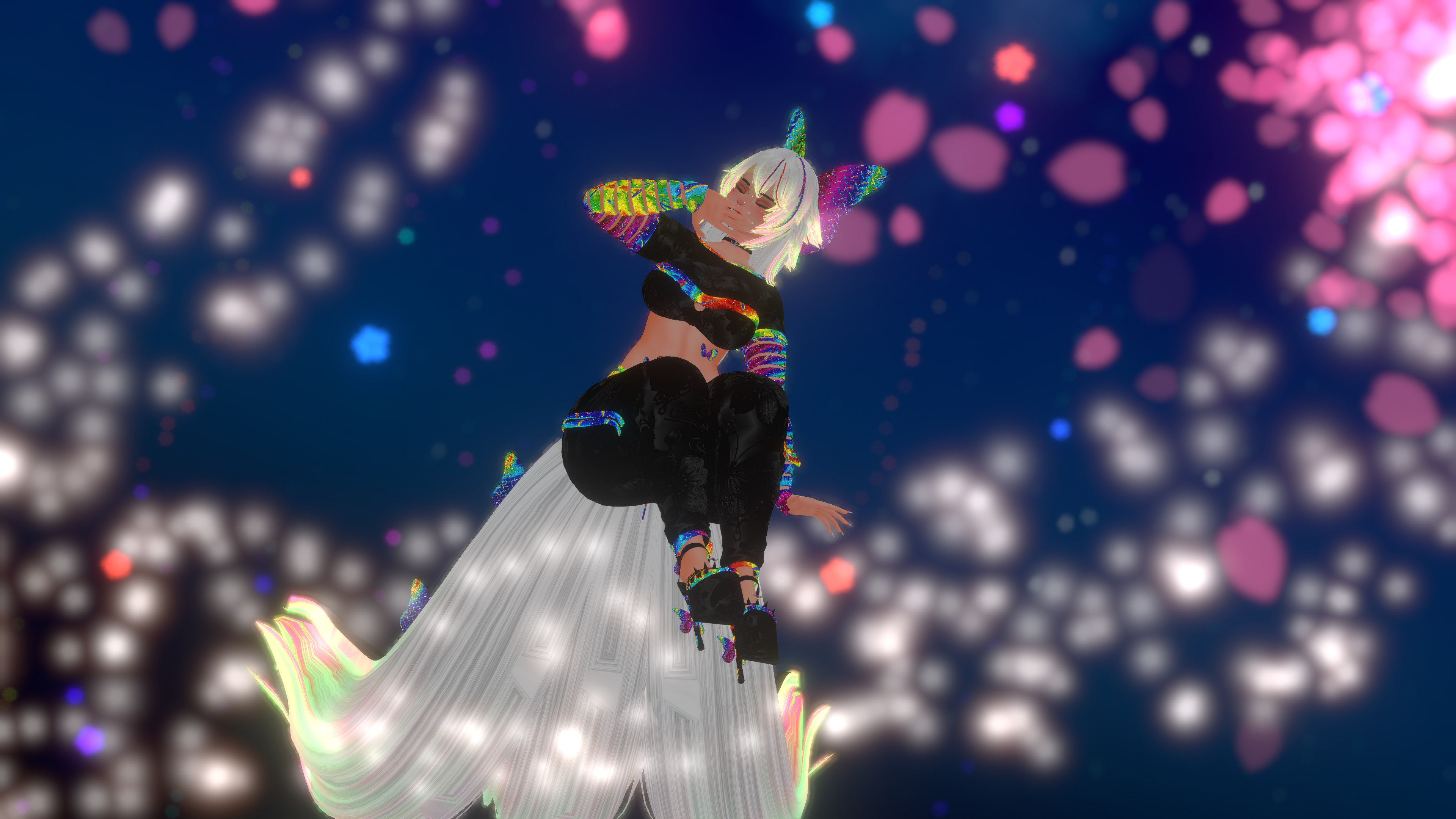
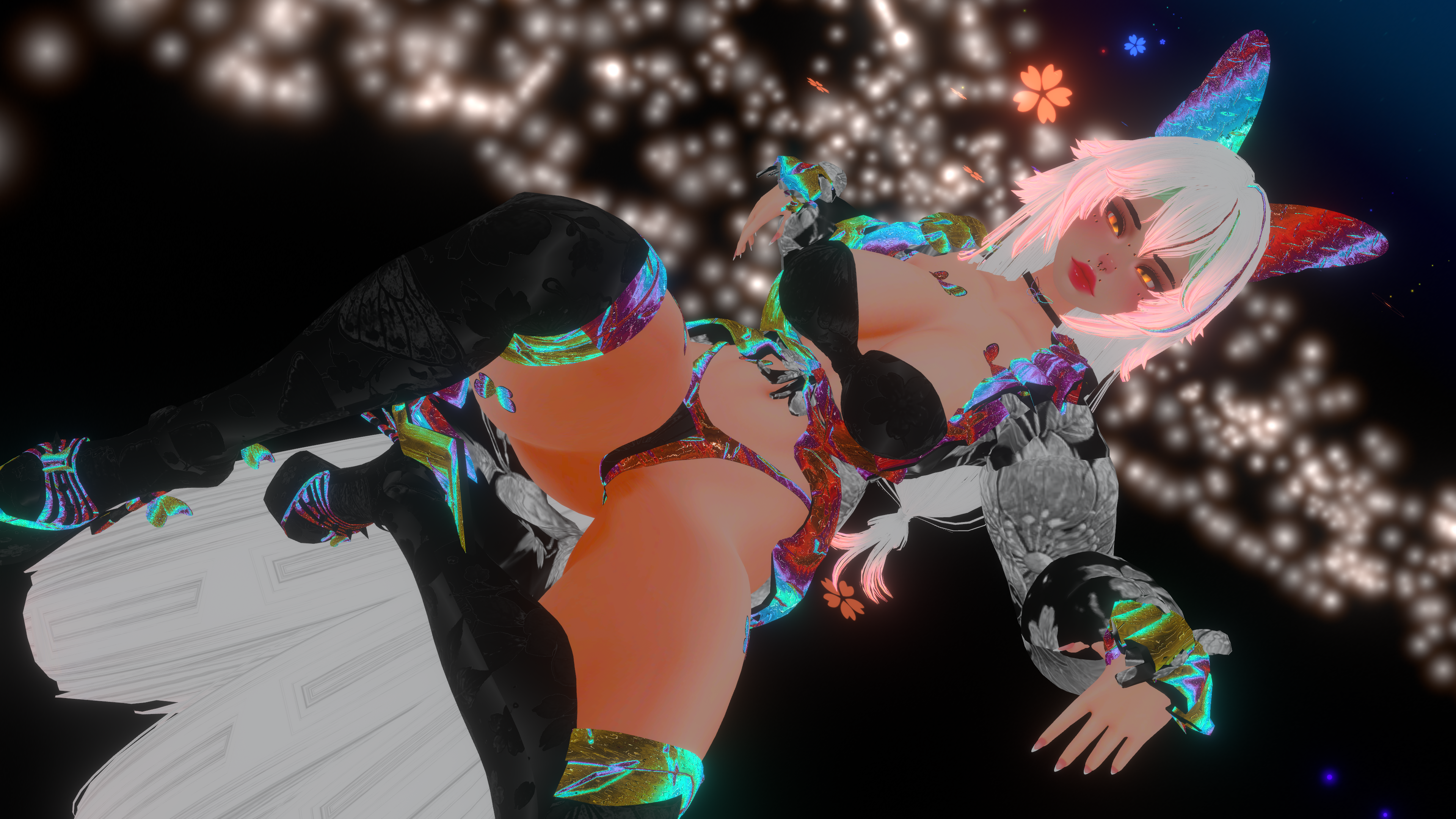
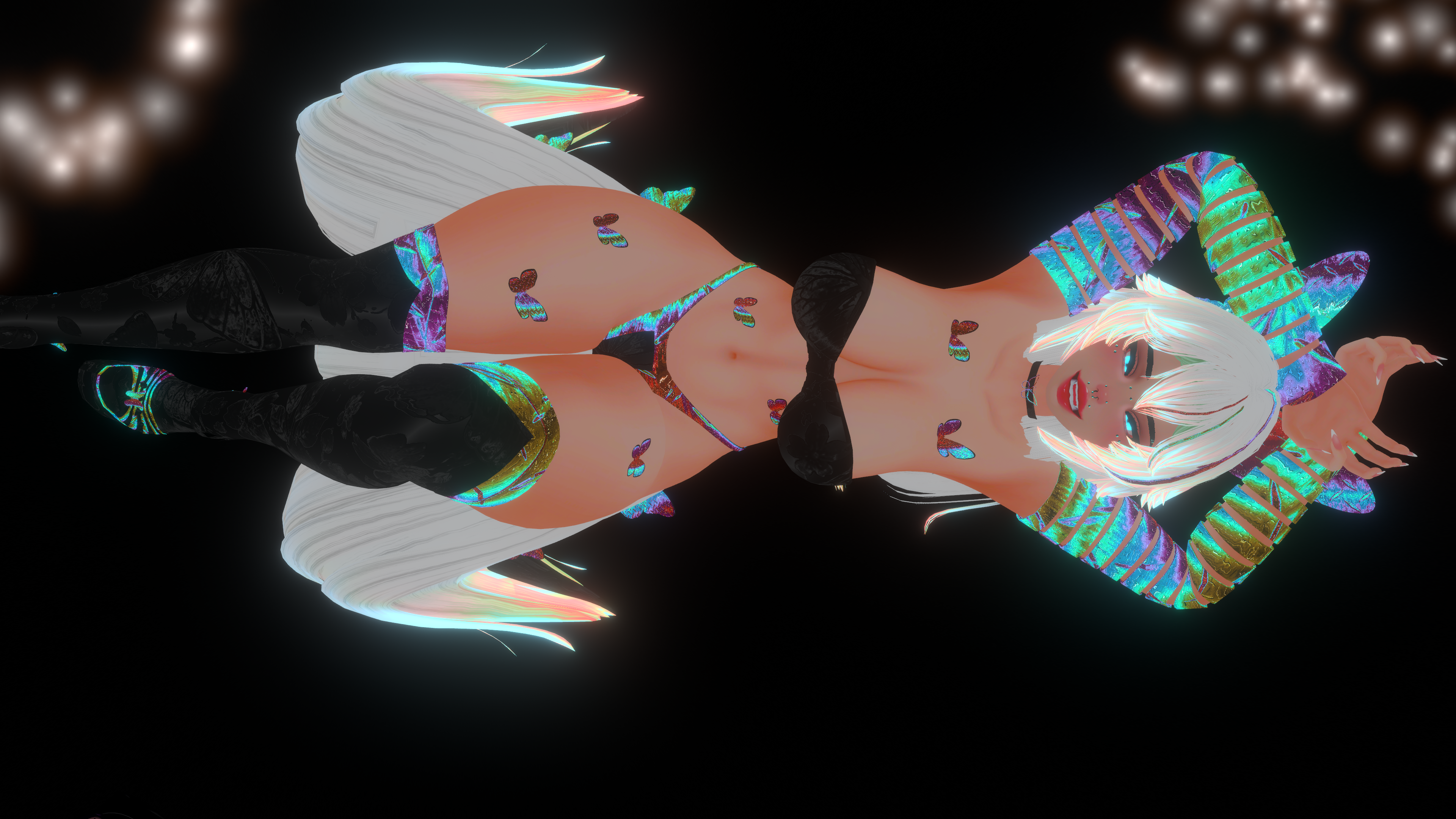
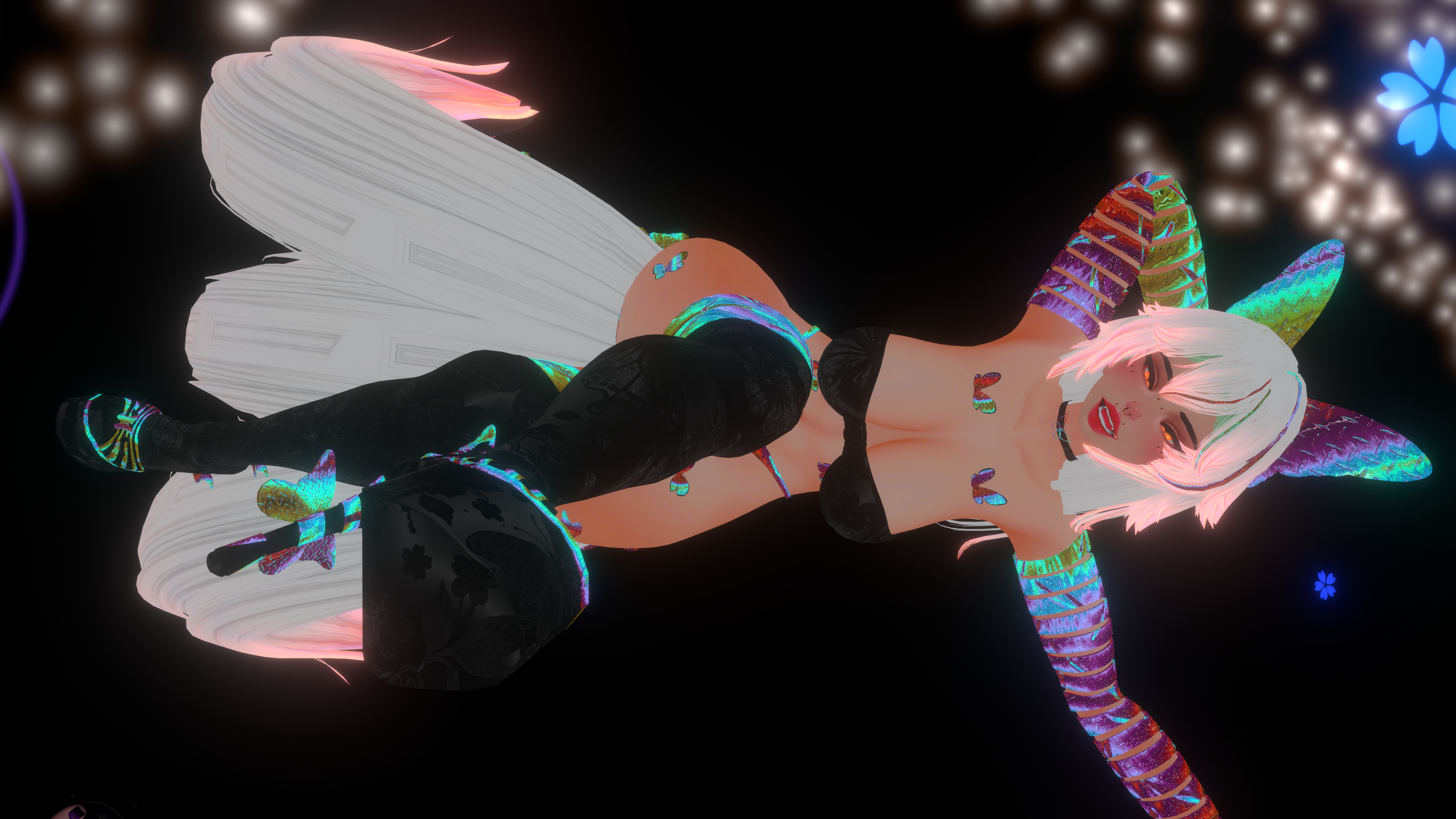
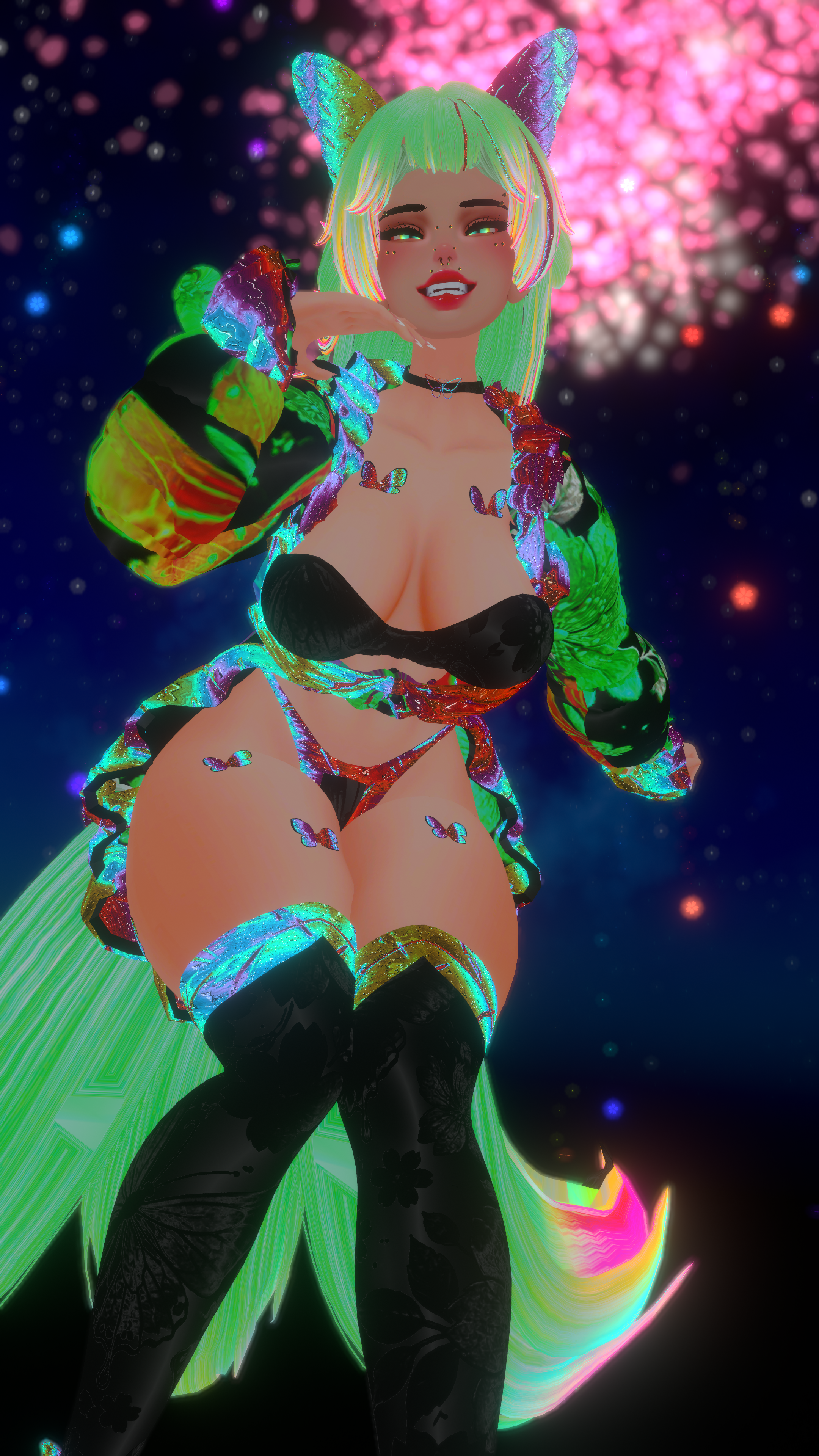
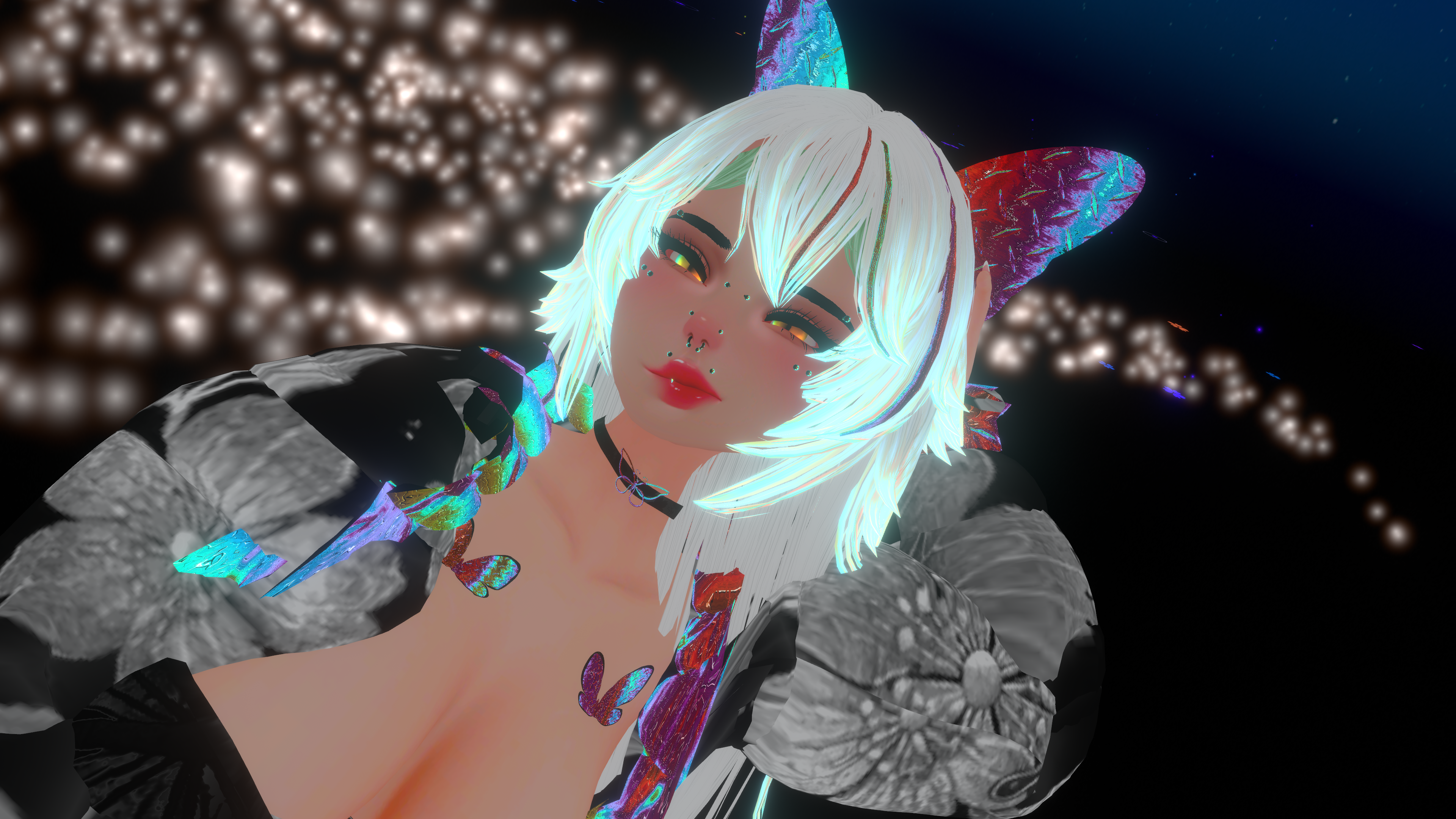
Karafuru Na Chou
Product Description
This product contains AI-generated content.
KARAFURU NA CHOU • THE RAINBOW BUTTERFLY
By Kitsunes Cove – Avatars & Assets
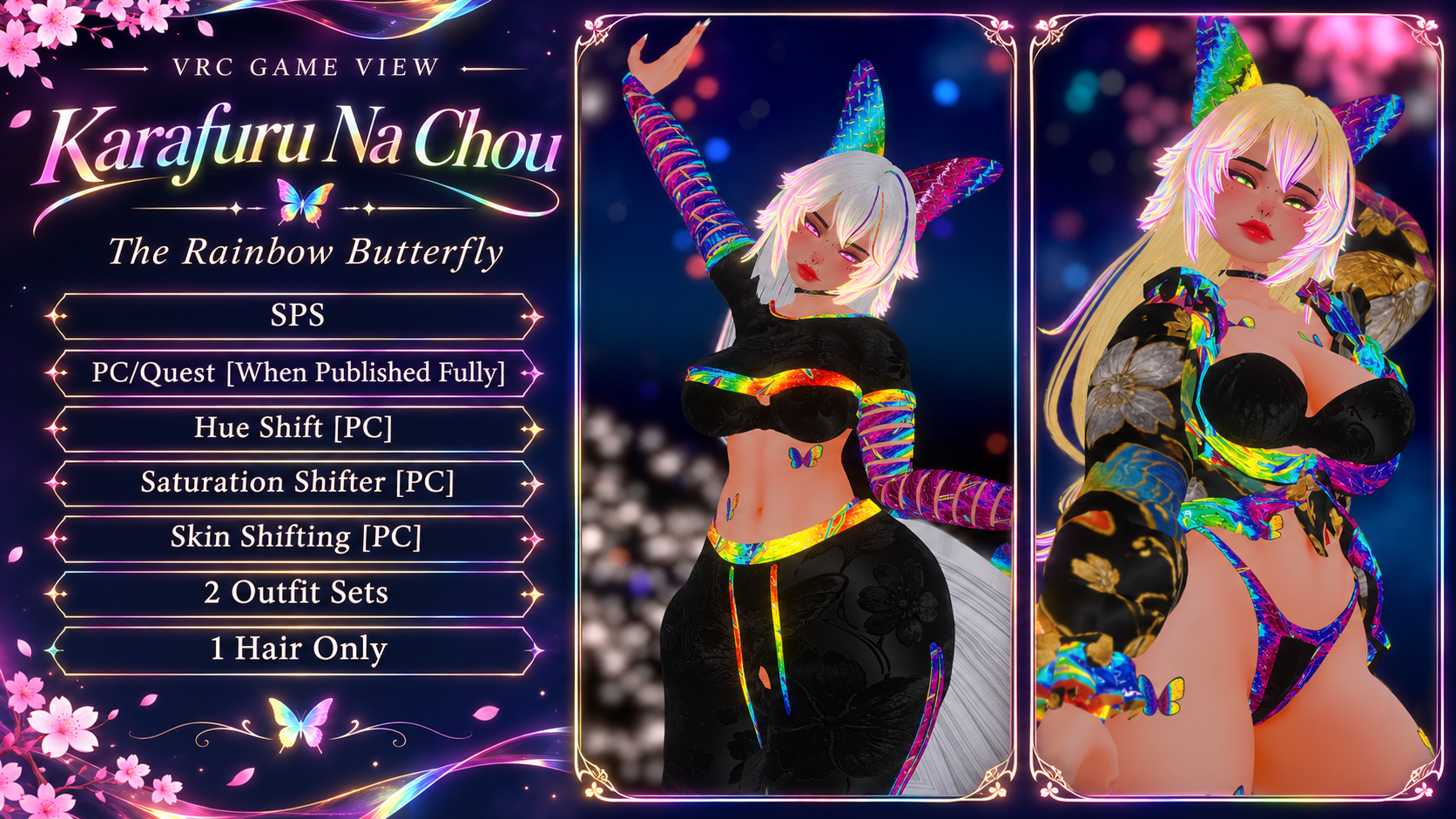
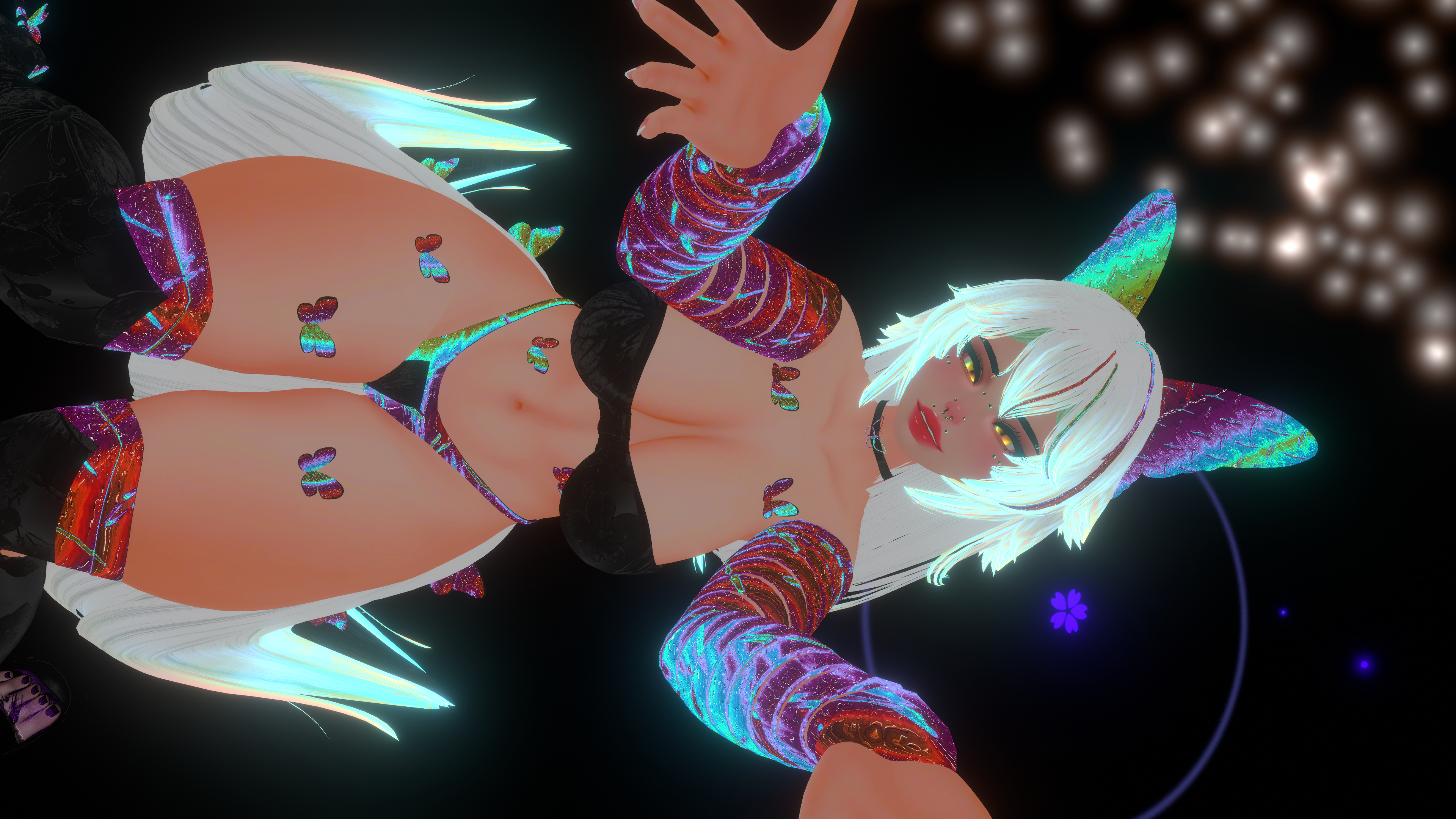
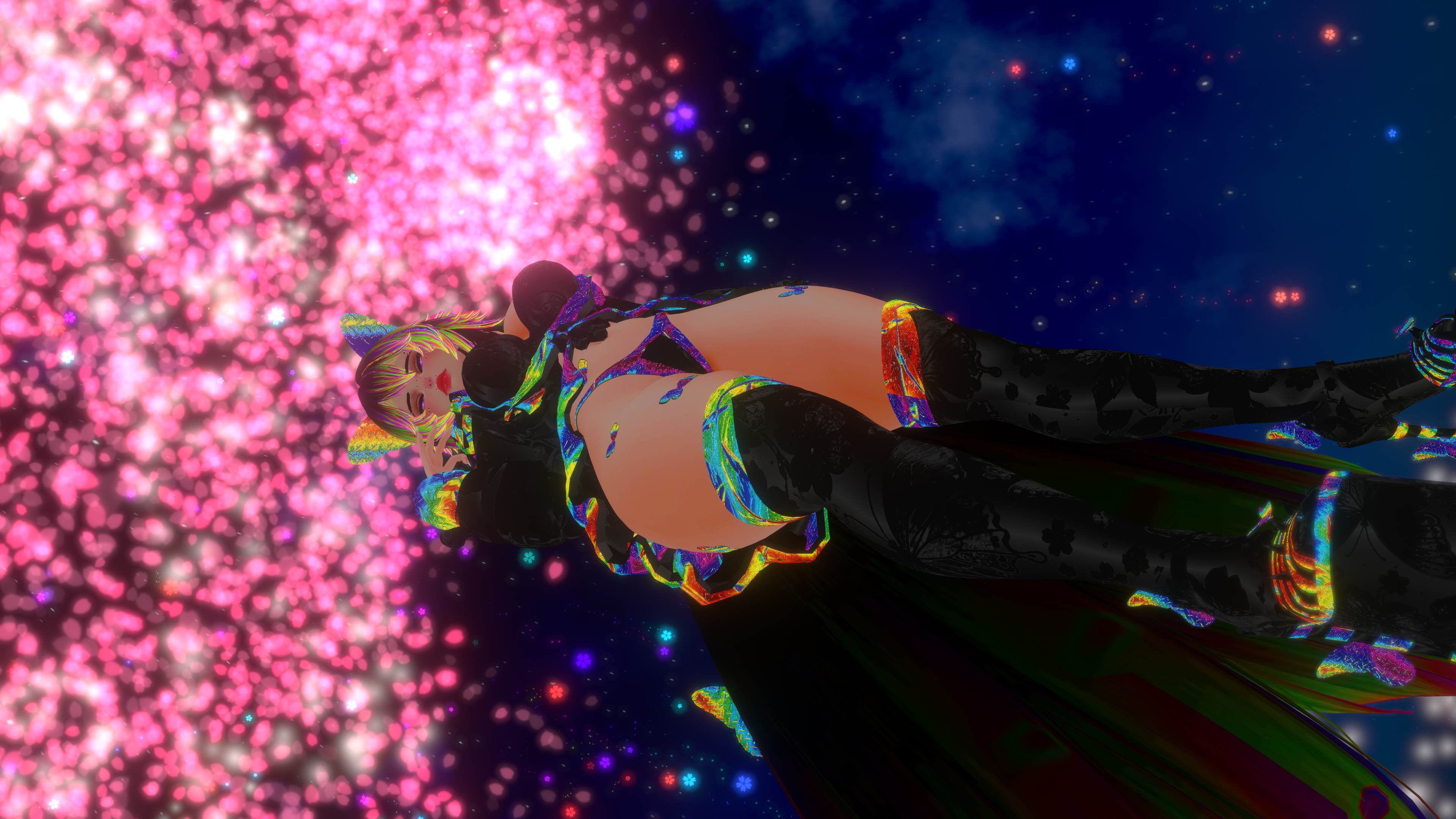
Meet Karafuru Na Chou, my rainbow butterfly avatar for VRChat! She comes with two outfit sets, rainbow arm wraps, and one signature hairstyle. On PC, you can shift her colors, dial the saturation up or down, and switch skin tones from the avatar menu.
AVATAR FEATURES
• Windows (PC) and Android (Quest) compatibility
• VRChat Avatar SDK 3.0
• Native VRChat Face Tracking, Eye Look, and visemes for lip sync
• VRChat Impostor support
• GoGo Loco Advanced for poses and locomotion
• Two outfit sets and one hairstyle
• PC color controls for Hue Shift, Saturation Shifter, and Skin Tone Switching
• Optional SPS files included for manual setup
PLATFORM AVAILABILITY AND PERFORMANCE
• Windows / PC — Very Poor
• Android / Quest — Very Poor
• iOS — Unavailable
Both performance ranks are confirmed in VRChat. On Quest, the full avatar is hidden by default and other users can select Show Avatar. On PC, visibility depends on each user's avatar performance settings.
PC AVATAR STATS • VERIFIED IN-GAME
Download and memory
• Download size — 16.83 MB
• Uncompressed size — 63.09 MB
• Texture memory — 22.90 MB
Meshes and materials
• Triangles — 420,828
• Skinned meshes — 19
• Basic meshes — 0
• Material slots — 41
• Bounds — 1.57 × 1.55 × 1.54
Rig and movement
• Bones — 143
• Animators — 1
• PhysBone components — 12
• PhysBone transforms — 96
• PhysBone colliders — 3
• PhysBone collision checks — 36
• Contacts — 28
• Constraints — 27
• Constraint depth — 3
Face tracking, audio, and effects
• Face tracking operations — 79
• Forwarded parameters — 0
• Audio sources — 6
• Lights — 14
• Particle systems, trail renderers, and cloth meshes — 0 each
• Standard colliders, rigidbodies, and raycasts — 0 each
QUEST AVATAR STATS • UNITY SDK COUNTS
• Triangles — 414,148
• Skinned mesh renderers — 17
• Material slots — 39
• PhysBone components — 7
• PhysBone transforms — 61
• PhysBone collision checks — 36
• Animators — 2
• Bones — 143
UNITY PACKAGES AND UPLOAD SETUP
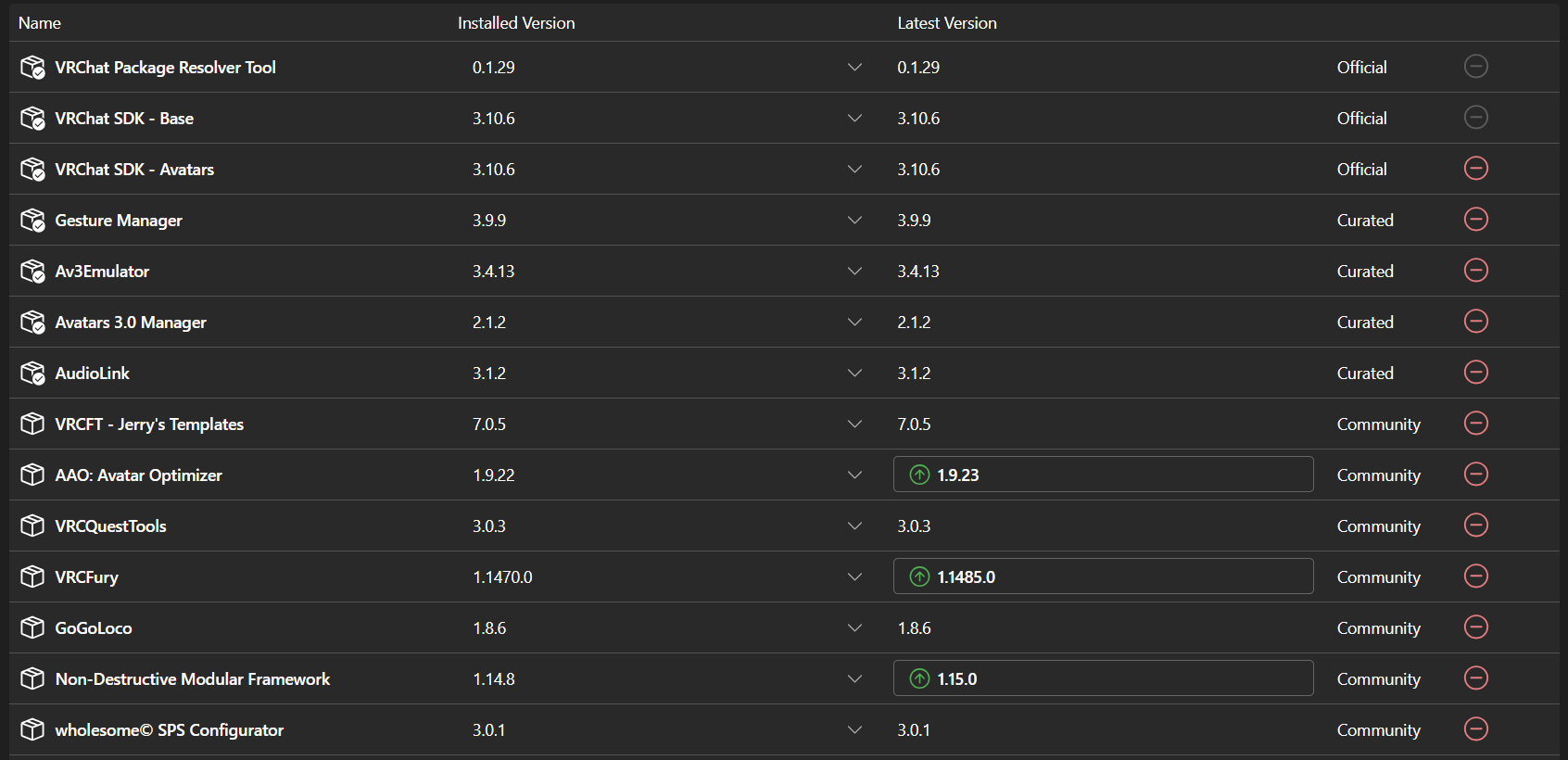
Start with an Avatars project in VRChat Creator Companion. My project used Unity 2022.3 with VRChat SDK – Base and Avatars 3.10.6. Install any dependencies used by your prefab before importing the avatar package.
Possible prefab dependencies
• VRCFury 1.1470.0 — For prefabs that use VRCFury components
• GoGoLoco 1.8.6 — If the prefab references the GoGo Loco package
• AAO: Avatar Optimizer 1.9.22 — If the prefab uses AAO build components
• Non-Destructive Modular Framework (NDMF) 1.14.8 — If listed as a dependency in Creator Companion
• VRCQuestTools 3.0.3 — If the Quest prefab uses its build components or you plan to edit the Quest conversion
• AudioLink 3.1.2 — If the materials or effects reference AudioLink
• Poiyomi — If required by the PC materials, use the version specified in the download instructions
Optional editing and testing tools
• wholesome© SPS Configurator 3.0.1 — For setting up the included SPS files manually
• Gesture Manager, Av3Emulator, and Avatars 3.0 Manager — For testing or editing gestures, menus, and animations
FACE TRACKING • ADD-JERRY FT IS OPTIONAL
You can skip Add-Jerry FT / VRCFT – Jerry's Templates for this avatar's native setup. VRChat SDK 3.10.6 provides built-in Face Tracking in the Avatar Descriptor in Unity. The Auto-Fill Blendshapes option maps supported blendshape names. If you change the face mesh or its blendshapes, review the mappings before uploading.
HOW TO UPLOAD BOTH VERSIONS
1. Set up your Creator Companion project, install the packages your prefab needs, and import the avatar package.
2. Open the PC prefab, select Windows in the VRChat SDK, review the build checks, and upload.
3. Open the Quest prefab, select Android, and upload to the same avatar ID so both versions share one listing in VRChat.
CREDITS
• Avatar assembly and clothing — Kitsunes Cove – Avatars & Assets
• Head and body base — ZinPia
• Hair — Nova Pie
• Showcase photography — MochiBunny
Have a question or need help with your upload? Join the Kitsunes Cove Discord.