
Hourglass You Can Flip - Sand Runs for About 60 Seconds | VRChat
Product Description
This product contains AI-generated content.
AI-Assisted: the 3D shapes, materials, shaders and listing texts were made with scripts written with AI assistance. A person checked how it looks and moves in Unity before release.
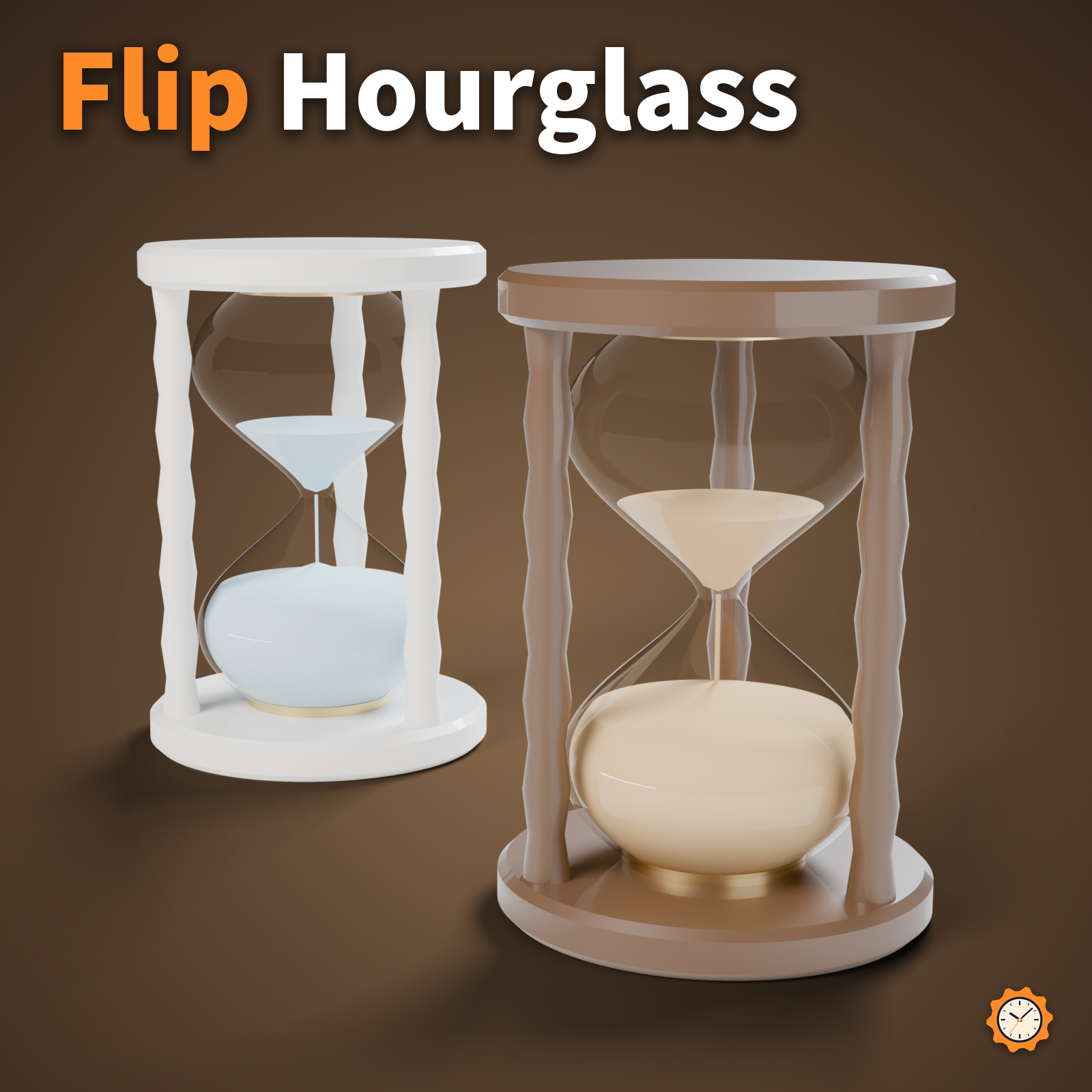
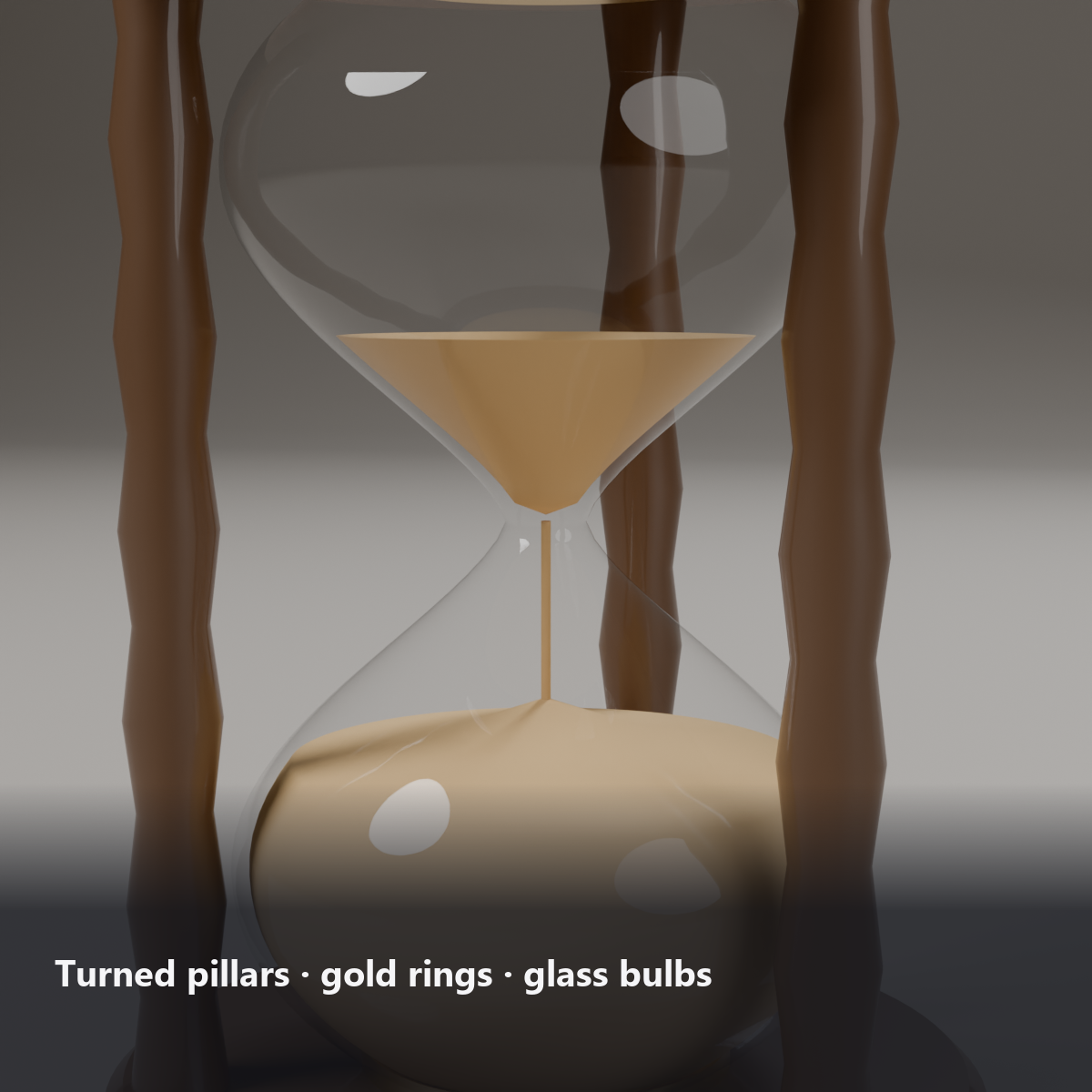
An hourglass with a wooden frame and glass bulbs. Press Flip in the menu: the hourglass turns over, and the sand runs down for about 60 seconds.
The sand is animated in a shader, with no particles and no PhysBones.
Features
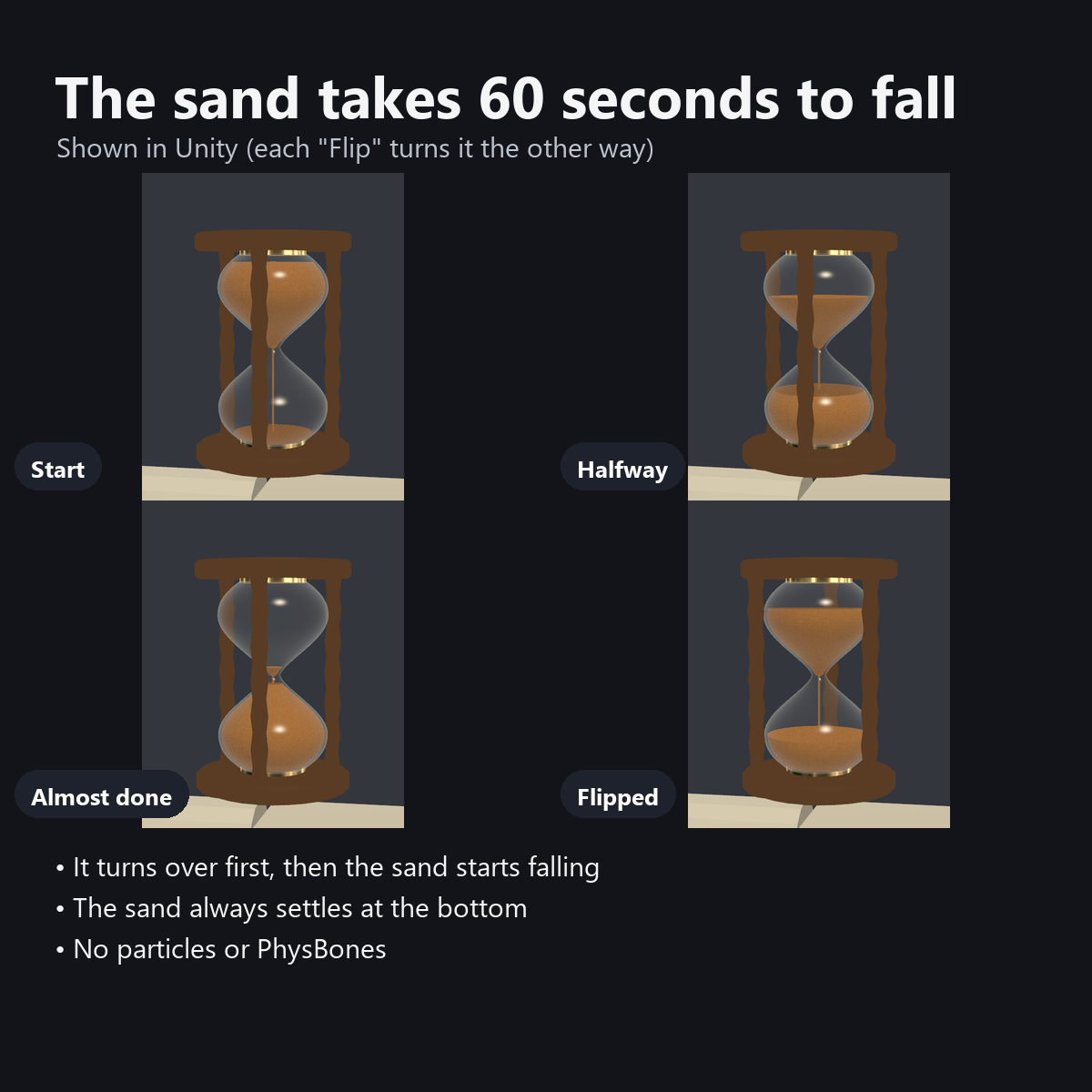
- Flip turns the hourglass and starts the sand (each press turns it the other way)
- The top sand sinks, the bottom sand piles up, and a thin stream falls through the neck (about 60 seconds)
- The sand always settles at the bottom, whichever way it is turned
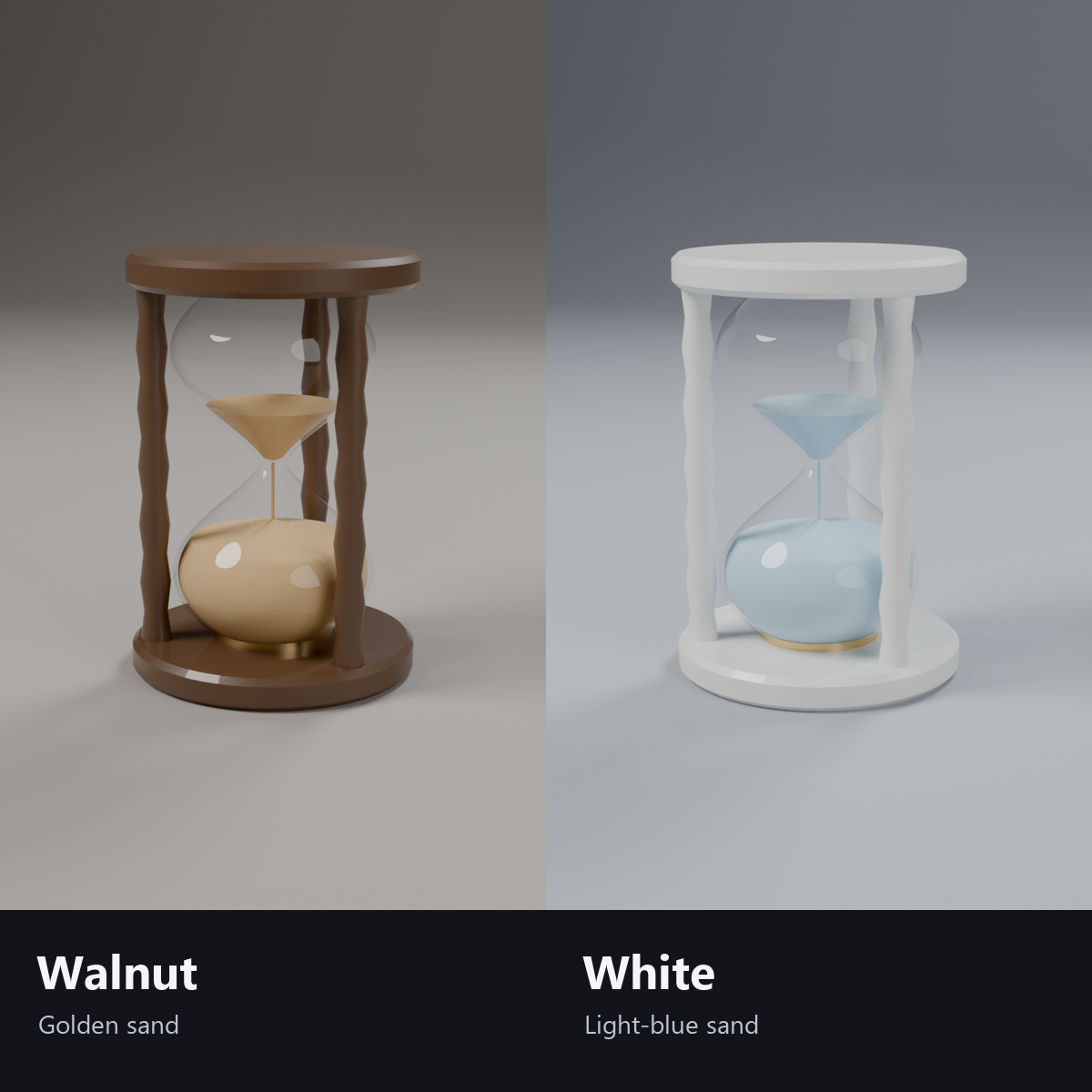
- 2 colors: Walnut (gold sand) / White (light blue sand)
- Modular Avatar ready: put it under your avatar and fit it to the right hand
Menu (English menu prefab)
- Hourglass > Show: hourglass on/off
- Hourglass > Flip: each press turns the hourglass over and the sand starts to fall
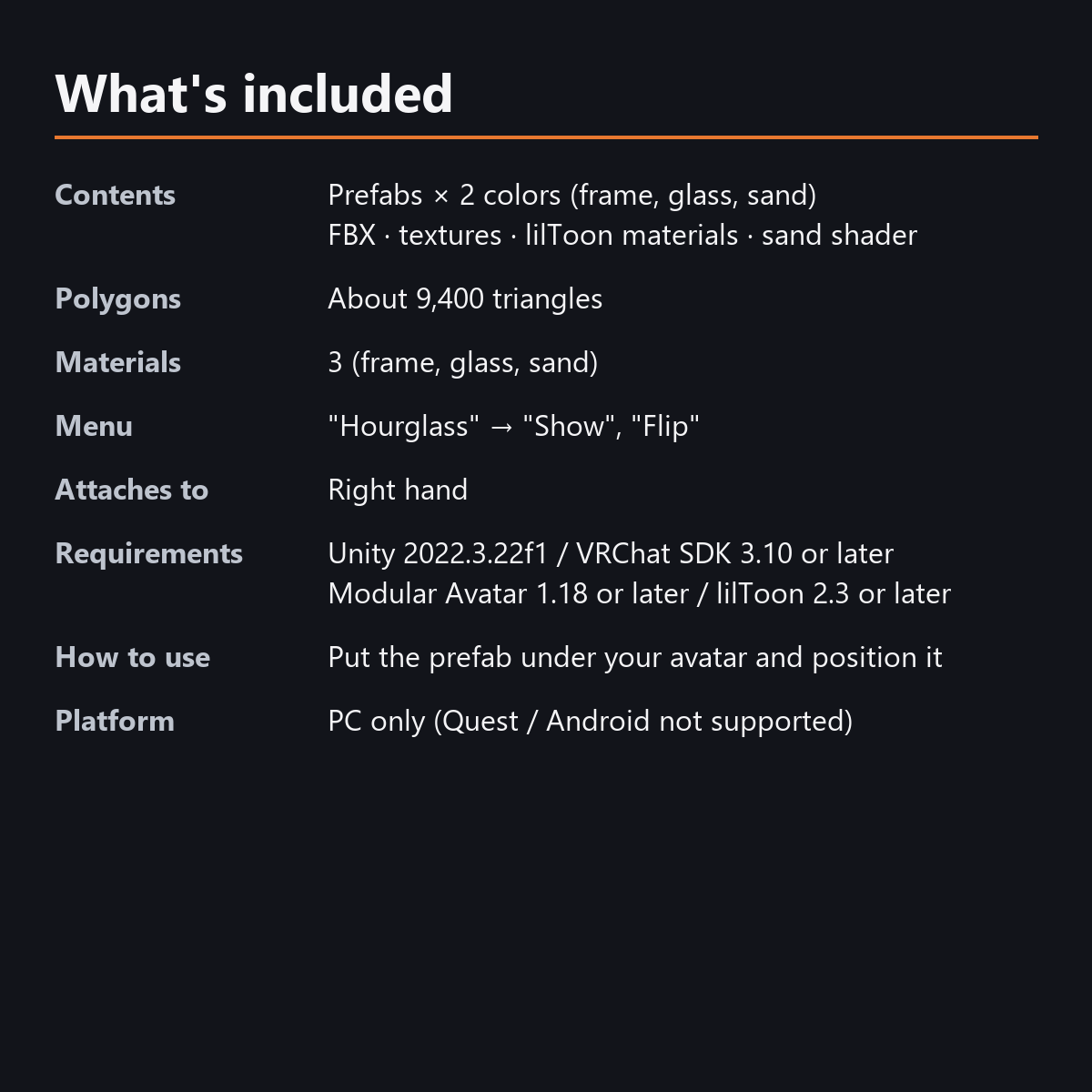
What's included
- Prefabs x 2 colors
- FBX, textures, lilToon materials, sand shader, flip animation
- English-menu prefabs (_EN) next to the Japanese-menu prefabs. Use one or the other on an avatar, not both.
- Instruction manual and Terms of Use in English and Japanese
Specs
- Added to your avatar (counted in Unity): 9,476 triangles, 3 meshes, 3 material slots (base, glass, sand), 0 PhysBones
- Synced parameters: 2 bits (Show, Flip)
- All counts follow VRChat's rules (hidden parts are counted too) and show how much one prefab adds to your avatar.
- The VRChat performance rank depends on the total with your avatar, so this item alone does not decide it.
Requirements
- Unity 2022.3.22f1 (an avatar project made with VRChat Creator Companion)
- VRChat SDK (Avatars) 3.10 or later
- Modular Avatar 1.18 or later
- lilToon 2.3 or later
Please note
- PC only. Not supported on Quest / Android.
- At first all the sand is at the bottom. Press "Flip" to start it.
- No hand pose is included.
- The menu controls (Show, Flip), the turning body and the falling sand: they move only inside VRChat (including Build & Test) or with Gesture Manager. If they look still in the Unity Editor, nothing is broken.
Terms of use
- You may upload it to VRChat and similar services on your own avatars, edit it, and use it in streams, videos and photos (commercial or not).
- You may not redistribute, resell or share the data (edited or not), or use it to train AI.
- Full text: TermsOfUse_EN.txt in the download (Japanese original: TermsOfUse_JA.txt).
Update history
- v1.2 (2026-10-13): Uploads without pressing Auto Fix in VRChat SDK 3.10 (fixed mesh Read/Write, Legacy Blendshape Normals). The shaders support Single Pass Instanced rendering in VR (the look outside VR is unchanged). Manual and description updated (counts are now what the item adds to your avatar, measured in Unity; how it looks in the Editor). The included documents now have English-only file names. The GUIDs are the same as before, so importing it over the old version replaces it.
- v1.1: English-menu prefabs (_EN) and English documents
- v1.0: First release
Also on BOOTH
This item is also sold on BOOTH, the Japanese marketplace: https://karakuri-komono.booth.pm/items/8926069
How this was made (AI-Assisted)
The 3D shapes, materials, shaders and texts of this item were made with scripts written with AI assistance. A person checked how it looks and moves in Unity before release.