
Product Description
This product contains AI-generated content.
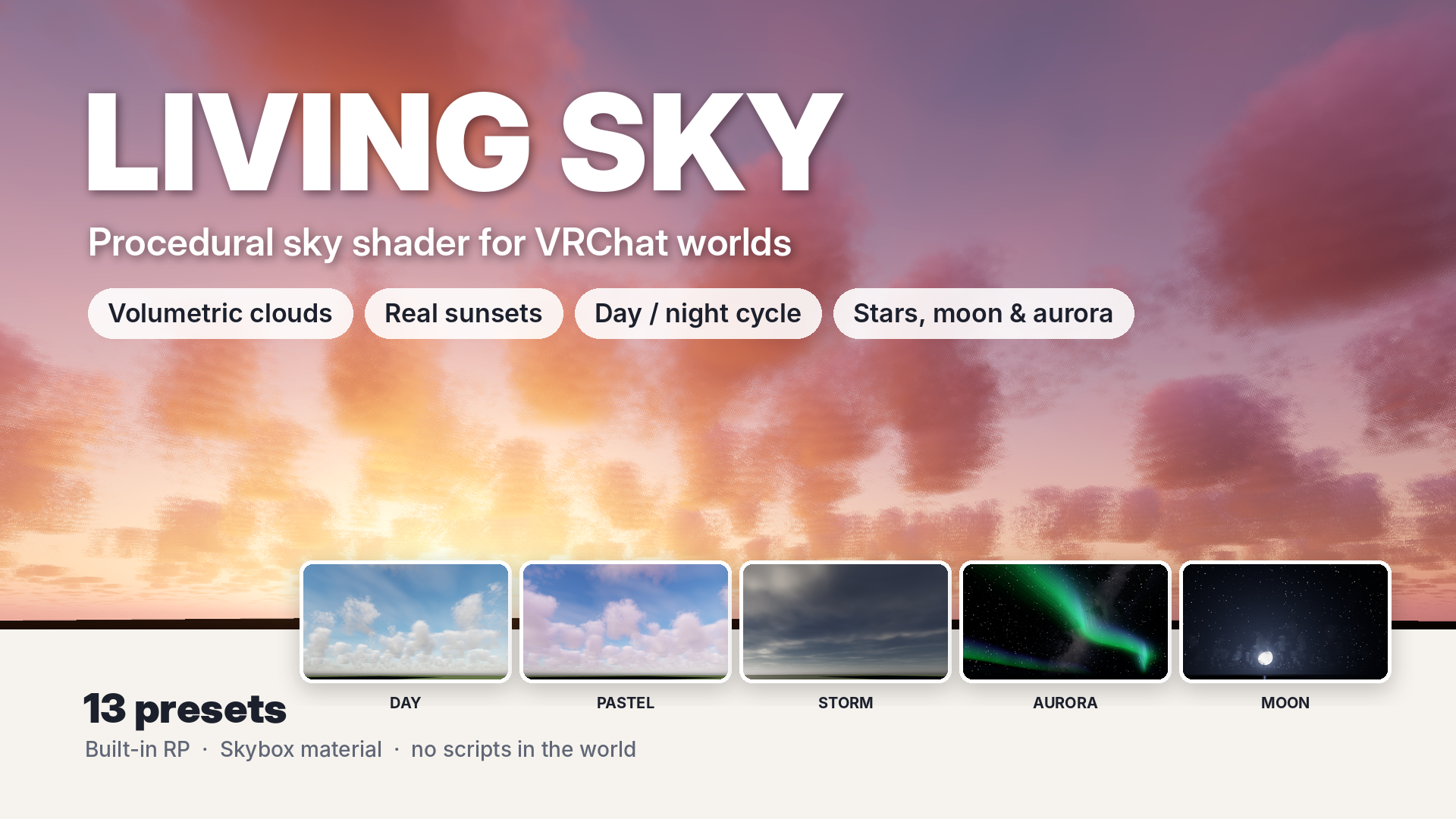
LIVING SKY is a procedural sky shader for VRChat worlds (Unity 2022.3, Built-in RP). Put it on your skybox, pick a preset, and your world gets a sky that moves.
WHAT YOU GET
- Volumetric clouds: real 3D clouds that drift with the wind. Change cover, thickness, shape (flat to towering), softness and size.
- Real sunsets: the sky colour comes from an atmosphere calculation, so evenings turn orange and pink on their own, and the clouds catch the colour from below.
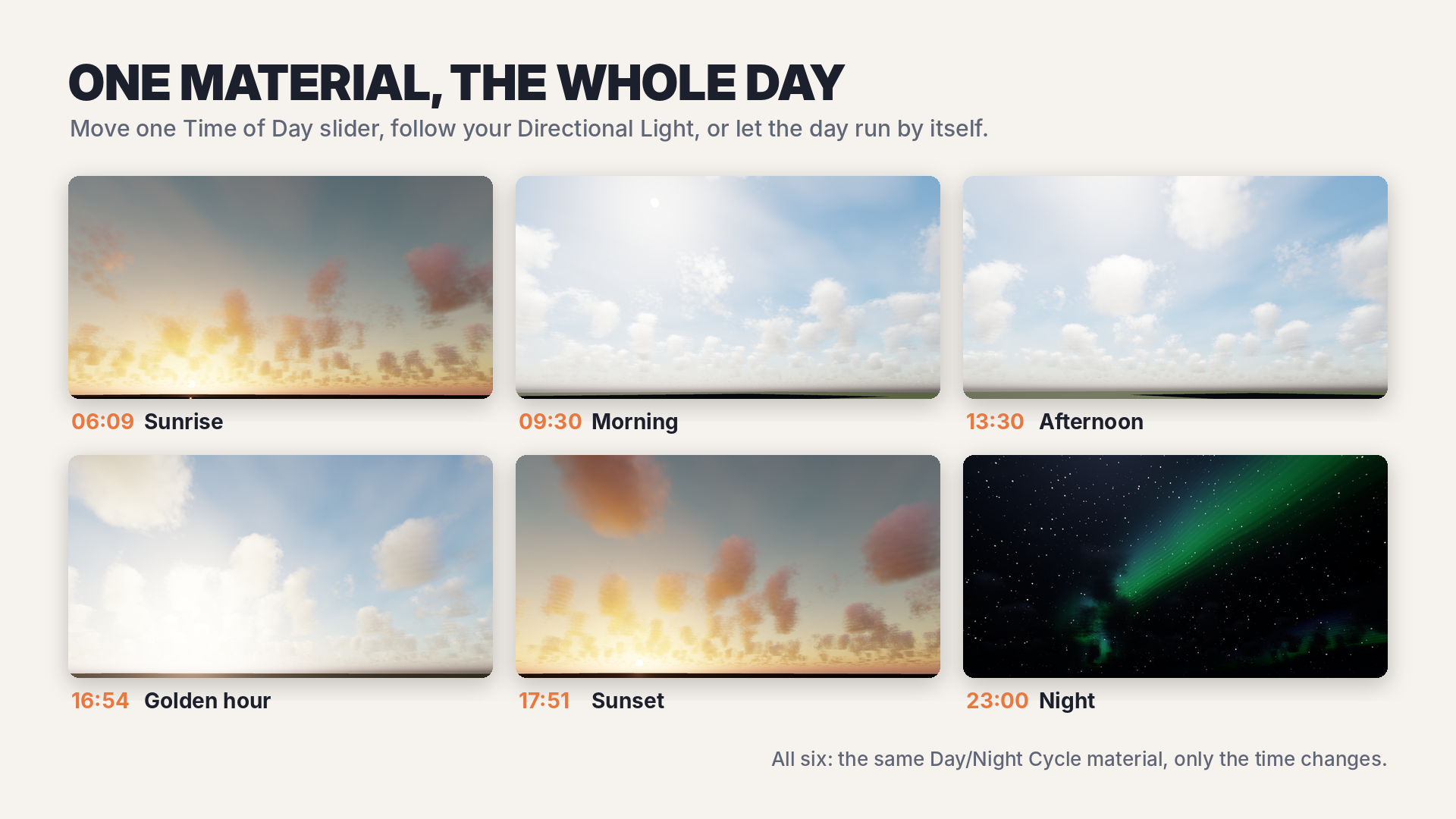
- One material, the whole day: the sun can follow your Directional Light, a Time of Day slider, or an automatic day/night cycle (set the day length in minutes).
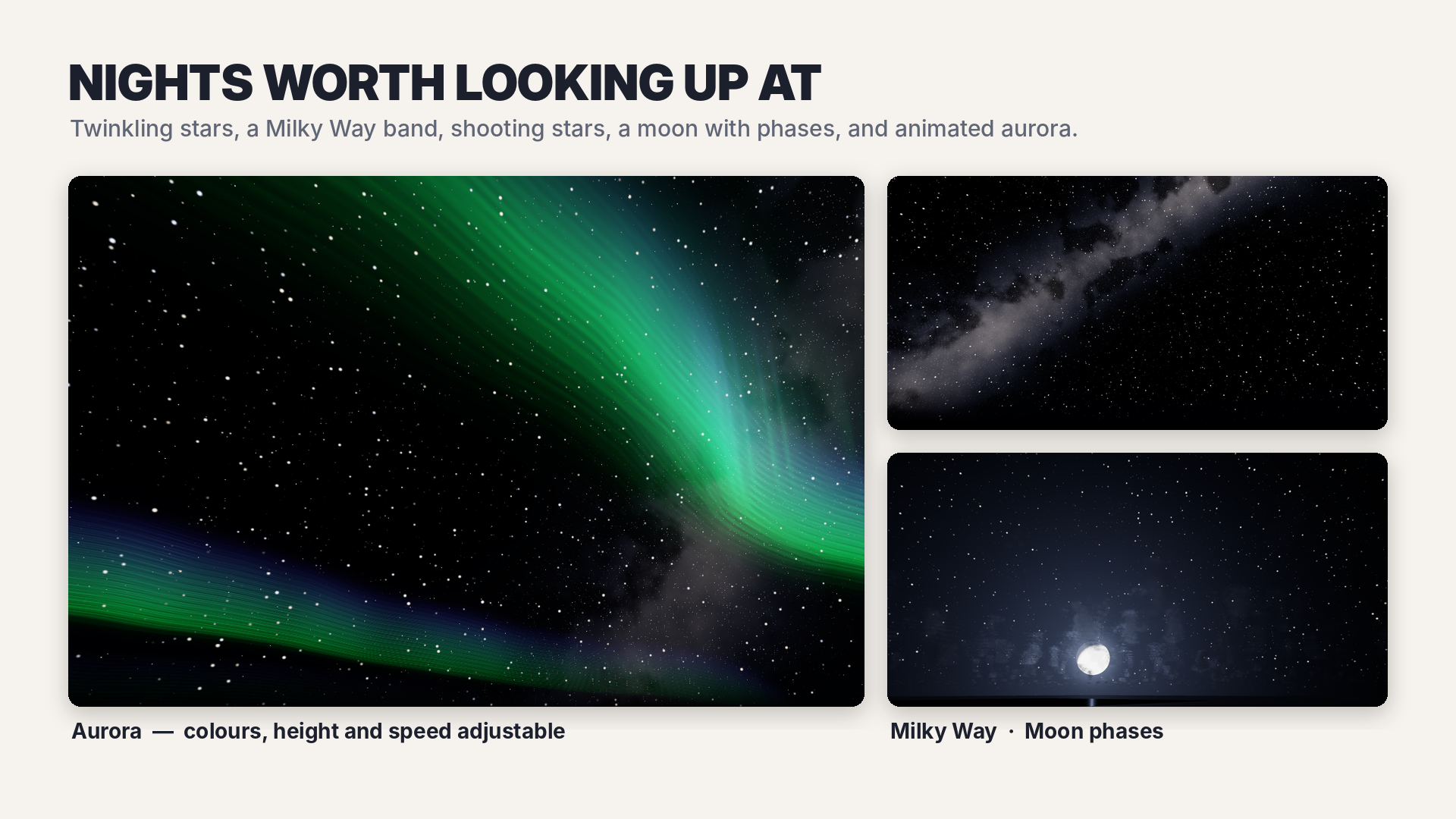
- Nights worth looking up at: twinkling stars, a Milky Way band, shooting stars, a moon with phases, and animated aurora (colours, height and speed adjustable).
- High thin clouds (cirrus), sun glow, horizon haze, built-in tonemapping, exposure and saturation.
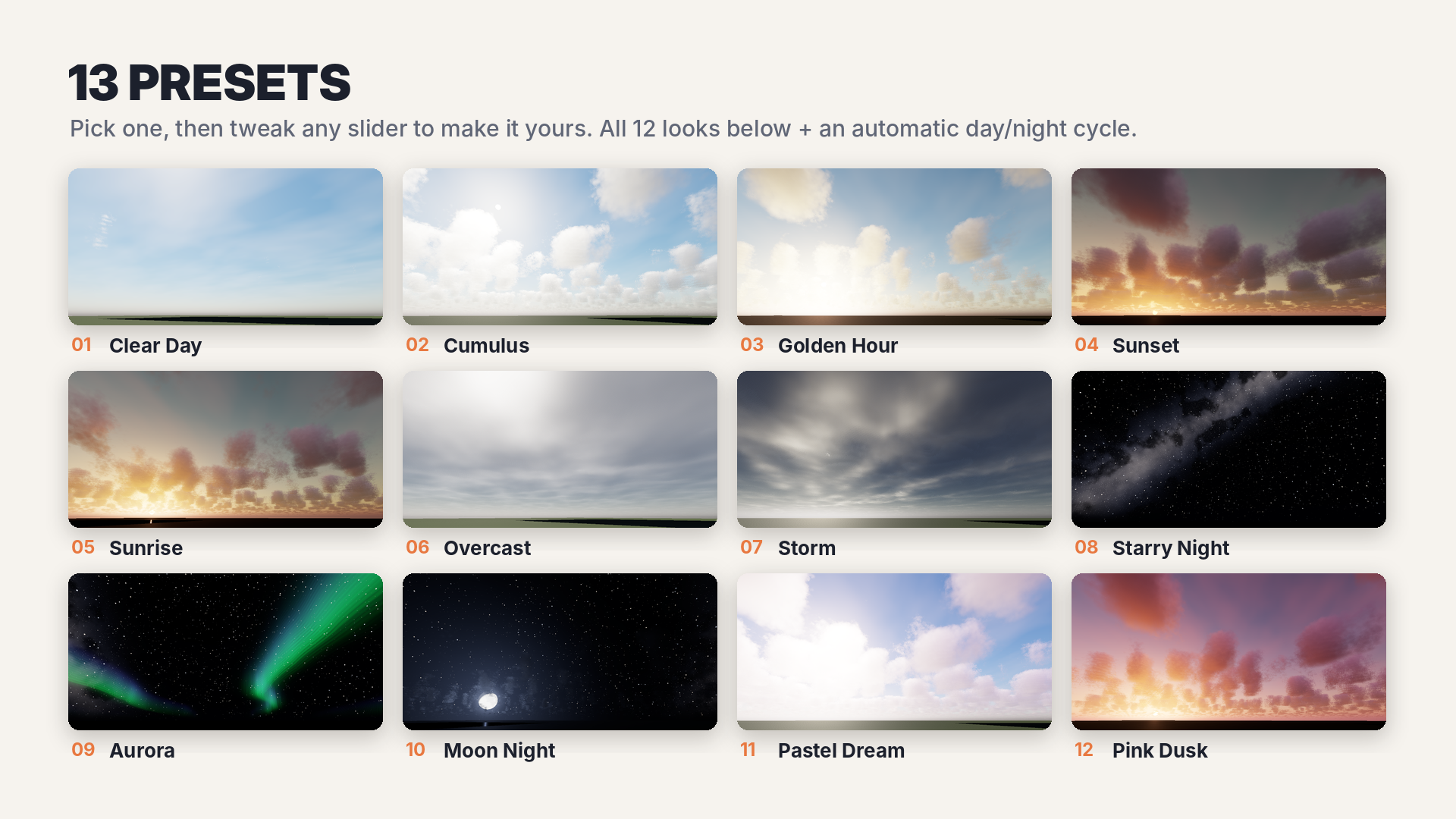
- 13 presets: Clear Day, Cumulus, Golden Hour, Sunset, Sunrise, Overcast, Storm, Starry Night, Aurora, Moon Night, Pastel Dream, Pink Dusk, Day/Night Cycle.
- 3 quality levels (High / Medium / Low) to trade cloud detail for speed.
- No scripts in your world. Everything runs inside the shader. No textures to import: the cloud noise is generated in the editor by the Setup menu.
HOW TO USE
1. Import LIVINGSKY_SkyShader_v1.0.unitypackage (Assets > Import Package > Custom Package). It creates Assets/LivingSky.
2. Menu: Tools > LIVING SKY > Setup (makes the cloud noise, the preset materials and a demo scene).
3. Window > Rendering > Lighting > Environment > Skybox Material: choose a preset from Assets/LivingSky/Presets. Or select a preset and use Tools > LIVING SKY > Apply Selected Preset To Scene (it also turns your Directional Light to match the sun).
REQUIREMENTS
Unity 2022.3 (checked with 2022.3.22f1), Built-in Render Pipeline (VRChat SDK3 Worlds).
PERFORMANCE (PLEASE READ)
The sky is drawn on every pixel where there is no geometry, so the cost depends on your screen and on how much sky is visible.
Measured by the author in the Unity editor, Intel UHD integrated graphics, 1920x1080, sky filling the whole screen (ms per frame):
Clear Day 18.8 / Starry Night 18.9 / Aurora 23.1 / Overcast 26.2 / Quality_Low 31.5 / Quality_Medium 37.7 / Sunset 41.9 / Cumulus (default quality) 51.3 / Quality_High 69.4
On integrated graphics this is heavy: with clouds filling the screen it is about 20-25 fps, clear or night skies about 45-55 fps. The clouds are the expensive part.
Desktop graphics cards: not measured. PC VR and Quest (Android): not measured. For Quest, start from Quality_Low or set Cloud Cover to 0 (clouds are skipped), and test on the device.
Not yet tested inside VRChat itself; checked in the Unity editor.
NOTES
- In automatic day/night mode the Directional Light does not move by itself (the world has no scripts). Baked lighting stays as you baked it.
- Clouds are part of the skybox: they don't cast shadows on your world.
- Clouds use a dithered ray start, so a fine grain is visible up close. More Cloud Steps reduce it.
LICENSE
You may use it in your own VRChat worlds and Unity projects, including commercial and public worlds. You may not resell or redistribute the shader files or the presets, alone or modified. Full text: LICENSE.txt in the package.
CONTENTS
LivingSky/Shaders/LivingSky.shader, LivingSkyCore.cginc / LivingSky/Editor/LivingSkySetup.cs (editor only, not included in your world build) / README.txt, LICENSE.txt