Product Description
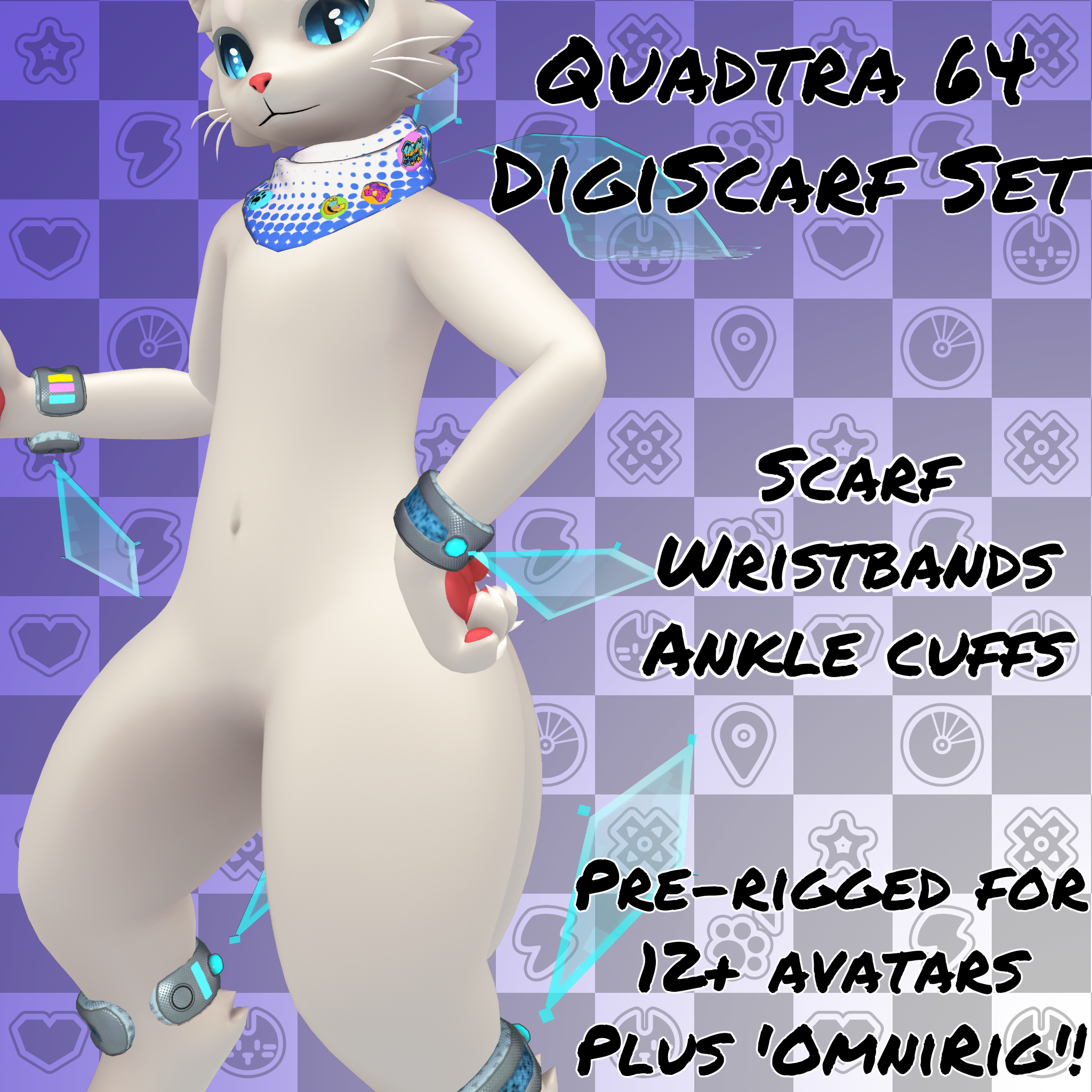
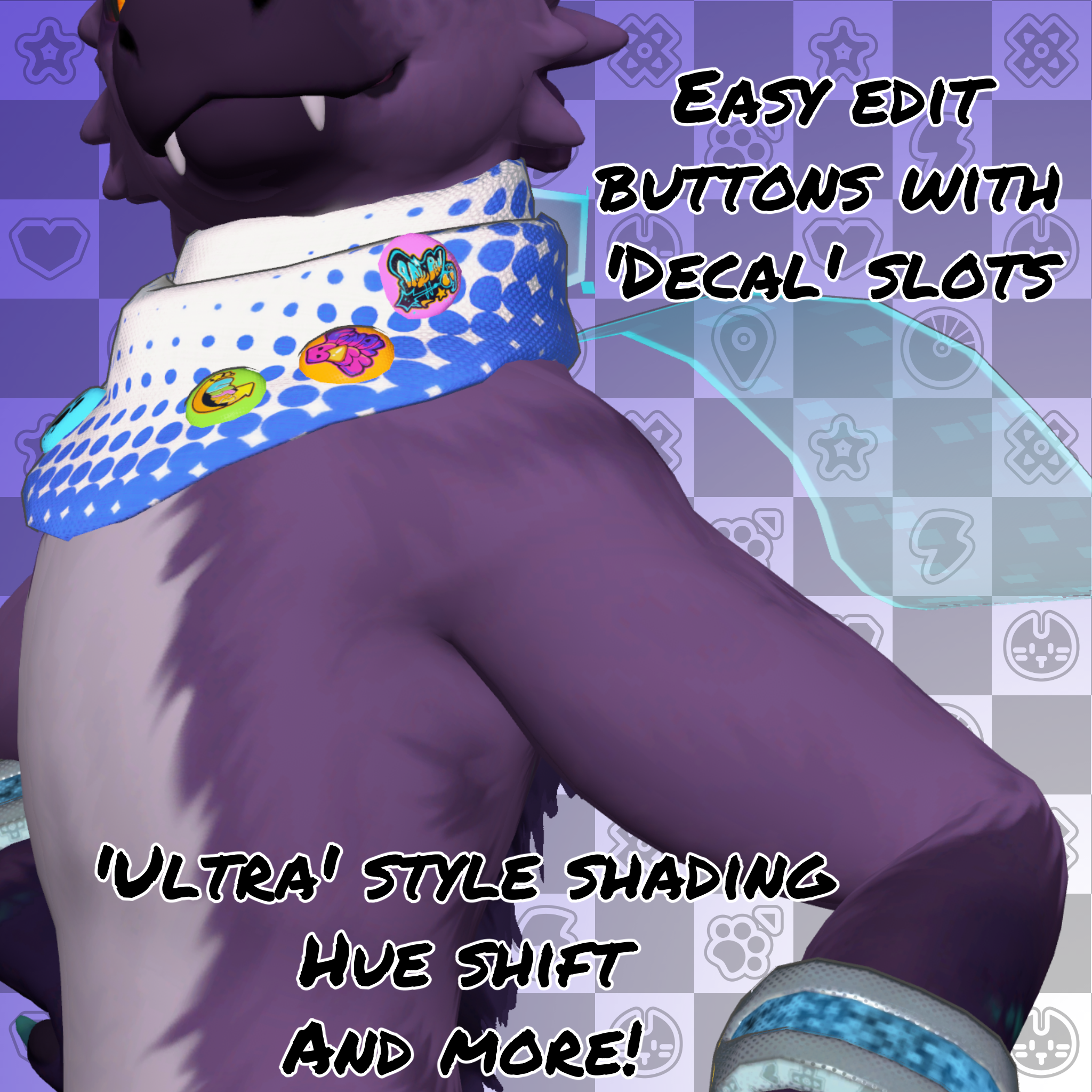
Sometimes you don't need a full clothing set to be stylish. Sometimes you just need... a scarf? Well, sort of. One part physical, one part digital matter, this scarf and armband set will make you look stylish whether you're in the digiscape or the meat space!
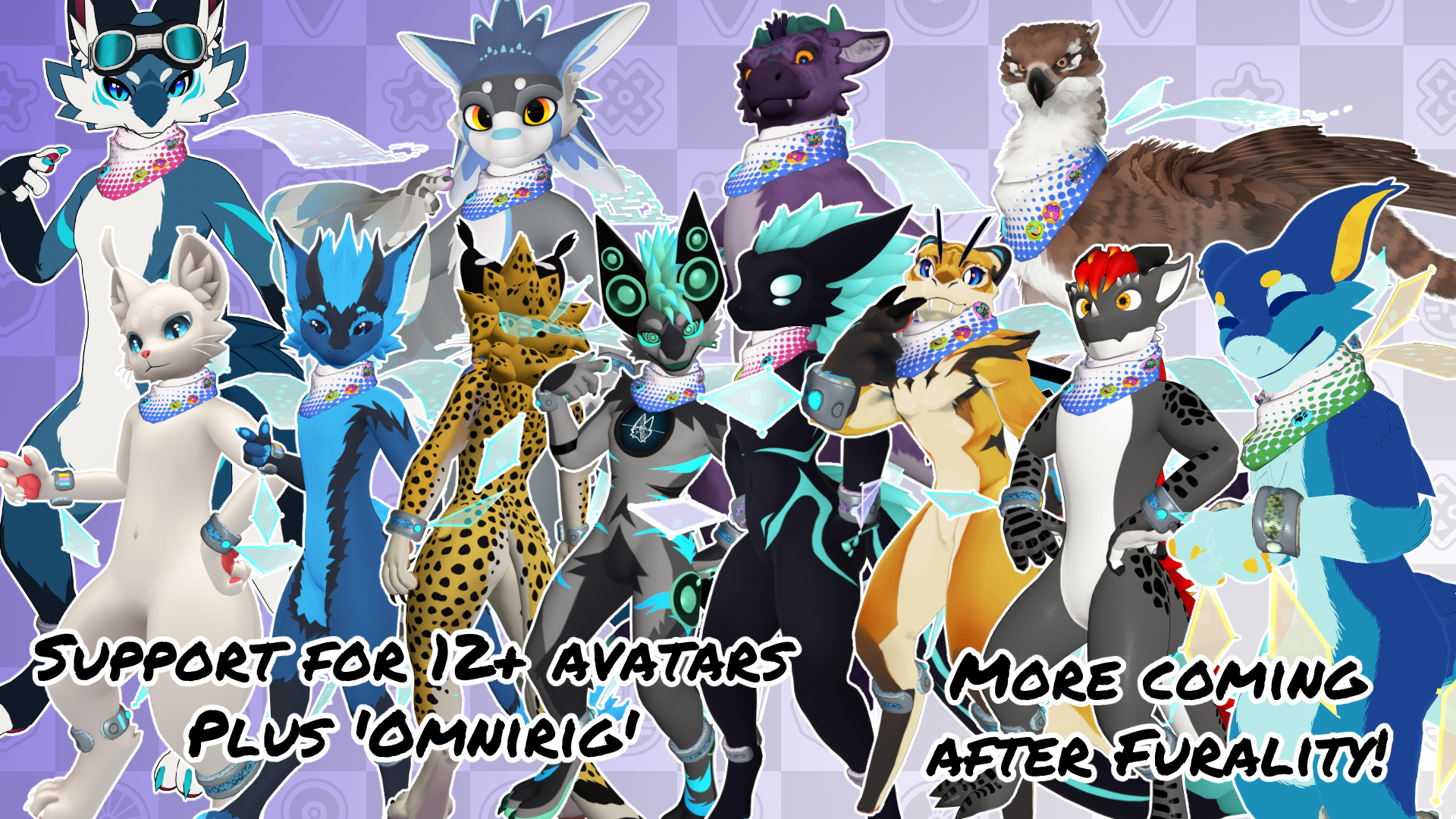
Only one purchase option: Get rigs of ALL FIFTEEN avatars plus an OmniRig version to work* on most avatars
Currently fully supported avatars: Novabeast, Moonfang (Both versions), SpiriVali, Raz kobold, Callista Manokit, Tigerbee, Meowper/Vulper, Moondle, IK Noodle Dragon, Nardotaur, Nardoragon, Kreature, Auxwave, Mayu, and Quad Gryphon Purpzie IK Edit.
*OmniRig uses VRCFury to rig individual parts to an armature. Results may vary!
Set Includes:
- 3 Pieces of Hand Made mesh: Scarf, Armbands, Leg Bands
- 3,739 polygons total
- Scarf: 1,467 polygons
- Arm bands: 1,064 polygons
- Leg bands: 1,209 polygons
- 1 material (Across three skinned mesh renderers)
- 6 physbone components (For optimization, it's recommended to just use the scarf physbone)
- Full Blendshape support for officially supported avatars
- VRCFury Support (Drag and drop and use!)
- In game toggle
- Hue shift
- Holo disable
- Audiolink disable
- Advanced Audiolink Features
- Pathing
- Spectrum
- Dissolve
- 4k textures, 2k optimized
- Substance painter file for all color sets (Version +11.1.1)
Requirements:
- Basic Unity Understanding
- VRChat Upload permissions
- VRCFury (Version 1.1308.0+)
- Free Pioyomi Toon Shader (Version 9.3.64+)
How to use:
This set is VRCFury ready! Import the asset and open a scene with the avatar in it. Then find the folder for your chosen version under Inked Creations/Quadtra 64 Digiscarf Set/<Avatar Name>. Drag and drop the prefab onto your avatar! Then upload and enjoy!
To use the 'OmniAvatar' version, you will need to do a little more setup. DISCLAIMER: The OmniAvatar is a basic rigging option using VRCFury. It will not match your avatar as much as using one of the rigged versions! To better match your avatar it is recommended to take the set into Blender and reshape it to match. Please see the Blender Exporting section for my export settings. No support will be provided for Blender.
Find it in the Inked Creations/Quadtra 64 DigiScarf Set/OmniAvatar folder, and drag and drop it into the avatar you want to use.
If you experience any problems not listed in the FAQ, you may reach out to me at any of my contacts at https://spotcat.ink/#contact or email [email protected]. Please read the FAQ below first, I will know if you haven't!
Special Thanks:
Boolean263 for the menu icons
DozingKat for their Spiderverse shading presets: https://code20130801.gumroad.com/l/SpiderVerseShaderForVRC
Terms of Use:
You may:
Use for personal, private purposes, including: VRChat, Resonite, and other social platforms.
Use for VTubing on a personal stream or videos. Posting pictures, and other general, social usage
Use for personal filming purposes (Credit is appreciated!)
Upload as part of a public avatar
Take commissions to edit it for personal use, provided that both you and the commissioner own it
You may NOT:
Claim as your own
Remodel for the purposes of selling (Personal remodeling is fine)
Resell in any way unless you have purchased commercial rights
Use for NFTs, or GenAI
Use for games or commercial purposes such as bundled avatars
Use for commercial filming purposes