Product Description
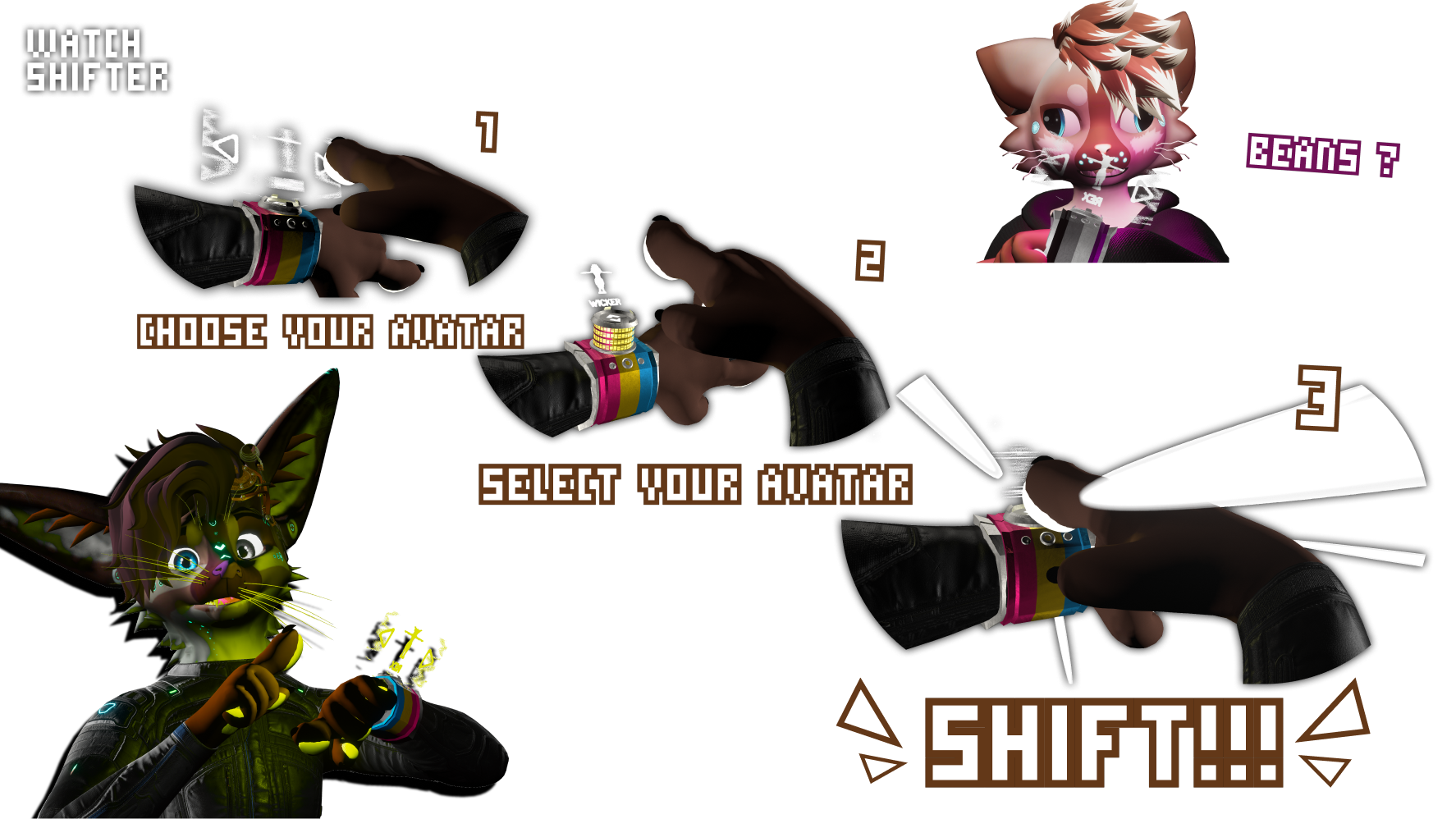
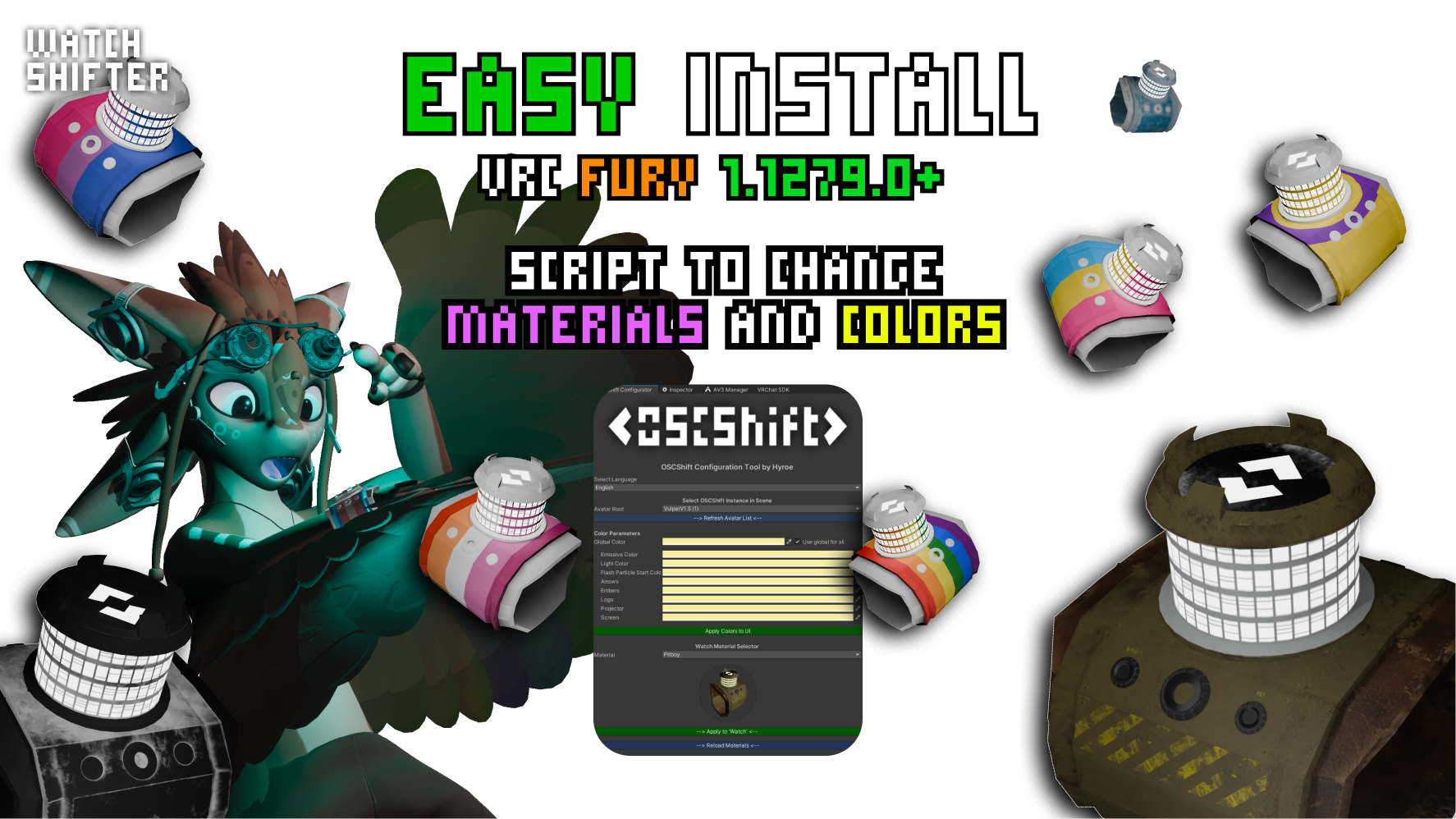 OSCSHIFT 3D VIEWER MODEL
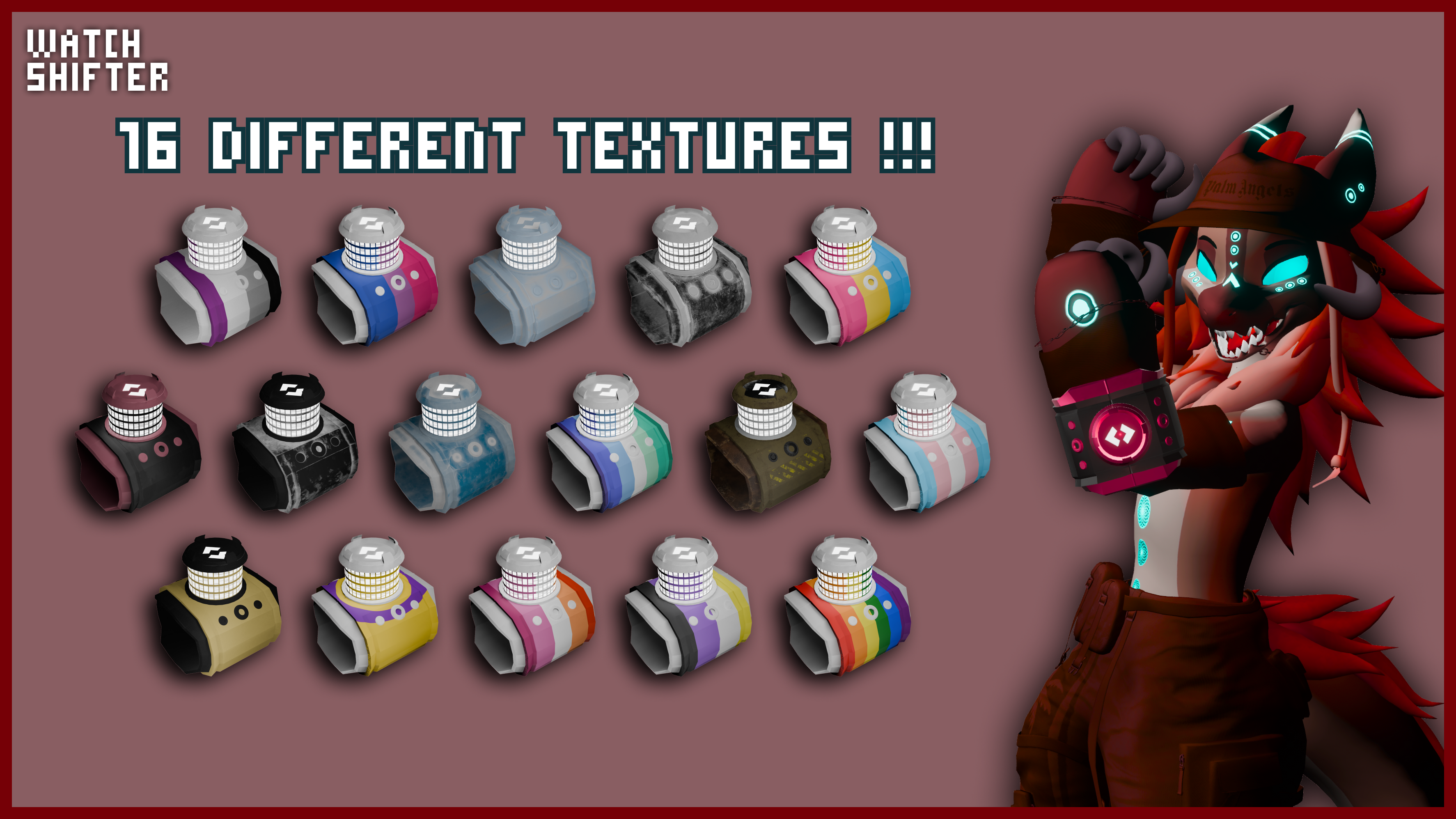
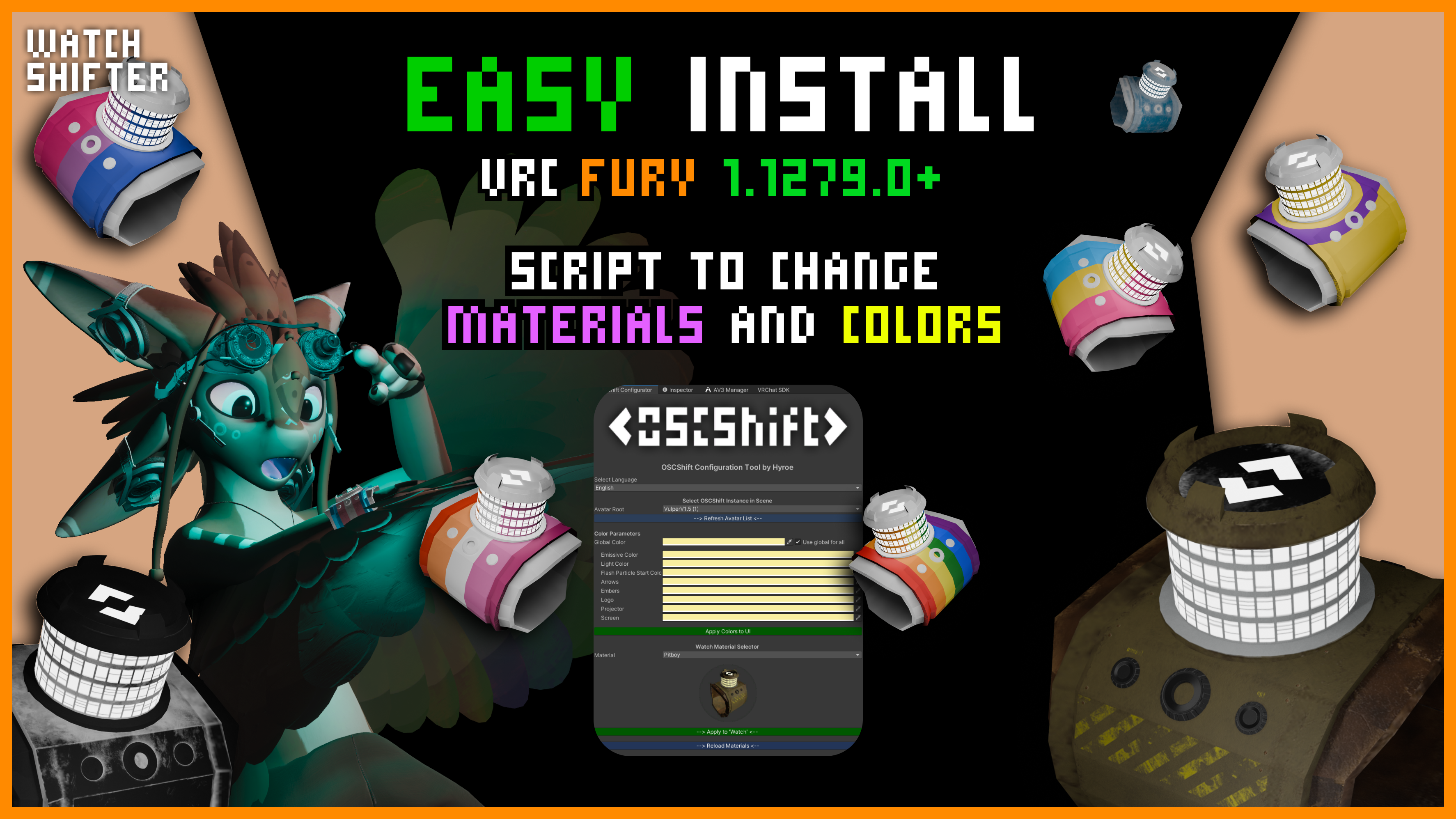
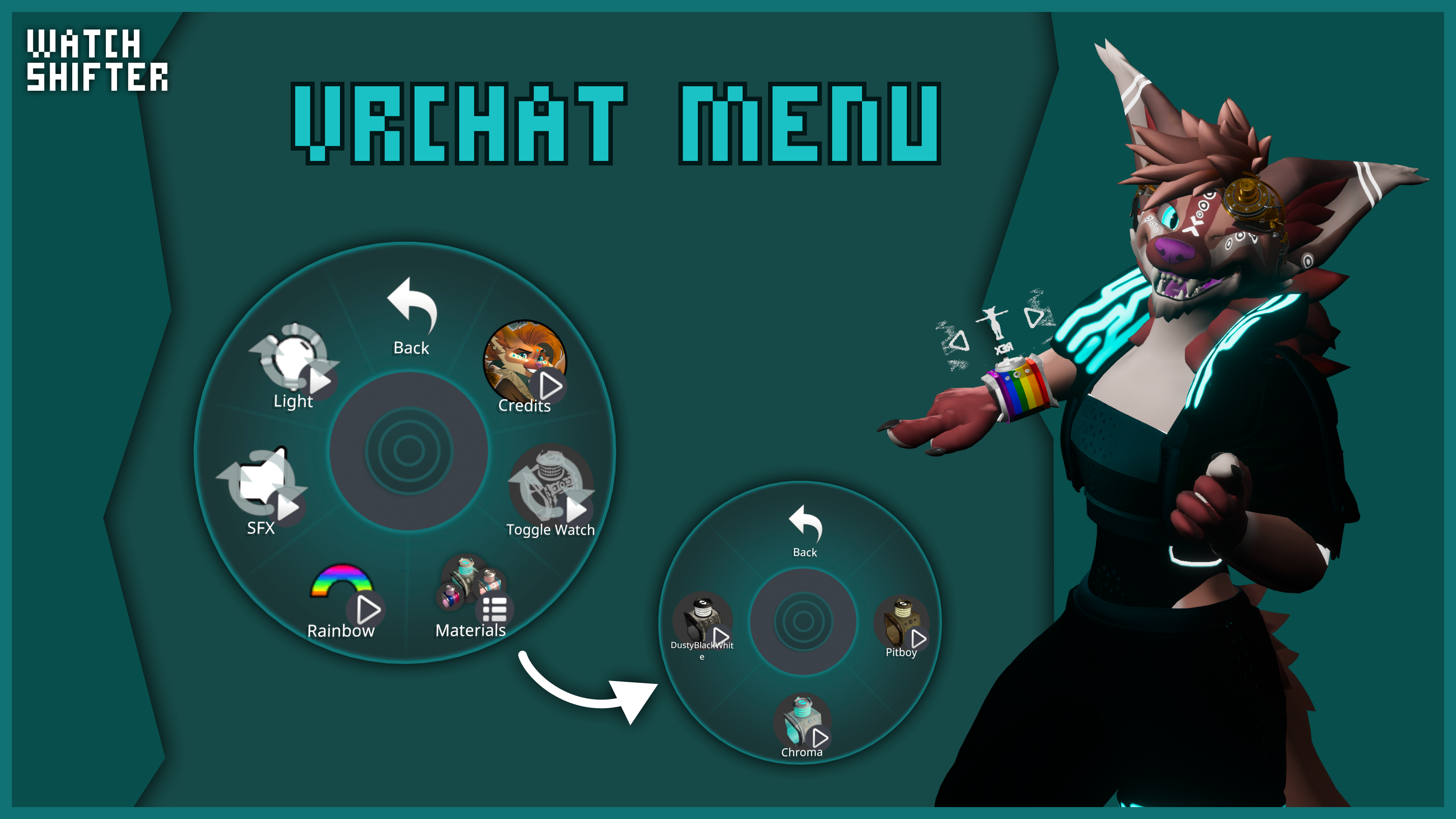
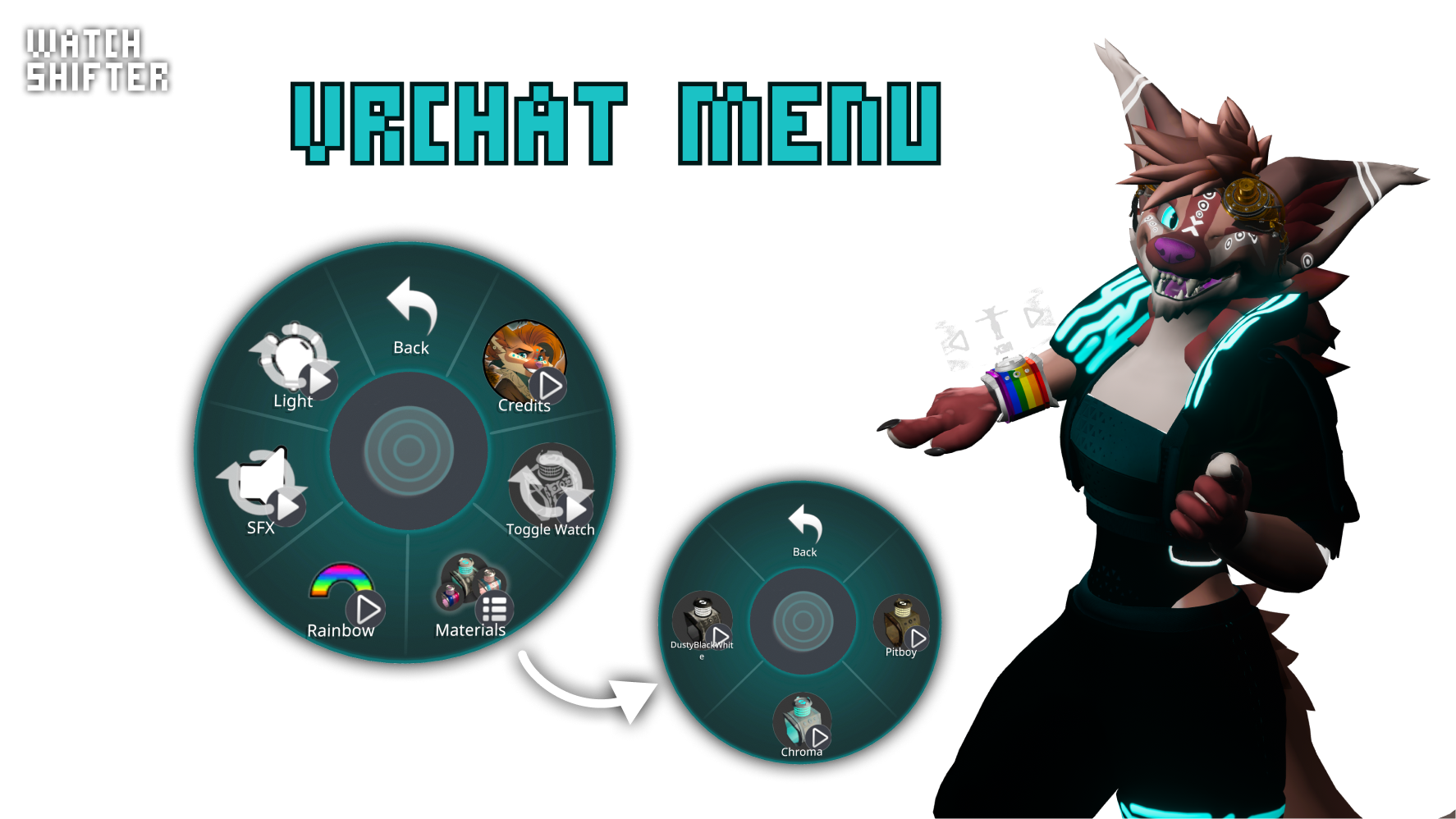
WATCH
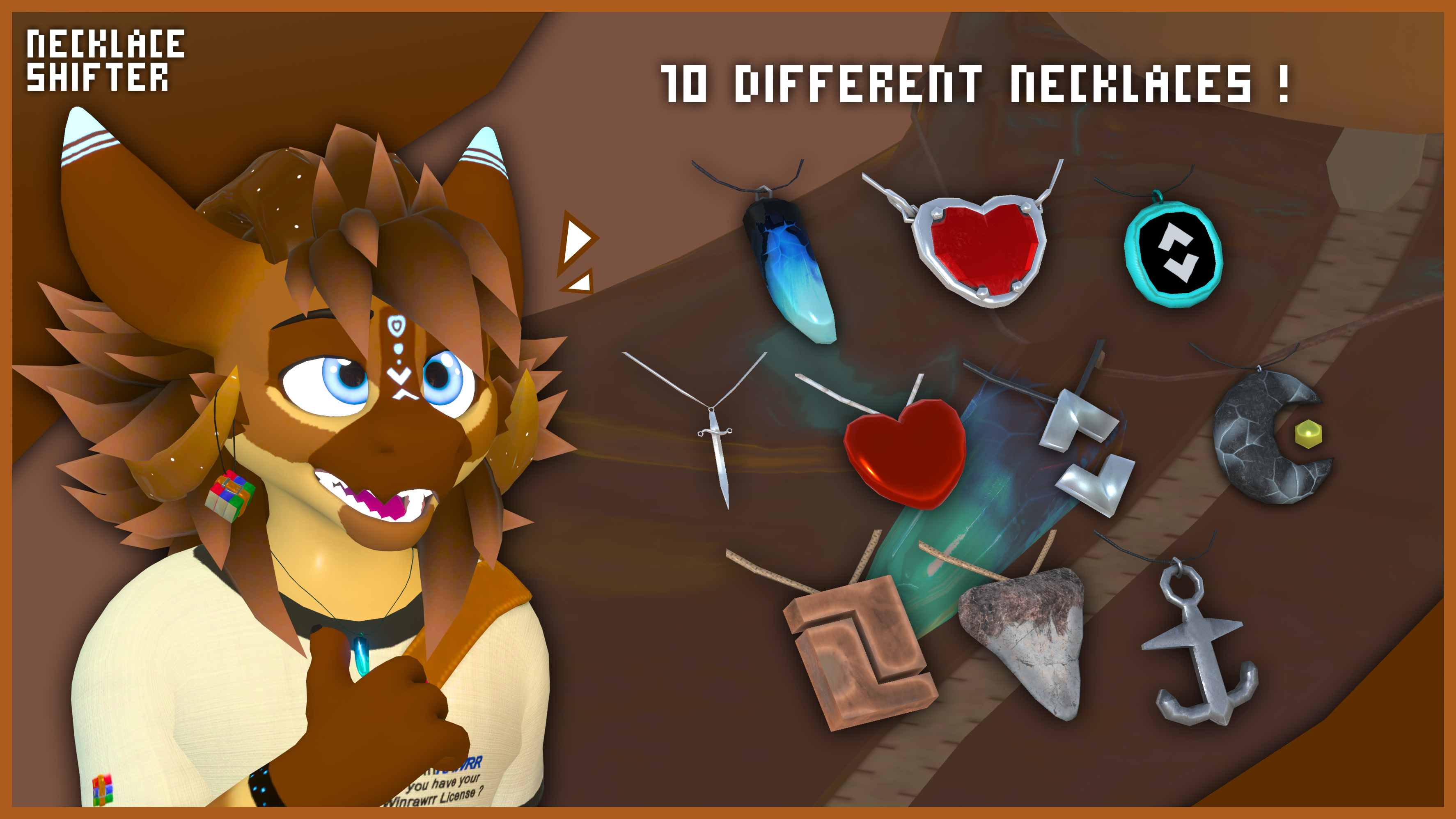
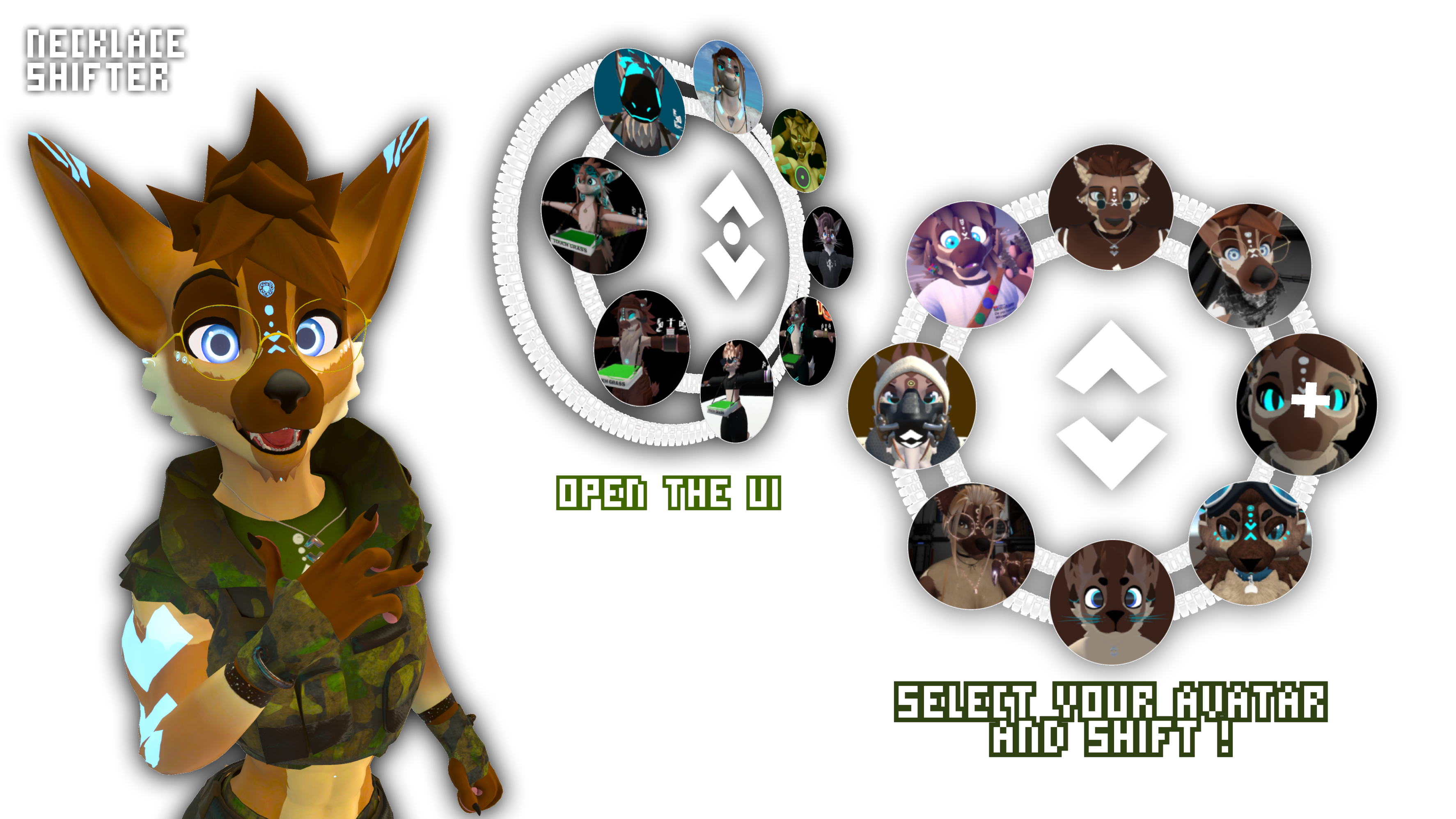
NECKLACES
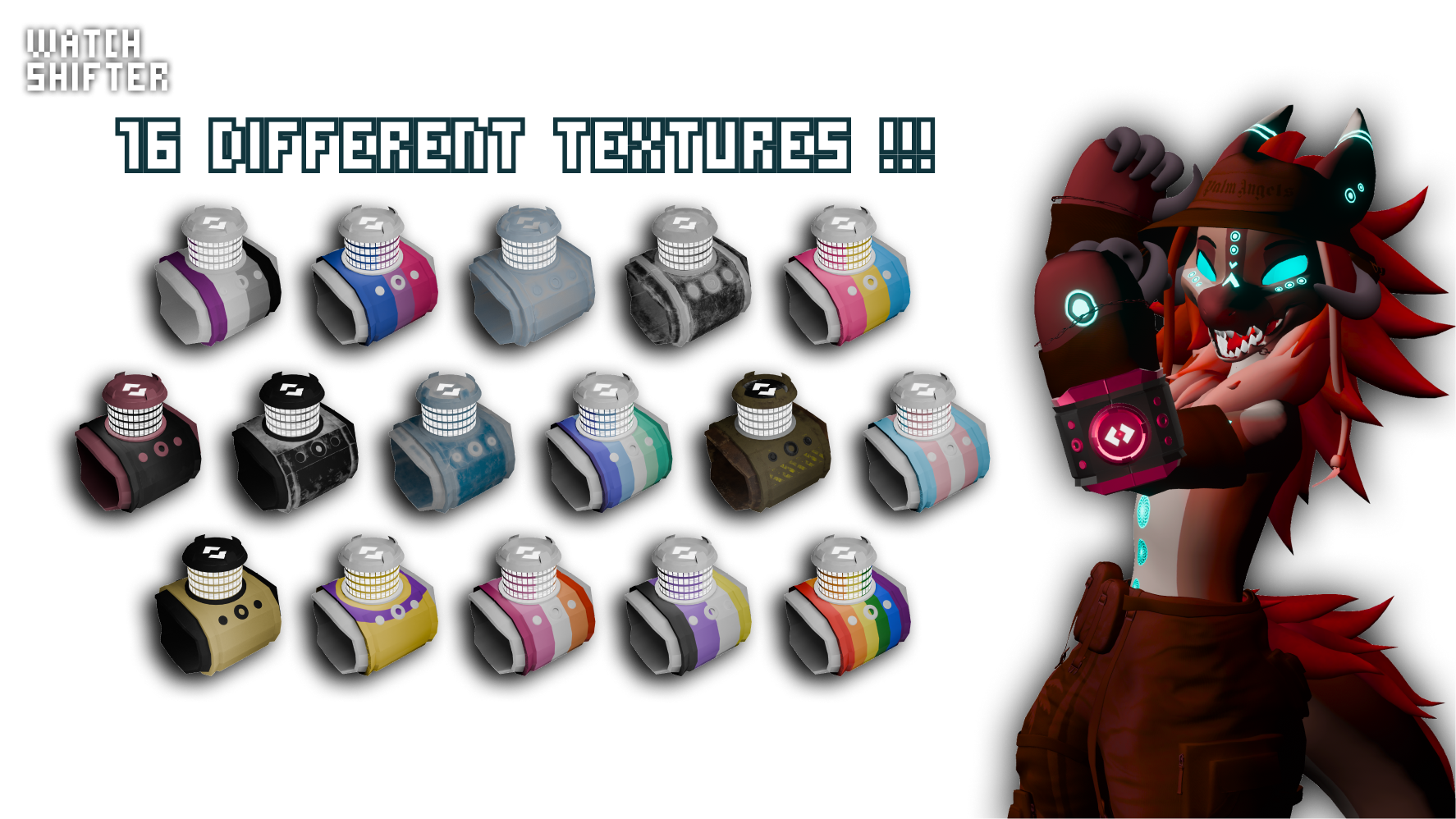 With the Full Pack* (4 Textures with the Basic one)
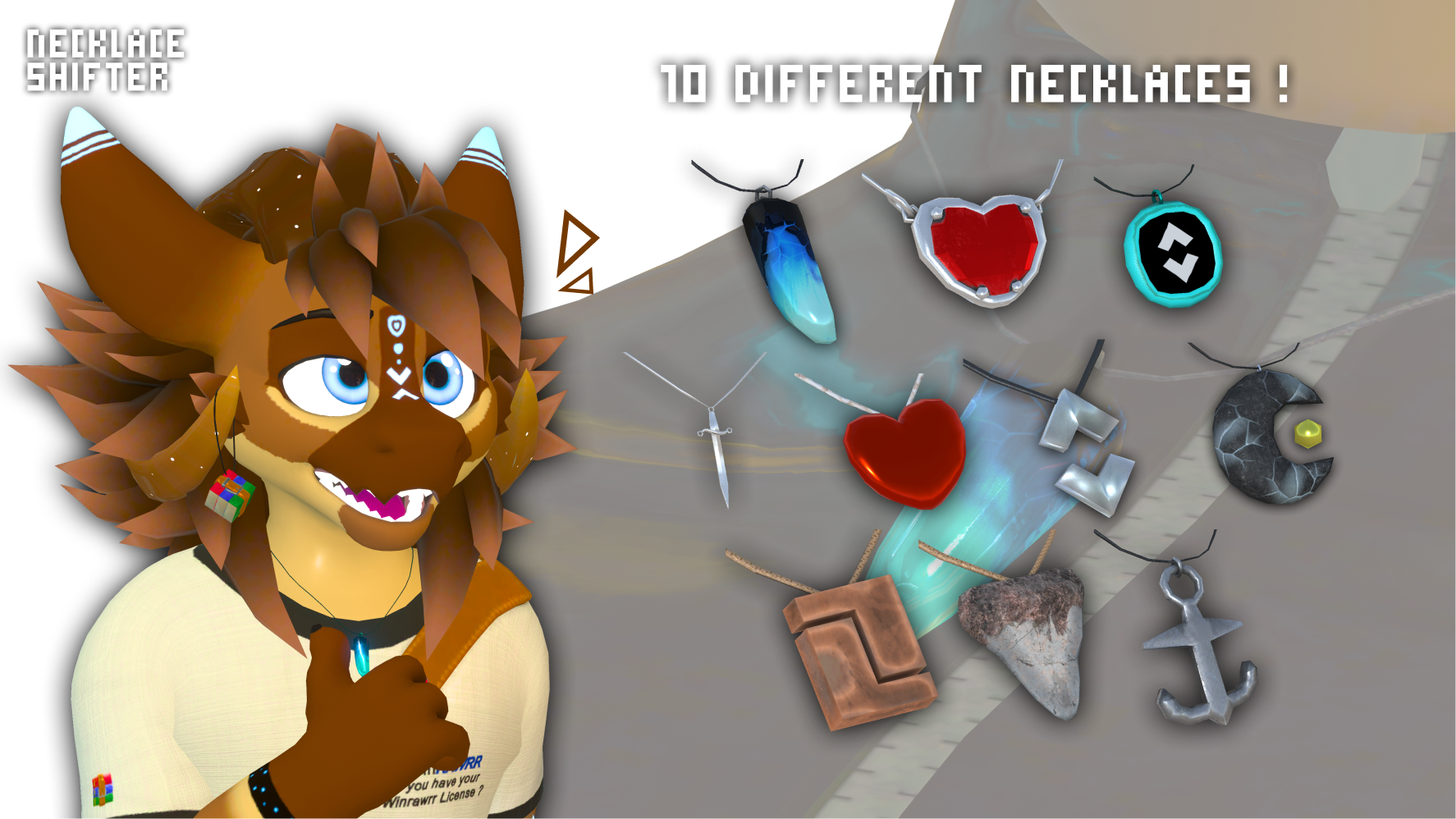 With the Full Pack* (one necklace with the Basic one)
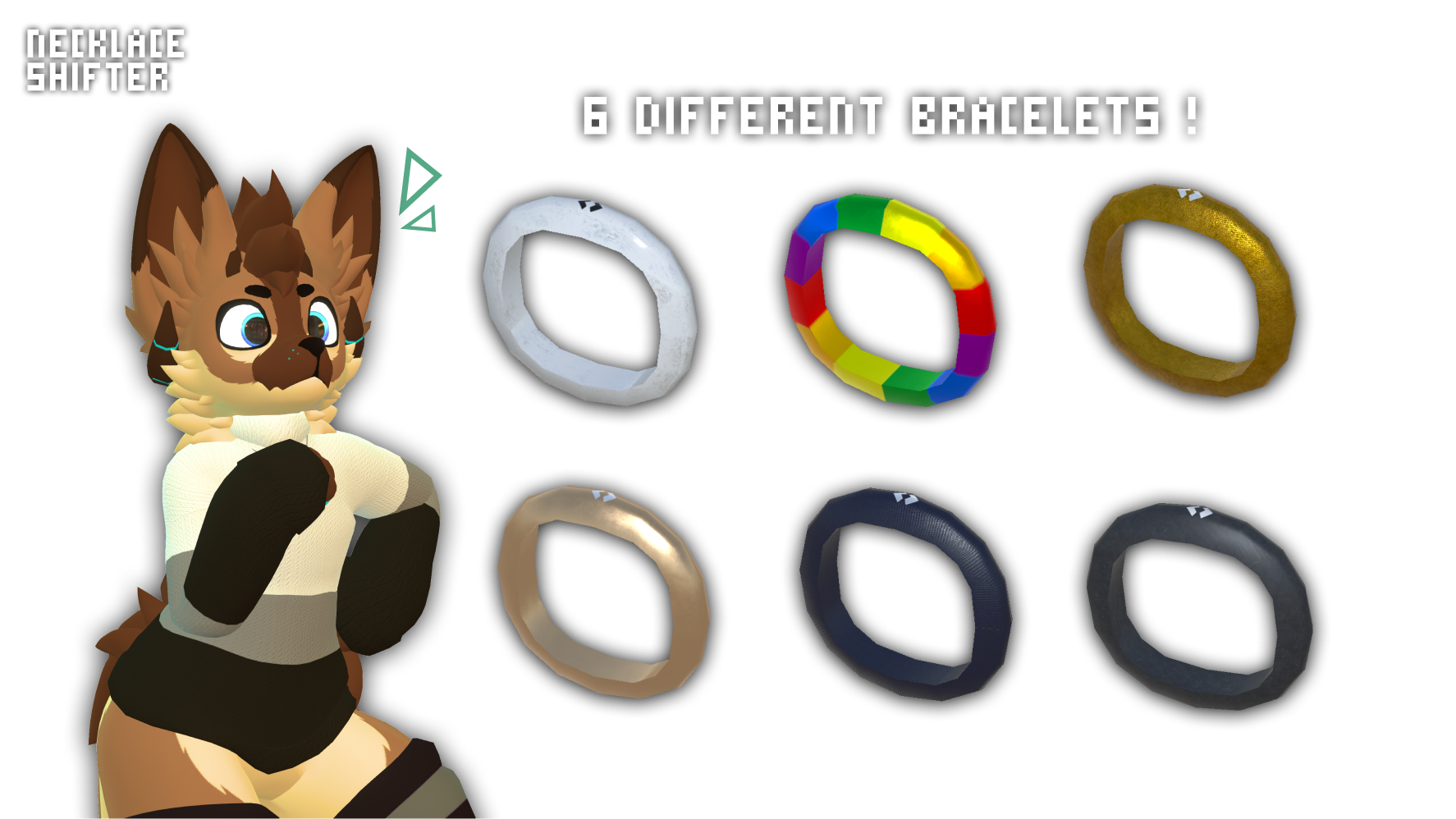 With the Full Pack* (one necklace with the Basic one)
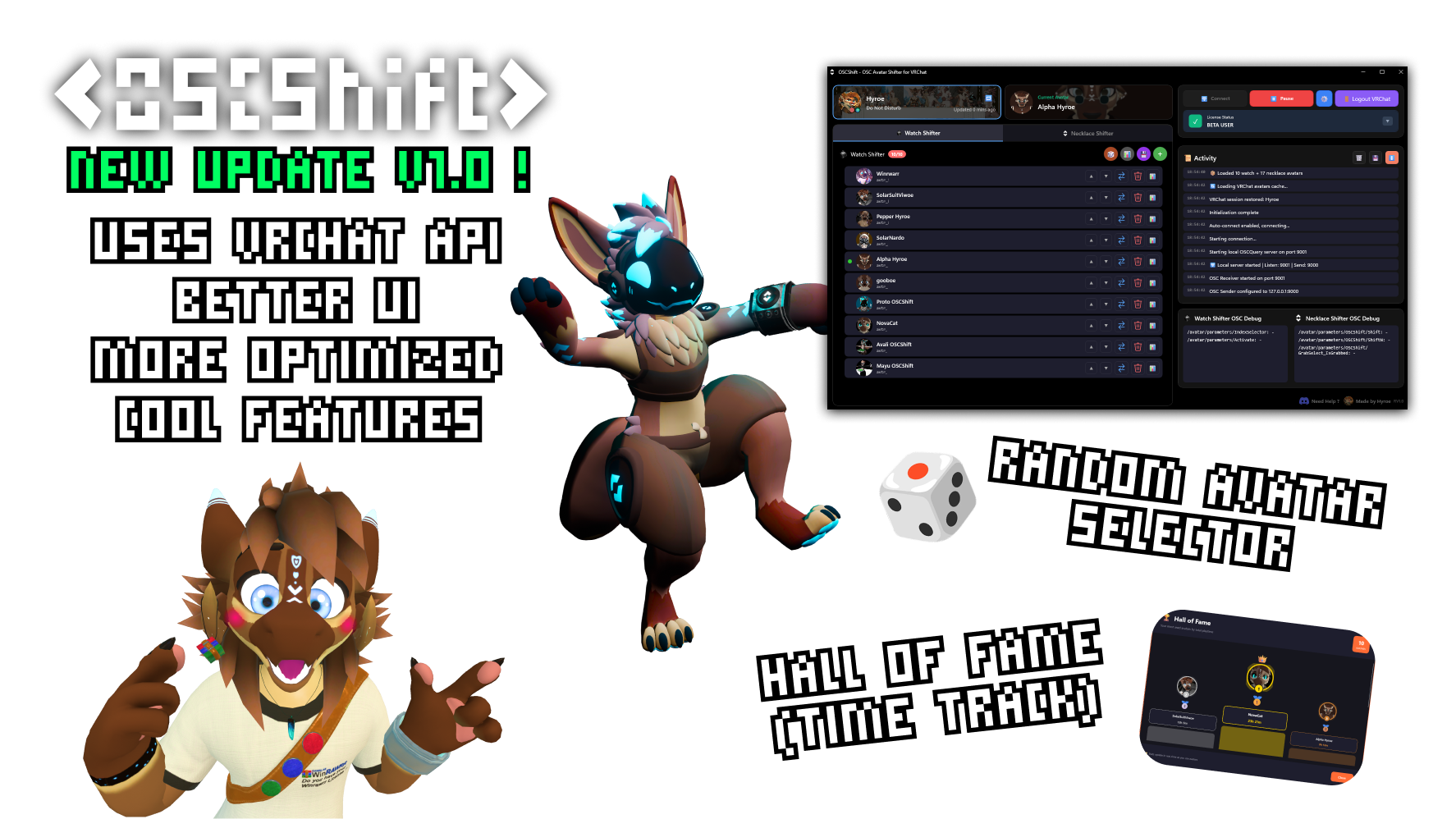

What is the OSCShift?
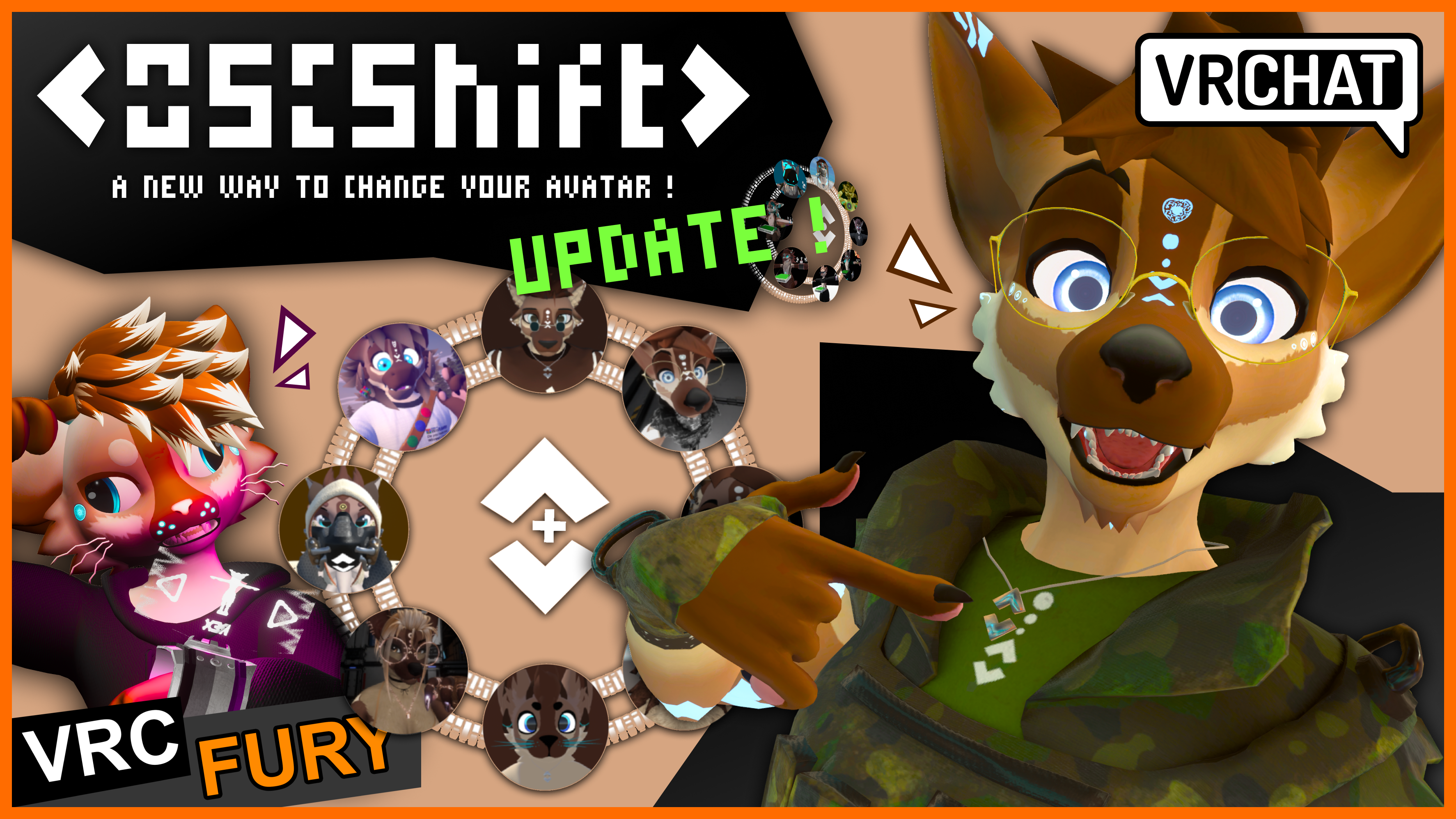
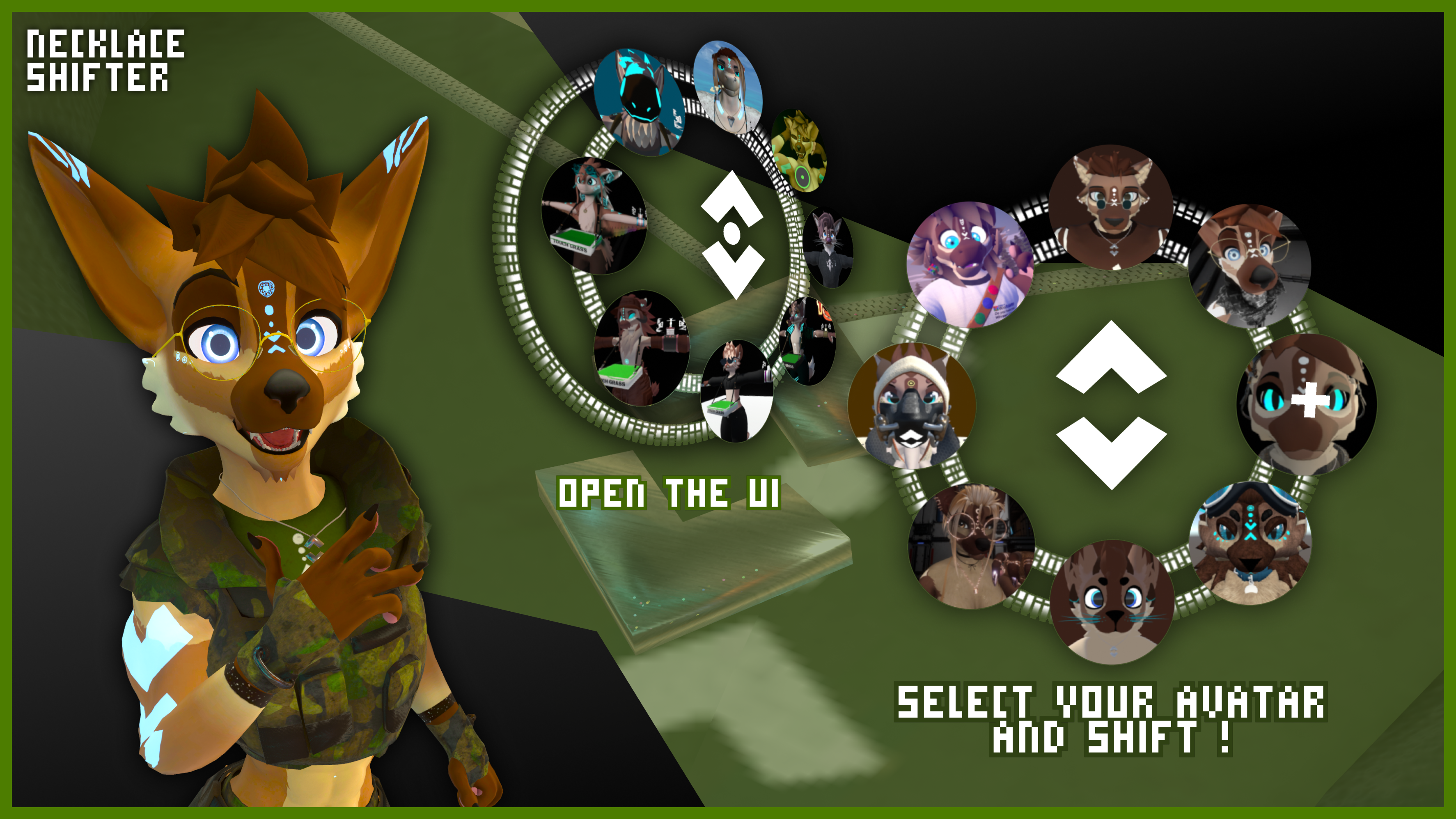
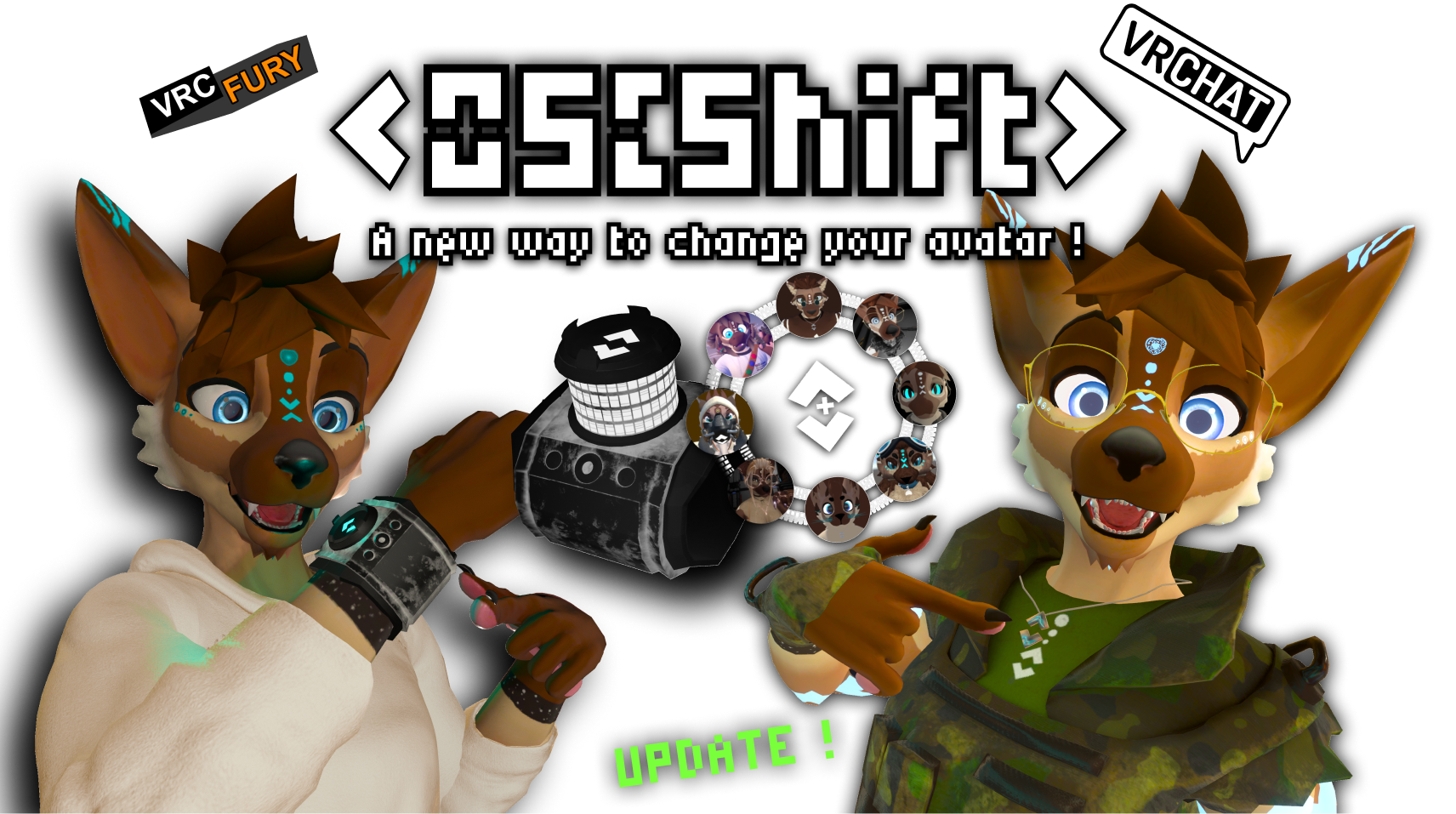
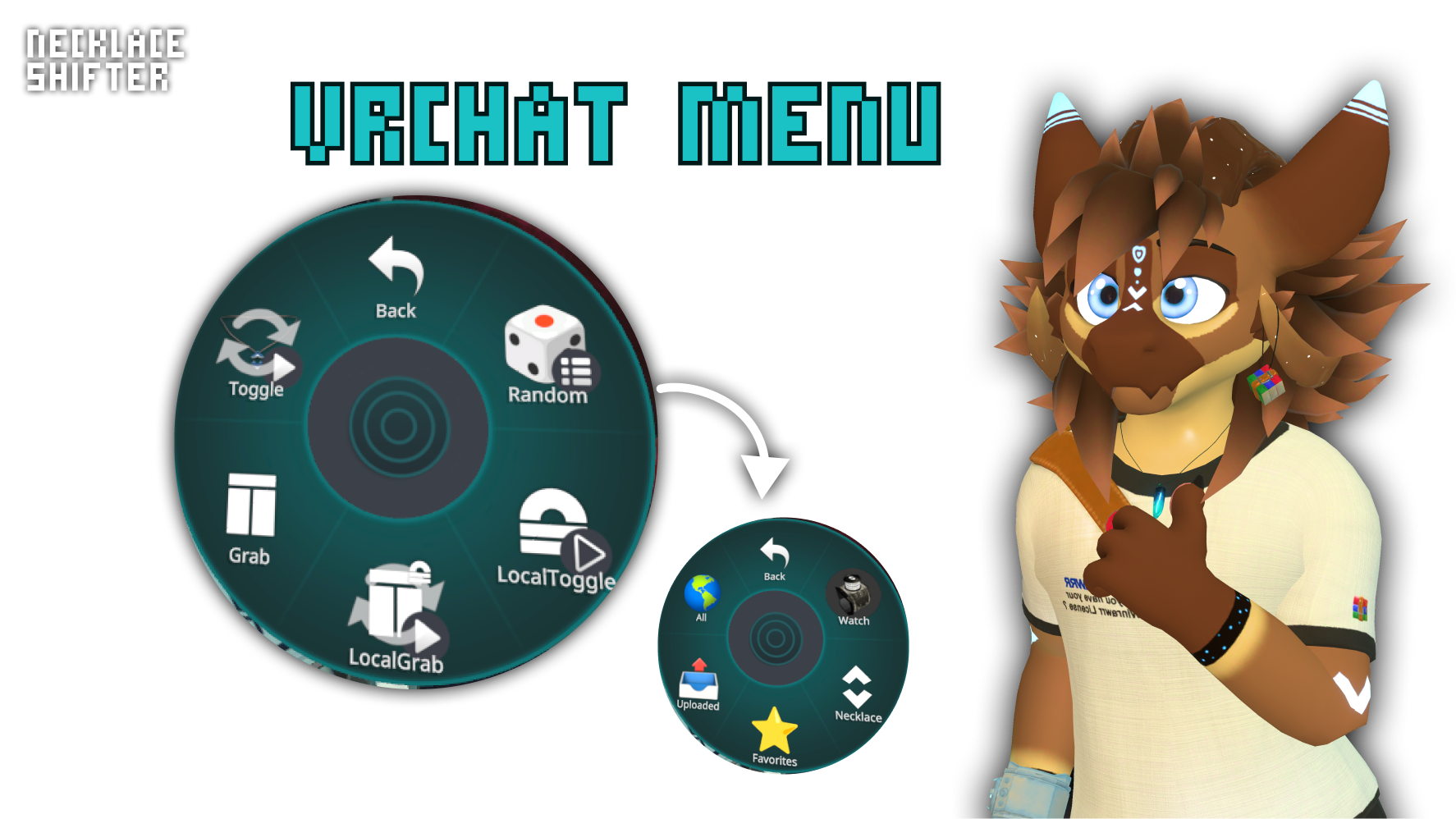
OSCShift is a new way to change avatars in VRChat through an elegant circular interface. You can trigger the menu by using the tools made such as the watch shifter and the necklace/Bracelet shifter. The system displays your avatars as icons arranged on an interactive ring, with 8 slots visible simultaneously and smooth navigation between pages via central arrows. OSCShift uses a custom shader that manages a dynamic texture atlas (organized in an 8-column grid), allowing the display of dozens of avatars with animated transitions including configurable radial slide and fade effects. The interface integrates an intelligent hover system that scales up icons on pointerover, animated background layers with independent rotation, and a morphable pointer system that can transition from a simple circle to a crosshair cursor for maximum precision.
The technical core of OSCShift relies on a sophisticated architecture that fully automates the process. The OSCShiftAtlasBuilder system automatically scans your local AppData folder (%LocalAppData%\OSCShift\NecklaceShifter) to detect your avatar icons, compiles them into an optimized atlas, then dynamically generates all necessary animation states and transitions in the VRChat Animator Controller. Each page (group of 8 avatars) has its own "hold" state and forward/backward transition animations, with an OSC parameter OSCShift/ShiftN that transmits the selection index in increments of 8. The system also handles automatic positioning on your avatar via VRC constraints, including Contact Senders for tactile interaction, and intelligently adapts to your avatar's scale to ensure perfect placement in front of your field of view..
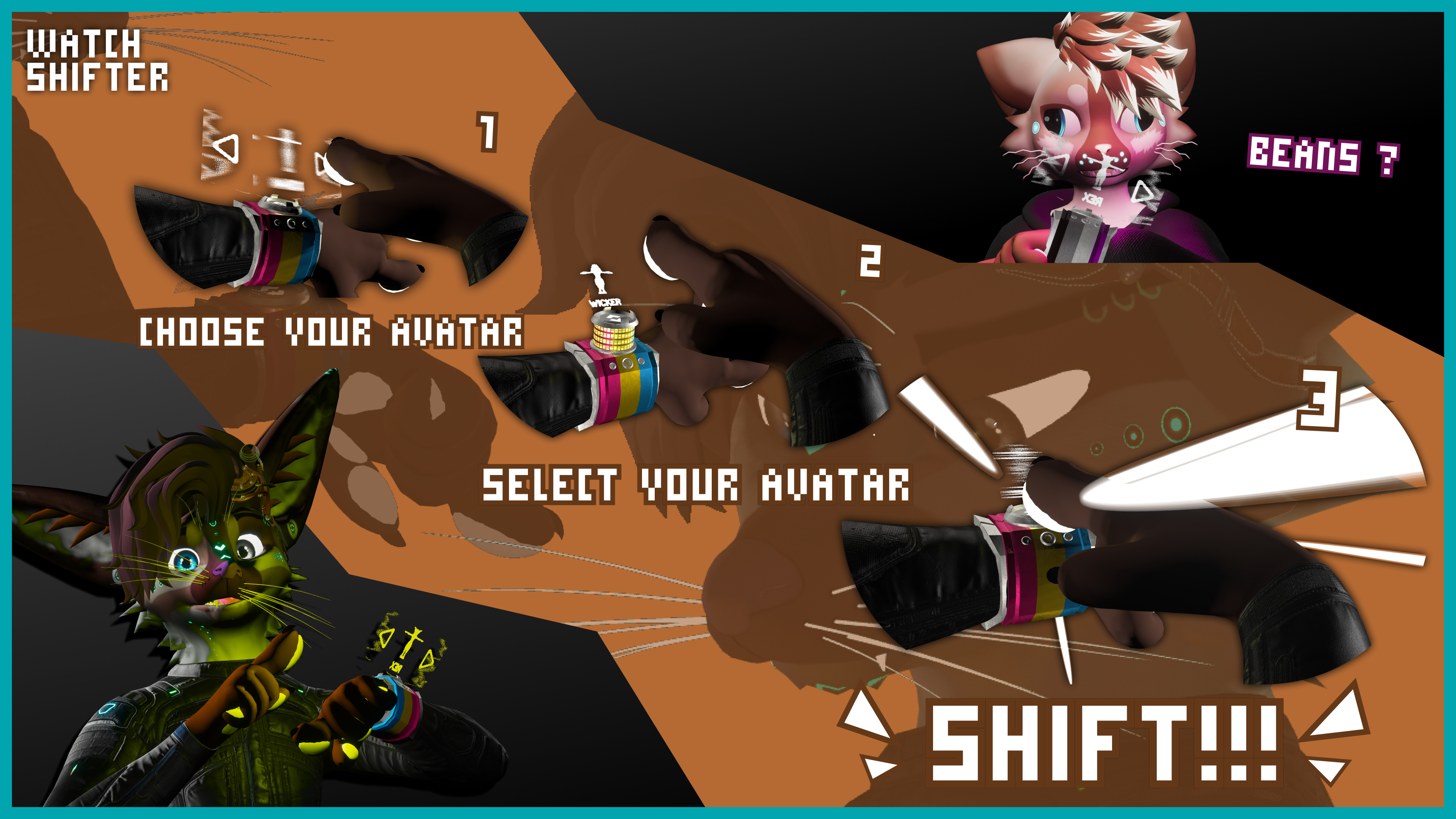
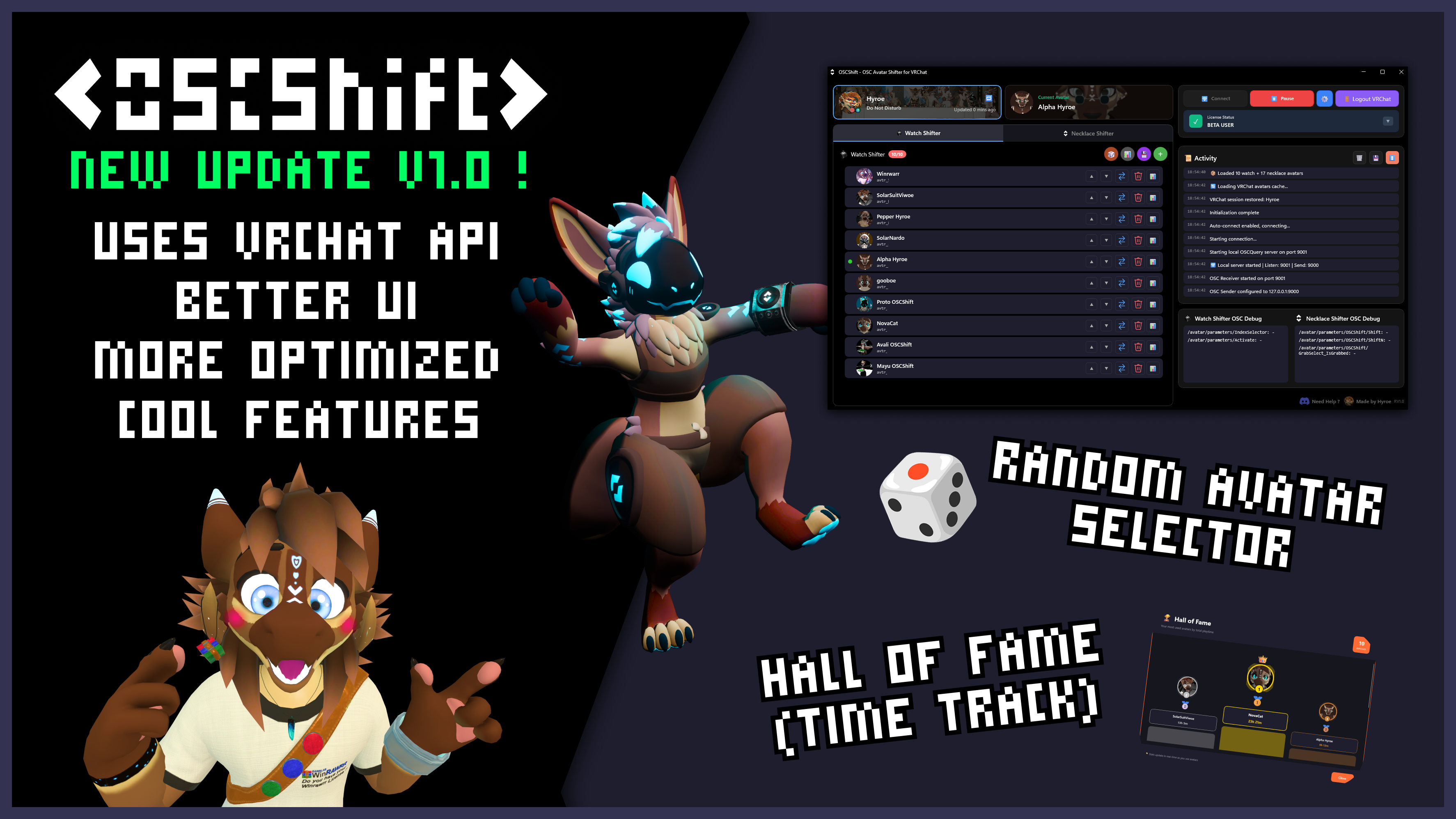
Watch Shifter System : It supports up to 10 avatars that can be selected instantly through VRChat parameters:
- Uses /avatar/parameters/IndexSelector (0-9) to specify which avatar slot
- Activates via /avatar/parameters/Activate (boolean trigger)
- Visual selection feedback shows which avatar is currently targeted
- Automatically resets index after successful switch
Necklace Shifter System :
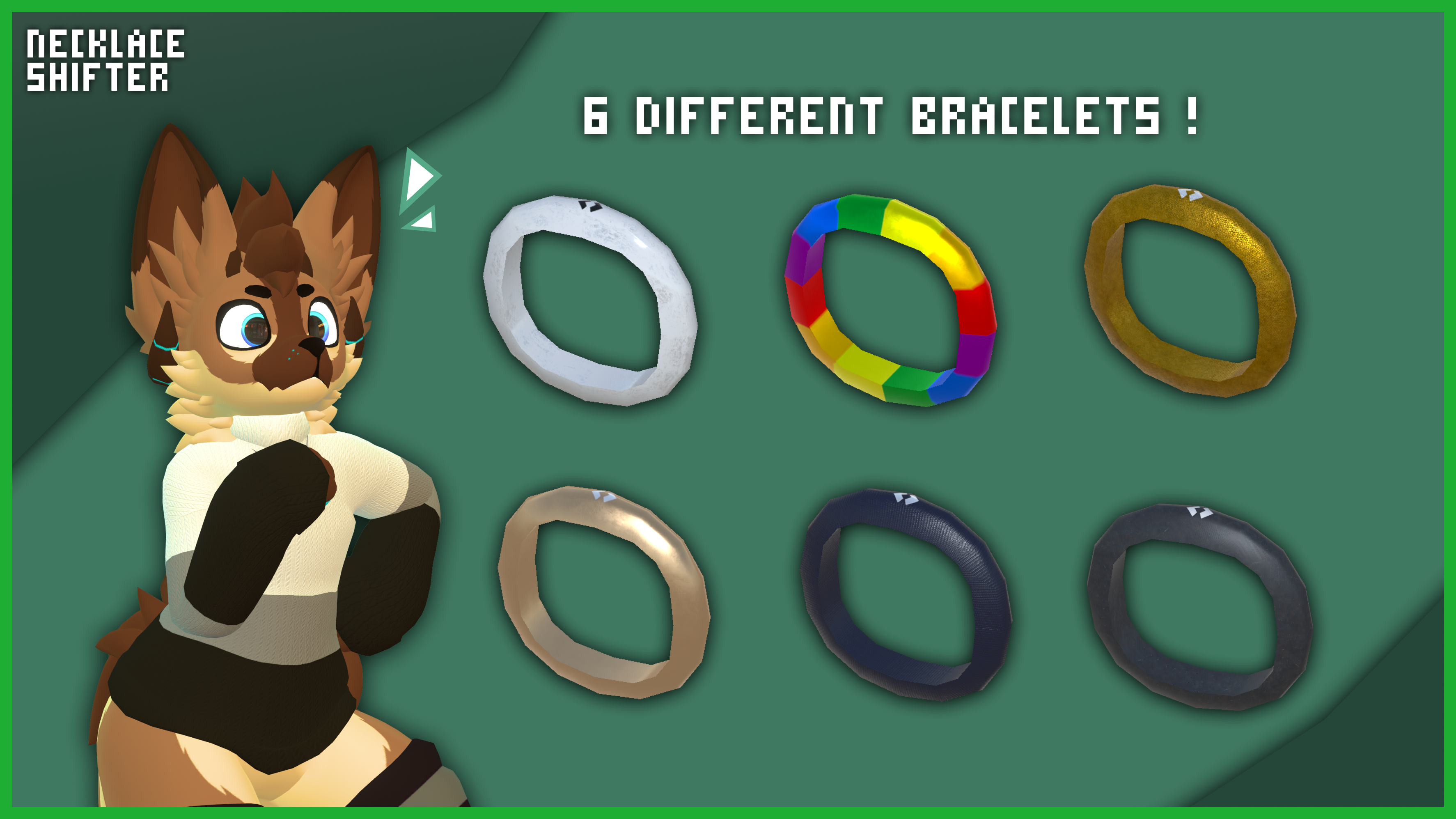
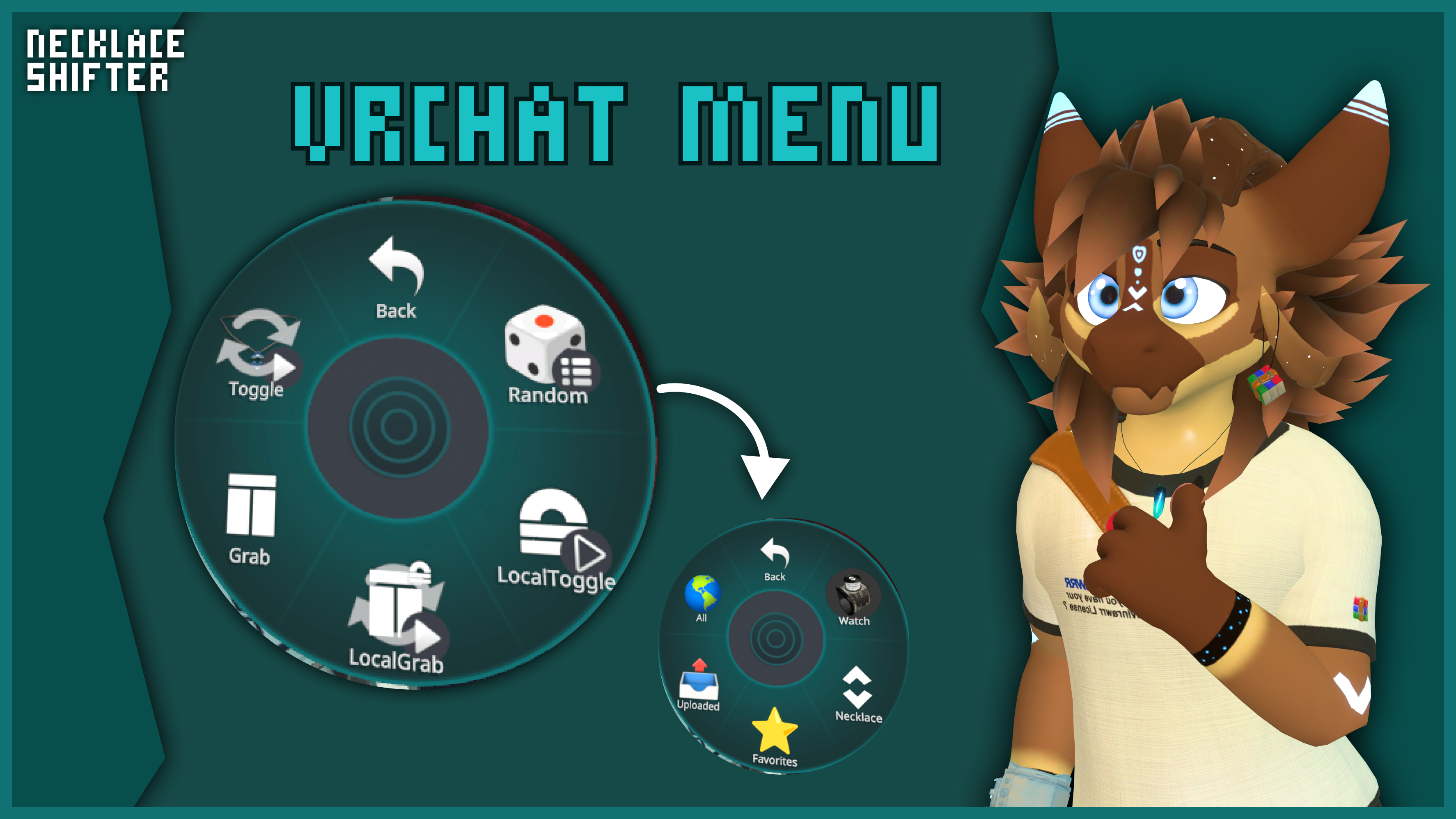
The Necklace Shifter provides an in-VR circular interface that you can trigger by grabbing your necklace/bracelet with unlimited avatar capacity:
- Uses /avatar/parameters/OSCShift/Shift (boolean) to trigger the switch
- Uses /avatar/parameters/OSCShift/ShiftN (integer, 1-based) to specify avatar index
- Supports pagination with 8 avatars visible per page
- Contact-based interaction through VRC Contact Senders for grabbing and selecting
- Includes visual transitions, hover effects, and animated background layers
- Icons are automatically generated and stored in %LocalAppData%\OSCShift\NecklaceShifter
VRChat API Integration :
The application authenticates with VRChat's API to provide:
- Display name and profile picture synchronization
- Current avatar tracking - shows which avatar you're currently wearing in real-time
- Avatar list management - access to your favorites and uploaded avatars
- Thumbnail generation - automatic download and caching of avatar images
- Random avatar selection from VRChat categories (favorites, uploaded, all avatars)
- All data is processed locally; no external storage or analytics
OSCQuery Discovery & Local Server :
- Automatic discovery of VRChat's OSCQuery service via mDNS/DNS-SD
- Exposes a local OSCQuery HTTP server for VRChat to discover OSCShift's parameters
- Configurable ports (default: receive on 9001, send to VRChat on 9000)
- Auto-connect option for instant startup when VRChat launches
Random System :
Avatar randomization that cycles through categories:
- Random mode rotates between: Watch → Necklace → Favorites → Uploaded → All
- Individual random selection from specific lists (watch-only, necklace-only)
- VRChat API-based random selection from your full avatar collection
- Visual loading overlay with rotating avatar thumbnails during selection
Avatar Statistics :
- Tracks switch count, last used timestamp, and total usage time
- Persistent storage in JSON format
- Visual indicators showing your currently active avatar in both lists
- Automatic tracking of unlisted avatars that you use in VRChat
- Real-time sync status showing last VRChat API refresh time
Thank you to all beta-testers : Cui'er, Toriyo and Zach The Proot
And thank you Yeusepe for the synchronisation help ! (jammer, jammeeeer, have you heard about the jammer ?)