
Paw Pop | Pastel Paw Footprints & Sparkles | 5 Colors | Shinano | VRChat PC
Product Description
This product contains AI-generated content.
Soft little paw prints with every step.
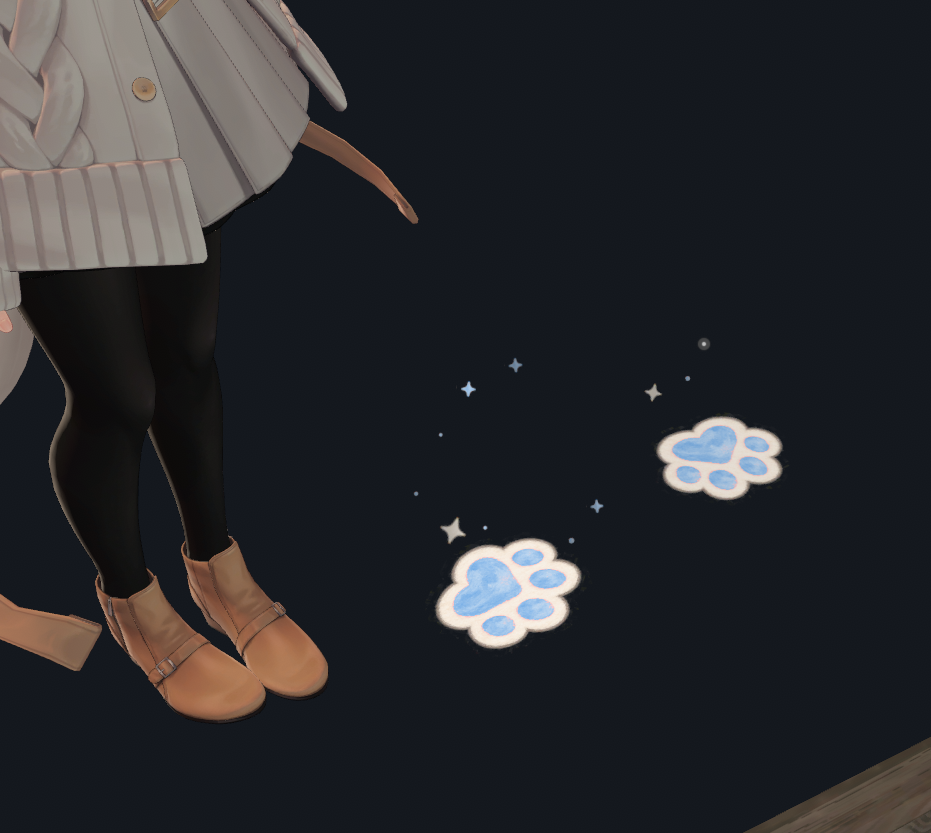
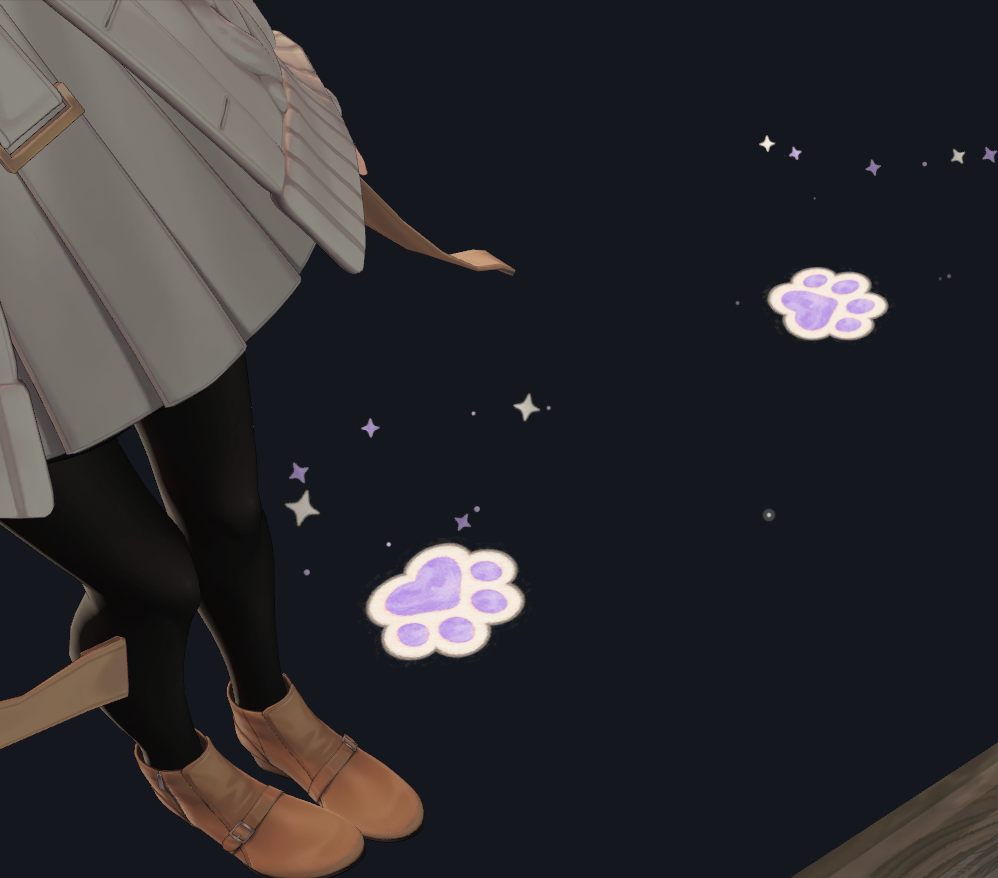
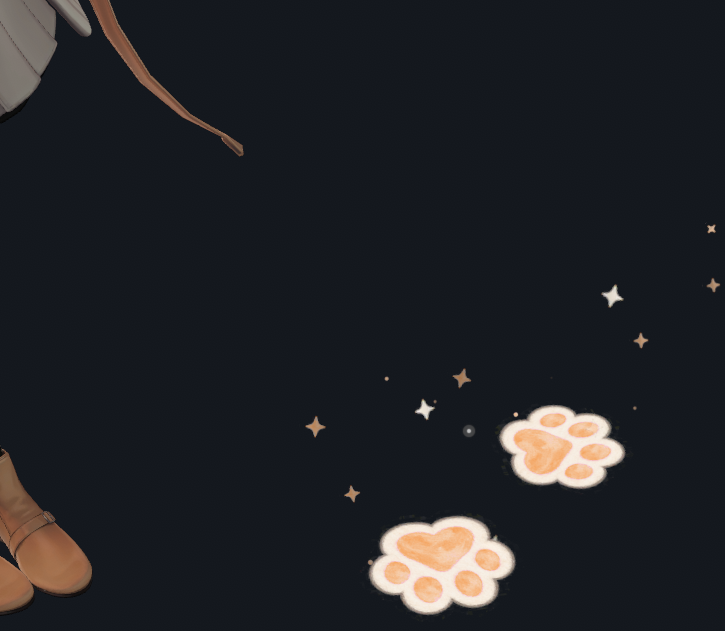
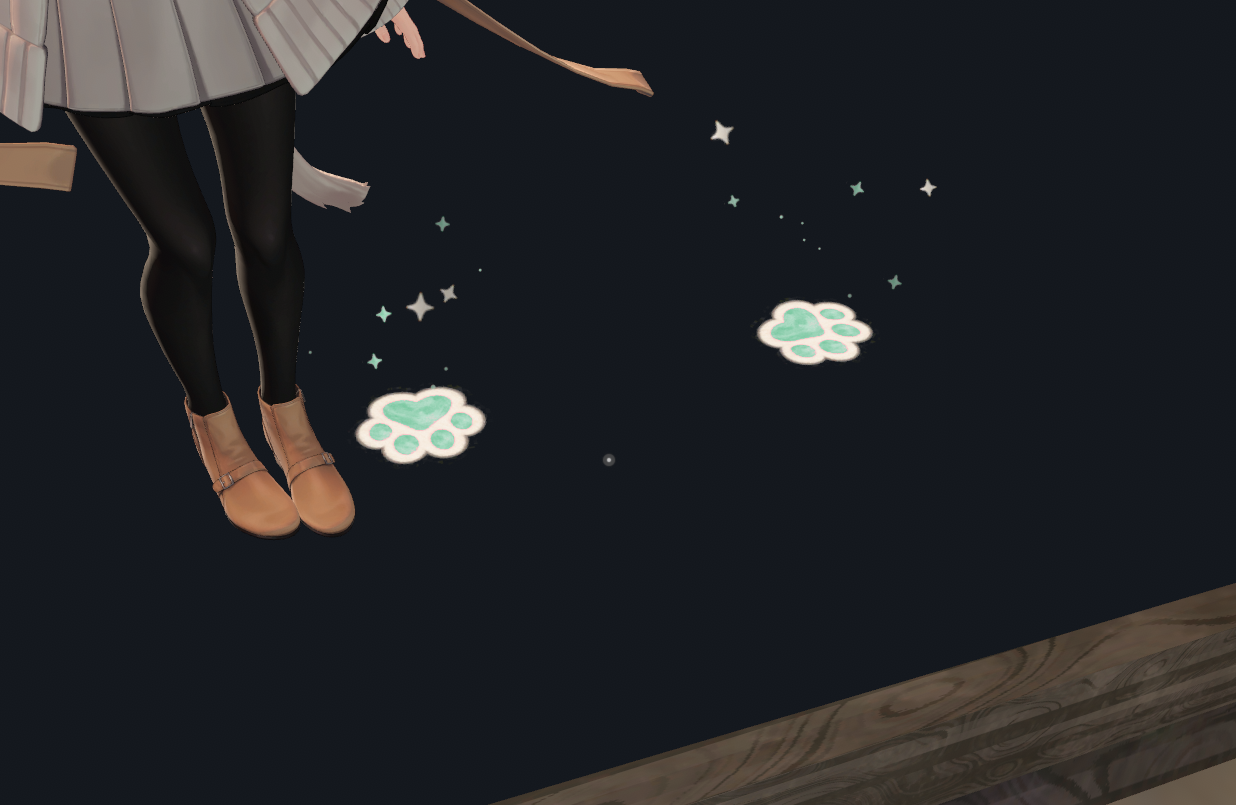
Paw Pop adds hand-painted pastel paw footprints and a playful splash of tiny stars to your VRChat avatar. Sparkles travel along varied arcs, with different heights, speeds and directions. Soft cream borders and pencil-like texture suit everyday pastel outfits.
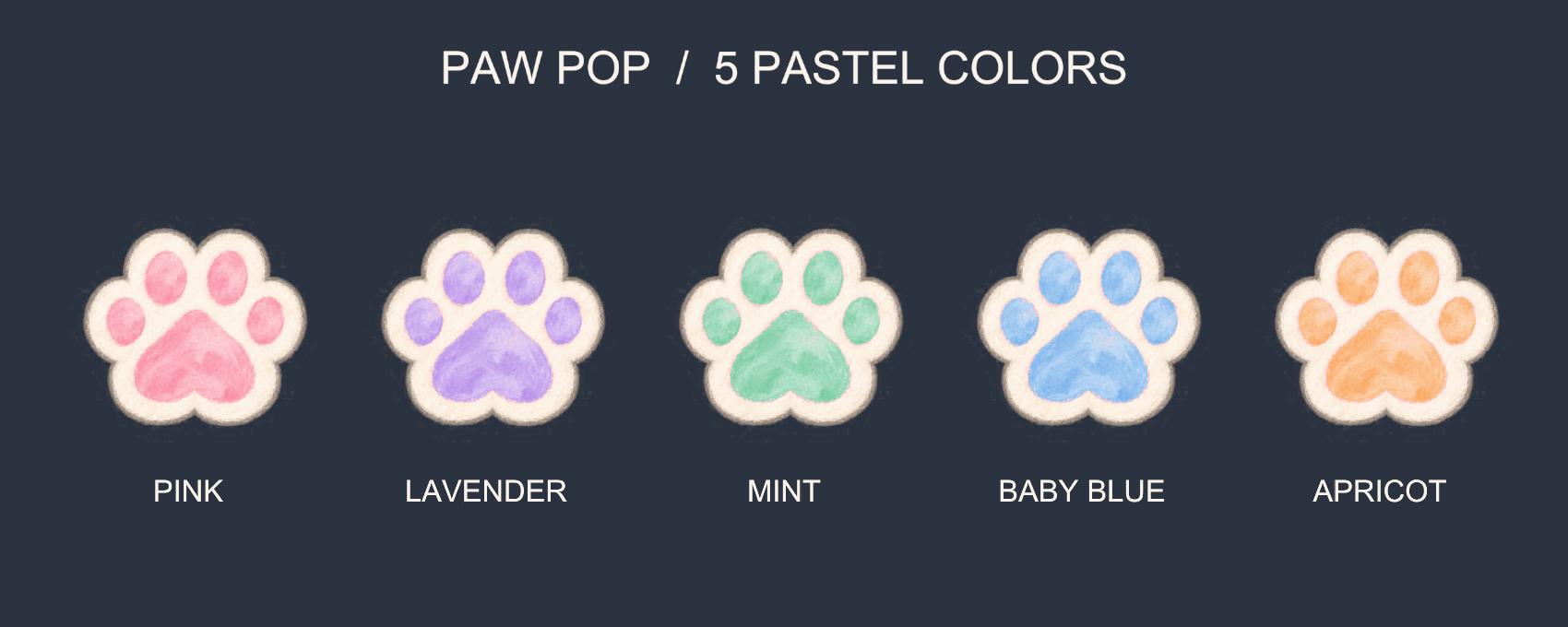
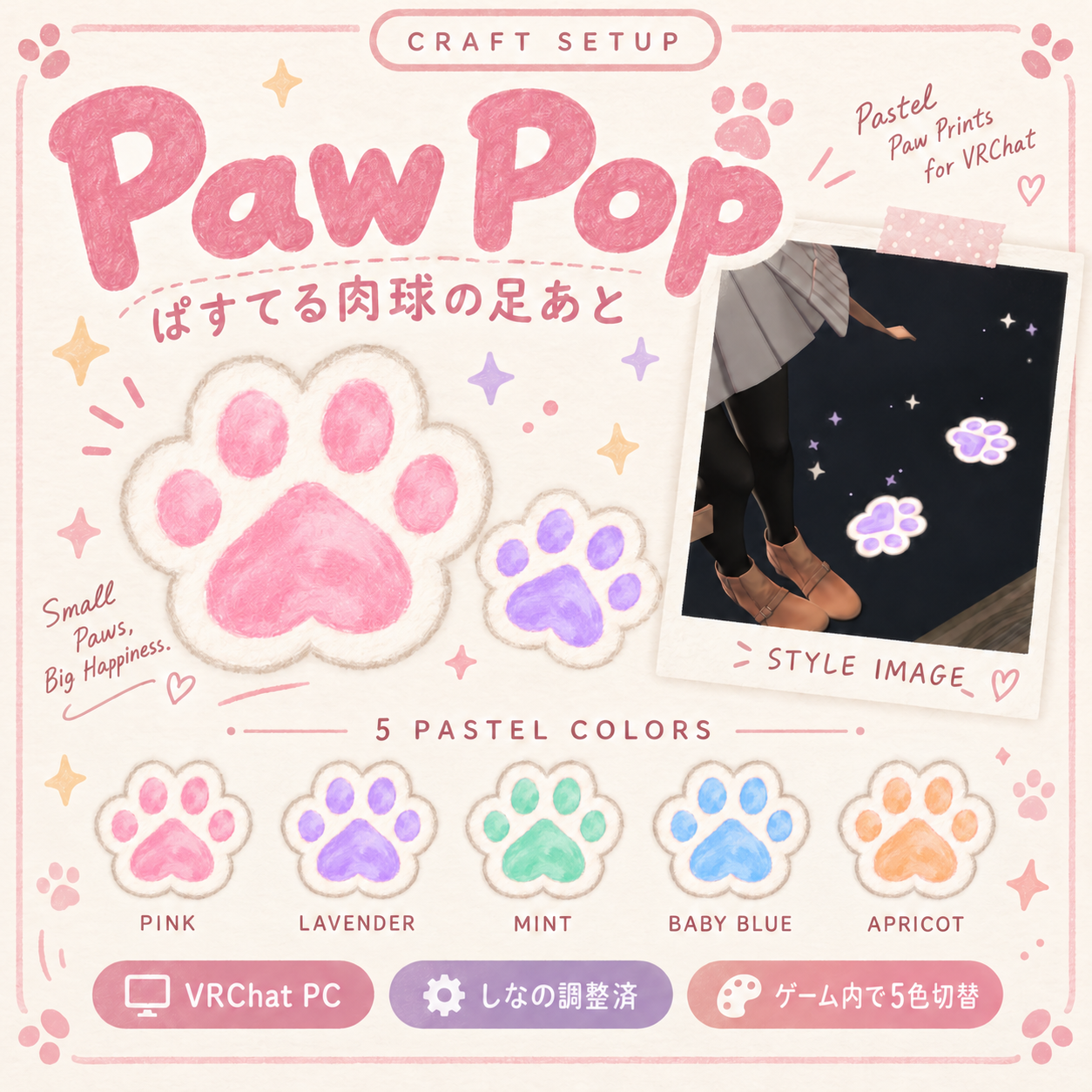
FIVE COLORS INCLUDED
Pink, Lavender, Mint, Baby Blue and Apricot. Choose your color in the Expressions menu without opening Unity. Existing footprints and colored sparkles update together. Includes a separate ON/OFF toggle; initial defaults are OFF and Pink. Both controls are configured as saved and synced.
FITTED TO STANDARD SHINANO / PC ONLY
Place one prefab directly under the avatar root. Modular Avatar integrates foot attachment, FX, parameters and menus. Appearance and all five colors were approved in the Windows PC VRChat client using standard Shinano.
Salt and other avatars are NOT fitted or tested. Changed body proportions, leg length, footwear or avatar scale may need adjustments. Not compatible with standalone Quest or Android.
REQUIREMENTS / TESTED VERSIONS
Unity 2022.3.22f1
VRChat SDK Avatars / Base 3.10.4
Modular Avatar 1.18.7 / NDMF 1.14.8
SDK, Modular Avatar, NDMF and avatar data are not included. The effect's custom shader is included.
DOWNLOAD CONTENTS
PawPop_PC_v1_0.unitypackage, installation prefab, paw mesh, shared texture, shader, all five material palettes, animation clips, FX controller and menus. Detailed Japanese and English setup/troubleshooting guides, terms of use, changelog and a Unity-rendered color reference are supplied as individual downloads.
Avatar, clothing, shoes and world are NOT included.
QUICK SETUP
Download all files. If downloaded as a ZIP, extract it first. Import ALL entries from the unitypackage into your prepared avatar project.
Place Assets/CraftSetup/PawPop/Release_v1_0/PawPop_Shinano_PC.prefab directly under the Shinano avatar root. Outer local position/rotation: 0; scale: 1. Use only one instance. No manual FX replacement or Root Bone assignment needed.
After upload: Expressions > Paw Pop 肉球 > 足跡 ON/OFF.
Colors: Expressions > Paw Pop 肉球 > カラー.
Japanese menu labels are translated in README_EN.txt. Please follow the included guide for full instructions.
BEHAVIOR AND LIMITATIONS
Prints remain in place and fade naturally; there are no floating paw particles. Intended for flat floors with colliders. Prints do not conform to slopes or stairs. Stationary foot lifting may not trigger the movement gate. OFF stops new emission while existing particles fade.
Safety/avatar visibility/particle settings can hide effects on other clients. ON/OFF and color are configured as synced; contact and particle simulation run per client, so exact positions, counts, timing and trajectories are not synchronized.
VR headset, multiple-client synchronization, saved-state restoration after login and other avatars have not been tested.
ASSET BUDGET
One shared atlas; five colors do not duplicate textures. Ten palette materials, two active at once. Twelve ParticleSystems total (eight visible), capped at 160 visible particles / 320 triangles. Adds nine synced parameter bits. No real lights, shadows or trails. These are asset counts, not an avatar performance-rank or FPS guarantee.
CREATION / IMAGES
AI-generated imagery was used for the painted source artwork and promotional cover. The cover is a styled promotional image. The gallery includes four unaltered VRChat client screenshots, an edited real-gameplay video, and a Unity-rendered five-color reference.
TERMS / SUPPORT
Modification, images/videos and monetized streams are permitted. Redistribution, resale and incorporation into Public VRChat avatars are prohibited. Full terms are included in LICENSE_EN.txt. Please contact the purchase shop with product/Unity/SDK/Modular Avatar versions, symptoms and Console errors if you need help.
Craft Setup / Paw Pop v1.0