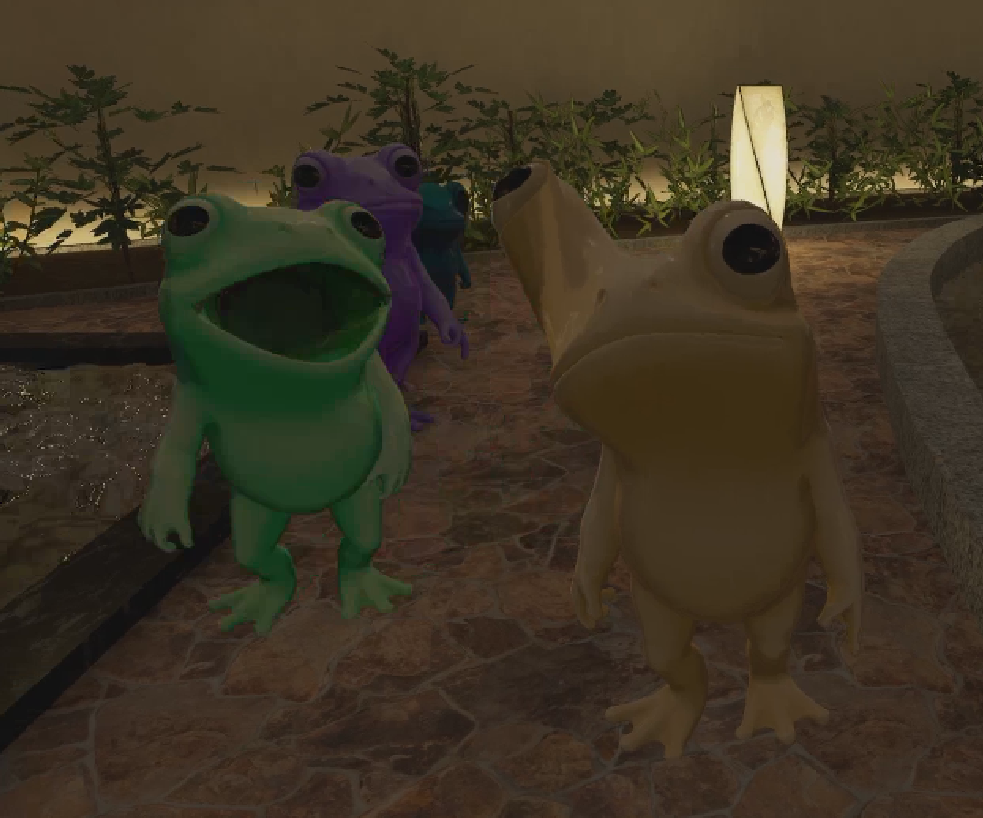
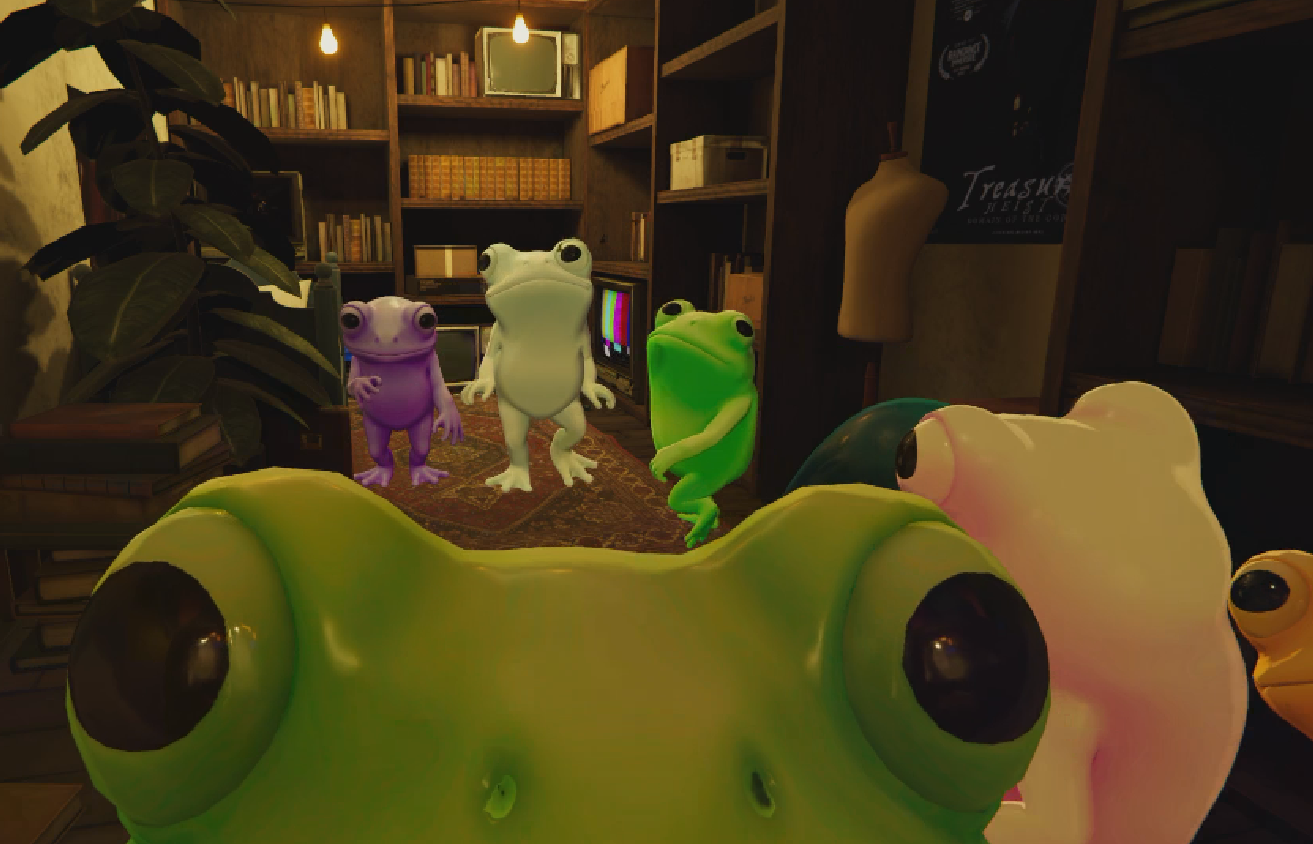
Product Description
If you have no intention of editing the model or would like to try it out first then I suggest checking out the in game market version!
Market Avatar: https://vrchat.com/home/avatar/avtr_5d68df9f-d06f-43a7-bb02-14dd9741900b
This avatar was built in the latest beta build of vrchats avatar sdk!
Please update to 3.10.4-beta.1 before importing!!
To update to a beta version, navigate to your settings in VCC. Go to packages, and then enable "Show Pre-Release Packages" near the bottom then you should be able to select beta versions for your projects avatar sdk!
- Features -
items with asterisks are PC exclusive features
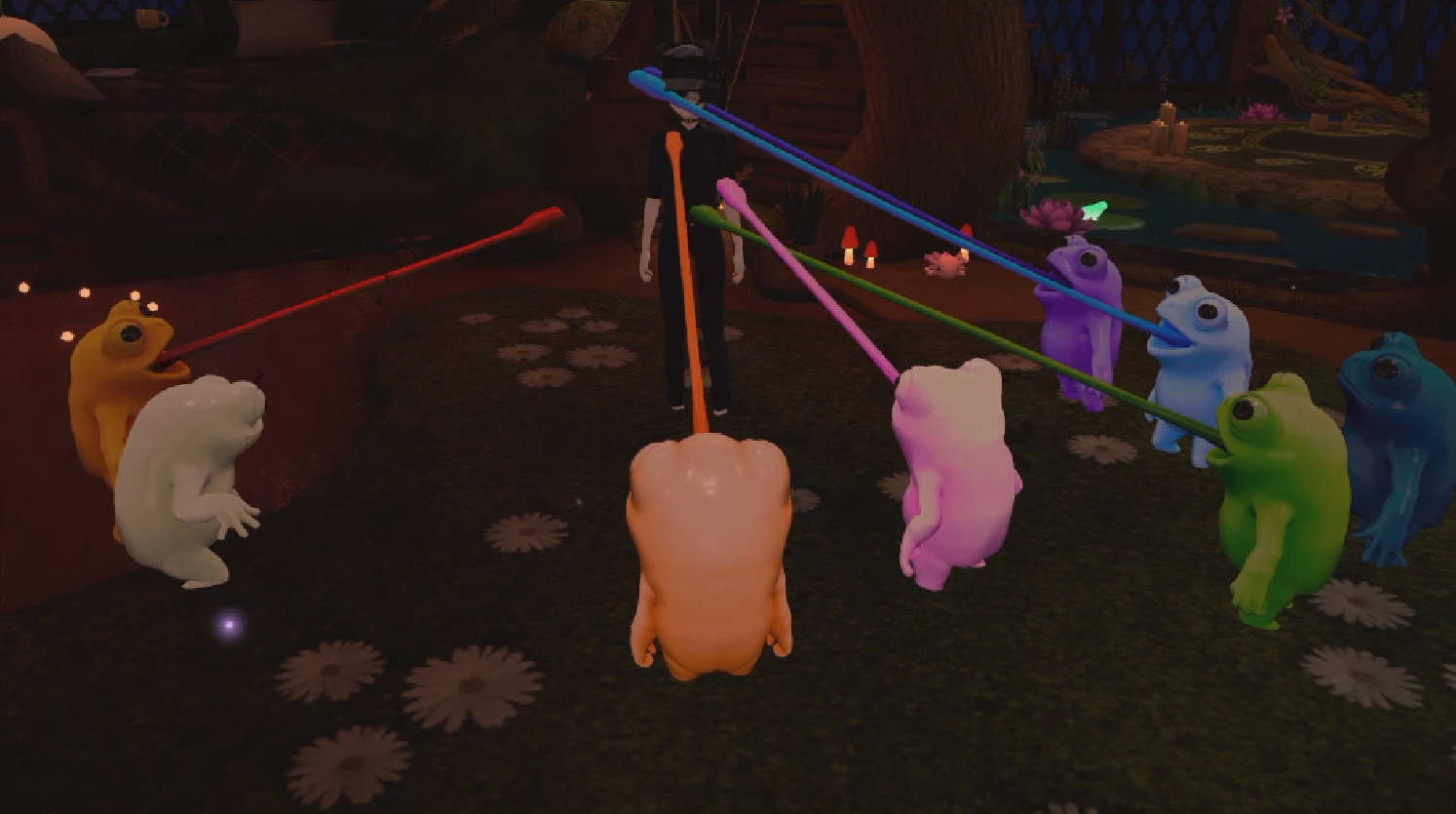
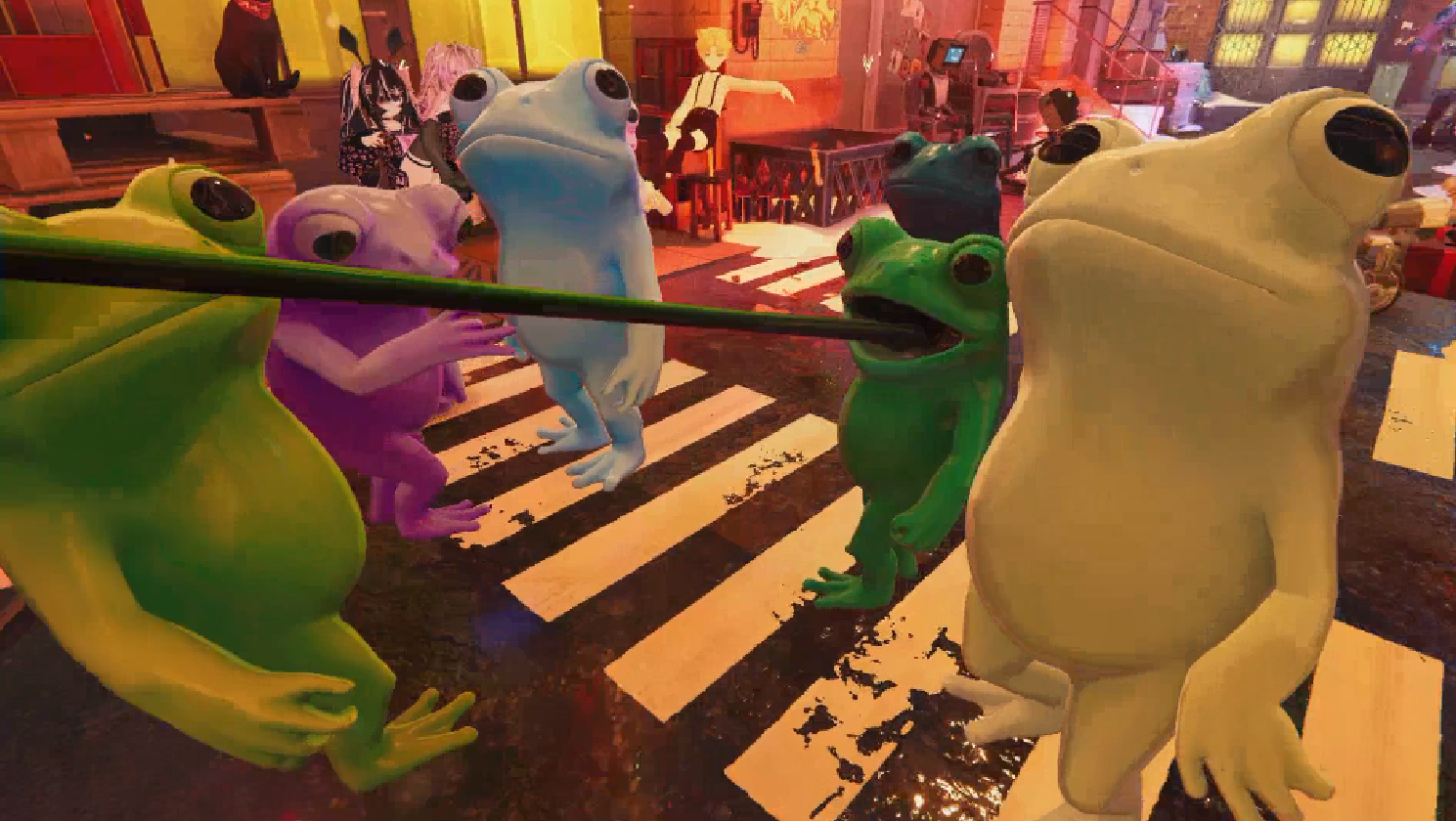
- Tongue flick gimmick
- * Shader gimmicks (spherize and player look) *
- Dance Emotes
- * Face Tracking *
- Color Customization (Hue slider only for Quest)
- * Settings to disable sound effects and physbones *
- Settings to select preferred hand gestures for triggering tongue action
- Toggle to enable a random swarm of flies to snack on
To trigger the tongue gesture you must first select your preferred hand gesture/'s in the settings on the avatars radial menu. Enjoy!
Note: If you use VRC Fury or other similar tools and are prompted to fix write defaults please ensure it is set to DISABLED. Write defaults should be left as is in order for the animation layers to function properly.
- 3rd Party Dependencies -
- Jerry's Face Tracking Templates (only required for face tracking)
-> VCC - https://adjerry91.github.io/VRCFaceTracking-Templates/
-> Manual - https://github.com/Adjerry91/VRCFaceTracking-Templates/releases/tag/7.0.4
Modular Avatar or VRC Fury (only required for face tracking)
-> MA - https://modular-avatar.nadena.dev/
-> VF - https://vrcfury.com/
- Poiyomi Toon Shader (Free or Pro)
-> Free - https://github.com/poiyomi/PoiyomiToonShader/releases
-> Pro -https://www.patreon.com/poiyomi
This shader is required for animations to function properly!
- Unity Installation -
Please update to the latest BETA version of the VRChat Avatar SDK!
You must be on 3.10.4-beta.1 in order for the tongue gimmick to function properly!
Please Import the required assets before importing the avatar to avoid broken materials
If you've imported the avatar first simply delete the characters folder and re-import it once you've ensured you imported the required assets first
1. Download the latest version of the unity package
2. Once your project is loaded either open the unity package or choose Assets > Import Package > (select package location)
3. Import all the files in the popup window on unity
4. You can find the prefabs and scene file under Avatars/Frog
Note: If the avatars material appears pink/invisible you may need to reapply the shader to the material in the inspector. Navigate to the materials in Avatars/Frog/Materials, select a material, then click on the shader dropdown list on the top of the inspector window and select Poiyomi Toon.
- Terms of Use -
- Modification is allowed
- Redistribution is prohibited
- Not safe for work content involving the character is not allowed
- Public uploads (through the vrc sdk) to VRChat or any other platform is prohibited
- Videos and animations including the model are permitted as long as credit is given (@ me on twitter/"X" so i can see :D).
Please use #vrcFrog in your posts so others can see your wonderful edits!
Please DM me on twitter or on discord if you have any questions.
@Graelyth / Graelyth