Product Description

Sit anywhere. Nimbo catches you.
A fluffy little cloud for your VRChat avatar. Sit down and it pops in underneath you. Stand up and it goes poof.
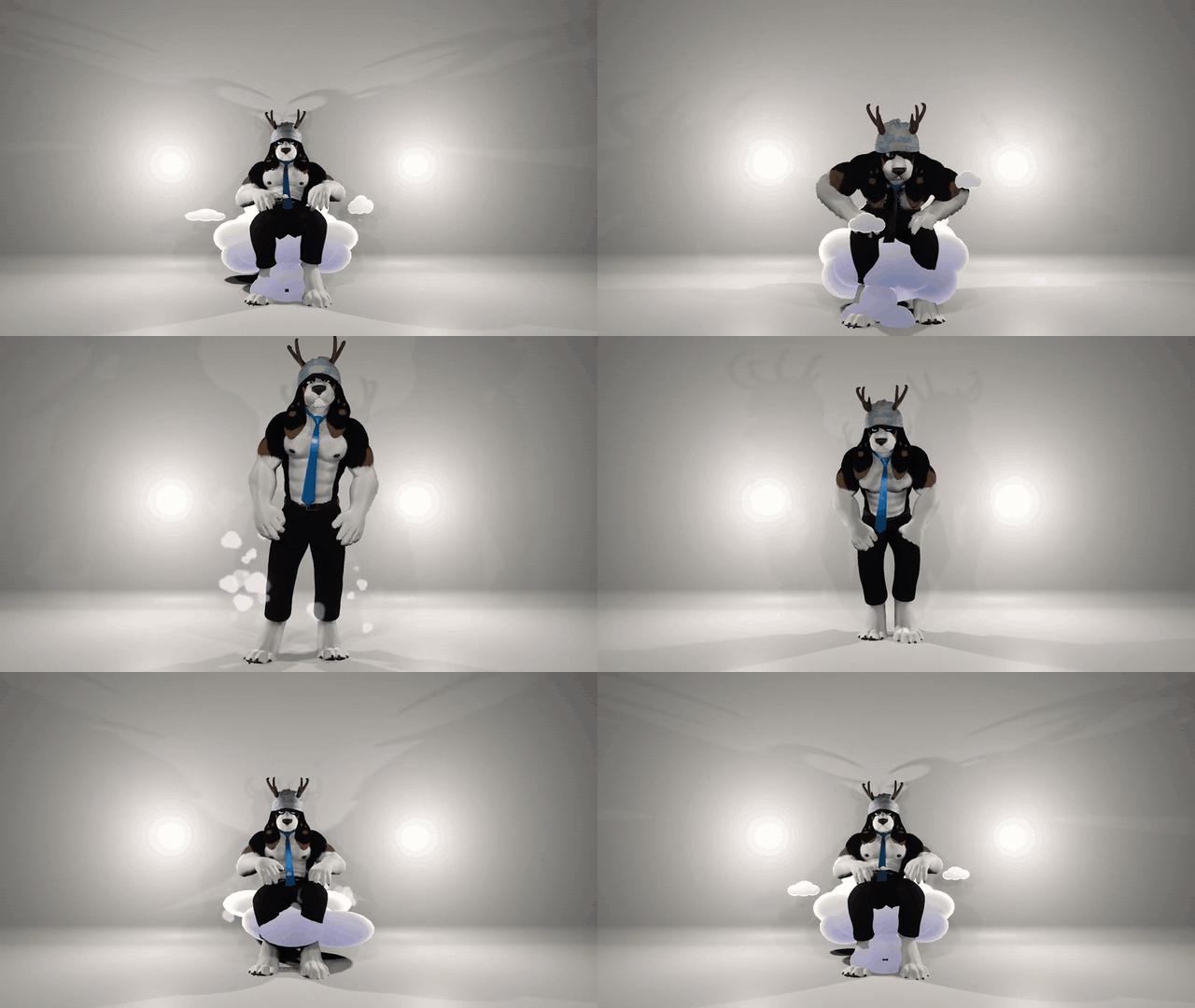
Go ahead. Get comfy.
Lean back, tuck your feet in, or lie down with full-body tracking. The seat, backrest and footrest move with you. You can toggle the backrest and footrest separately.
Three little clouds to play with.
Grab one and give it a quick shake to light it up, or point and tap it with your index finger. Friends can grab and shake them too.
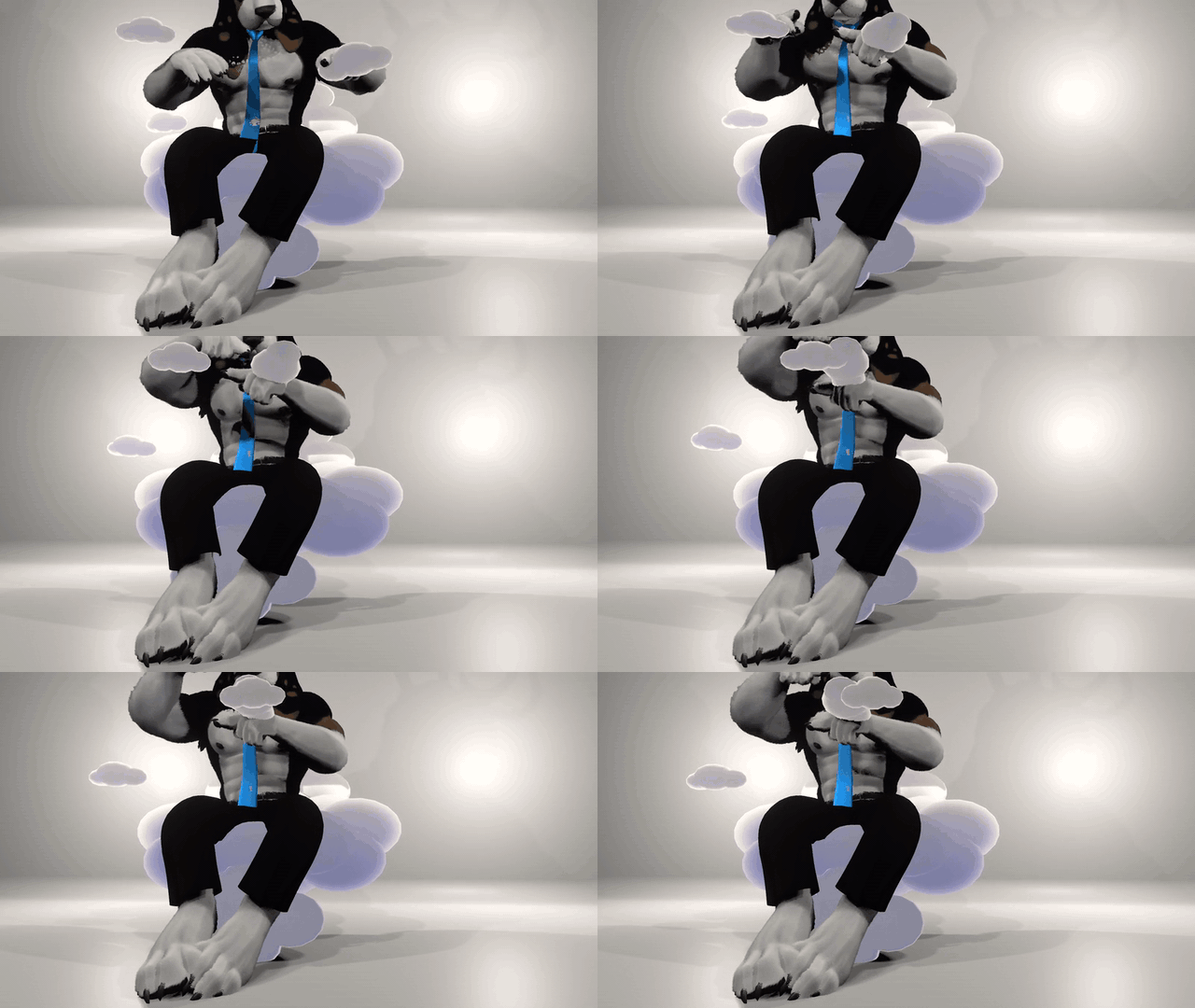
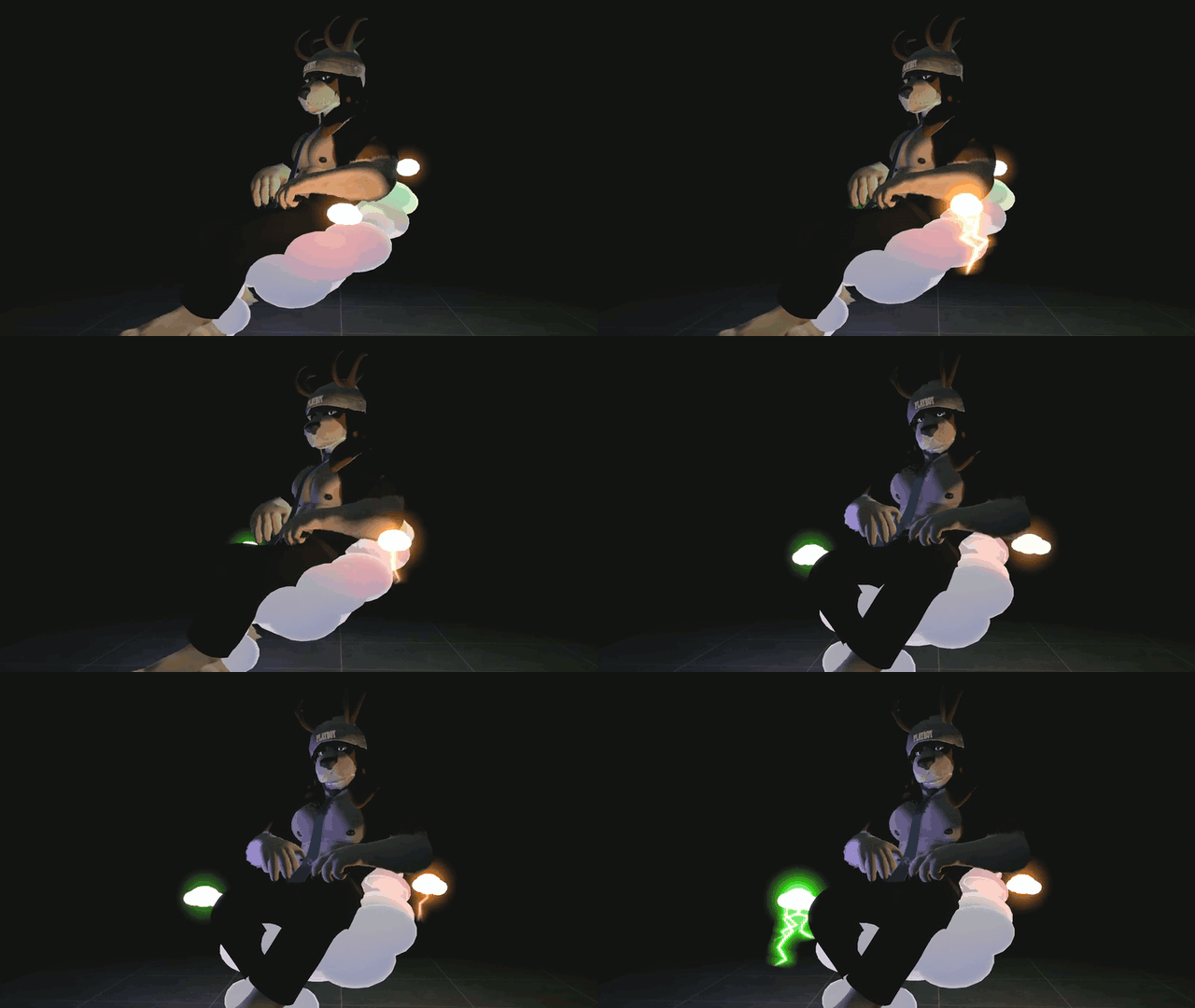
Let the clouds follow the music.
In AudioLink worlds, each mini cloud follows a different part of the song: bass, mids or treble. Little lightning bolts, sparkles and a soft glow join in. Switch Lightning off whenever you want.
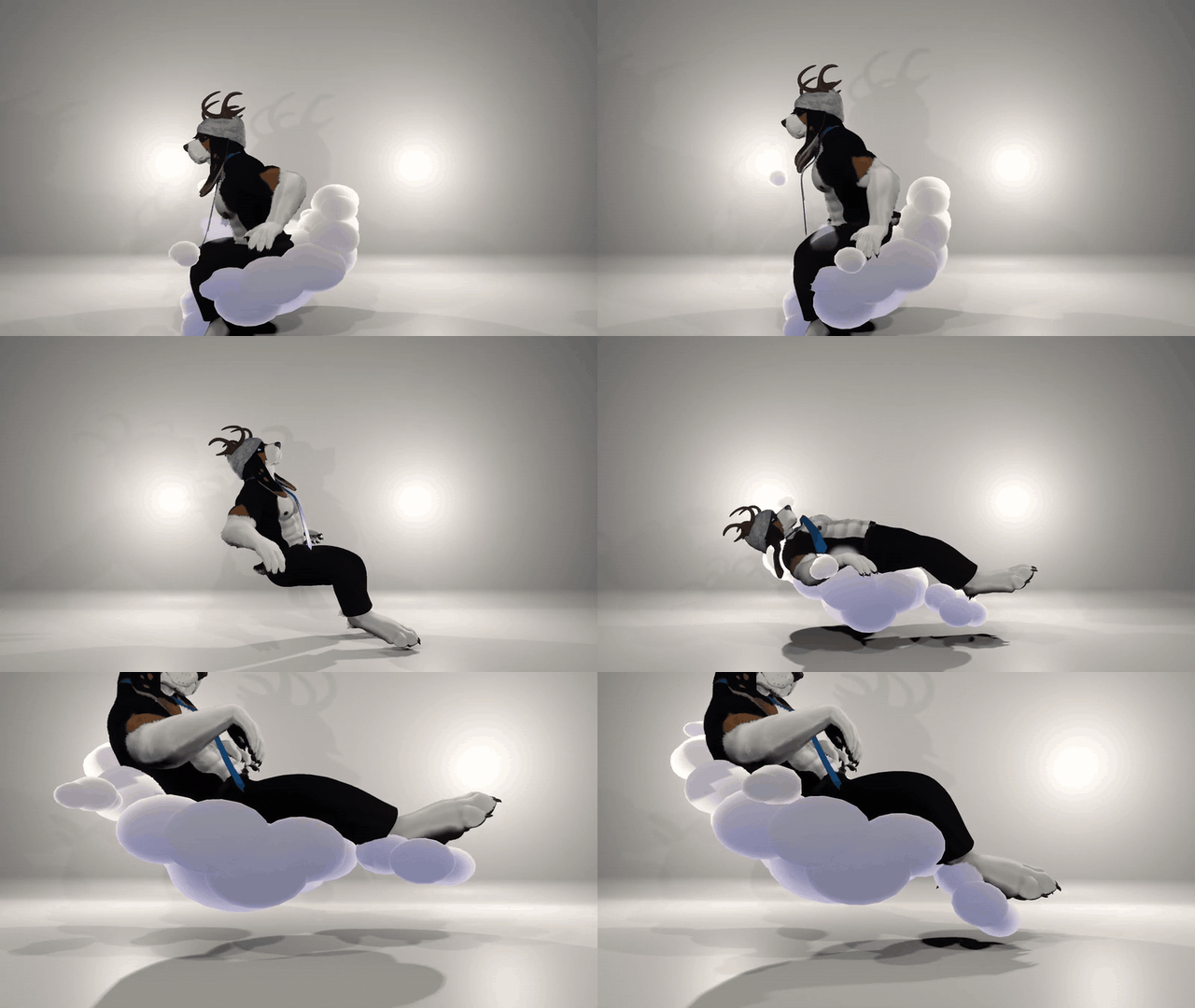
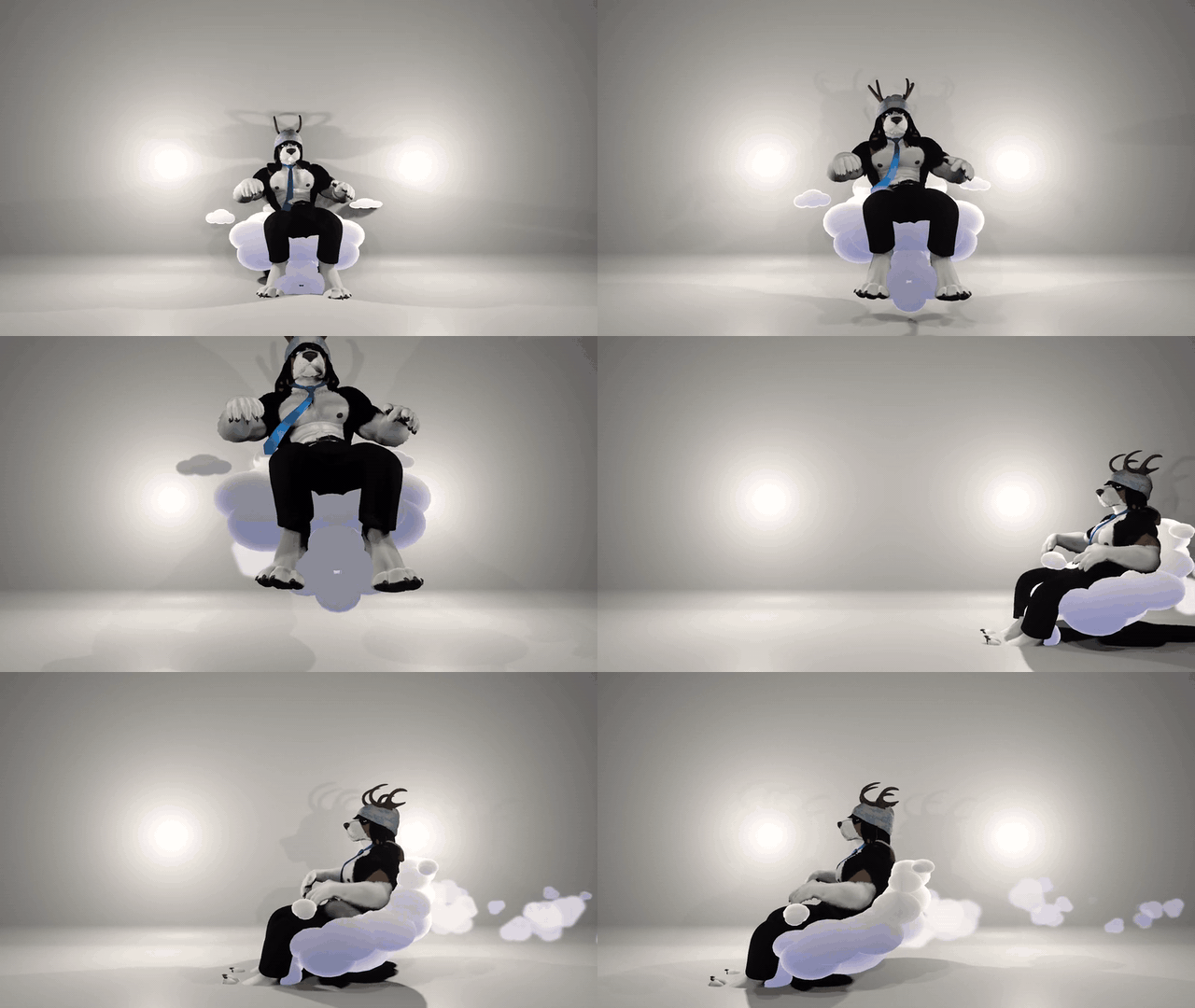
Yep, it flies.
Turn on Fly to float around on Nimbo, with a little cloud trail behind you. Use your stick to move and look up or down to change height.
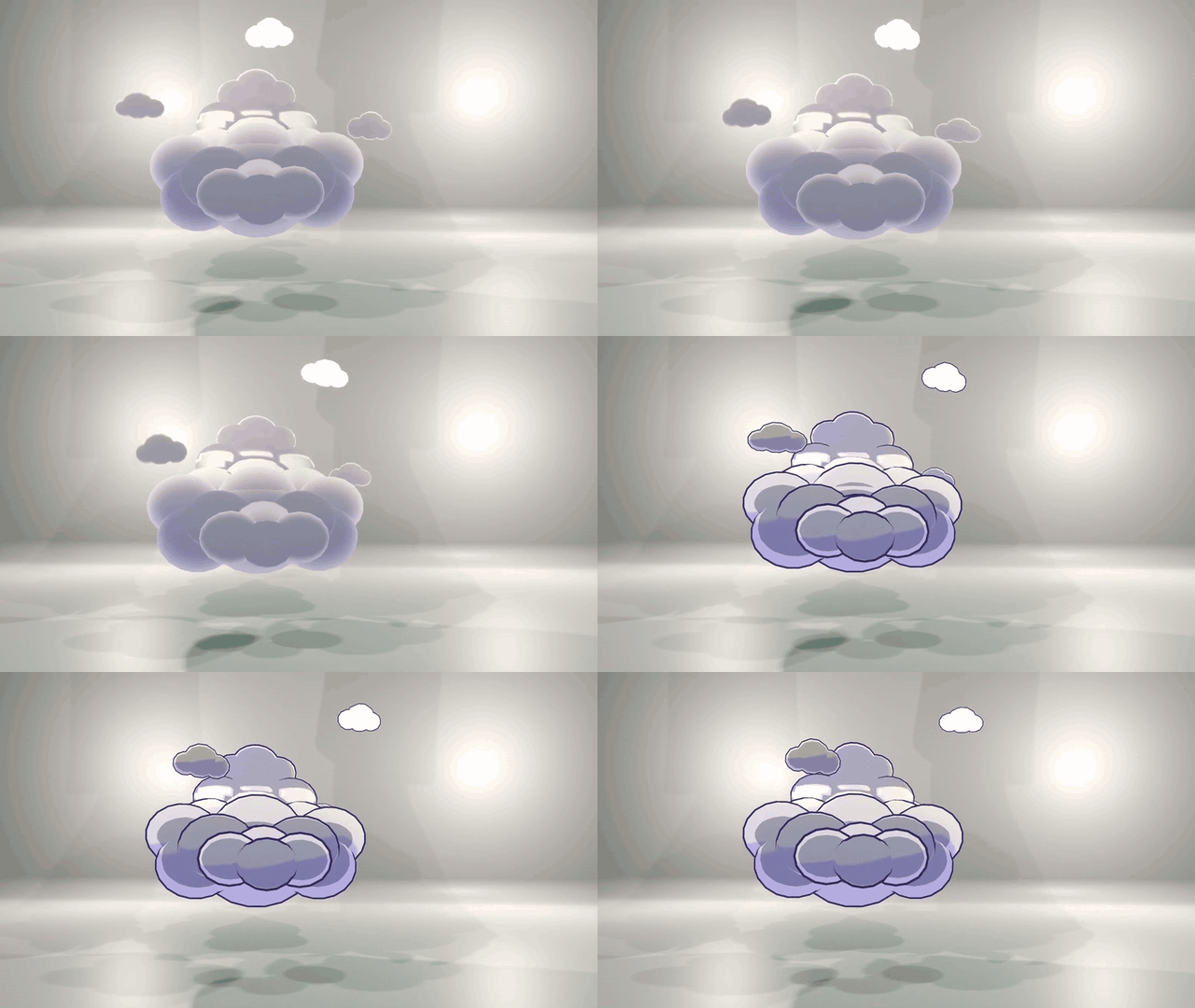
Soft or Toon?
Keep it fluffy or give it an anime outline. Pick your look and swap sounds in the Unity customizer. Height, Forward and Size are in the in-game menu.

- Nimbo and No Lights prefabs.
- Soft and Toon materials.
- In-game menu with custom icons.
- Custom sounds and alternatives.
- Unity customizer for fitting, looks and sounds.
- README with setup, controls and terms.

A few clicks in Unity.
- Import Nimbo into your avatar project with VRCFury and Poiyomi Toon 9.x installed.
- Open FrameZom → Nimbo → Customize Nimbo…, drag in your avatar and click Add Nimbo to this avatar.
- Choose your look and upload. Nimbo fits itself to your avatar; VRCFury merges the setup on upload.
Good to know
- PC only. Quest standalone is not supported.
- 33 synced parameter bits for standard Nimbo.
- For animated sit poses such as GoGoLoco, use Summon.
- Music-reactive effects need an AudioLink-enabled world. The seat works without AudioLink.
- Real point lights are off by default. Enabling them adds three lights and makes the avatar Very Poor.
- The avatars shown in the demos are not included.
Use & support
Use Nimbo on your own avatars and edit it to your liking. Please don't share, resell or redistribute the files, including edited versions. For commissions, the client needs their own copy.
Need a hand? Message Framezom on Jinxxy with your Unity and Poiyomi versions and a screenshot of the error.
Thanks for adopting a Nimbo. ☁️