
VRCVoice Control Trial
Product Description
VRCVoice Control — Try It Free
Not sure yet? Try it before you buy.
This is the free trial version of VRCVoice Control — the app that lets you control your VRChat avatar completely hands-free using just your voice.
The trial gives you access to the core features so you can see exactly how it works before committing to the full version.
What's Included in the Trial
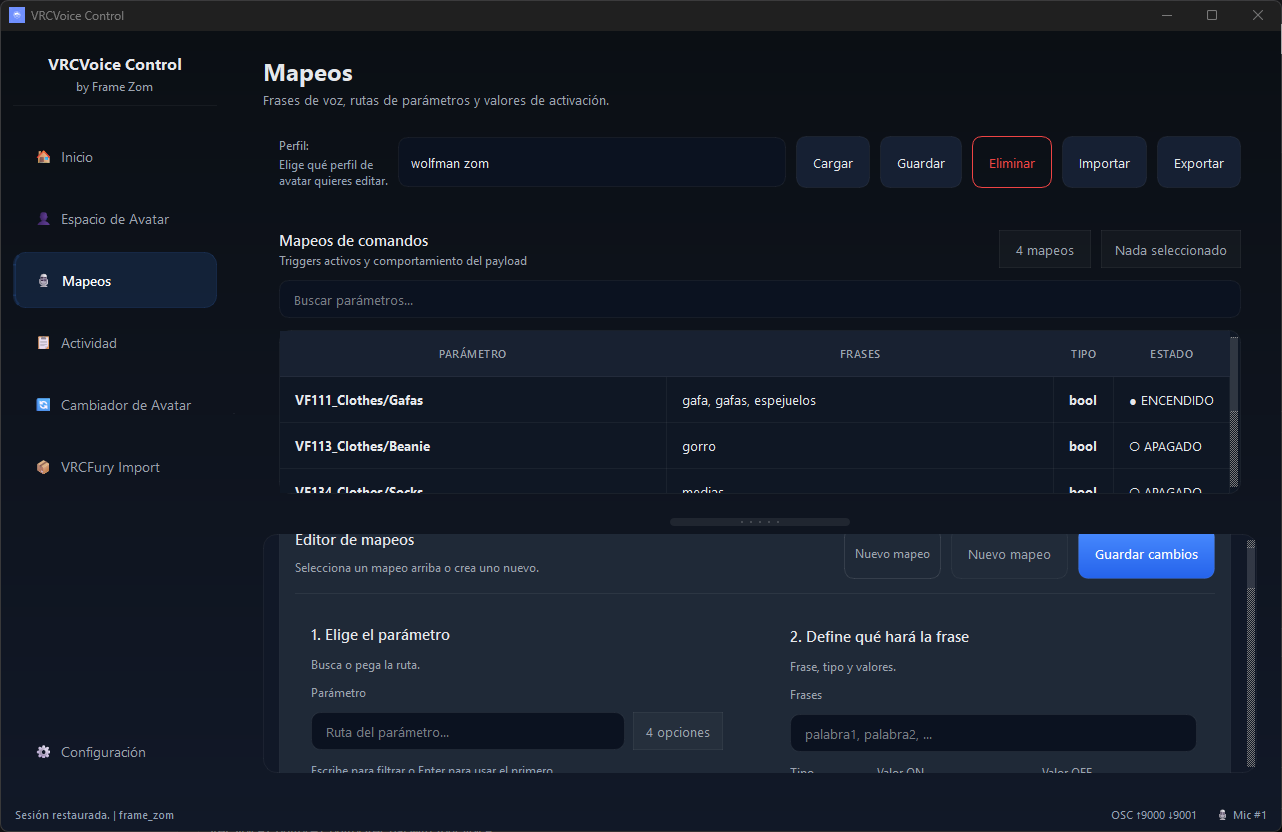
- Real-time voice recognition — trigger avatar actions by speaking
- Limited voice mappings to test the workflow
- OSC integration — connects to VRChat out of the box
- Full onboarding tutorial to get you started
Full Version Features (VRCVoice Control — $14.99)
- Unlimited voice mappings per avatar
- Per-avatar command sets — different commands for every avatar
- VRCFury parameter import — auto-load all your avatar's parameters
- Voice-triggered avatar switching
- Multi-language recognition
- Priority support via Discord
Requirements
- Windows 10 or 11 (64-bit)
- VRChat with OSC enabled (Settings → OSC → Enable)
- Any working microphone
Getting Started
- Download and run the installer from your order confirmation
- Open VRCVoice Control and select your microphone and language
- Enable OSC in VRChat: Settings → OSC → Enable
- Create your first voice mapping and try it out
Windows SmartScreen Notice
Windows may show a warning when you run the installer — this is normal for indie software. The app is completely safe.
To proceed: click "More info" → then click "Run anyway".
Ready to Go Full Version?
Grab VRCVoice Control ($14.99) from the Framezom store on Jinxxy and unlock everything — unlimited mappings, full VRCFury import, and all future updates.
Support
Join the Framezom Discord for help and updates: Disocrd
VRCVoice Control Trial — by Framezom