Product Description
Two powers for your sword.
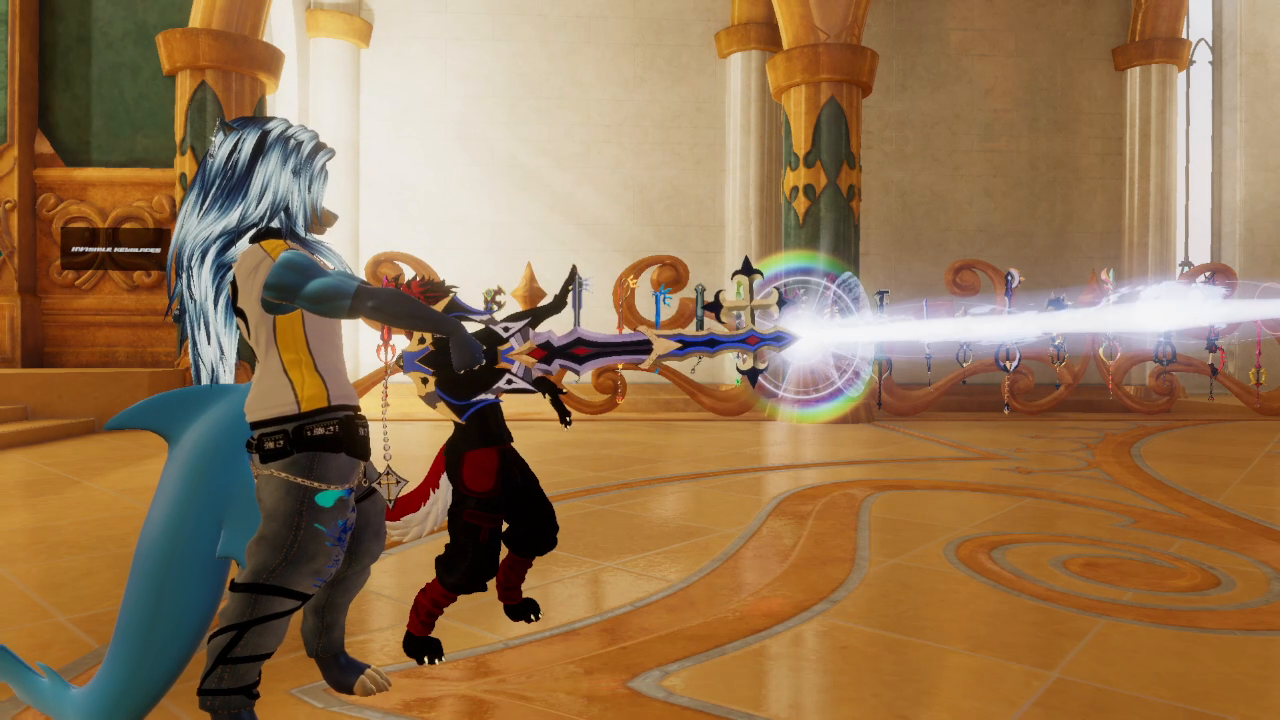
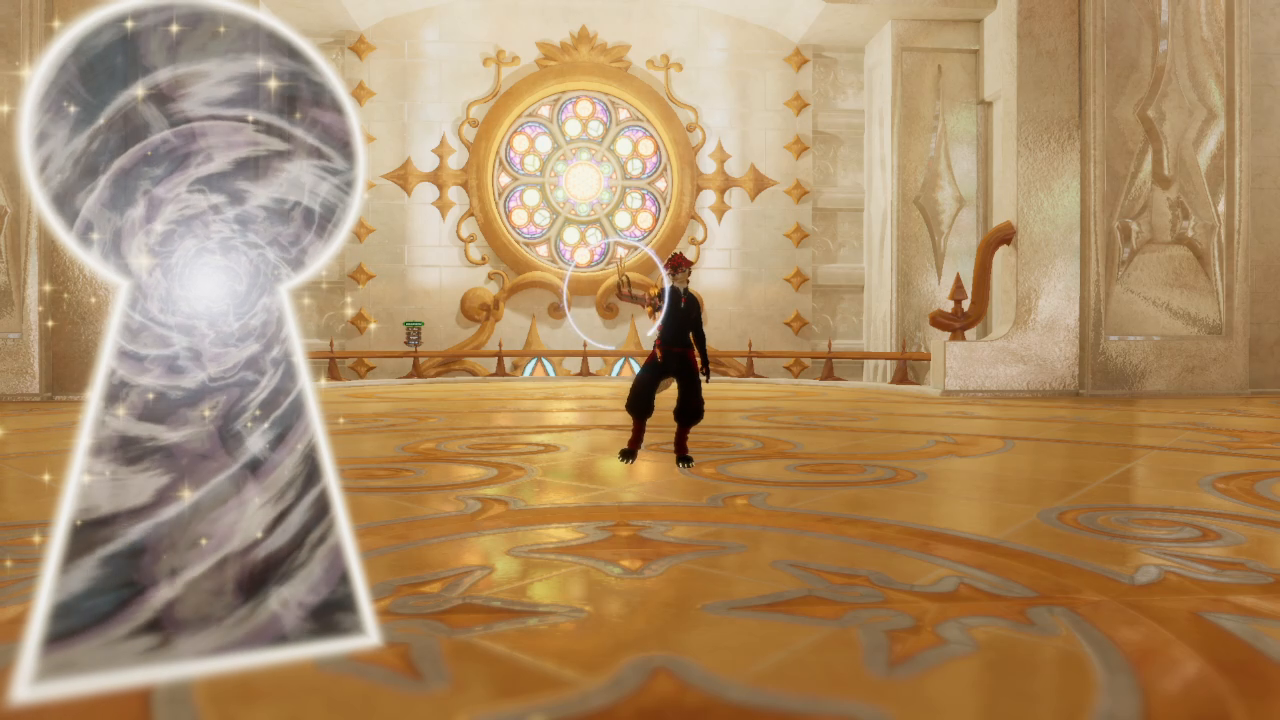
Place a keyhole, lower your blade, then aim back at it to fire. Or charge up the Light Beam and close your right fist to keep it going. Both effects are inspired by Kingdom Hearts.
Keyhole of Light
Summon a glowing keyhole in front of your blade. Once it settles into place, lower your sword and aim back at it to release the attack. Light travels from your blade into the keyhole, filling it with a bright glow.
Turn the effect off to let it fade away, then summon it again for another cast.
Light Beam
Enable the effect to charge your blade. Close your right fist to fire a sustained beam; open your hand to retract it.
The beam detects world surfaces and stops at the impact point, with sparks and a flash of light. Its maximum range is 20 meters at the default scale.
- Keyhole of Light avatar prefab.
- Light Beam avatar prefab.
- Animated particle effects and custom shaders, textures and meshes.
- Custom sound effects timed to the attacks.
- VRCFury menu integration.
- Holographic placement guides visible in Unity and removed automatically on upload.
- Setup guides in Spanish and English, plus the personal-use terms.
- Import the package into your VRChat avatar project with VRCFury installed.
- Drag the desired effect prefab inside your sword object in the avatar hierarchy.
- Position the holographic cross at the tip of your blade and point the direction arrow outward.
- Upload your avatar. VRCFury integrates the controls.
- A PC VRChat avatar project with the VRChat Avatars SDK.
- VRCFury.
- Your own avatar and sword or prop to attach the effects to.
- Basic familiarity with importing packages and positioning objects in Unity.
Before you buy
- PC only.
- Effects only: avatar and sword are not included.
- These effects use particles, transparency, distortion and real lights. Expect a significant performance cost; do not assume your avatar will keep its current performance rating.
- Visibility depends on other players' avatar settings. They may need to enable Show Avatar to see the full effects.
- Glow appearance varies by world; bloom makes the effect more pronounced.
- The keyhole can appear slightly offset between players. Keep your sword still while placing it.
- Place the keyhole in open space. If you place it against a wall and then move, the beam may no longer line up with the wall image.
Personal use
Use it on your own avatars and edit it to suit them. Don’t share or resell the files, including inside another asset or avatar base. If you install it for a client, they need their own copy.
Stuck on setup? Message me as Framezom on Jinxxy. Tell me which effect you’re installing and send a screenshot of the Unity error. — Zom