Product Description
■ Contents
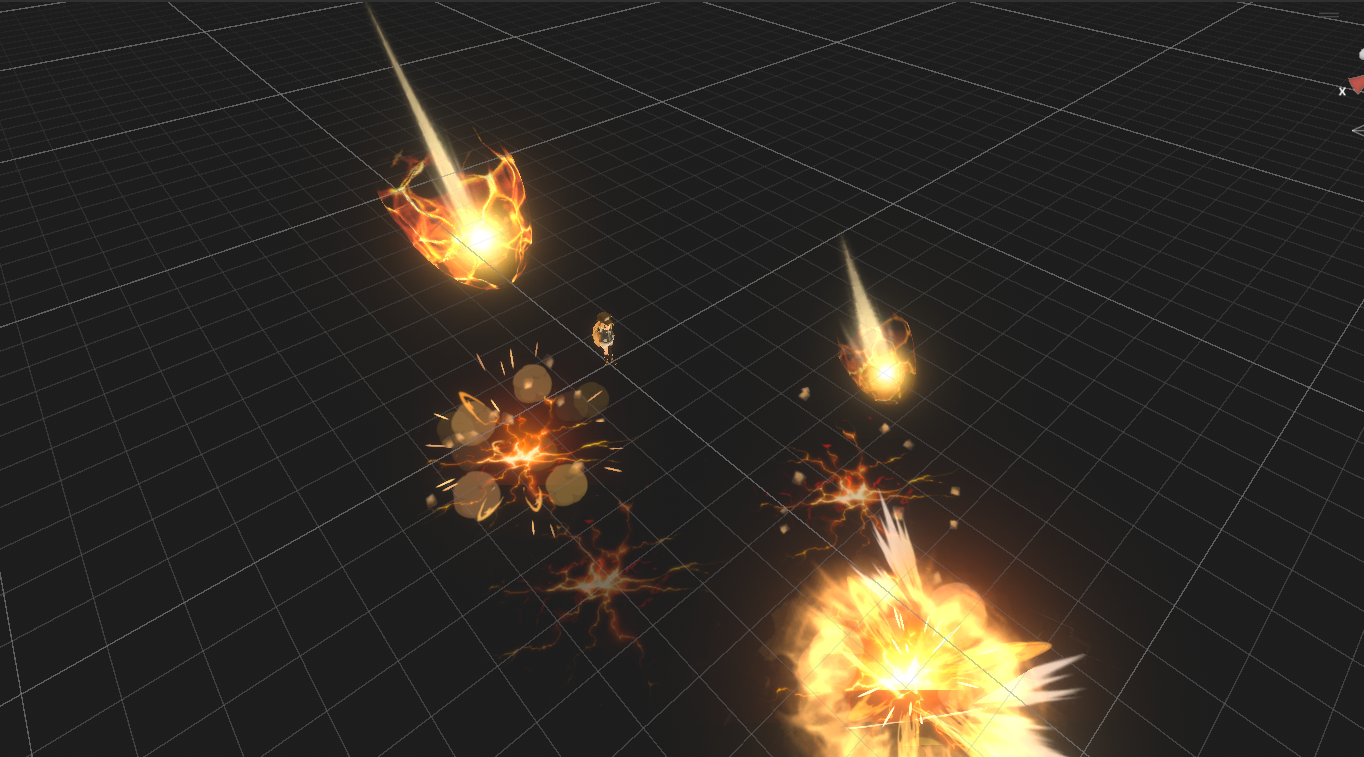
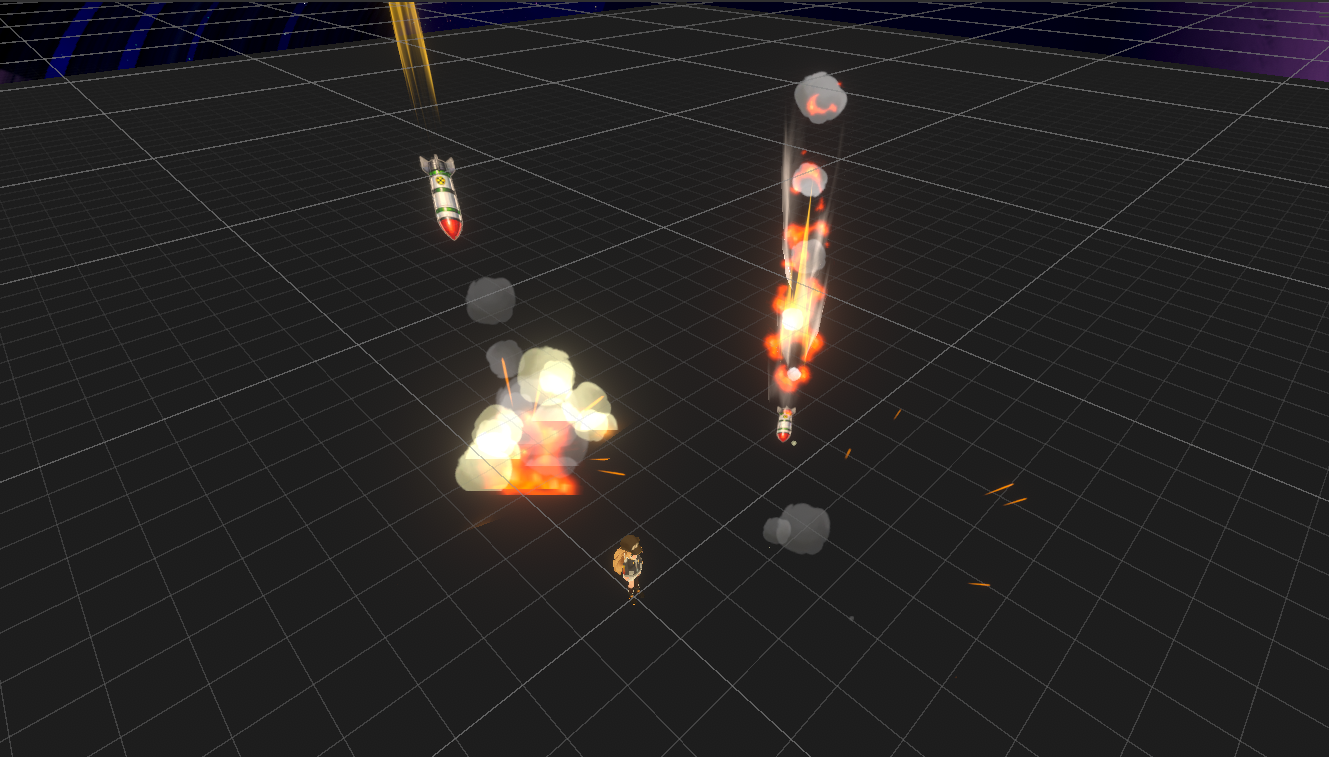
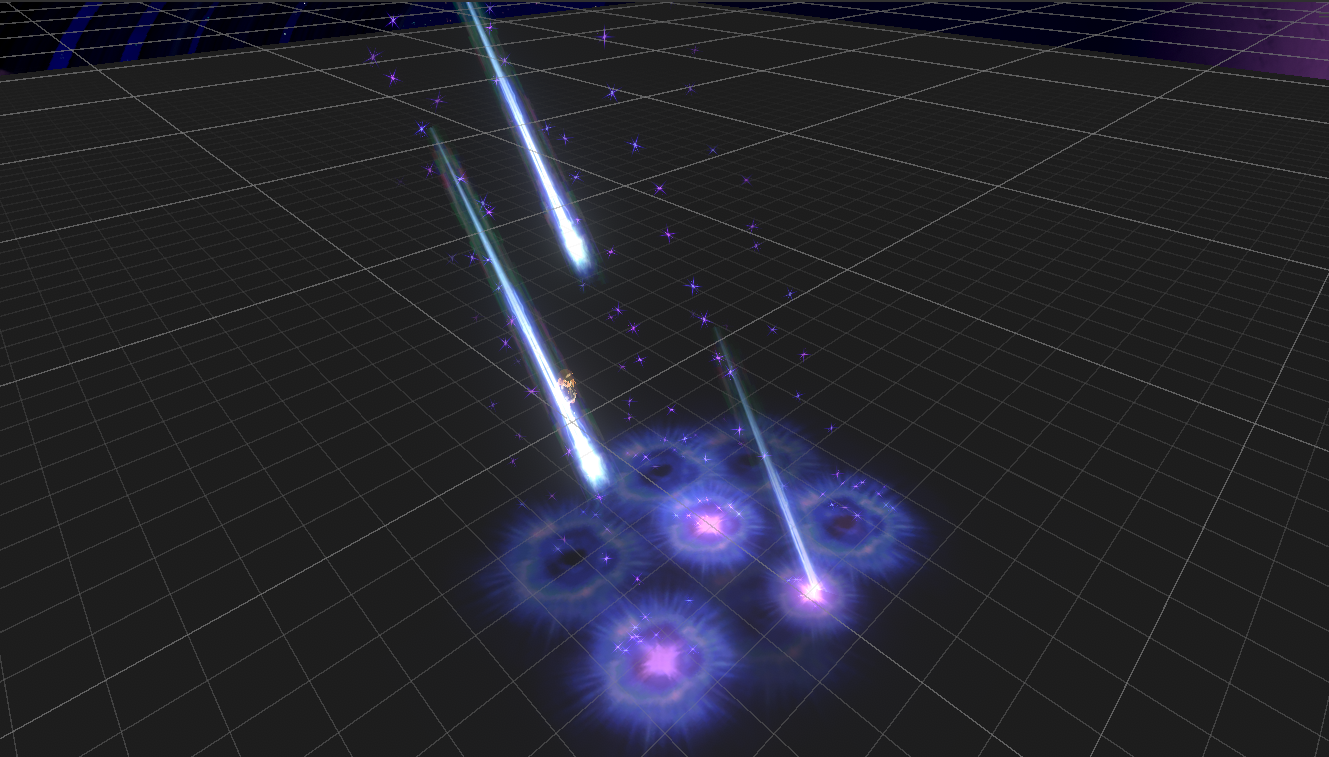
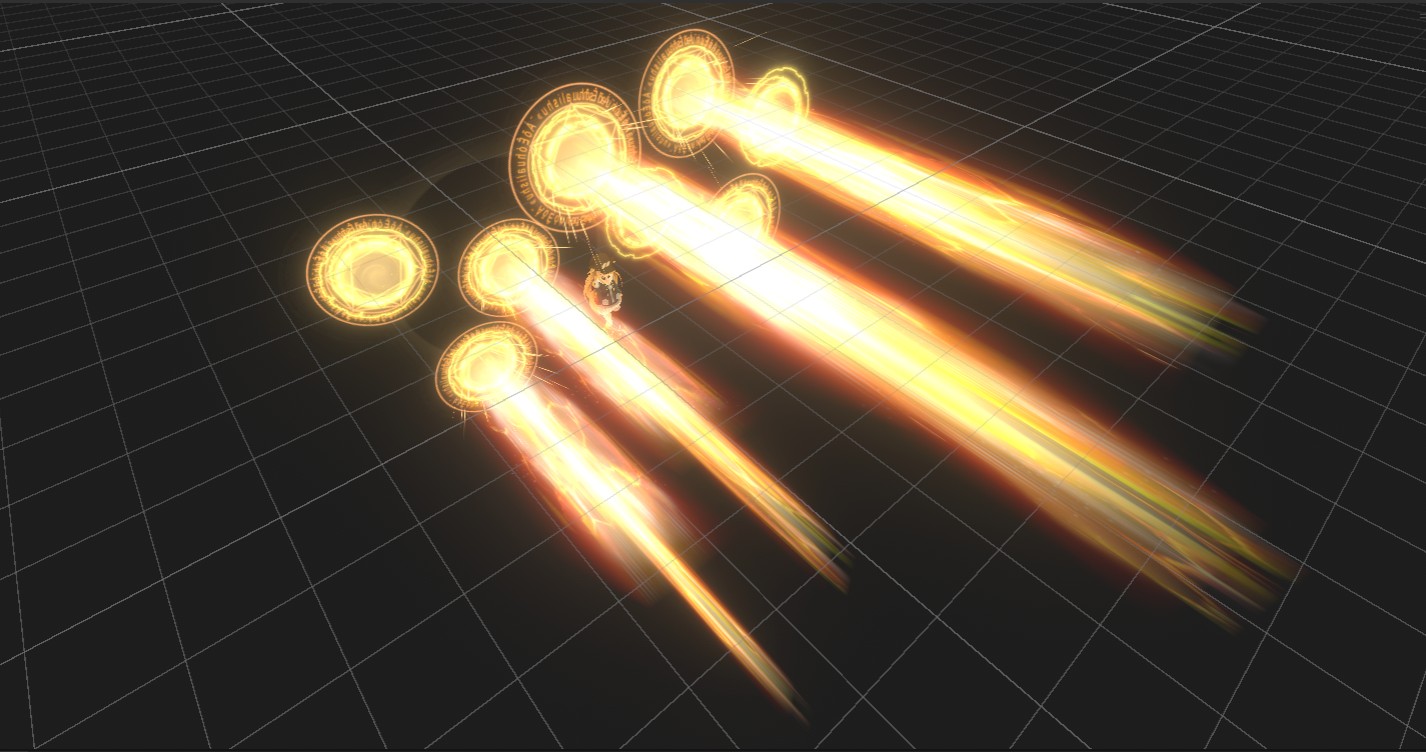
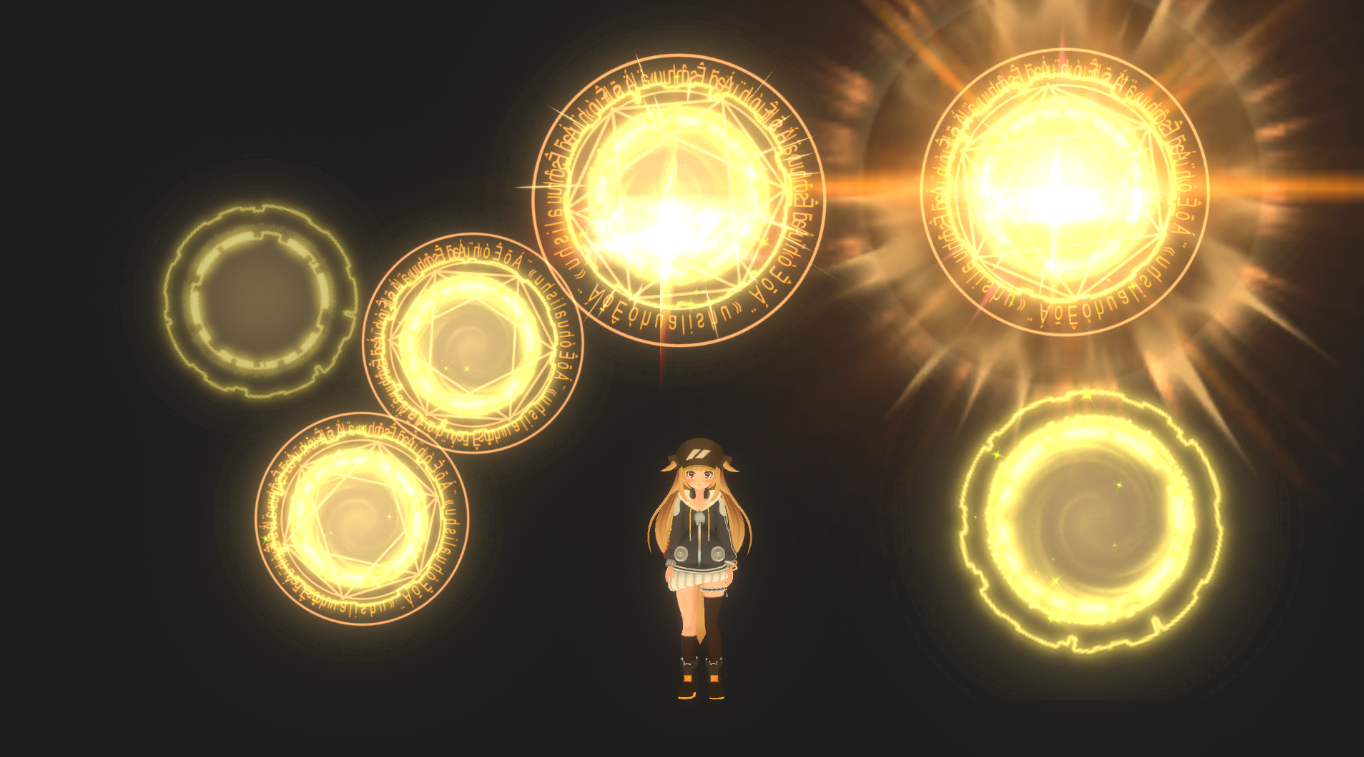
Area-of-effect magic attacks include:
Eight types of magic attacks, categorized into single-target and area-of-effect attacks.
Compatible with modular avatars. Simply place them directly under your character's avatar!
Installation is very easy.
1. Import this Unity toolkit.
2. Place the "VFX_Magic AOE" file from the "Eric_VFXStudio/VRChatVFX_Magic AOE/Prefab" directory directly under your character's avatar.
3. If the "Auto-Fix" option appears before uploading, select it. If not, you can upload directly.
✅ You can turn this effect on/off by selecting "VFX_Magic AOE" in the "Controls" menu.
Compatible with PC.
■System Requirements
Unity Version: 2022.3.22f1
VRChat Creator Companion Version: 2.4.4
ModularAvatar
https://modular-avatar.nadena.dev/en/
■Terms of Use
Reproduction and resale are prohibited.