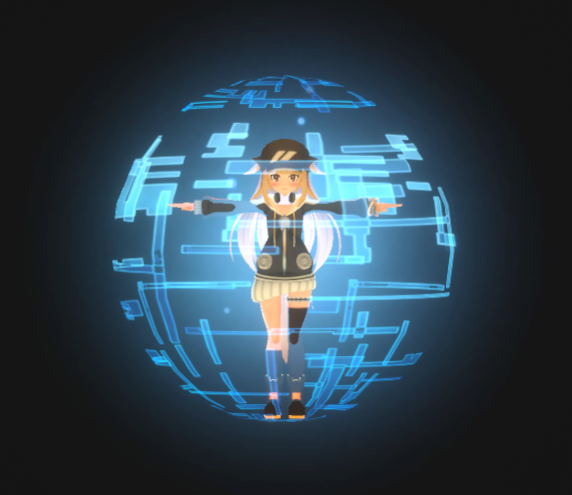
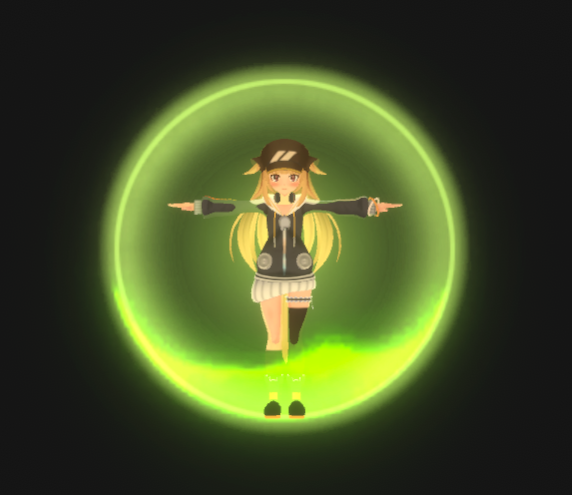
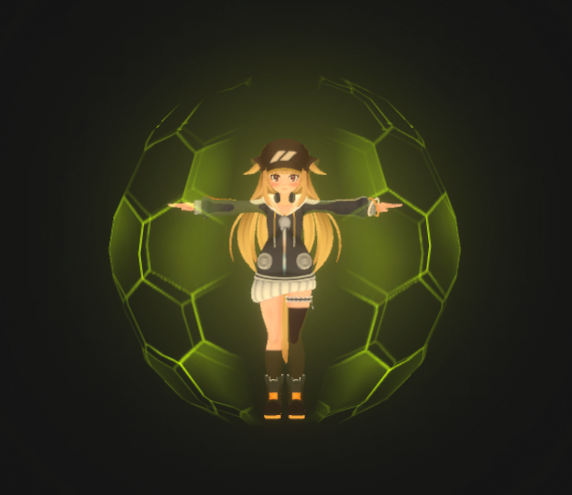
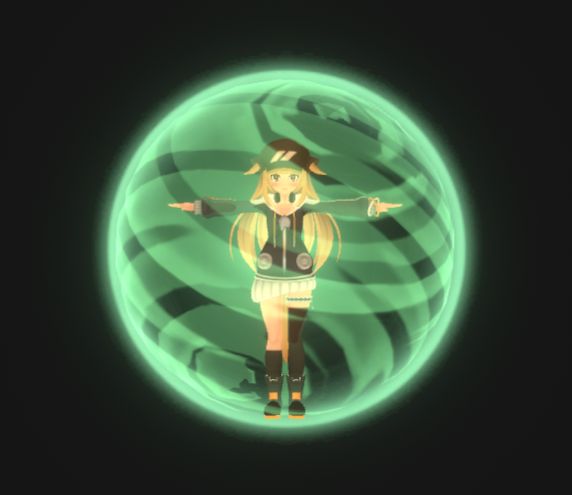
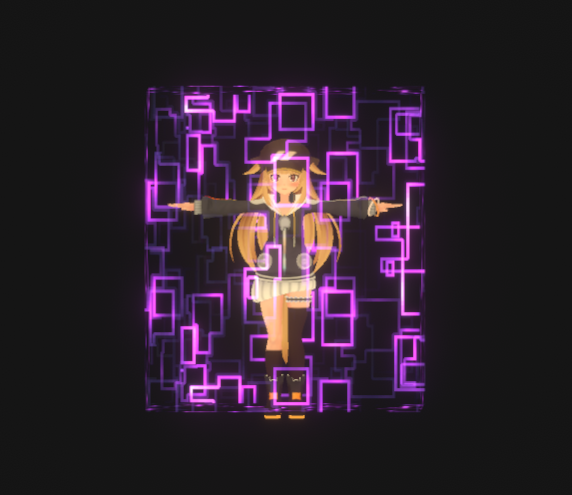
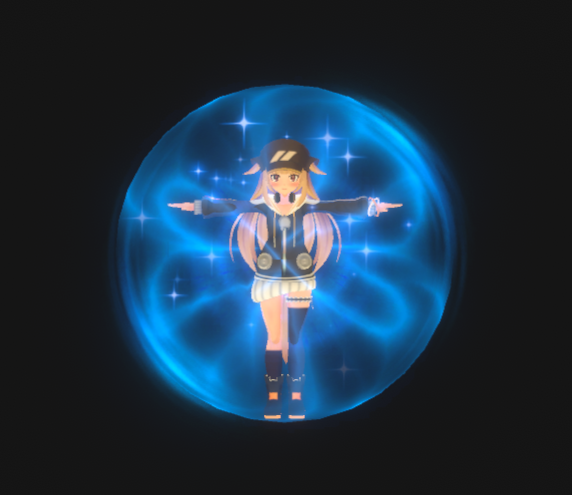
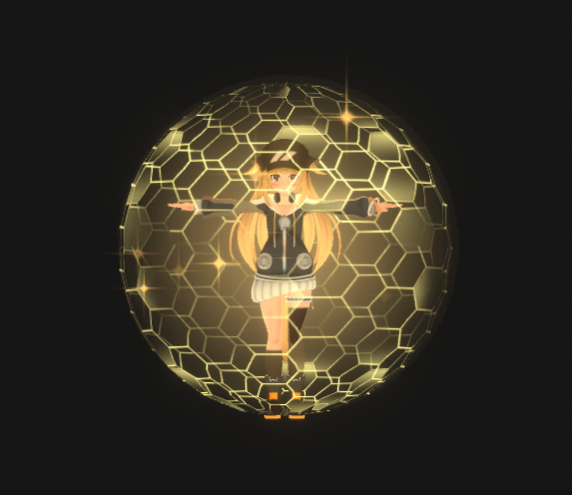
Product Description
■ Content
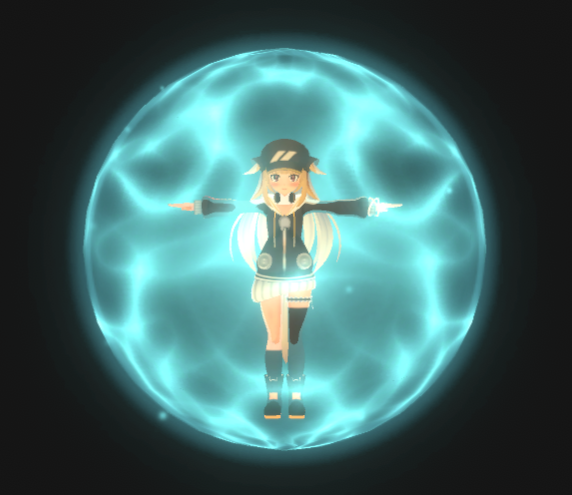
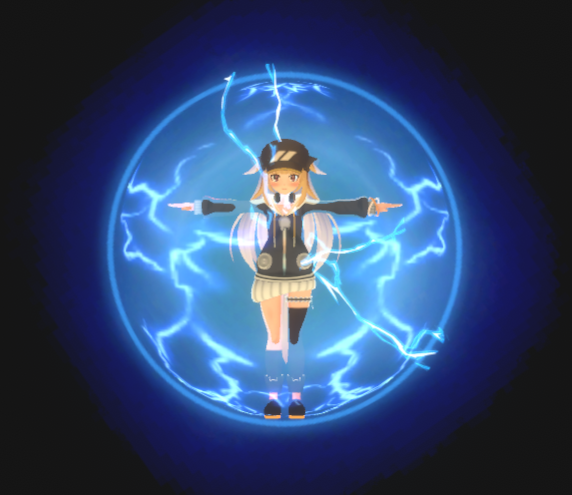
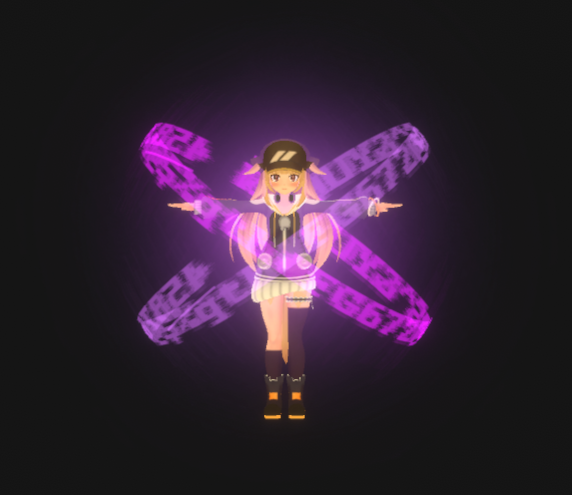
- Shield Effects
Includes 10 different protective surround effects.
Compatible with modular avatars. Simply place it directly below your character's avatar!
Installation is very simple.
1. Import this Unity toolkit.
2. Place the "VFX_Shield Effects" file from the "Eric_VFXStudio/VRChatVFX_Shield Effects/Prefab" directory directly below your character's avatar.
3. If an "Auto-Fix" option appears before uploading, please select it. If not, you can upload directly.
✅ You can turn this effect on/off by selecting "VFX_Shield Effects" in the "Controls" menu.
Compatible with PC and Quest
■System Requirements
Unity Version: 2022.3.22f1
VRChat Creator Companion Version: 2.4.4
ModularAvatar
https://modular-avatar.nadena.dev/en/
■Terms of Use
Reproduction and resale are prohibited.
After downloading, please unzip the file first, and then import the Package file into Your VRChat Unity project.