Product Description
Hello there!
Here's the 💡Simple Studio Lights 📸
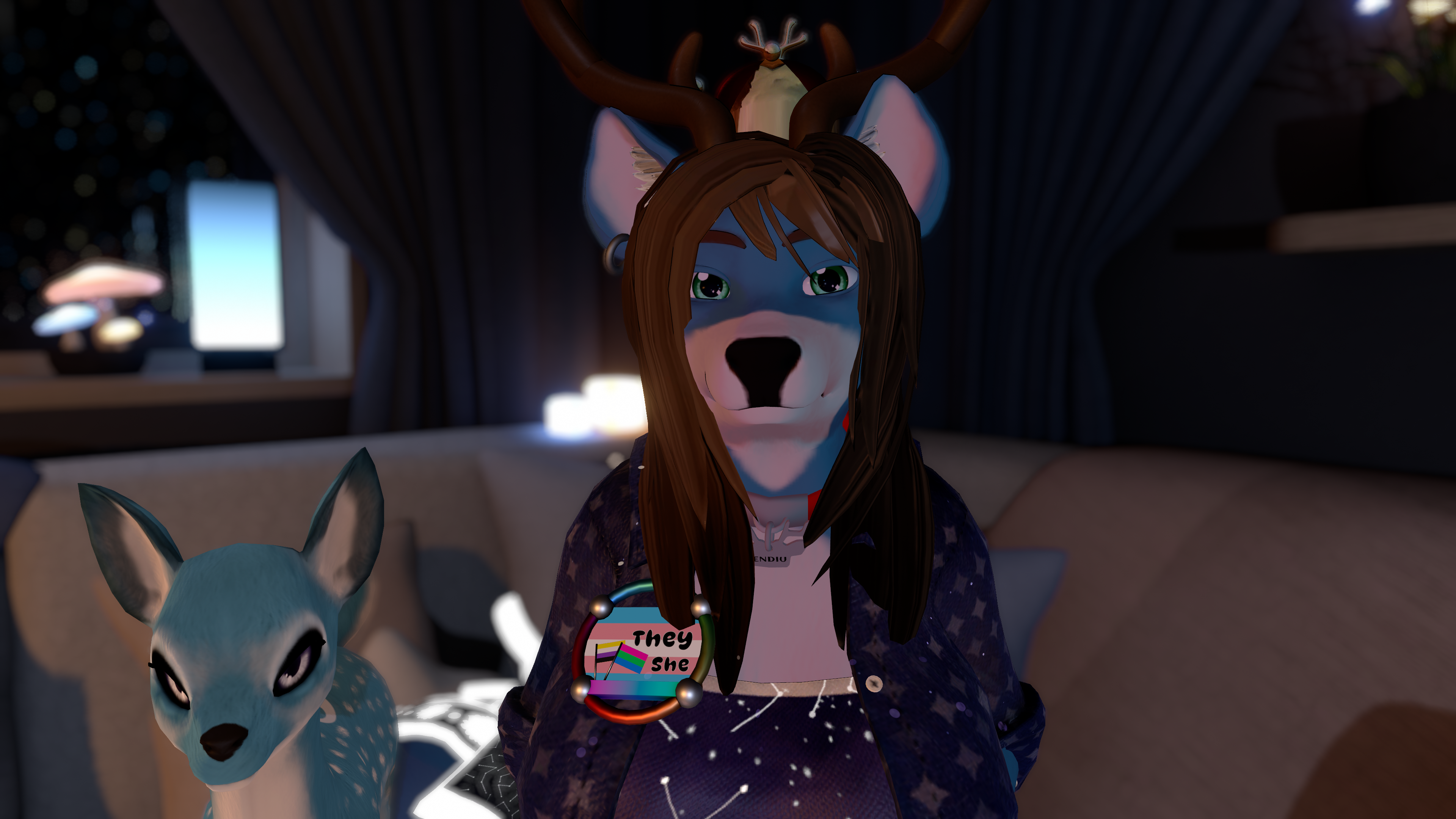
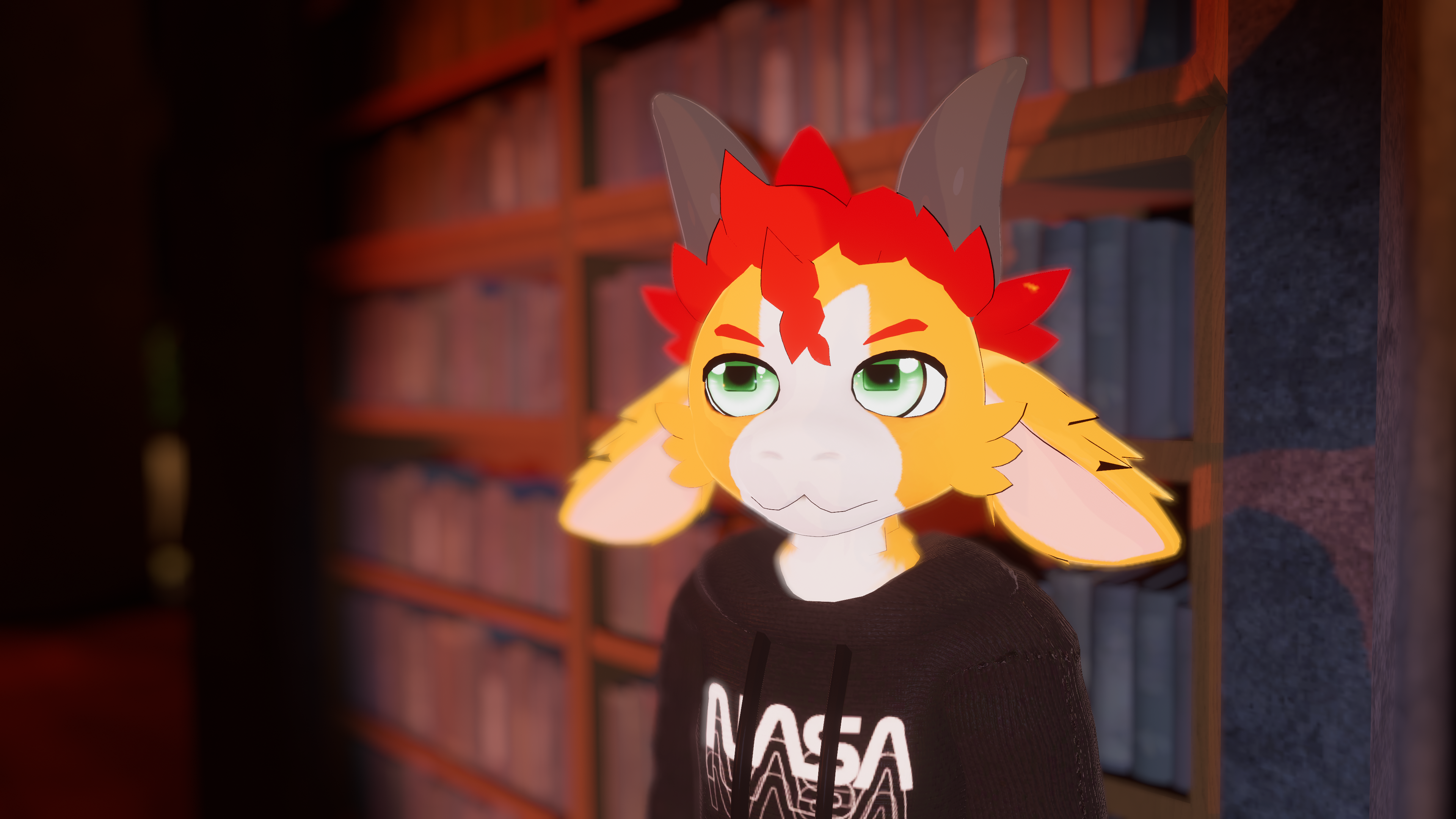
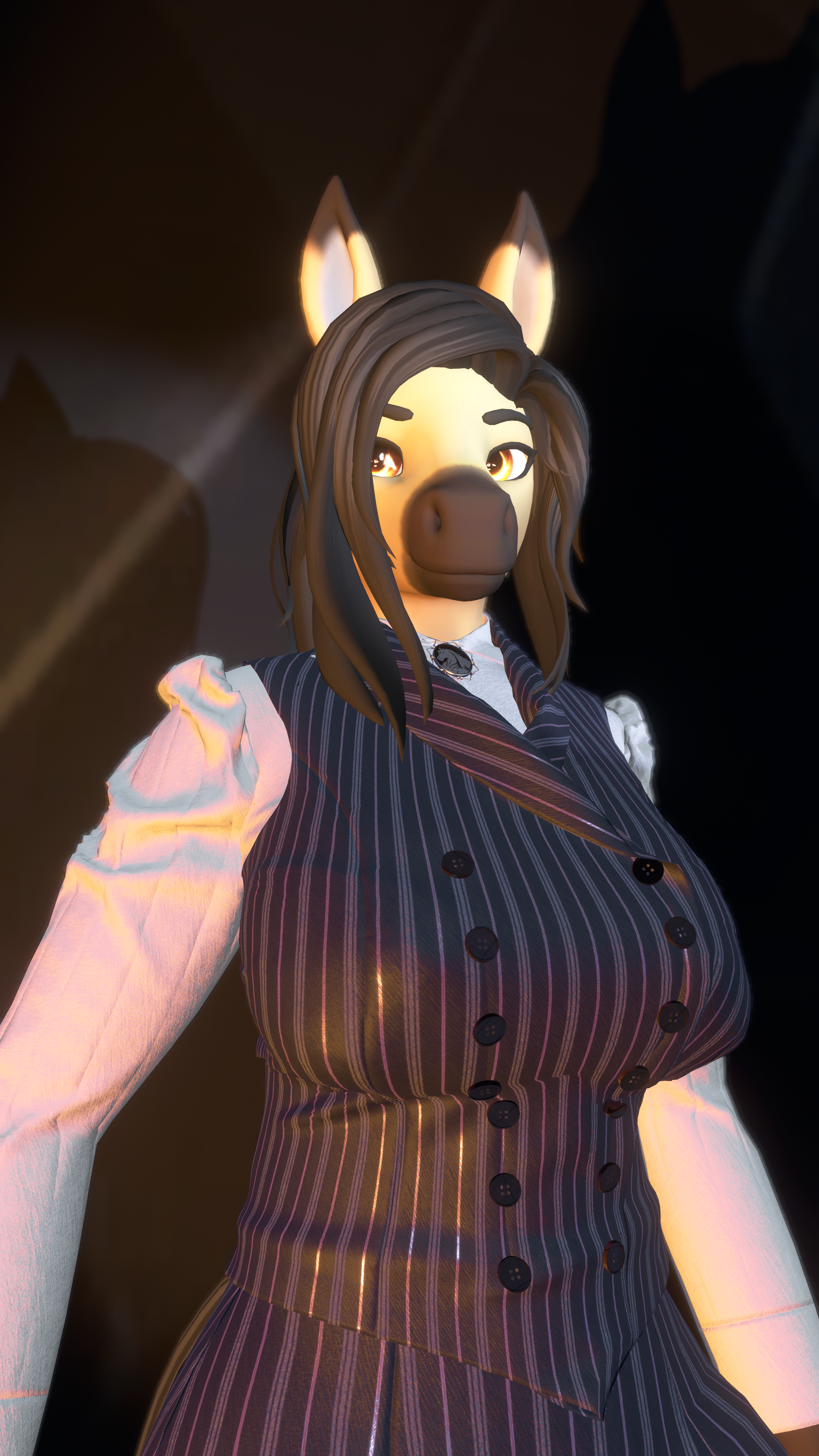
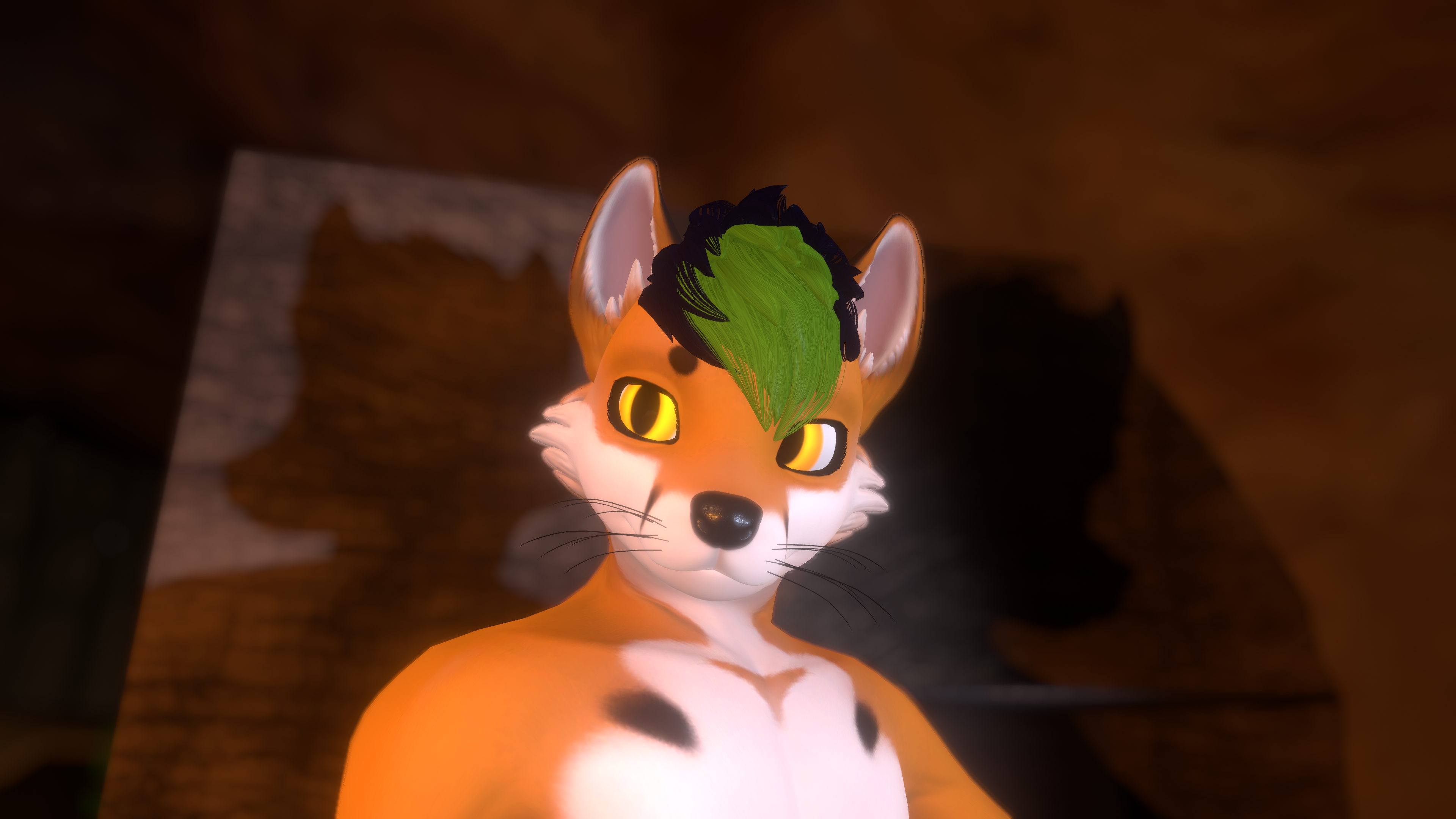
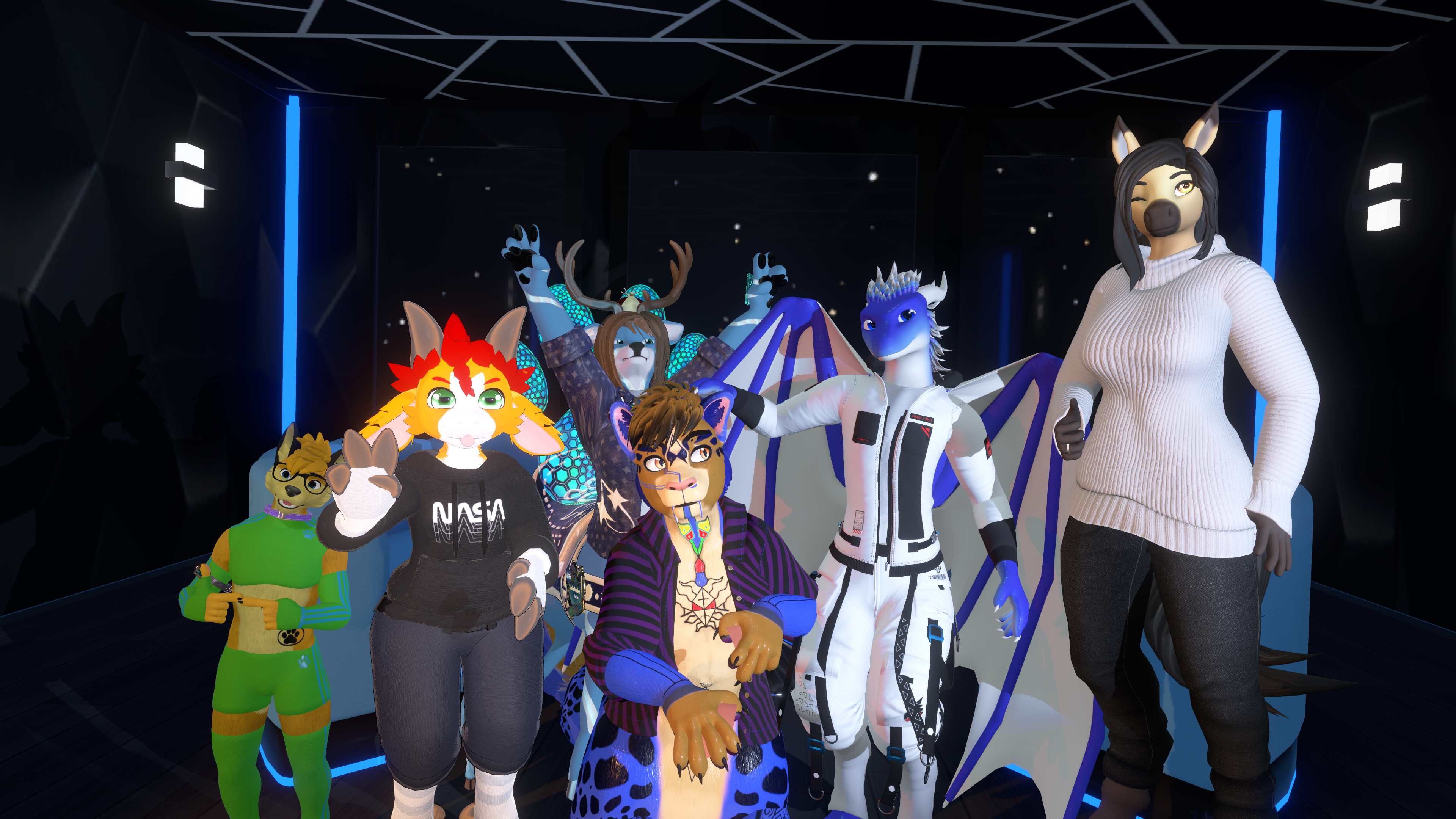
This asset allows you to have extra lights like in a photographer studio, to improve your VRChat photos where more light is needed!
 Wanna test before buying? Click here to try it in VRChat!
Easy to install!
 This asset uses VRCFury for easy setup and logic. You will need to position the required objects as stated, and that's it!
A detailed guide is provided on how to install.
Features:
- Two placeable lights!
Change light intensity:
Change light temperature:
Change light angle:
Change light range:
Requirements
- Make a backup of your project
- VRCFury
- Poiyomi Shader (v9 or most recent version)
- General Unity knowledge
- Gesture manager (for testing in editor)
Quest Compatibility
- This asset is NOT Quest compatible.

Tags:
Simple Studio Lights, photo lights, photography, VRChat, avatar lighting, photographer studio lights, light intensity, light temperature, light angle, light range, placeable lights, VRCFury, Poiyomi shader, Unity, lighting system, avatar accessory