
Vanity Camera VRCFURY
Product Description
 See your avatar clearly, without fighting the VRChat camera.
No visible lens, no clunky on screen UI, and never gets lost in the world.
A lightweight, stealthy vanity camera prefab for personal self-viewing in VRChat.
Lives on your avatar instead of in the world, keeping the view within reach and unobtrusive.
If you already use the built-in camera or personal mirror, this is designed to fit into the same moments, just with less friction.
Why use this instead of, or in addition to, the built-in camera or personal mirror?
- Stealthy and clean
No visible lens, and no on-screen UI clutter in your view - Always stays with you
Attached to your hand, so it follows your avatar reliably without drifting or detaching - Adjustable screen size
Resize the screen to whatever feels comfortable - Easier pitch adjustment
Pitch is controlled via a slider, not by awkwardly thumb-sticking the lens into place - Reliable third-person view
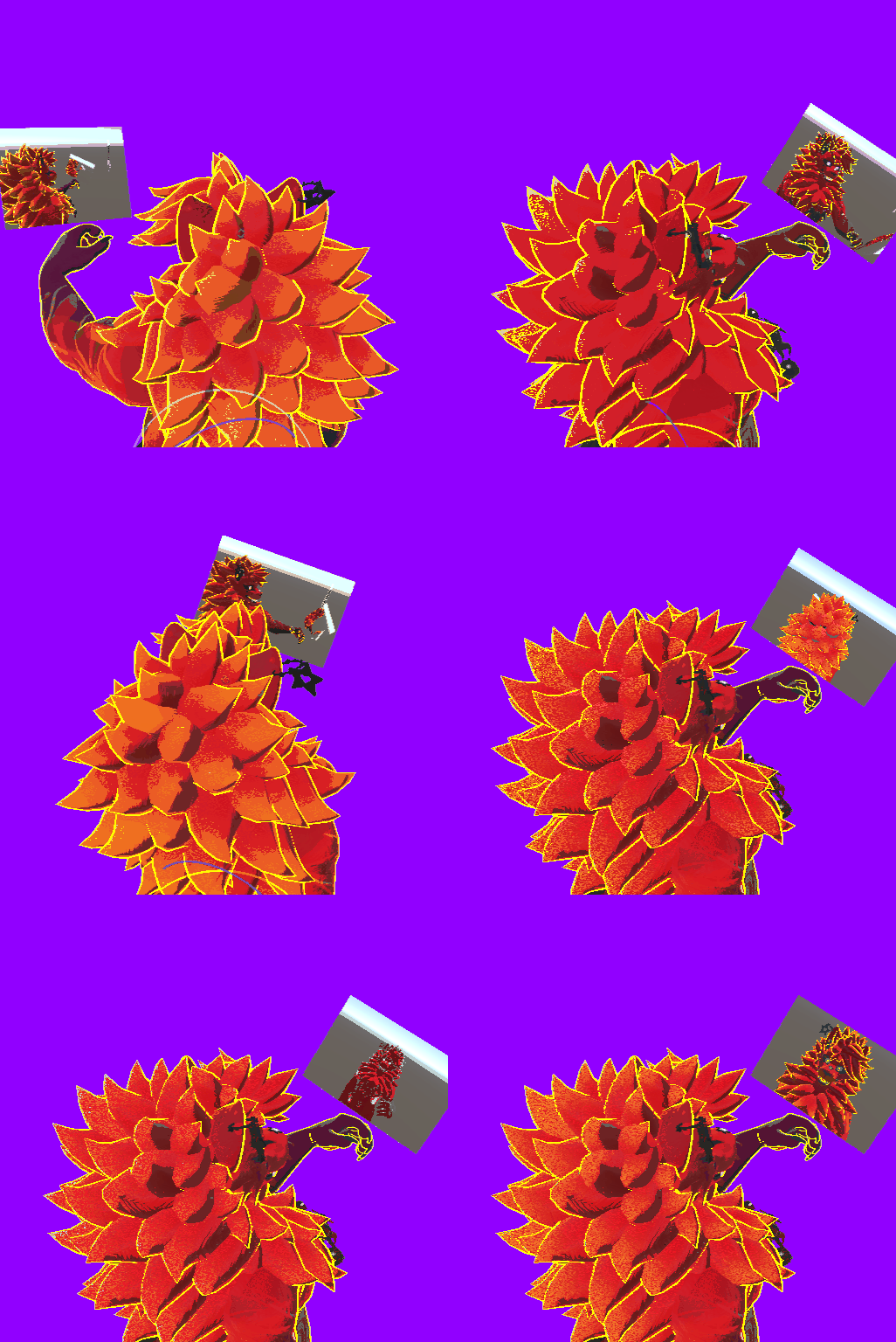
Easily check the back of your avatar without fighting camera angles - Faster self-correction
Quick glances let you adjust and move on without breaking flow - True self-recording
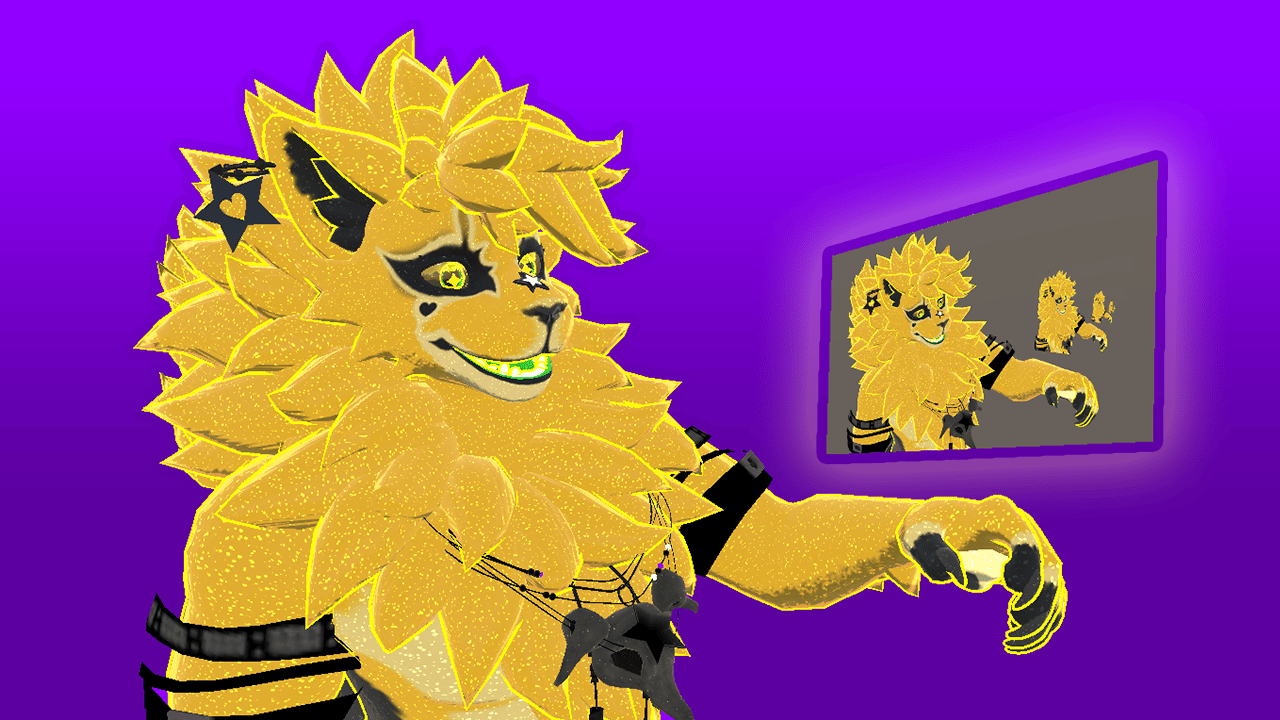
Content creator? Use the VRC Camera to view the Vanity Screen. Record clean, UI-free footage of your avatar, viewing itself, just like in my demo video!
Platform support
- PC / PCVR only
- Android and iOS are not supported
This is not by choice - Android/iOS avatars do not support camera components. - Requires VRCFury from https://vrcfury.com/download
Installation (summary)
- Import VRCFury into your Unity project from https://vrcfury.com/download
- Import the unitypackage into your Unity project
- Drag the Vanity Camera prefab from the 'Assets/Vanity Camera' folder into the root of your avatar
- Highlight these objects inside the Vanity Camera prefab, in the Unity hierarchy, and move them in Scene view:
- “3P Lookat” to just above your avatar’s head (or where you'd prefer the camera to focus)
- “Screen” to just above or in front of your hand
- Upload your avatar
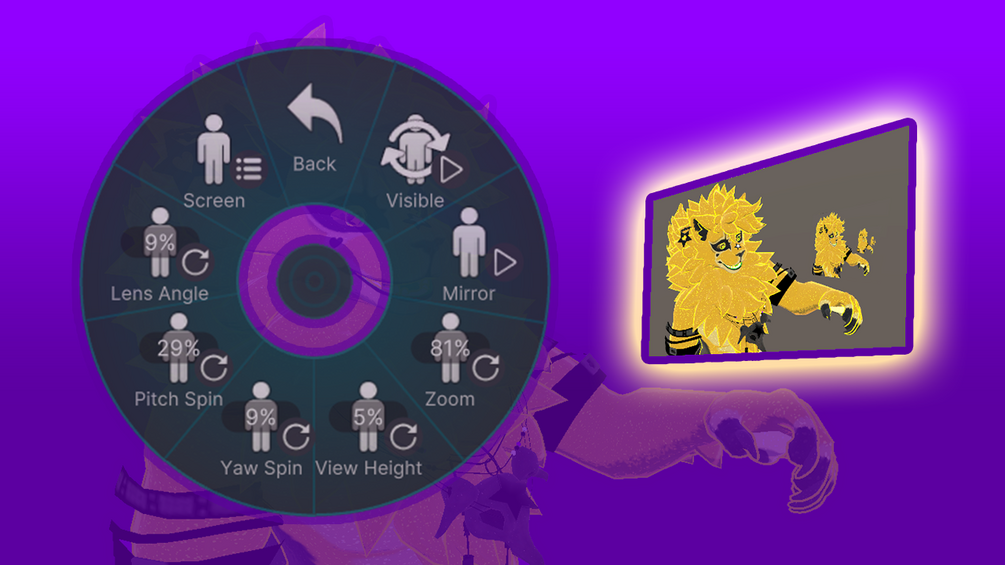
- Jump into VRC and navigate to Expressions -> Gadgets -> Vanity Cam to use it
I recommend controlling the Vanity Camera from the right radial menu, via holding the menu button on your right controller.
(Exact placement depends on avatar proportions.)
Ultra-lightweight
Adds only:
- 1 camera
- 1 flat screen (quad / two triangles)
- 1 material with 1 texture
No extra meshes, no hidden geometry, no system sprawl.
Licensing
This product is intentionally licensed with very few restrictions.
I want you to be able to use it freely, without worrying about complicated or restrictive terms.
You’re welcome to:
- Use this on personal avatars
- Use this in commercial work (commissions, paid avatars, client projects, etc.)
- Modify it however you like
- Deconstruct it and use it as a learning tool
- Share it with friends or collaborators you’re actively working with
- Include it in avatars you distribute or sell, as long as it’s part of a larger avatar or project
Please don’t:
- Resell this asset as-is
- Include this asset as-is in asset bundles or tool packs
- Upload or list this asset on sites that distribute paid assets for free
No requirements from you:
- Credit is not required (though always appreciated)
- Linking back is not required (also appreciated)
- I don’t need your Discord, VRChat username, or any extra info