
Product Description
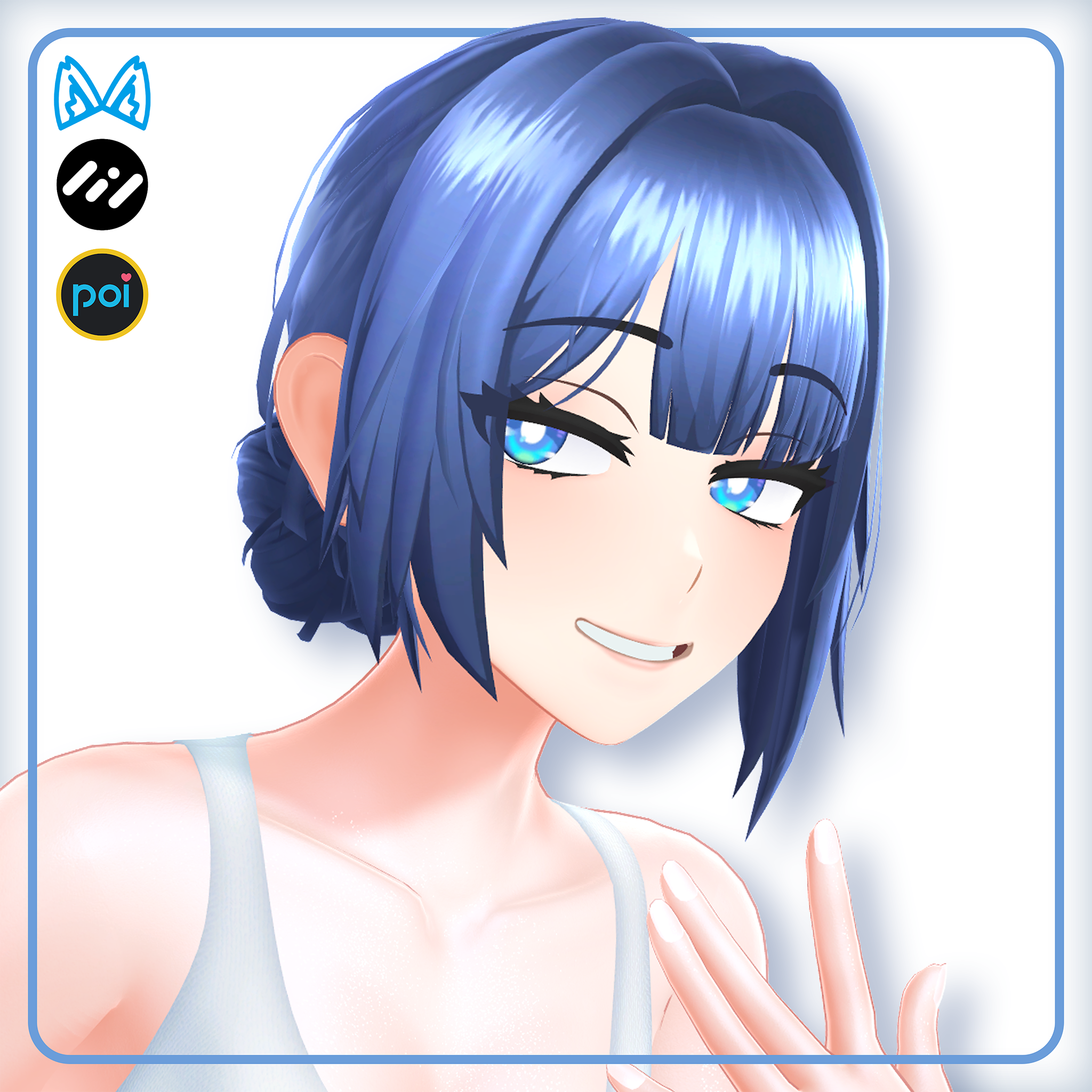
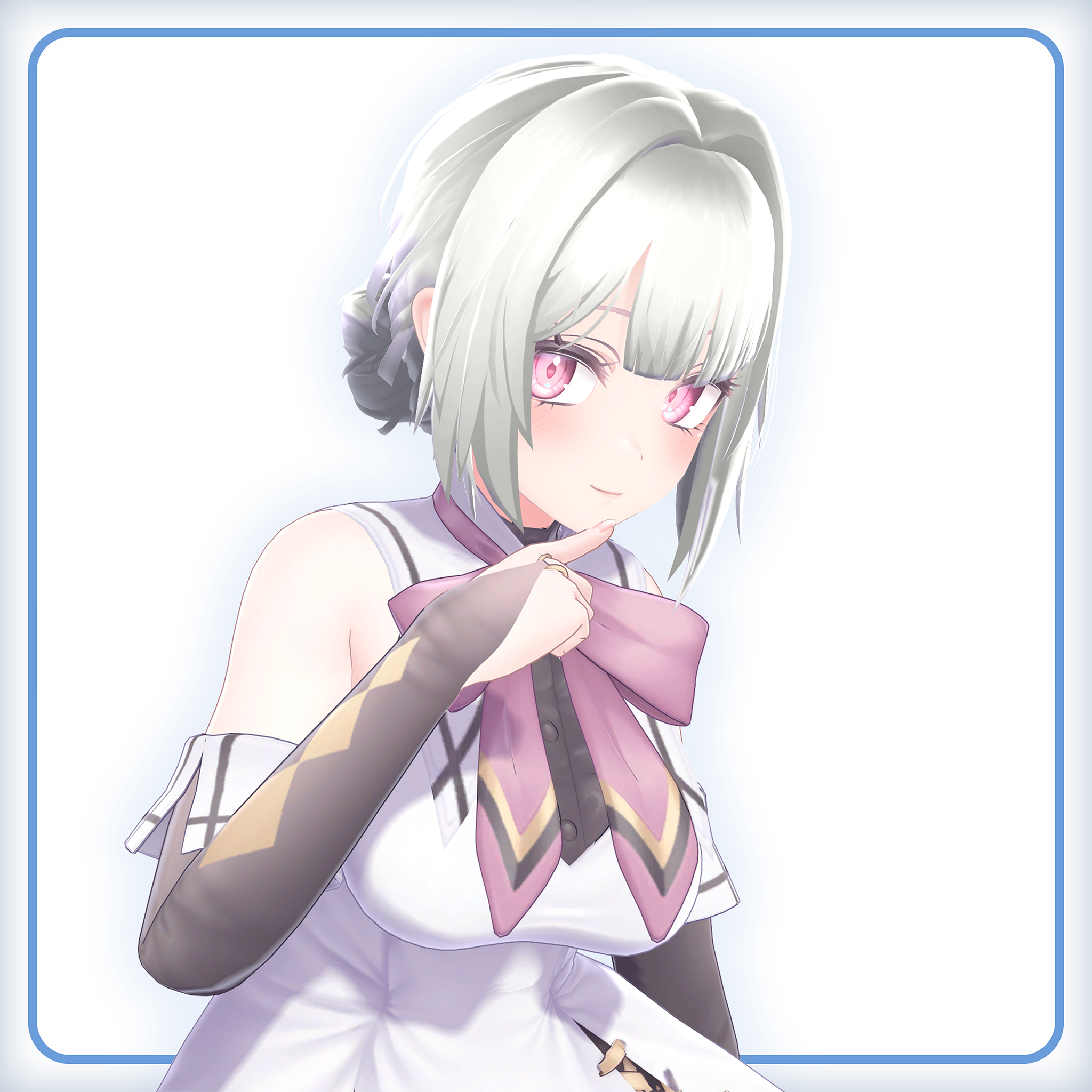
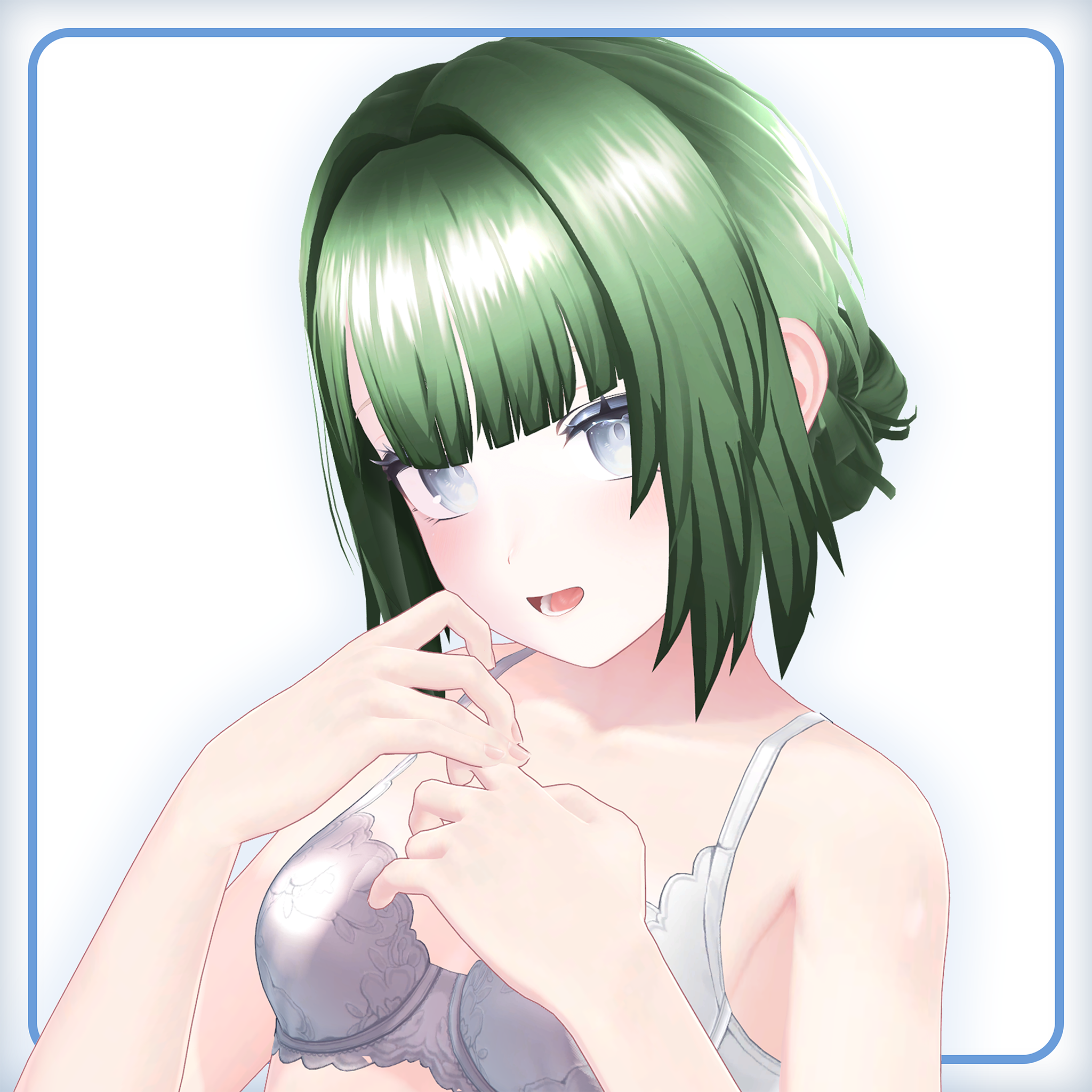
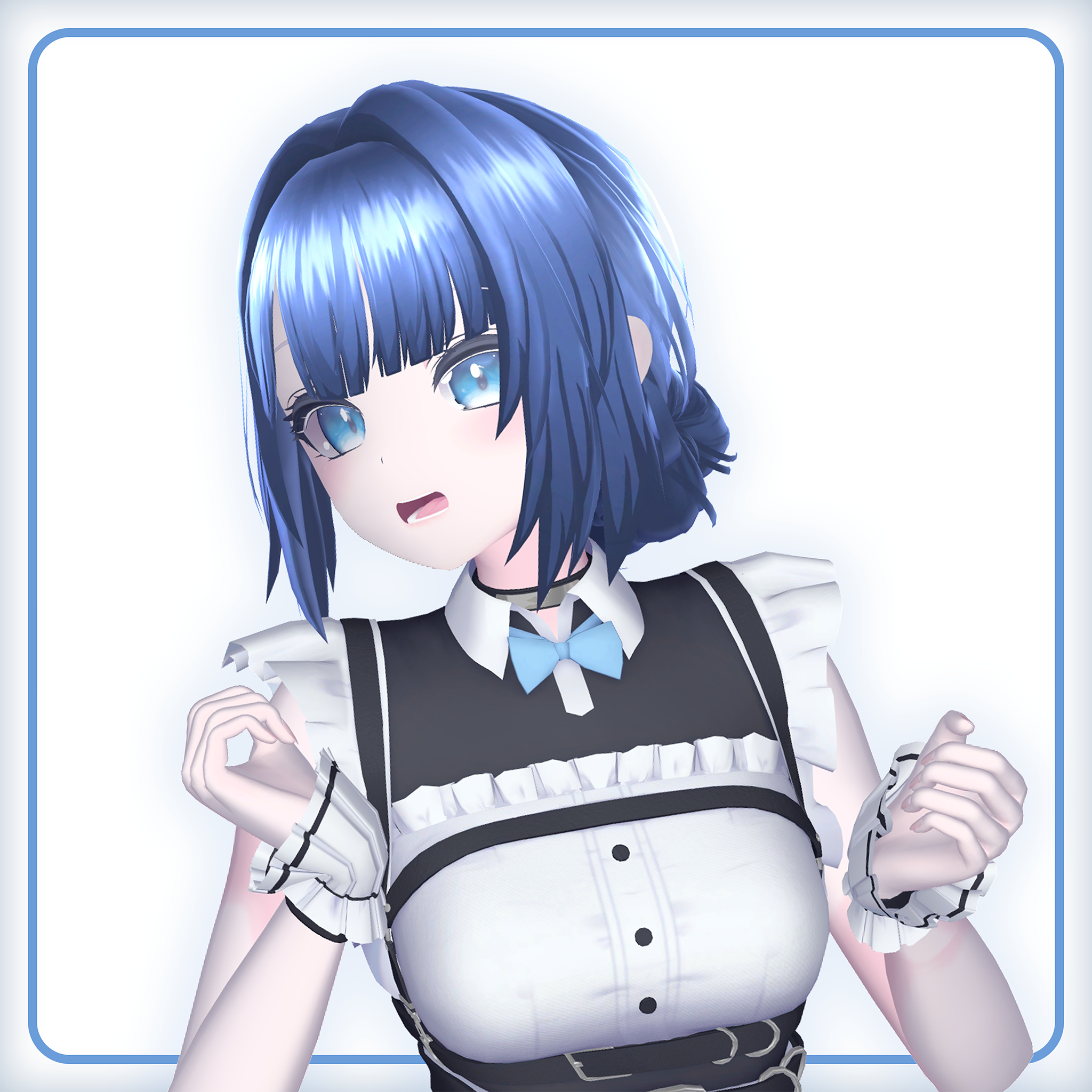
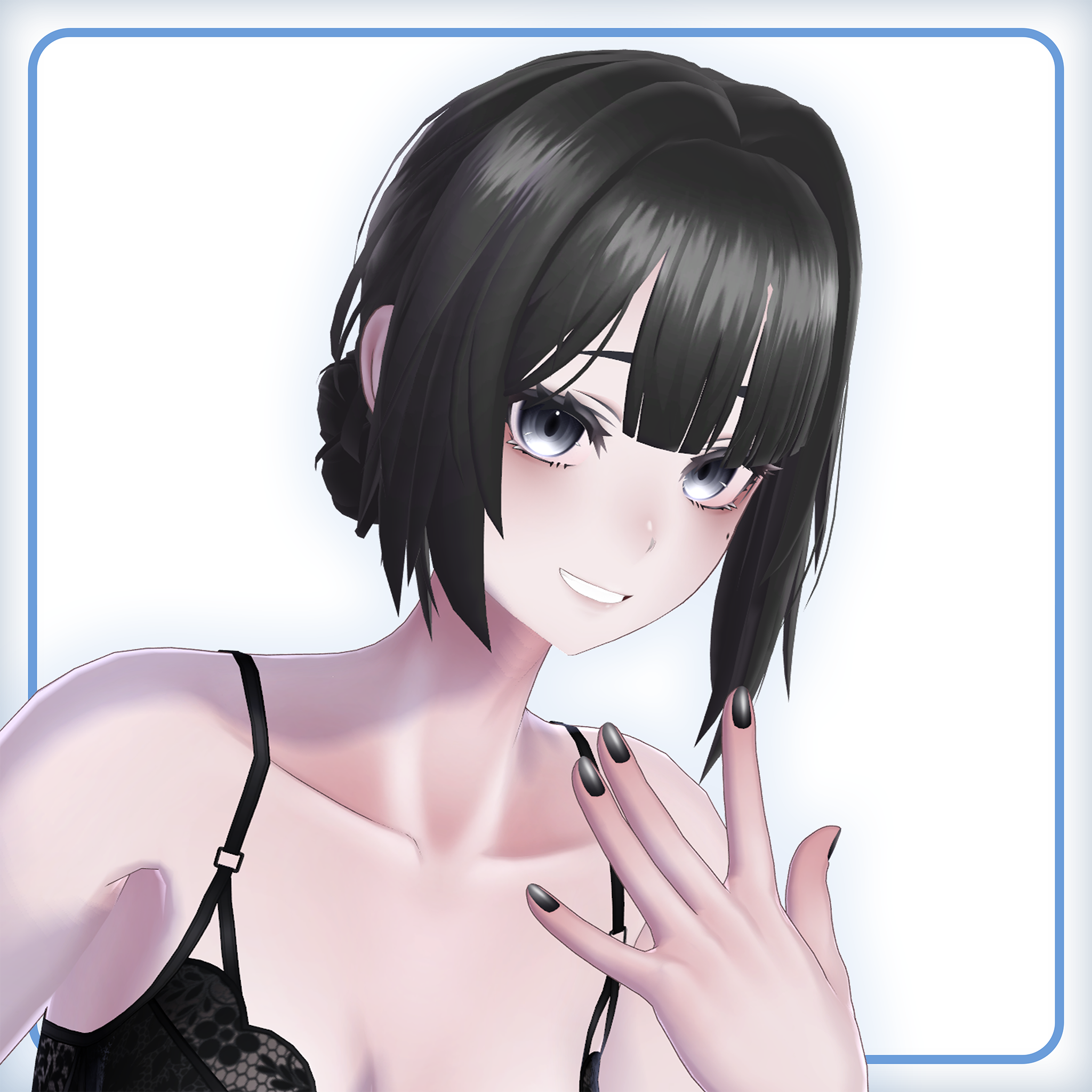
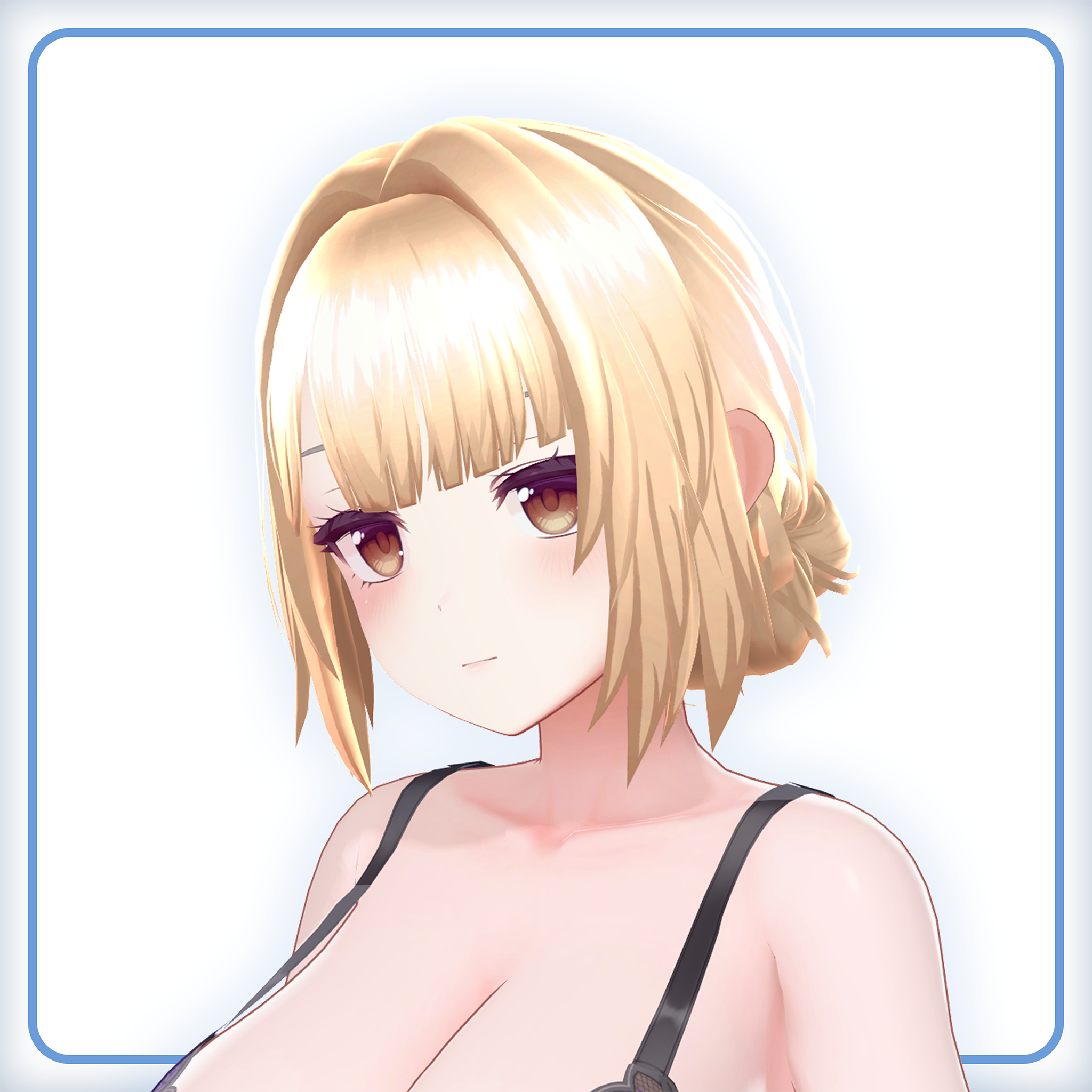
Frame bangs hair asset for VRChat and other uses!
I originally made this hair just for my base avatar Ayame, but decided to make shapekeys and prefabs so it could fit on most avatars!
Goes well with:
- Halter Dress - https://jinxxy.com/Cascadian/AyameHalterDress
Please consider joining my community where I'd love to interact with you, get feedback, share pictures, and more! Link at the bottom of the page. Also, please contact me — preferably through my Discord server — if there are any issues I can fix!
◄ Features ►
- Hair mesh with many shape-modifying keys to fit onto your avatar
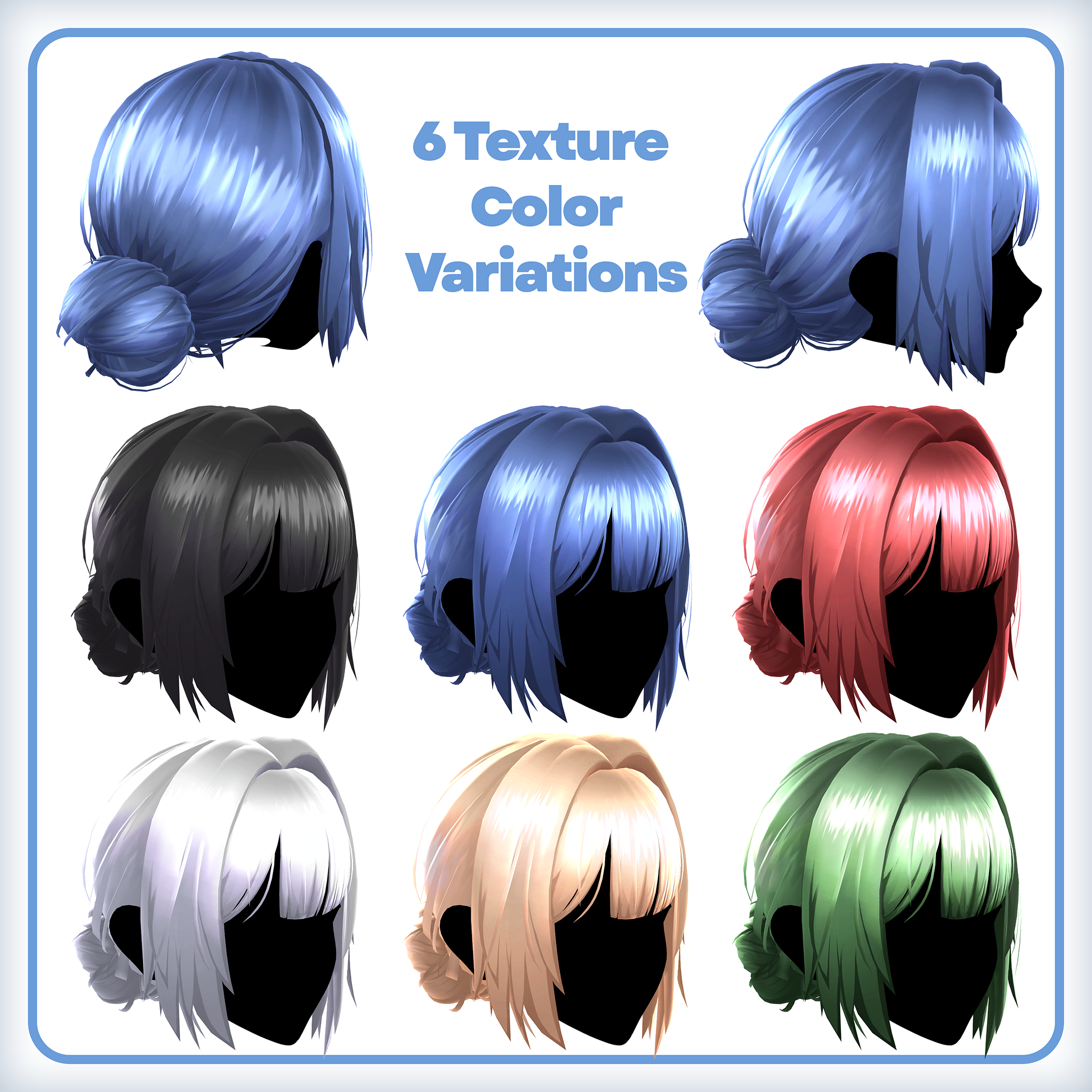
- 6 different color texture variations
- PSD file included for customization
- Drag-and-drop prefabs for supported avatars with preset shapekey settings
- Poiyomi and lilToon material presets
Stats
- 200+ Shapekeys (not including face tracking)
- 9.8k tris △
- 16 Bones
- 3 Skinned Meshes (includes optimal stencil mat)
- 3 Materials (includes optimal stencil mesh)
◄ Supported Avatars ►
Supports the following avatars.
The hair will most likely support other avatars as well, but you may need to adjust the shapekeys accordingly for proper fitting.
Ayame (アヤメ)
https://cascadian.booth.pm/items/7846659
Selestia (セレスティア)
https://jingo1016.booth.pm/items/4035411
Shinano (しなの)
https://ponderogen.booth.pm/items/6106863
Milltina (ミルティナ)
https://dolosart.booth.pm/items/6538026
Mizuki (瑞希)
https://paryi.booth.pm/items/5132797
Lasyusha (ラシューシャ)
https://keenooshop.booth.pm/items/4825073
◄ Setup & Requirements ►
Requirements
- Have the proper version of the Unity Editor recommended by VRChat
https://docs.vrchat.com/docs/current-unity-version - Have the VRChat Avatars SDK added to your project
https://docs.vrchat.com/docs/setting-up-the-sdk - Install Poiyomi or lilToon shaders
- Install Modular Avatar
https://modular-avatar.nadena.dev
Setup
- Import the
Frame Bangs.unitypackage - Open the folder:
Cascadian -> Hair -> FrameBangs -> Prefabs - Select the shader type and prefab needed for your avatar
- Drag the prefab onto the root of your avatar — it should line up properly
- Hide or delete any existing hair already on the avatar
- Upload the avatar as-is, or make any modifications you like while following the Terms of Use
◄ Licensing & Contact ►
When purchasing this product, it is assumed that you agree to this license agreement.
The contents of the Terms of Use are subject to change, and the latest version shall prevail.
This agreement uses the VN3 license:
https://www.vn3.org/
License
https://drive.google.com/drive/folders/1VAh2pBfACYvuJ2KUjlYpHPaRhogrZXCM?usp=sharing
Contact
Discord Server
https://twitter.com/CascadianVR
YouTube
https://www.youtube.com/c/Cascadian
◄ Updates ►
【 05/29/26 - V1.0 】
- Initial release