
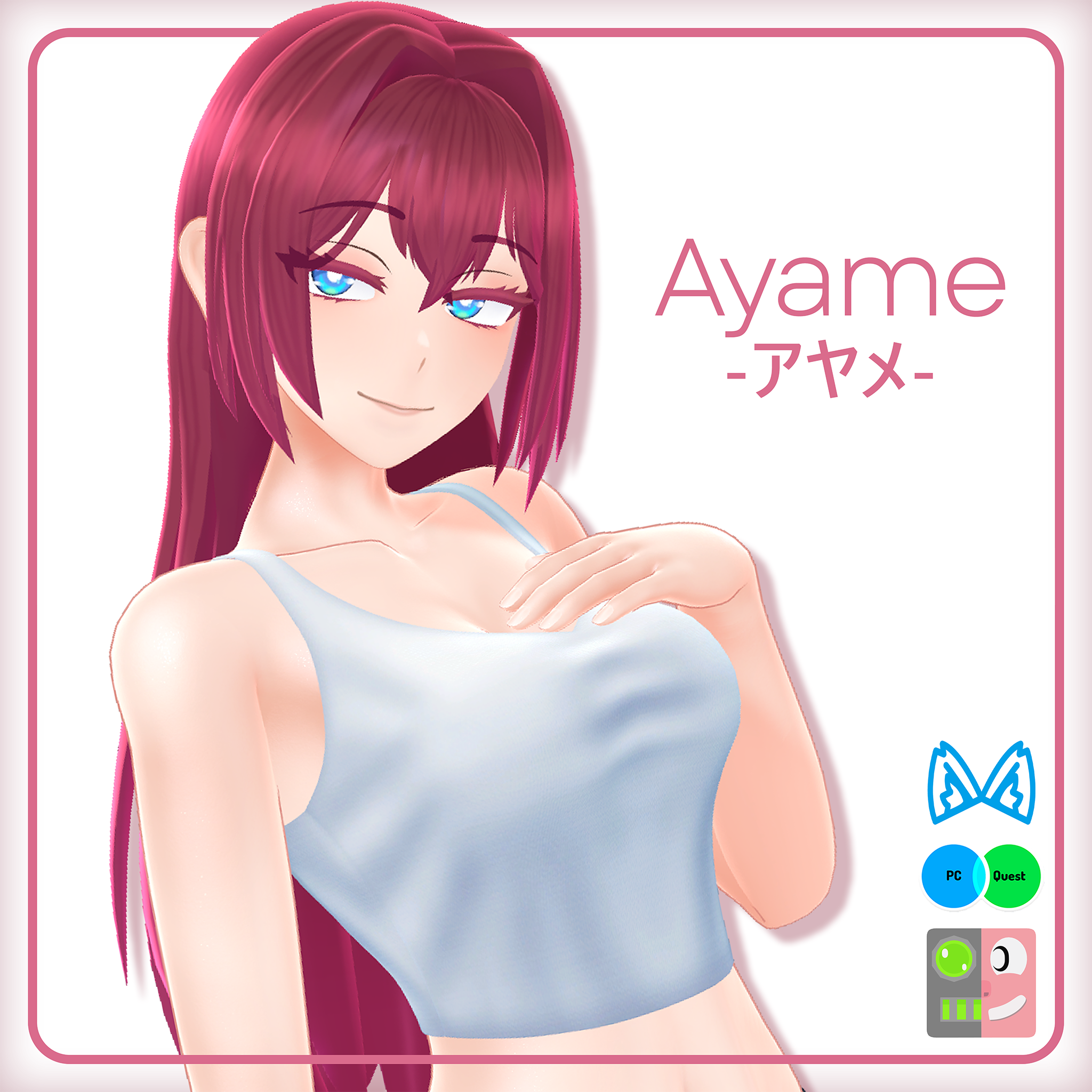
Ayame 【アヤメ】 | Original 3D Model
Product Description
Ayame is an Original 3D model published here for use in VRChat, but can also be used in other applications. Please read the license for more information about the terms of use.
The avatar is made to be a base body with will be getting regular updates and additions as well as more outfits and other features made separate for purchase!
Additional content for this model:
- Halter Dress - https://jinxxy.com/Cascadian/AyameHalterDress
- Frame Bangs - https://jinxxy.com/Cascadian/FrameBangs
Setup Tutorial: https://youtu.be/_fcj9AhmF8s
There is PC only AND quest version available for this avatar! Be aware not every feature will be available for quest (details below)
Community & Support
Please consider joining my community! I’d love to:
- Interact with you
- Get feedback
- Share pictures
- And more!
Link at bottom of page.
If you encounter any issues, please contact me — preferably through my Discord server — so I can help fix them!
◄ Avatar Info ►
◄ Base Body ►
Features
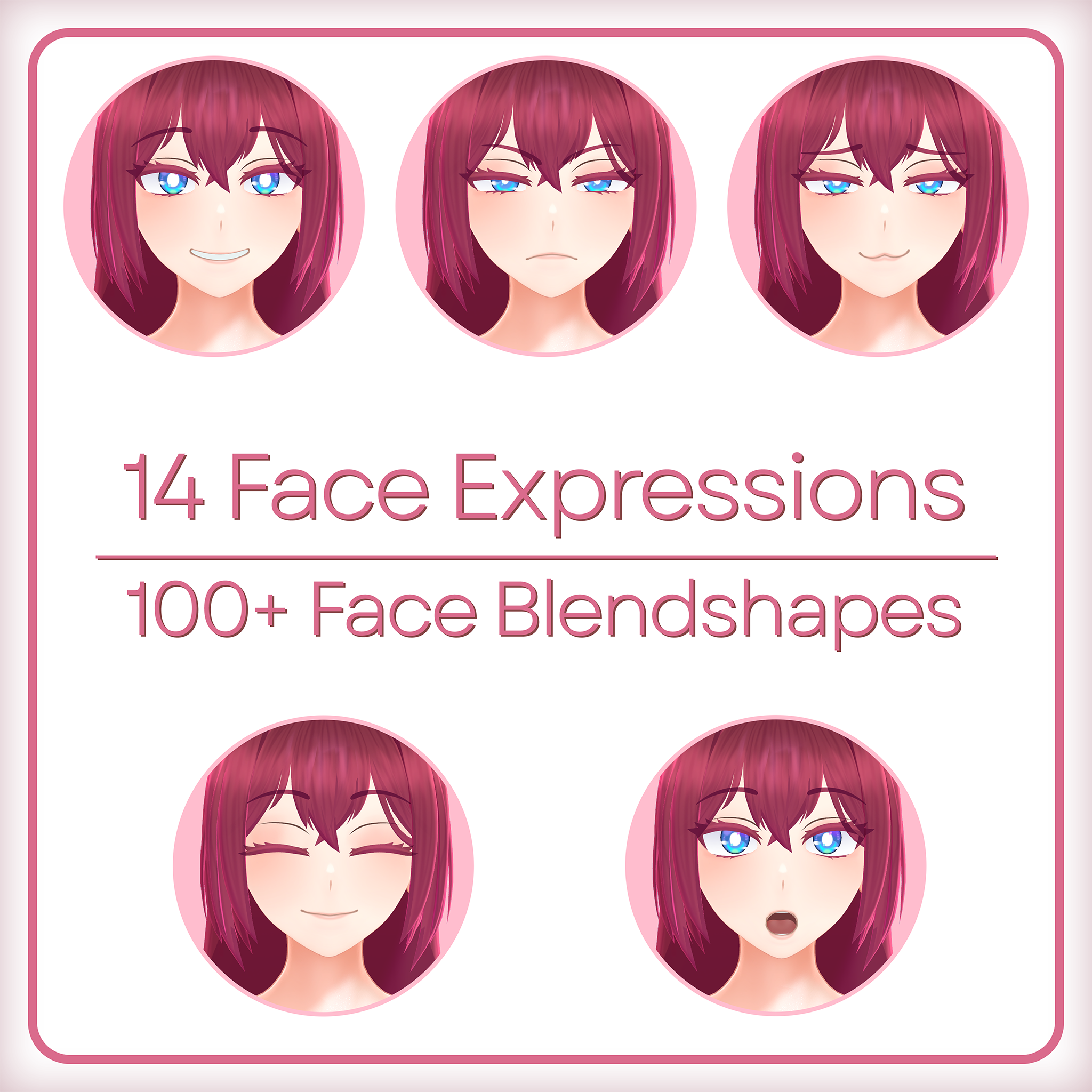
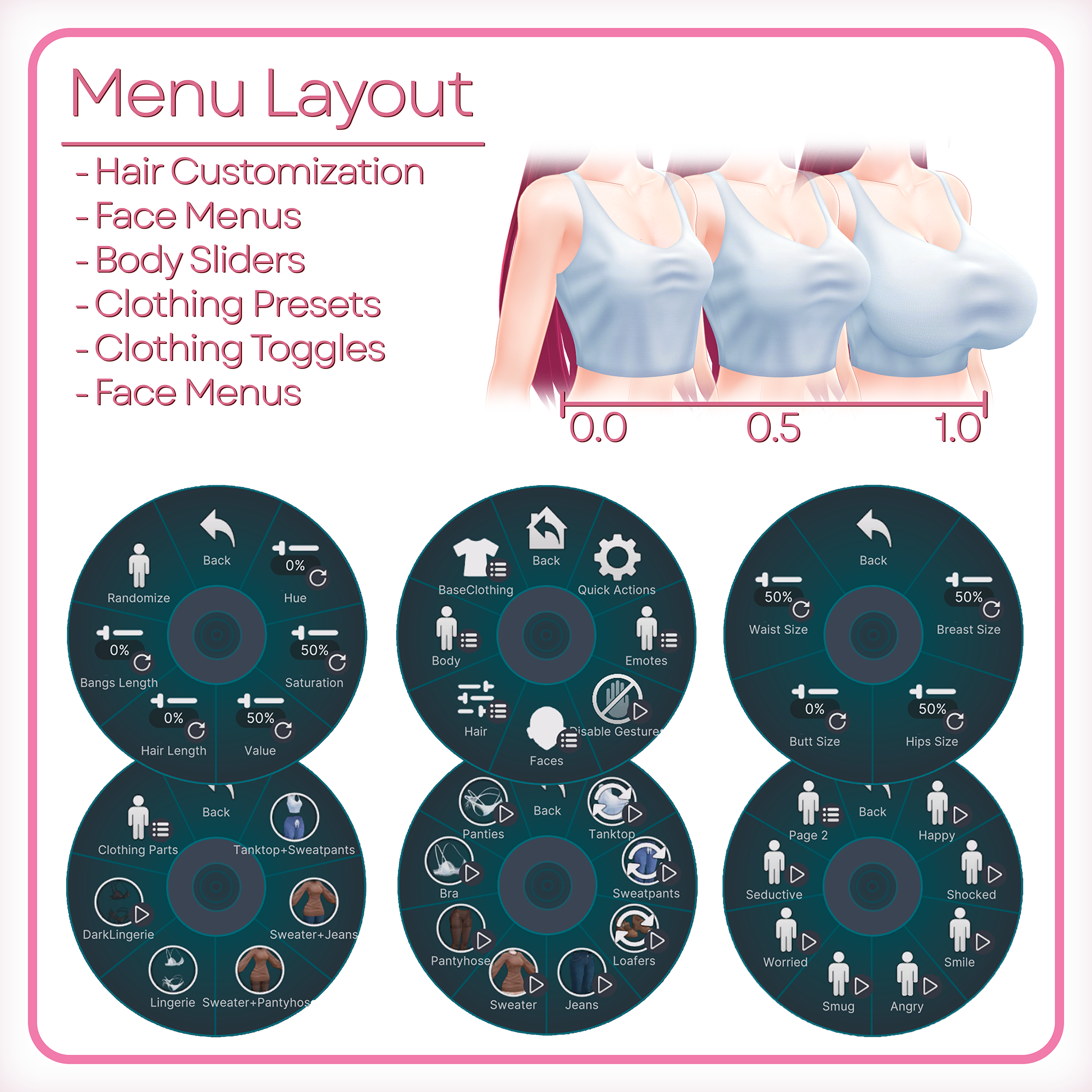
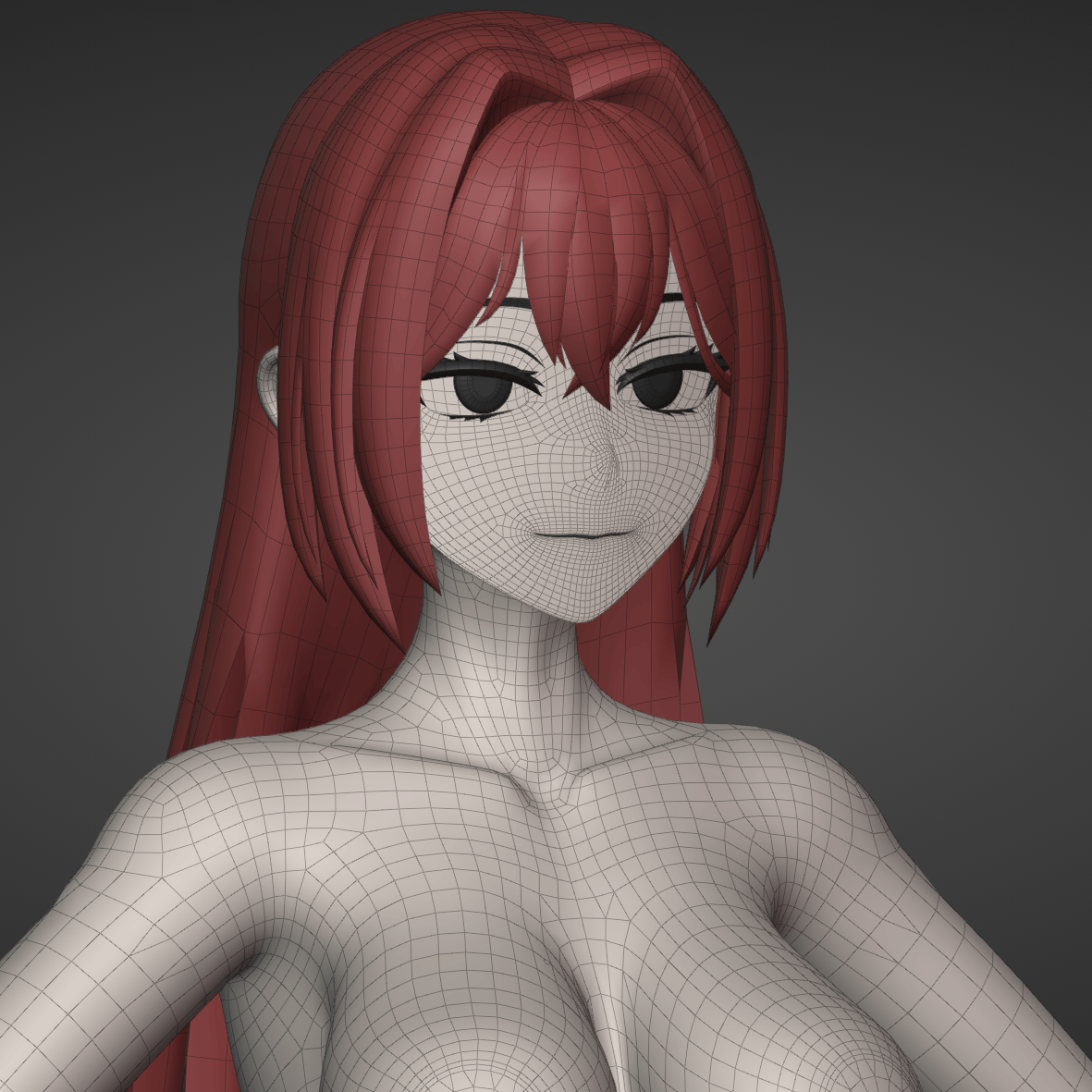
- Face Tracking (ARKit Blendshapes)
- Full Modular Avatar support for different features
- Full-Body Tracking optimized
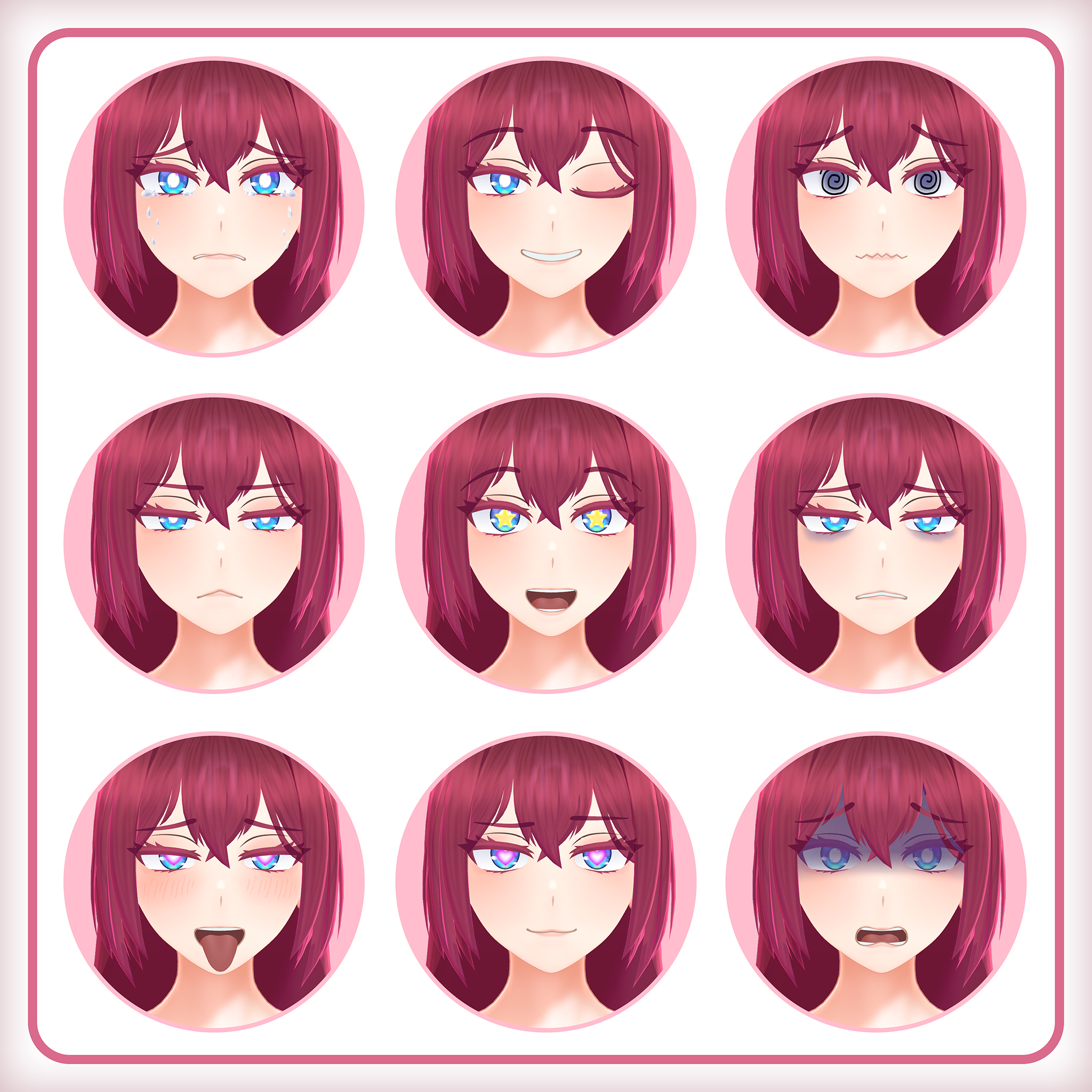
- 11 pre-made facial expressions
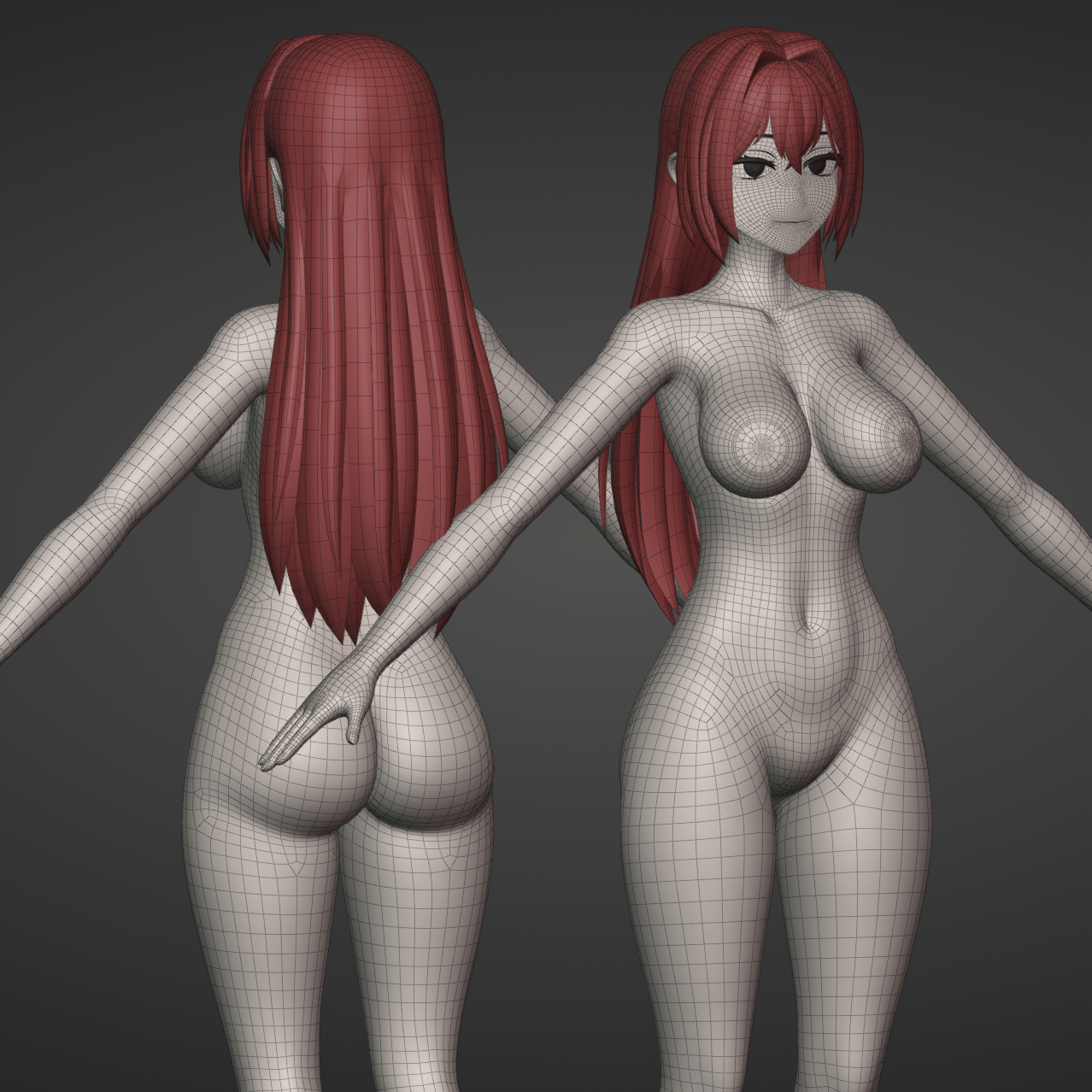
- Fully modeled and textured base body
- Body shape sliders:
- Breast
- Hips
- Waist
- Butt
- Face gesture lock
- Hair color sliders and length adjustment
- Hair, breast, butt, and clothing physics
- Normal and N-S-F-W body with textures and shapekeys
Stats
- 200+ shapekeys (not including face tracking)
- 53k tris △
- 6 skinned meshes
- 113 bones
- 6 unique materials
Shaders
- Poiyomi Toon Shader
https://github.com/poiyomi/PoiyomiToonShader
◄ Base Body + Clothing ►
Includes everything listed above
Features
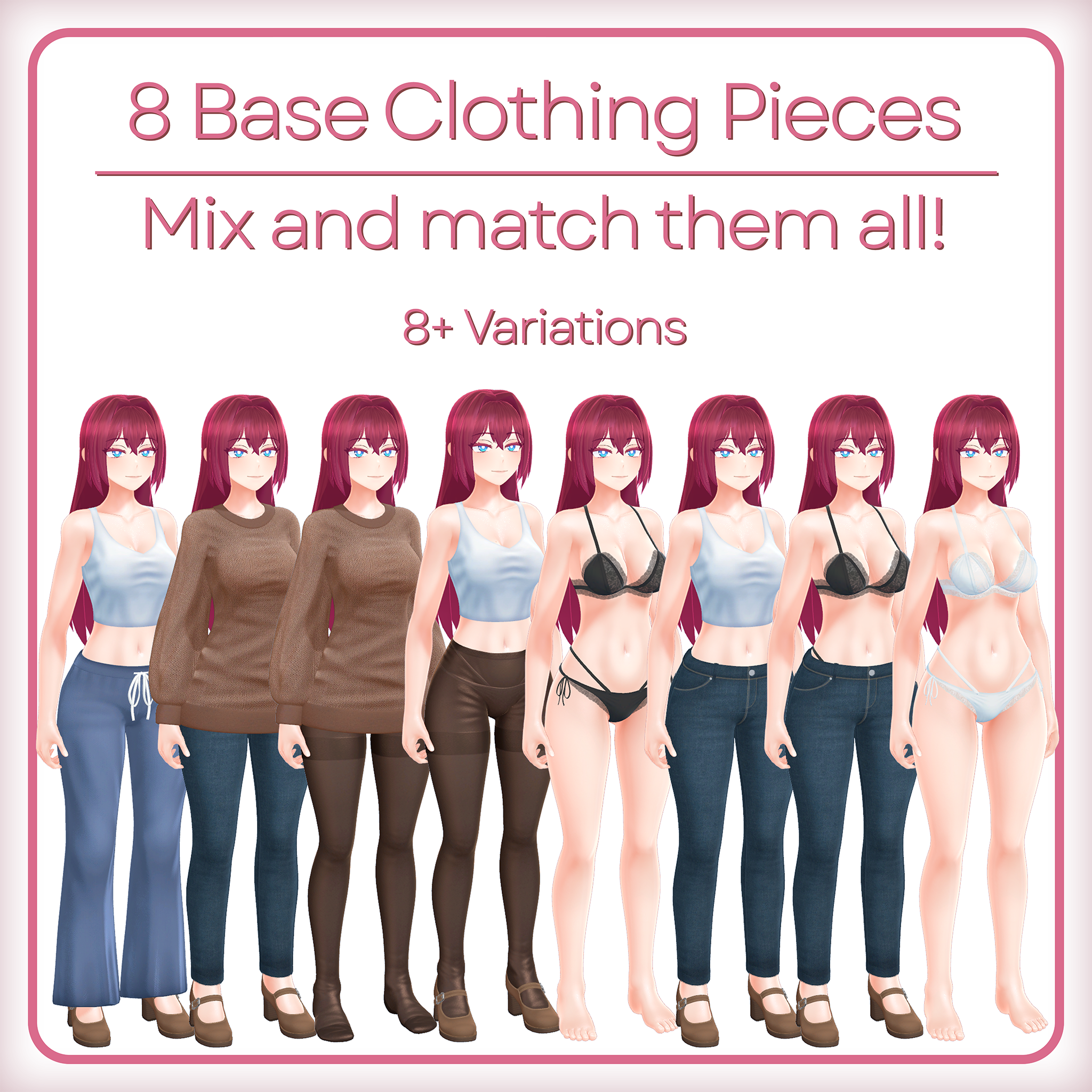
- 8 pieces of clothing:
- Bra
- Panties
- Sweater
- Tanktop
- Jeans
- Sweatpants
- Pantyhose
- Loafers
- Mix and match any clothing parts together!
Stats (Additional Outfits)
- +56k tris △
- 8 skinned meshes
- 7 unique materials
◄ Quest ►
Includes everything listed in Base Body
Setup as individual uploads for each outfit.
All base model features are available.
Some shaders do not look as good due to quest limitations and avatar rating will be very poor.
◄ Setup & Requirements ►
Requirements:
- Have the proper version of the Unity Editor recommended by VRChat (https://docs.vrchat.com/docs/current-unity-version)
- Add the Avatars VRCSDK for VRChat to your project (https://docs.vrchat.com/docs/setting-up-the-sdk)
- Install Poiyomi Toon Shader (https://www.poiyomi.com/)
- Install Modular Avatar (https://modular-avatar.nadena.dev)
- Prefabulous (optional but recommended, used for blendshape normal correction) (vcc://vpm/addRepo?url=https://hai-vr.github.io/vpm-listing/index.json)
- (Optional) For face tracking:
- Install VRCFury and Jerry's Templates for the avatar (https://github.com/Adjerry91/VRCFaceTracking-Templates)
- Use VRCFT to interface with VRChat (https://docs.vrcft.io/docs/intro/getting-started)
Once the requirements are met:
- Import the Ayame unitypackage.
- Open the folder named Ayame and go into either the BaseBody folder or into the Outfits->BaseOutfits folder and open the scene.
- From there you can upload the avatar as-is or make any modifications you like, following the Terms of Use.
◄ Package Contents ►
◄ Base Body Package ►
- Unity package for base body of Ayame, ready to have outfits attached and uploaded to VRChat
- Photoshop documents for textures
◄ Base Body + Clothing Package ►
- Unity package for base body of Ayame and clothing, ready to upload for VRChat
- All Photoshop documents for textures
◄ Updates ►
【 04/22/26 - V1.2 】
- Added animator support for multiple outfits to be used with the base outfits.
【 04/02/26 - V1.1 】
- Added quest package with quest-ready versions of Ayame with a few combinations of her outfits
- Added heel rigging feature so when heels are on, the foot rotates properly around the ankle
- Improved weight painting
- Additional shapekeys added including ones for other outfits
- Fixed clothing desync when entering VRChat stations
- Cleaned up initialization logic on outfits
- Added Eye_Color.psd to downloadable PSD files
- Improved muscle constraints
- Fixed some blendshape clipping around the eyes
- Many more small improvements
【 02/15/26 - V1.0 】
- Initial release
◄ Licensing & Contact ►
When purchasing this product, it is assumed that you have agreed to this agreement. The contents of the Terms of Use are subject to change, and the latest version shall prevail.
This agreement uses the VN3 license:
https://www.vn3.org/
License:
https://drive.google.com/drive/folders/1aSe7ZADKeONYoILQJtIhPfPbr-WsiHaa?usp=sharing
Contact:
- Discord Server: https://discord.gg/rdvP9eC
- Twitter: https://twitter.com/CascadianVR
- YouTube: https://www.youtube.com/c/Cascadian