
Black Hole Ring — Galaxy Accretion Disc Ring for VRChat
Product Description
This product contains AI-generated content.
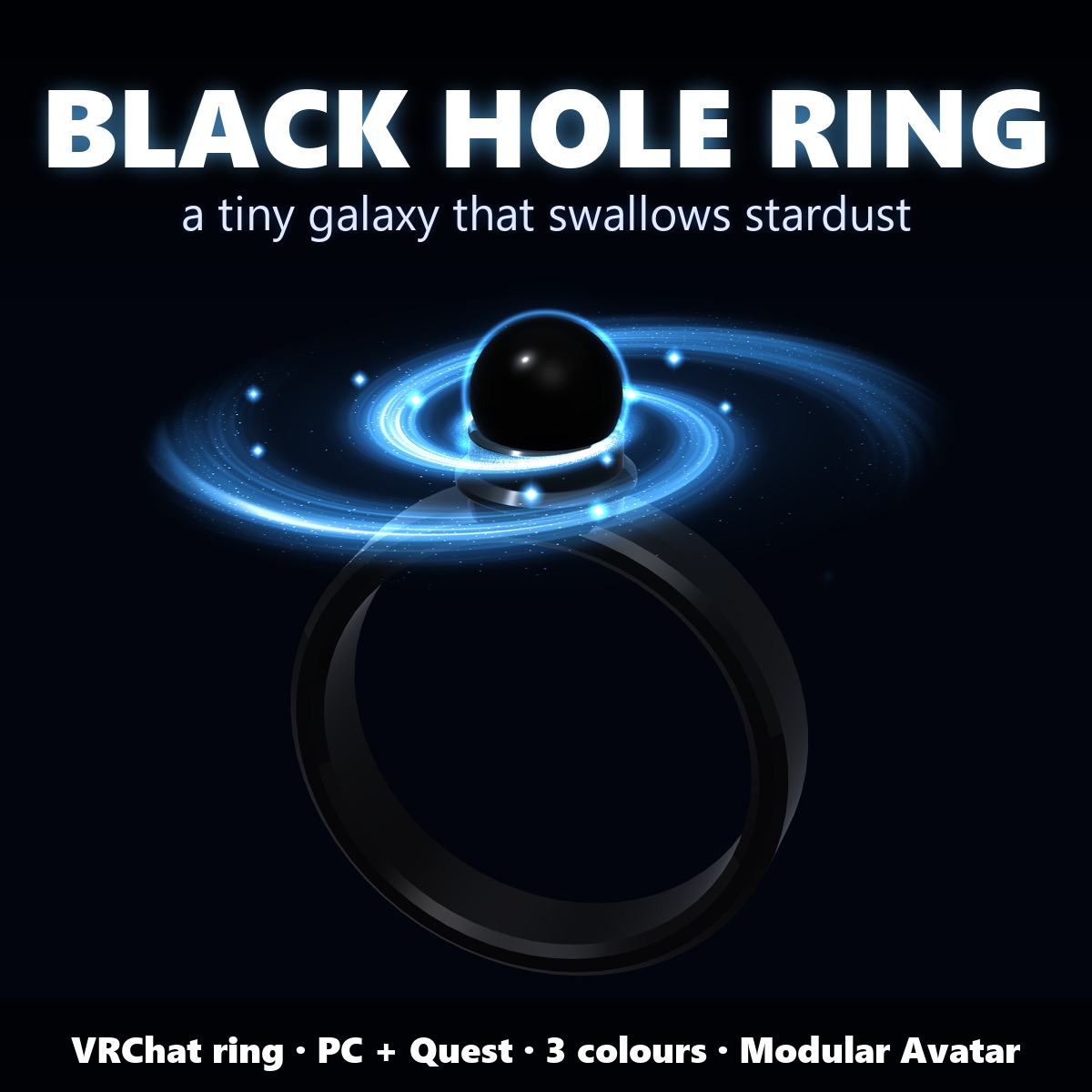
A tiny black hole sits on your finger inside its own little galaxy, the disc always turning, and when you make a fist it swallows the stardust around your hand and fires two jets.
▶ VRChat accessory · needs Modular Avatar (free, from VCC) · no lilToon needed · drag-and-drop prefab · Quest prefabs included
A black titanium band, a black sphere and a small spiral-galaxy disc around it.
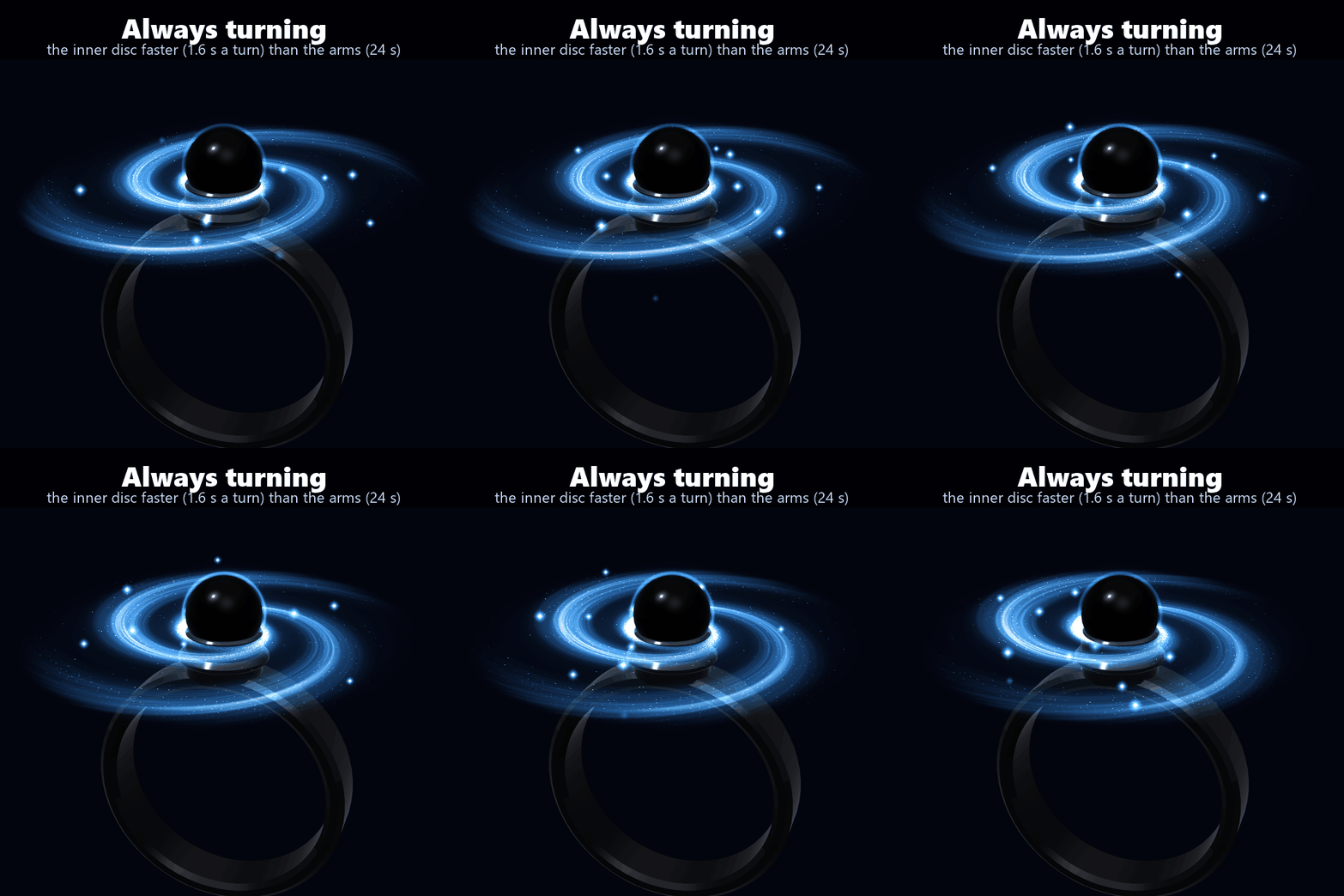
It always moves, with no menu: the disc turns with its inner part faster than the rim (1.6 s a turn near the hole, 9 s at the rim, the spiral arms once every 24 s), the light ring around the sphere breathes every 3 s, the disc wobbles slowly like a top (12 s), and a few grains of stardust spiral into the hole. On PC it is all shader time: no extra parameters, no particle systems.
THE FIST GIMMICK
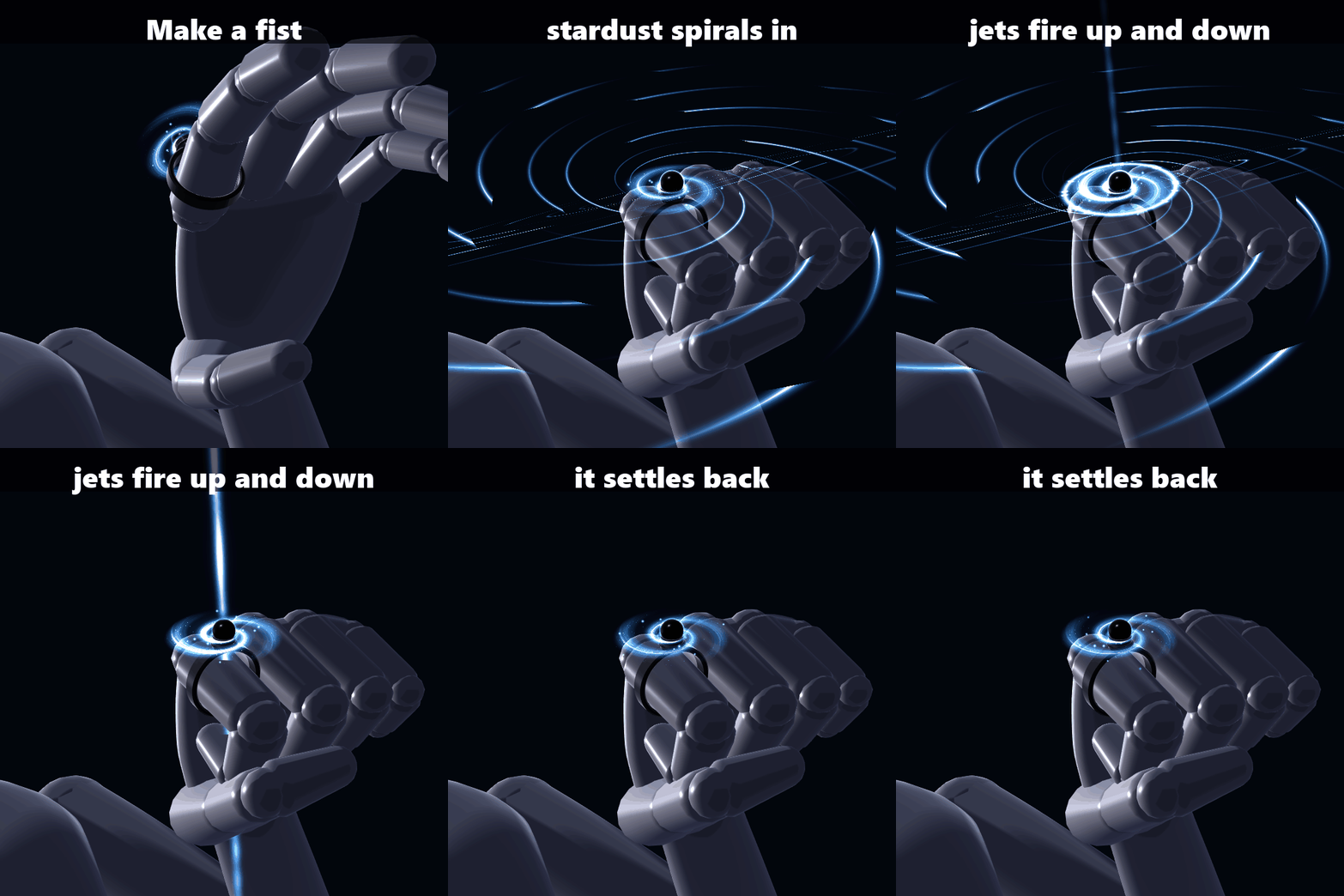
Make a fist with the hand that wears the ring:
1. The disc spins up and brightens, and stardust from around your hand streams into the hole in curved lines
2. At 1.3 s two thin jets shoot out of the poles (up long, down short) with a shock ring running out across the disc
3. The jets thin out and fade, the disc rocks and settles back to its own speed. One run takes 3.6 s; it plays to the end even if you open your hand, then waits for the next fist
It uses VRChat's own hand gesture (Fist), so others see it too. Turn it off in the menu if your fist already does something else.
THE MENU (Expressions menu "Black Hole Ring" · all remembered)
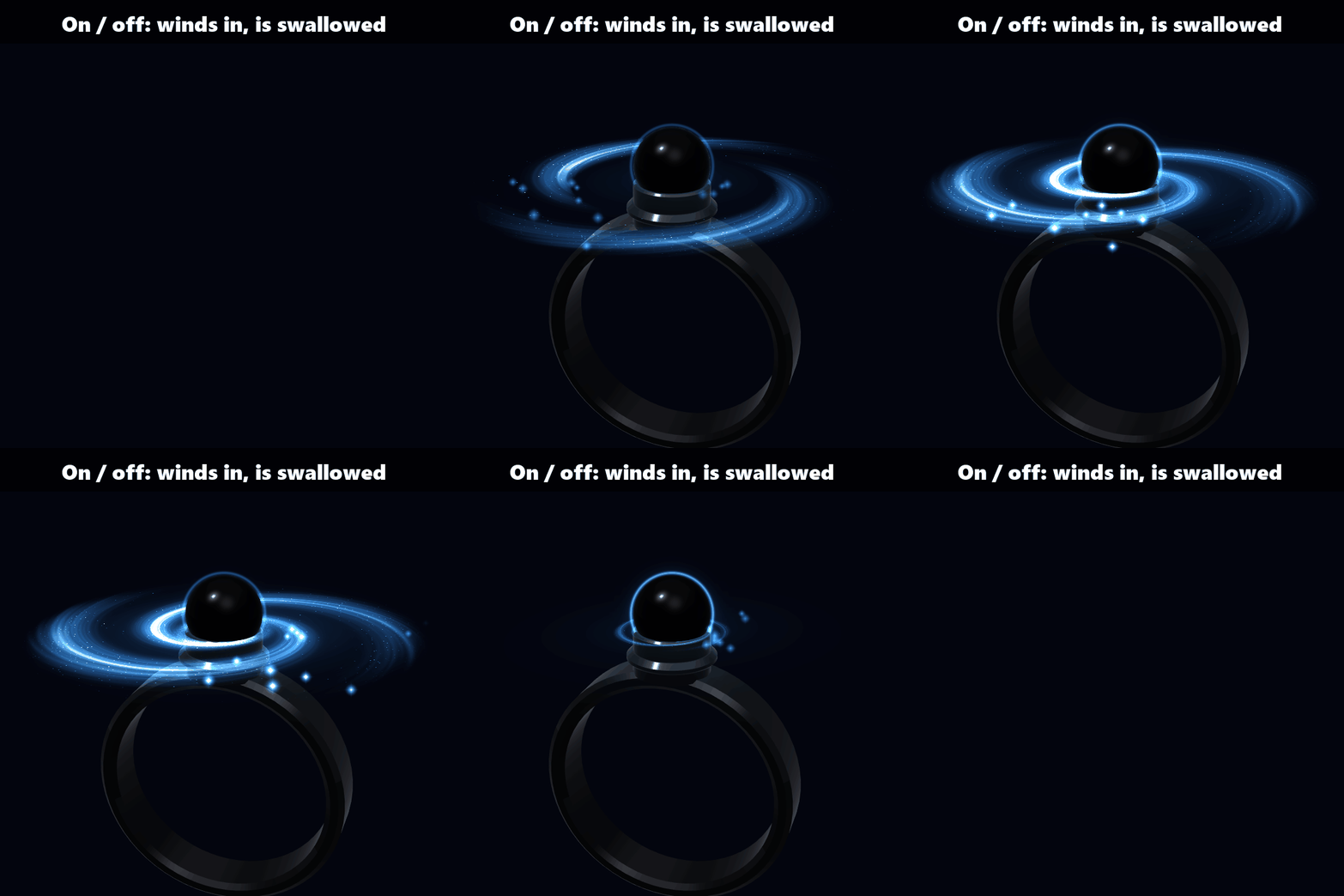
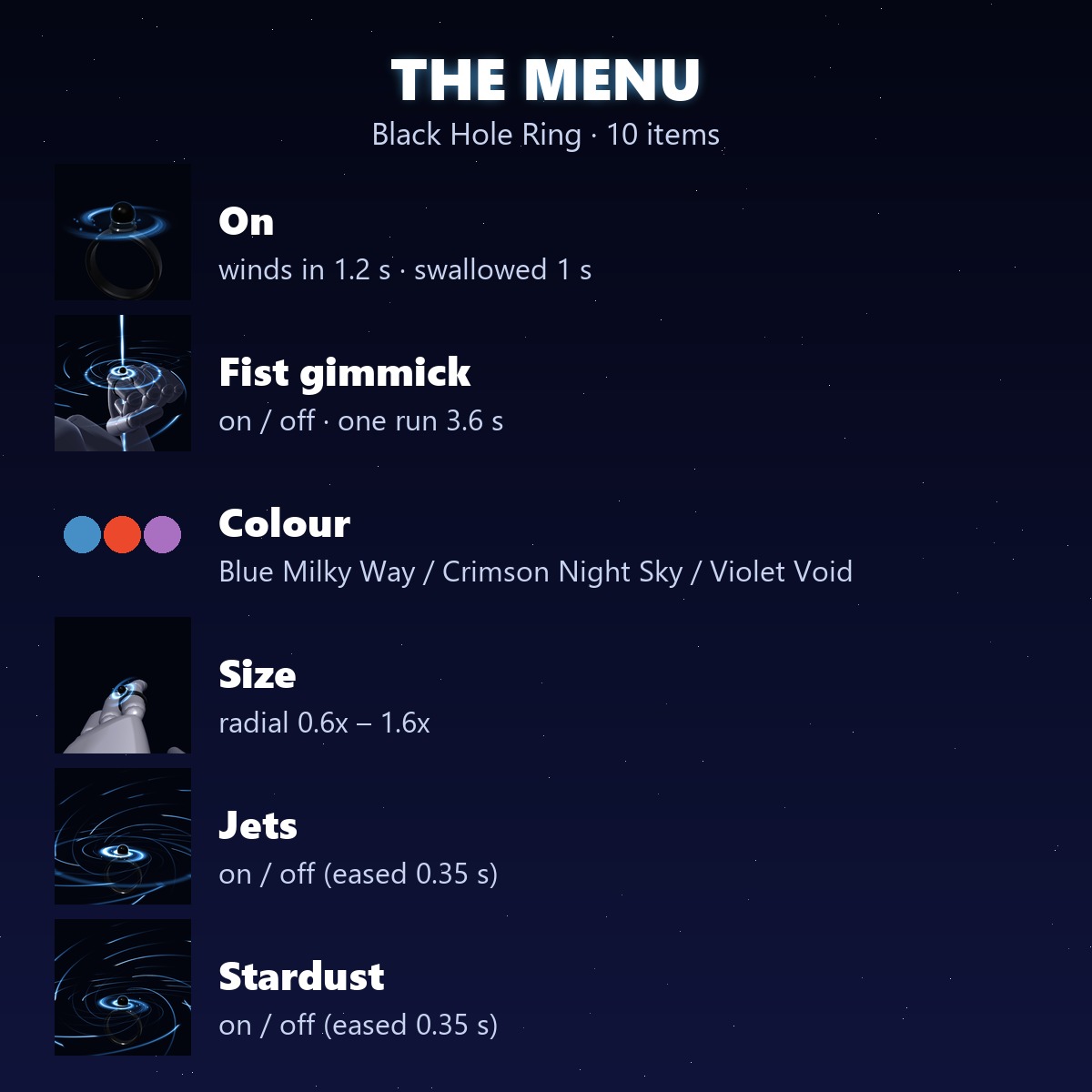
• On: the ring on / off. It winds in from the outside (1.2 s) and is swallowed into the sphere (1 s), never a jump
• Fist gimmick: on / off
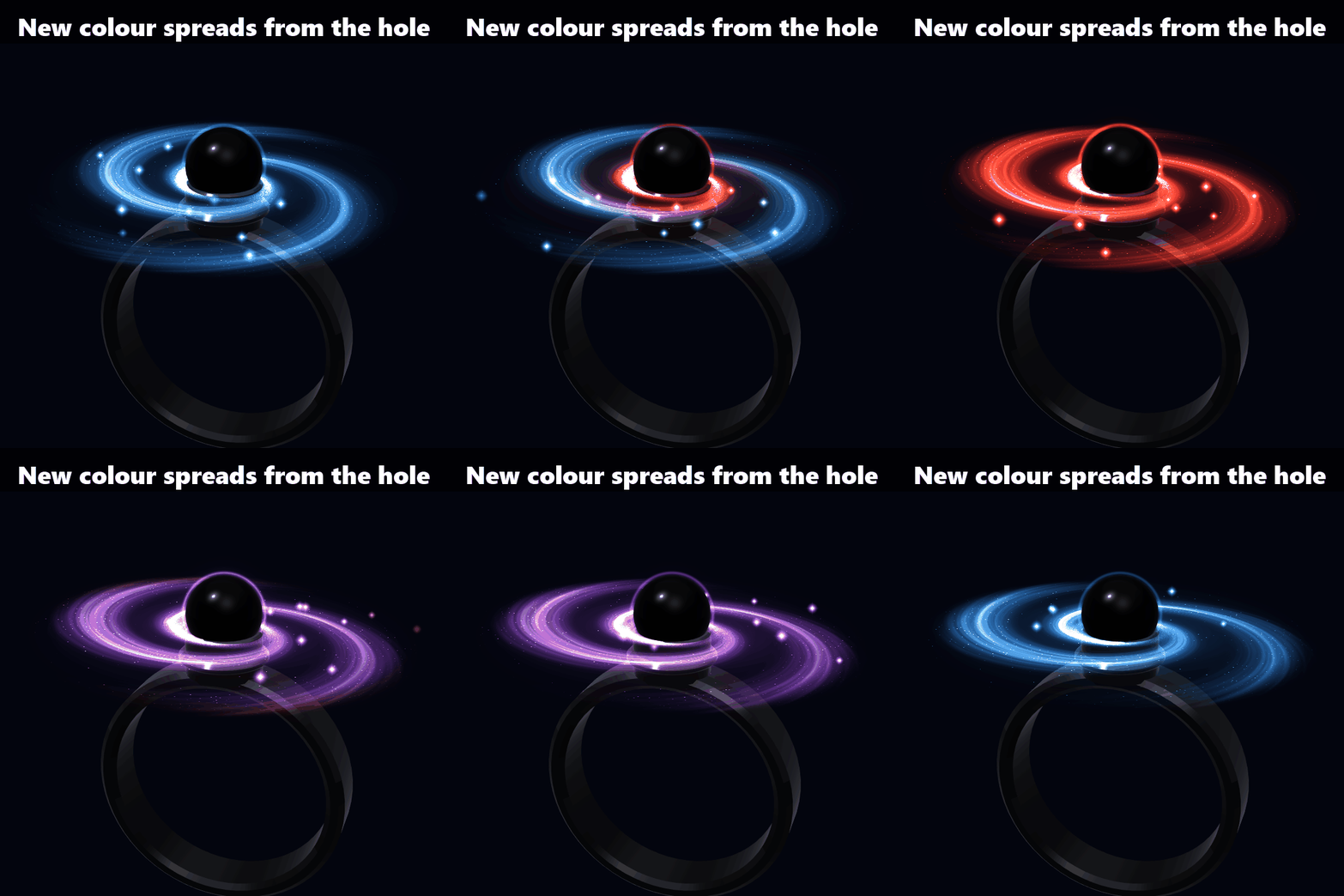
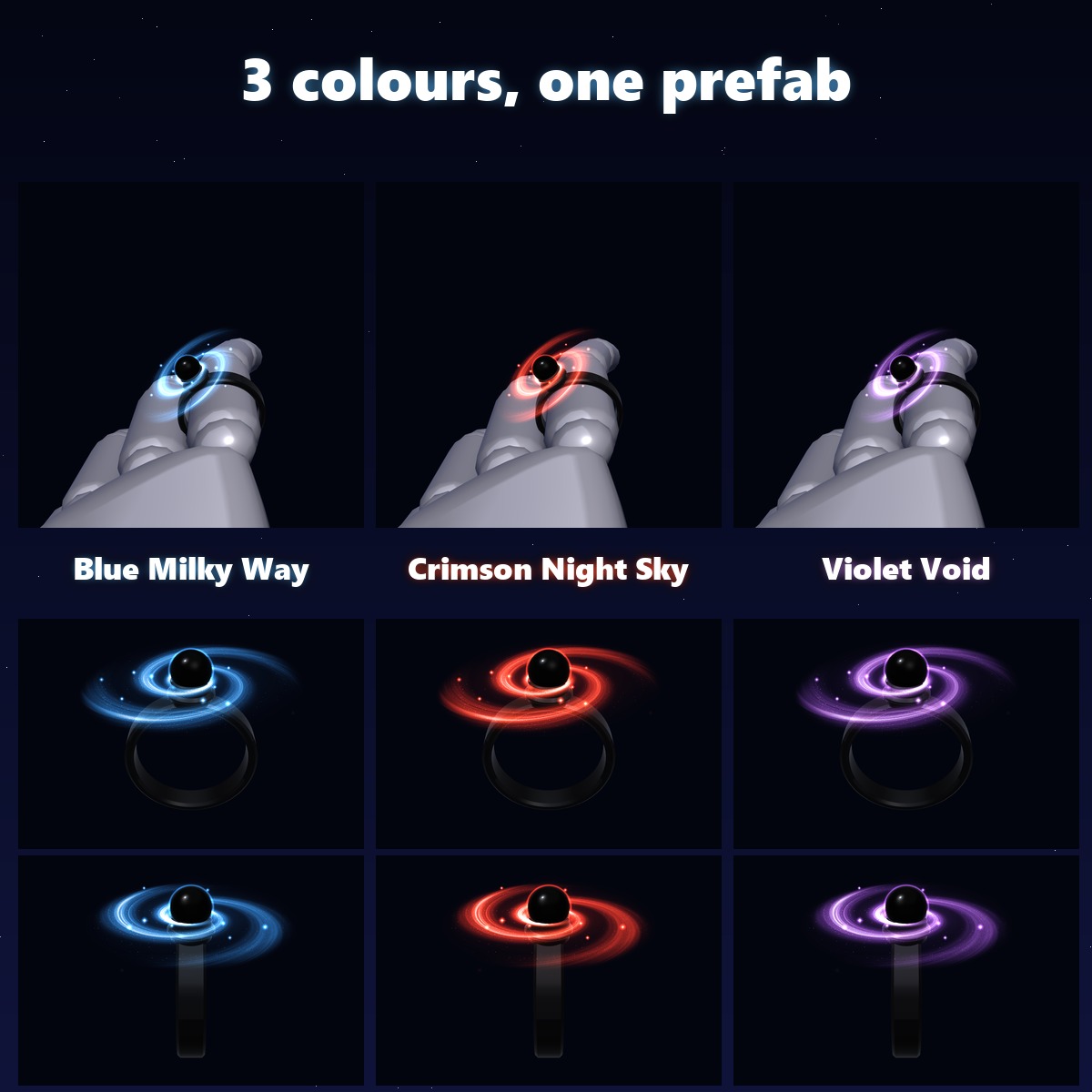
• Colour: Blue Milky Way / Crimson Night Sky / Violet Void. The new colour spreads from the hole outward (0.8 s)
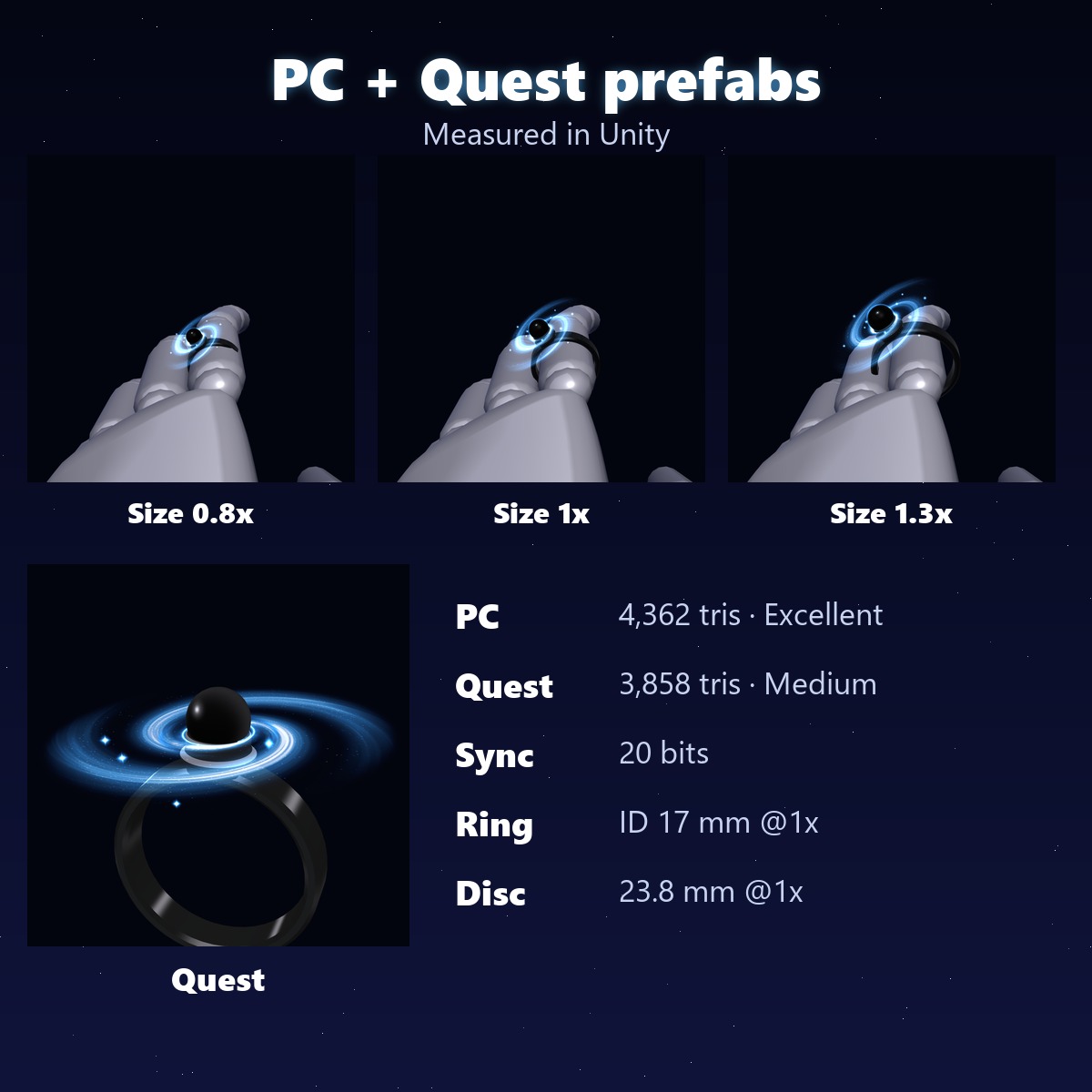
• Size: a radial, 0.6x to 1.6x (starts at 1x), to fit your avatar's finger
• Jets: on / off (eased in and out over 0.35 s)
• Stardust: on / off (the falling grains and the swallowed streaks)
3 COLOURS (all in one prefab, switched from the menu)
• Blue Milky Way (the first colour) · Crimson Night Sky · Violet Void
SIZES (measured in Unity, at 1x)
• Band: 17 mm inside, 4 mm wide
• Black sphere: 5.6 mm · galaxy disc: 23.8 mm across (faint stars out to 30.5 mm)
HOW IT SITS
It goes on the first segment of the index finger and follows it as the finger bends (two VRC constraints aim it along the finger bones, so it works whatever way your rig's bones point). Left-hand and right-hand prefabs are both included.
PC AND QUEST
• BH_BlackHoleRing_L / _R (PC): everything above, two custom shaders made for this ring
• BH_BlackHoleRing_Quest_L / _R (Quest): the same menu, spin, fist gimmick and colours on VRChat/Mobile shaders (Toon Lit + Particles/Additive). The disc is a painted picture turned by the animator, in two layers (the inner one faster); the colour change is a quick draw-in instead of the spreading sweep
WHAT YOU GET
• BH_1.0.0.unitypackage: 4 prefabs (PC and Quest, left and right hand), 2 PC shaders, 6 materials (2 PC, 4 Quest), 4 textures (Quest), menu, animators
• README in English and Japanese
PERFORMANCE (this item alone, measured in Unity)
• PC prefab: 4,362 triangles · Quest prefab: 3,858 triangles
• 1 mesh · 2 materials · no PhysBones · no particle systems · no lights · 2 constraints
• Synced: 6 parameters, 20 bits
• VRChat SDK performance rank: PC prefab PC Excellent · Quest prefab Quest Medium
GOOD TO KNOW
• Needs Modular Avatar (free, from the VRChat Creator Companion). No lilToon needed.
• Needs a humanoid avatar with finger bones (index finger and middle finger).
• If the band cuts into the finger or floats around it, turn the Size dial.
• The glow looks best in worlds with bloom.
SUPPORT
How it sits on your finger, the fist gimmick, the jets, the colours or anything else not working as described in VRChat? Message me on Jinxxy and I'll fix it and send you the update for free.
TESTED WITH
Unity 2022.3.22f1 · VRChat SDK 3.10.5 · Modular Avatar 1.18.7
AI DISCLOSURE (AI-Assisted)
The code that builds this ring (meshes, shaders, textures, Unity setup and animations) and the text on this page were written with help from an AI assistant. An AI image generator made rough concept sketches I looked at while designing; nothing it made is in the files or in the preview images, which are rendered in Unity from the actual prefab.
TERMS
• OK to use on your avatar in VRChat and other platforms
• OK to stream, record, and post on social media
• Editing is fine
• Please don't redistribute or resell the files, edited or not
UPDATES
• v1.0.0 (2026-11-03) first release