
Product Description
This product contains AI-generated content.
▶ VRChat avatar accessory (PC) · Modular Avatar + lilToon · one-click fit to any humanoid avatar
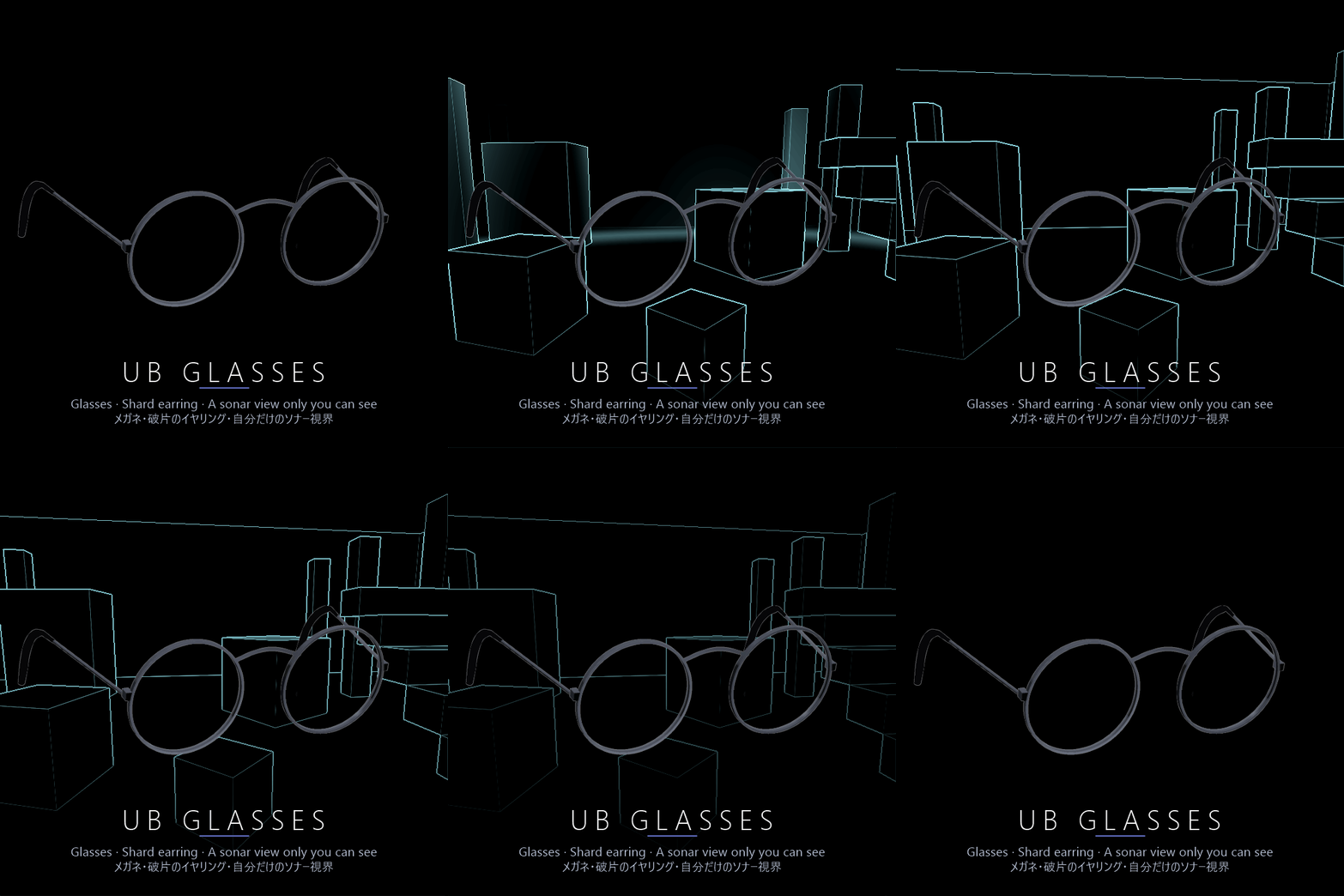
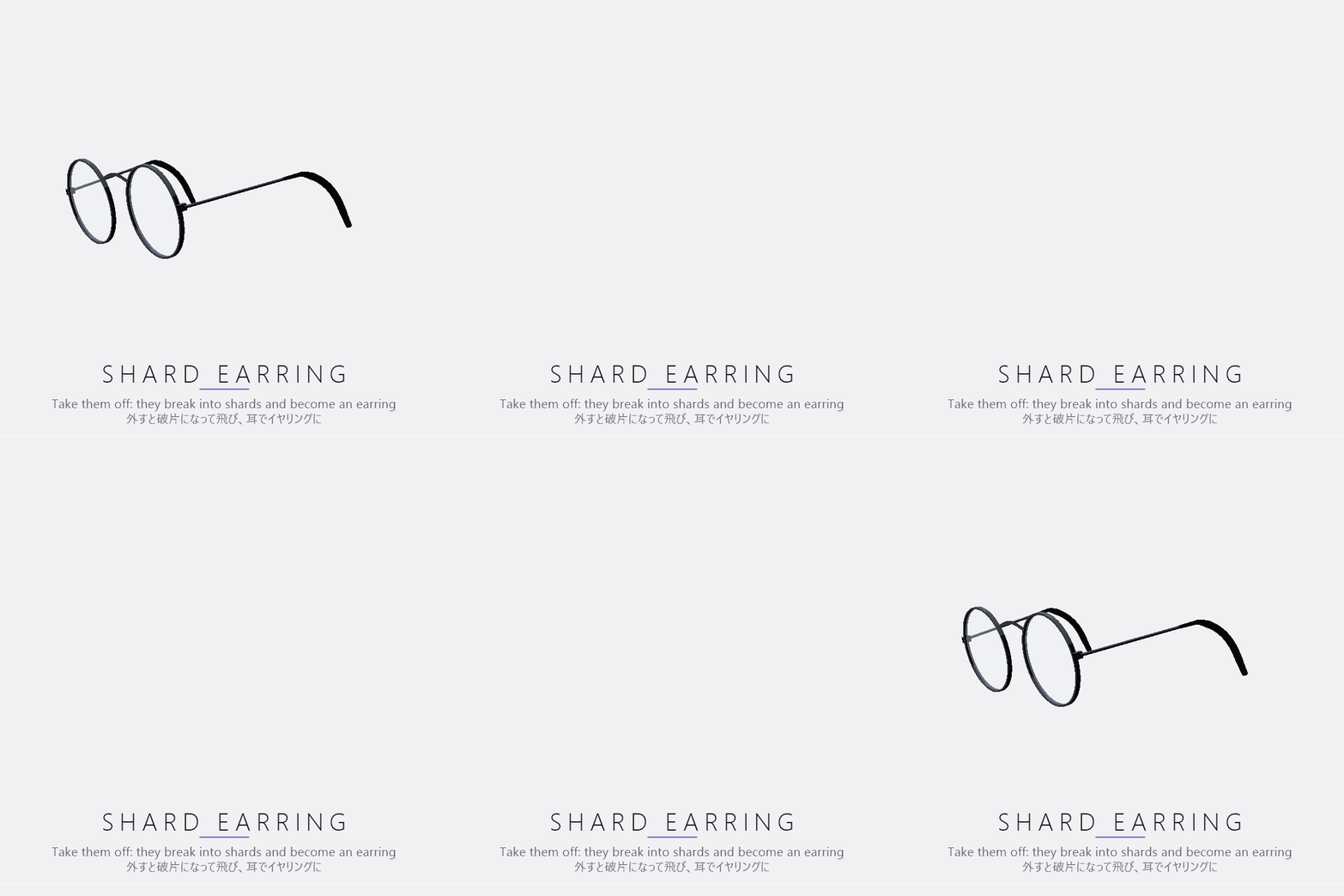
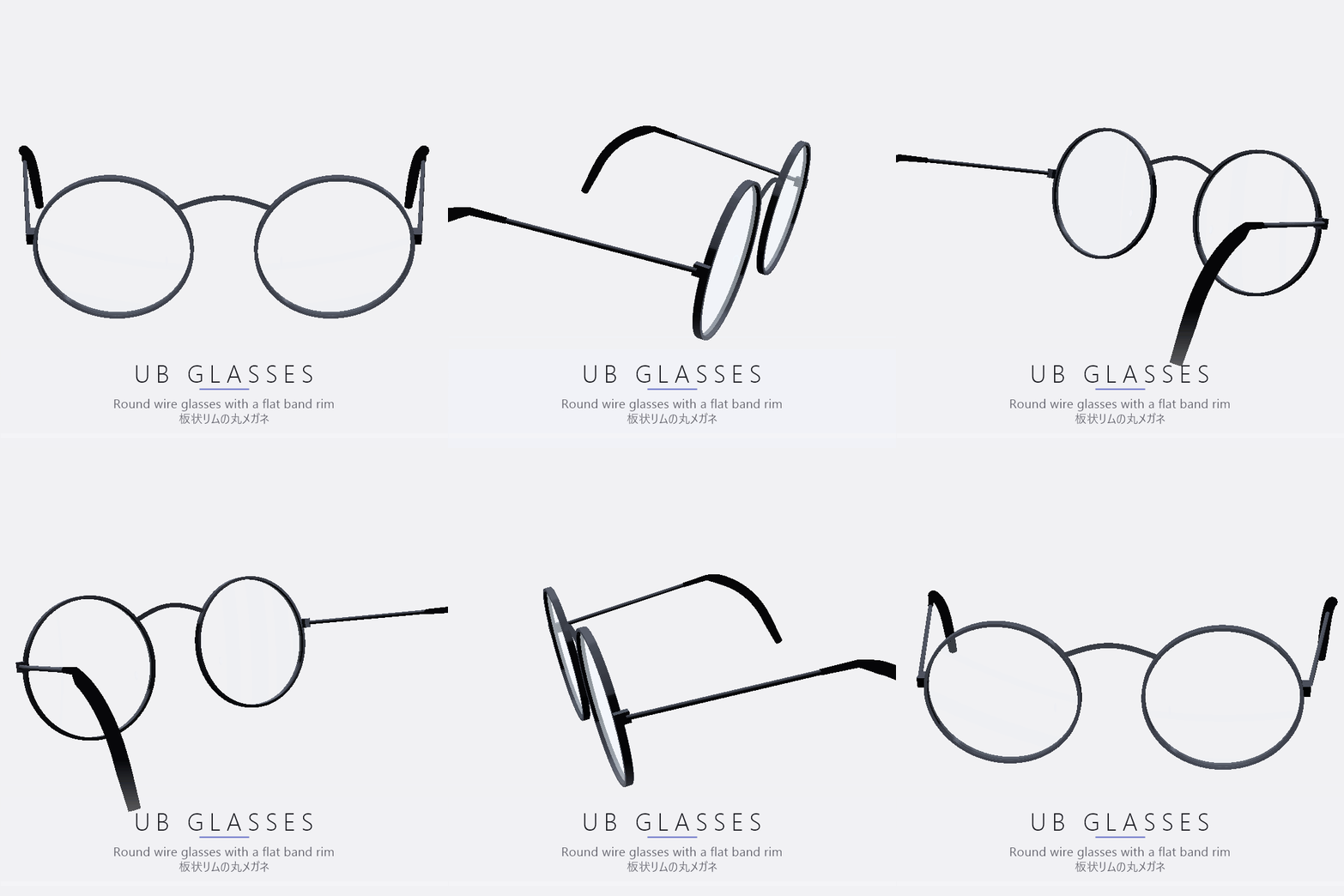
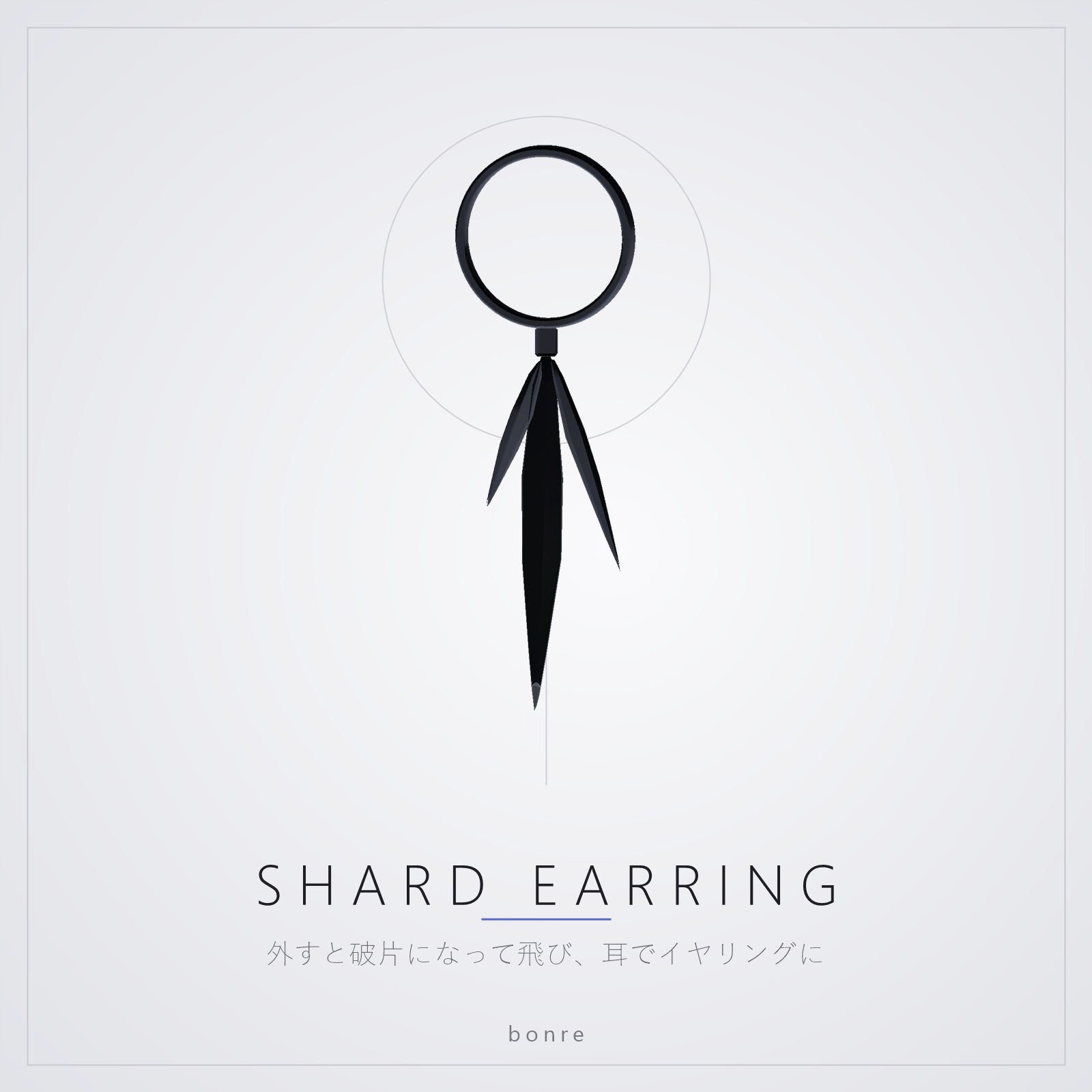
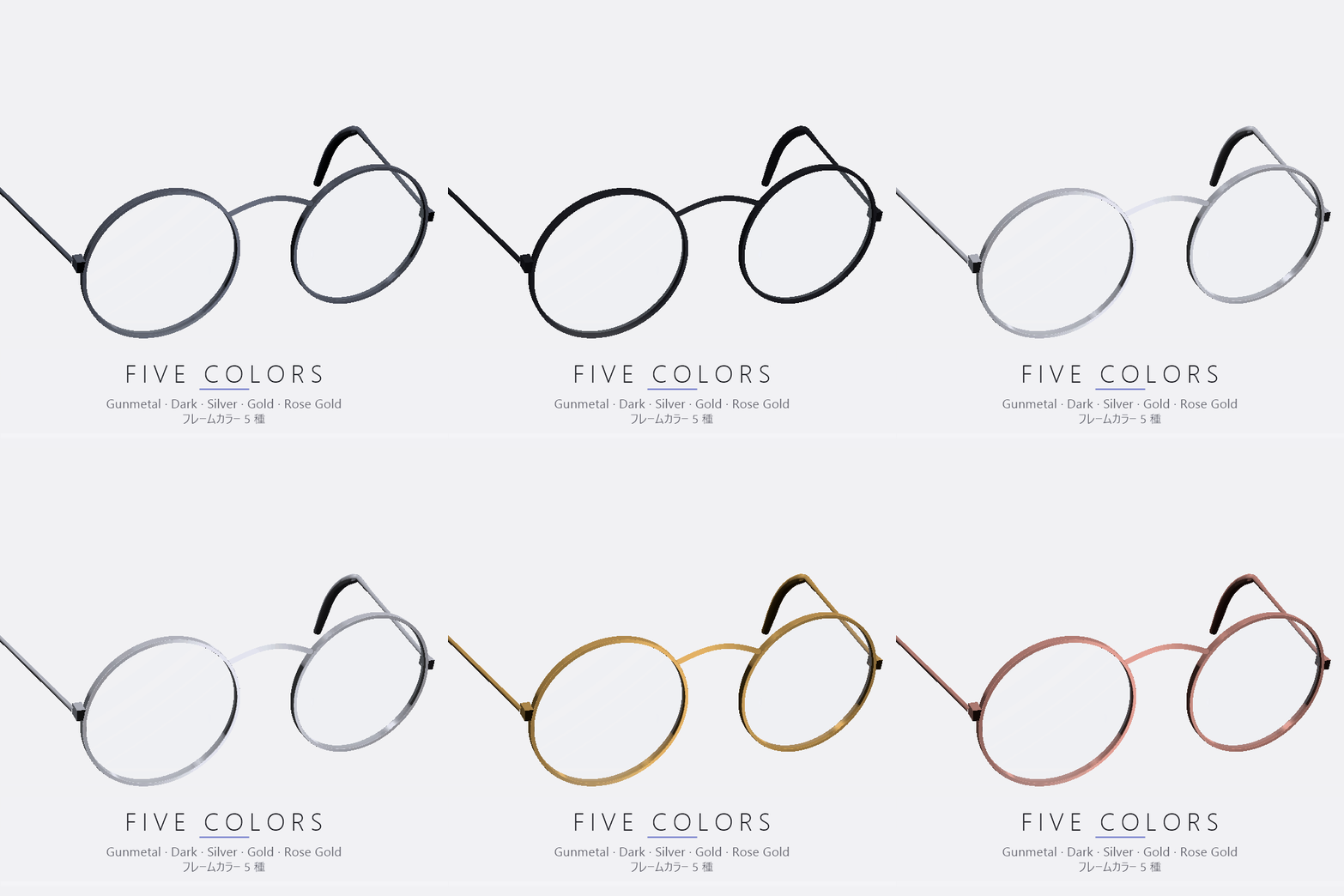
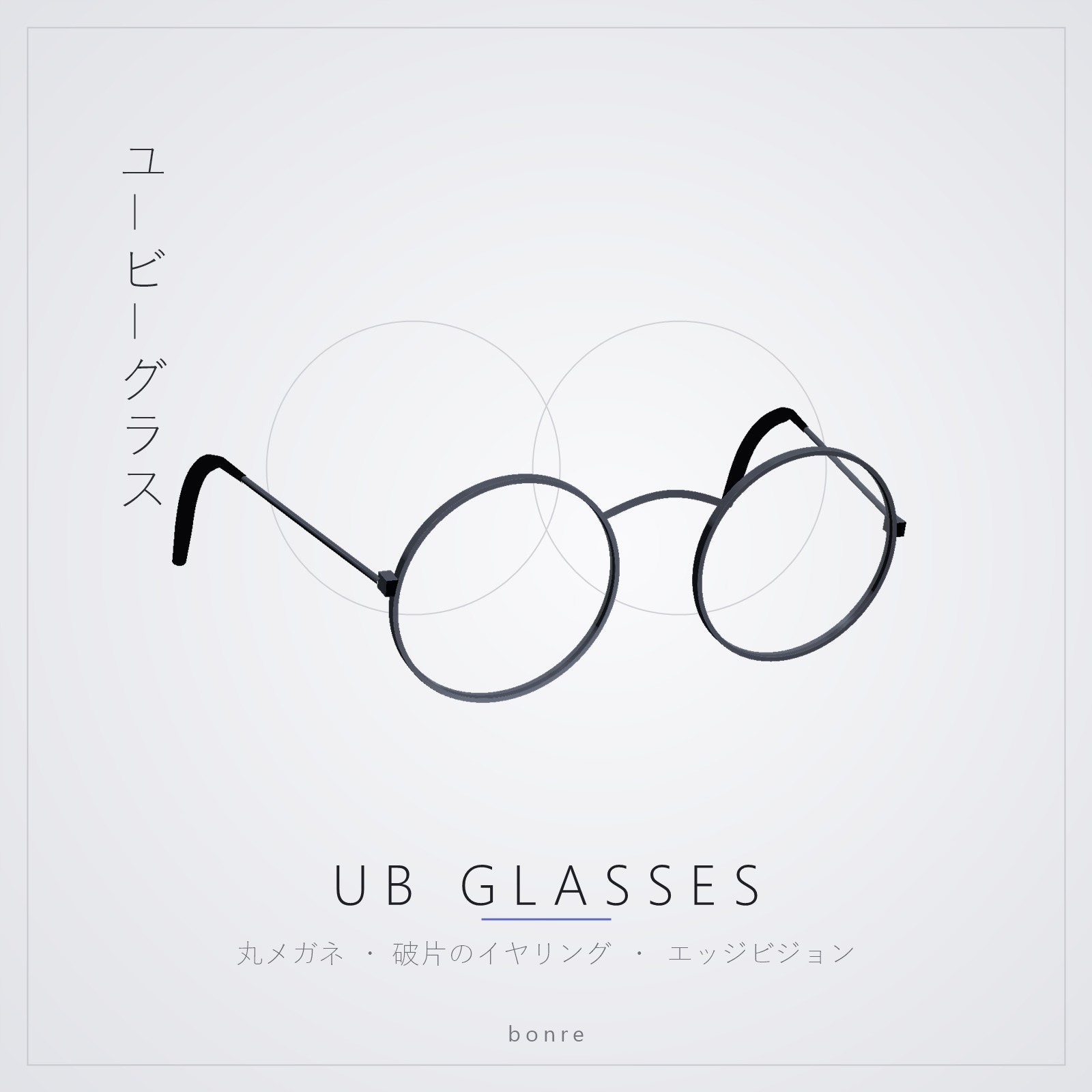
Round wire glasses with a flat band rim. Take them off and they break into blade shards that fly to your ear and become an earring. Plus Edge Vision: a sonar view only you can see.
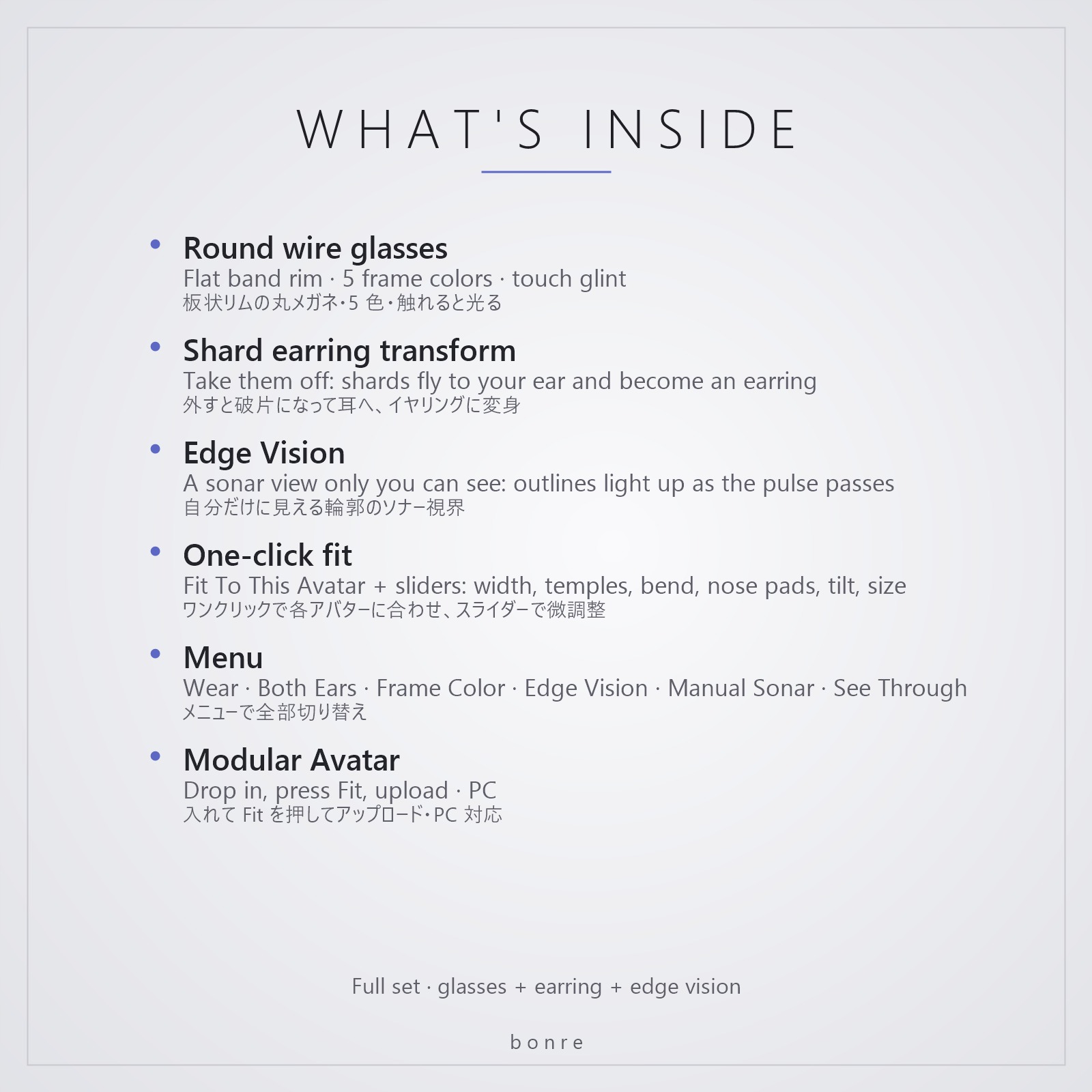
EVERYTHING IN THE MENU
- Wear: glasses on / off (off = shard transform into the earring)
- Both Ears: earrings on both ears
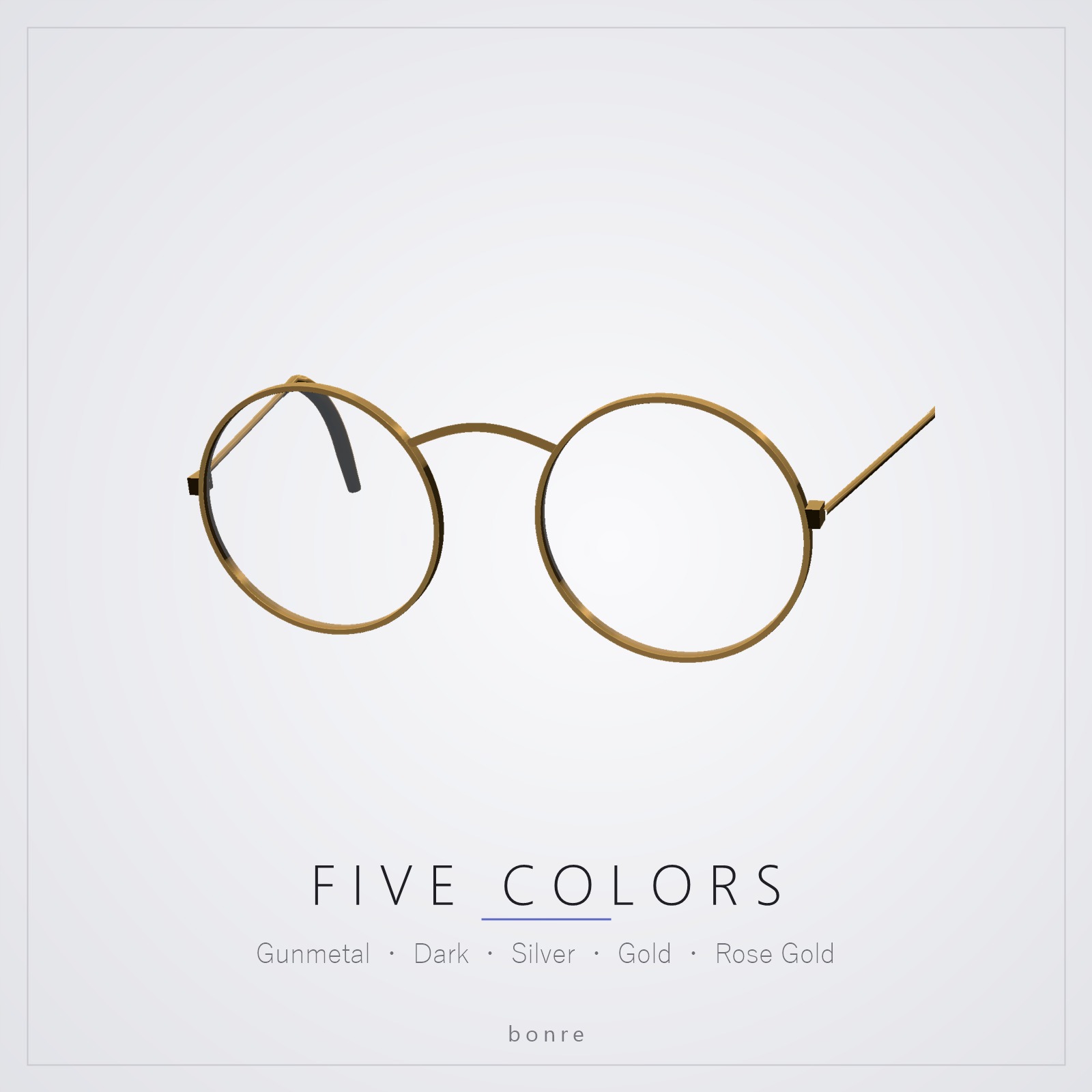
- Frame Color: Gunmetal / Dark / Silver / Gold / Rose Gold
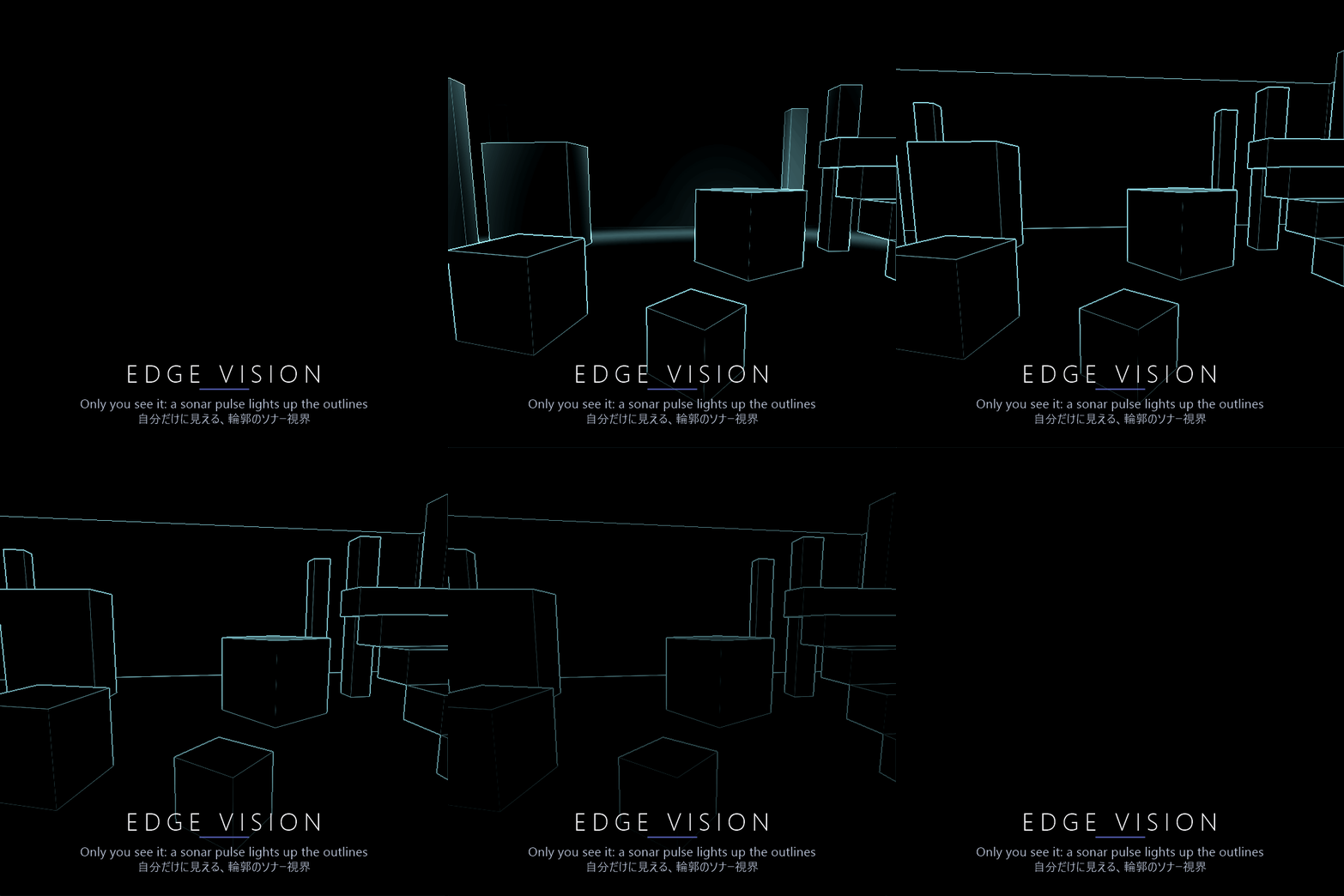
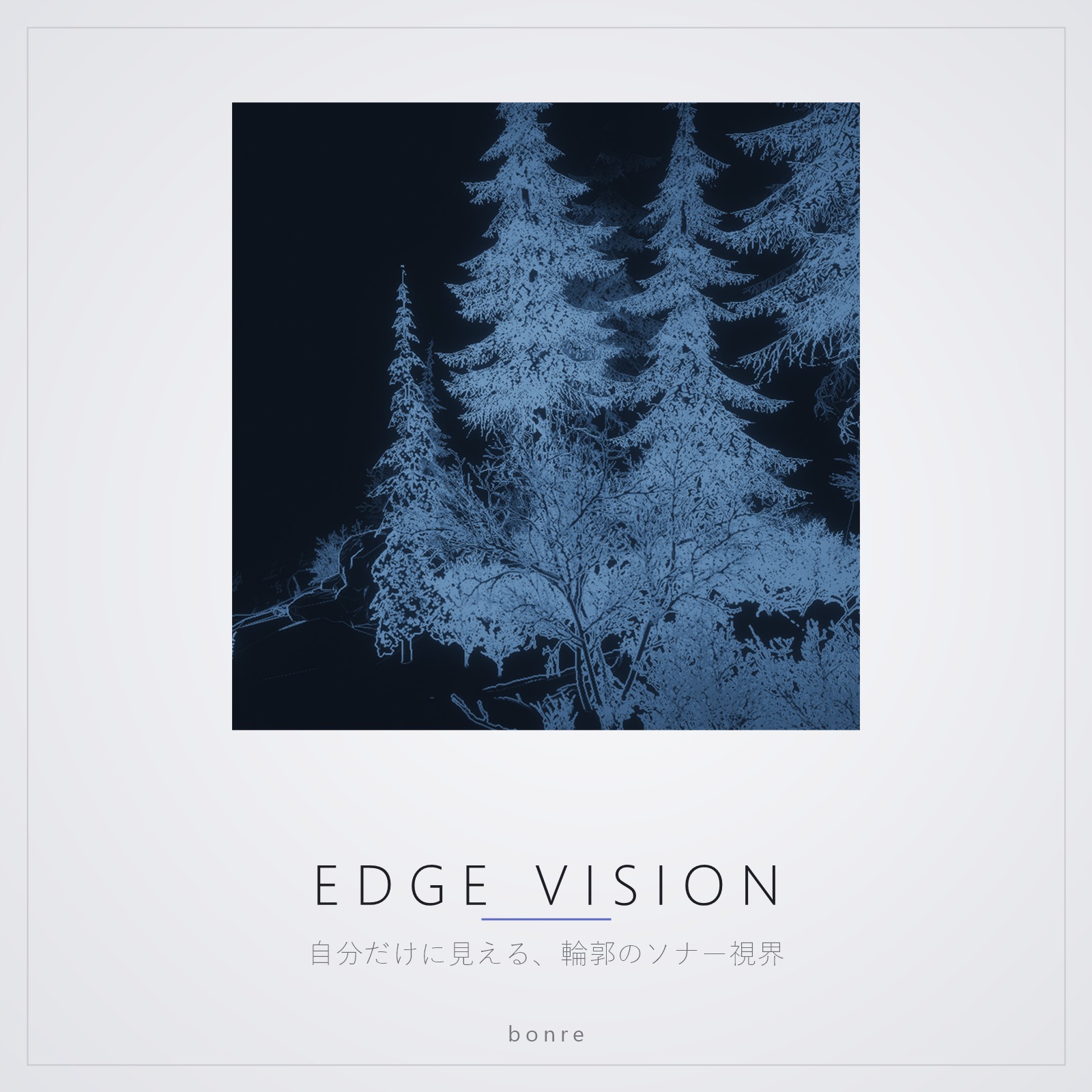
- Edge Vision: sonar view on your own screen while wearing the glasses
- Manual Sonar / Sonar: fire pulses yourself instead of every 4 s
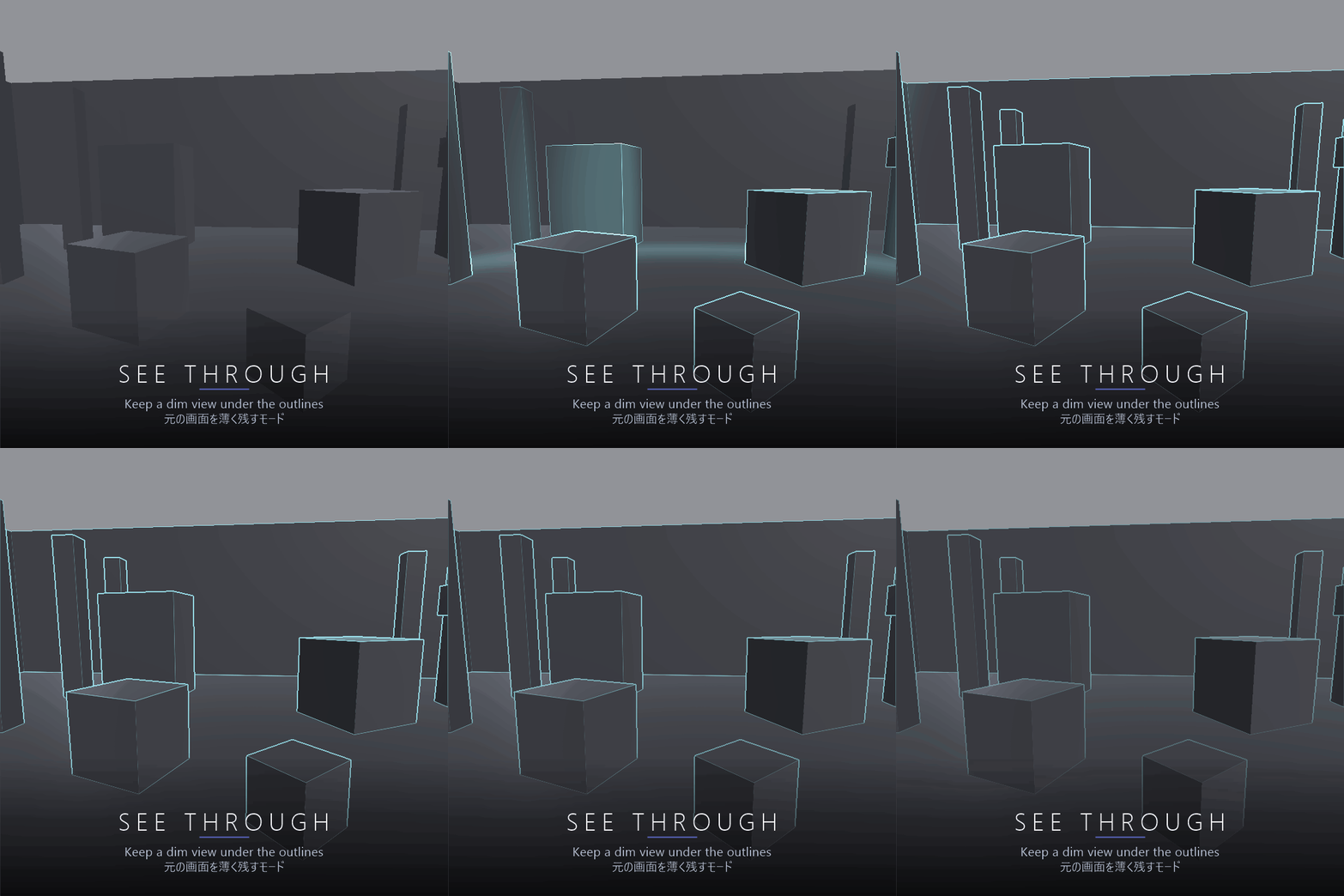
- See Through: keep a dim view under the outlines
SHARD TRANSFORM
- 16 blade shards burst out and curve to your earlobe, where the earring grows (and back)
- The earring's three blades swing with PhysBones
EDGE VISION
- Your view goes dark and a pulse from your head lights up every outline it passes
- Outlines ease out in the order the pulse reached them and are dark again before the next pulse
- Only on your own screen: not in mirrors, cameras or for other players
EASY TO PUT ON
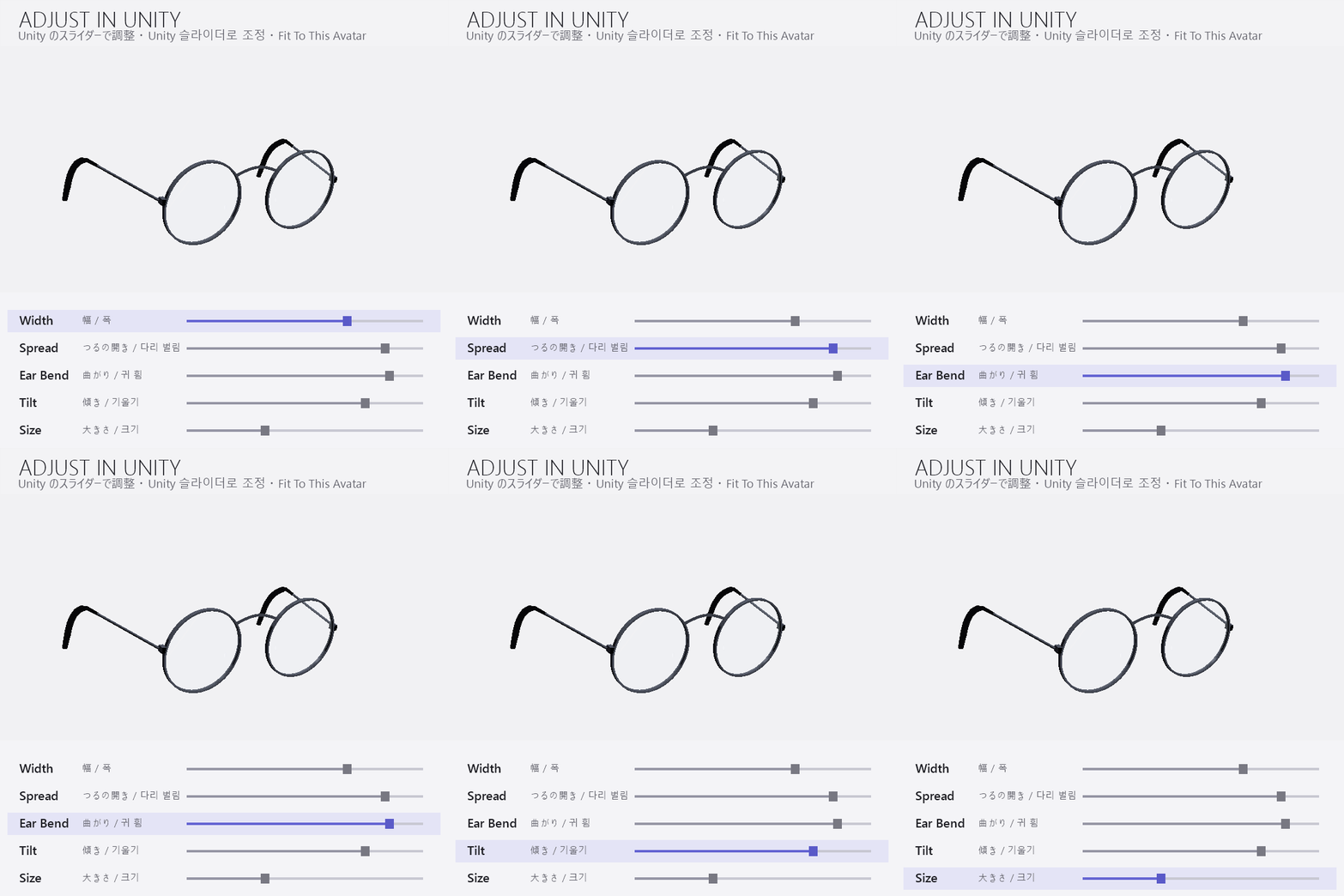
Drop the prefab on your avatar and press "Fit To This Avatar". Fine-tune in Unity: width, temple spread / length / bend, bridge, nose pads (size, on/off), tilt, height, depth, size, earring position, sonar interval / range / fade.
SPECS (PC, added by this item)
Triangles: glasses 8,348 / earrings 3,288 / shards ~1,200 · Skinned meshes 3 · Mesh renderers 1 · PhysBones 2 · Particle systems 3 · Light 1 (only while Edge Vision is on) · Synced parameters 10 bits
GOOD TO KNOW
PC only. Needs Modular Avatar (free, VCC). Glasses / earring materials use lilToon.
SUPPORT
If anything doesn't work as described, message me on Jinxxy or email [email protected]. Fixes are free.
AI DISCLOSURE
Shaders, editor tools and texts were written with help from an AI assistant (Claude). No AI image generator was used: previews are rendered from the actual product.
TERMS
OK: wear it on your own avatars and upload to VRChat etc. · OK: streaming, videos, photos, events, including commercial / monetized streams · OK: edit it for your own use · NO: redistributing, reselling, sharing or giving away the data (edited or partial too) · NO: public or clonable avatars · NO: using it as material in products you sell · NO: AI training · Credit not required (but appreciated). Full terms in LICENSE.txt.
v1.0.0 (2026-11-06) first release
v1.1.0 (2026-11-19) Temple Pitch Left / Right: tilt each temple up or down at its hinge in Unity to meet your avatar's ear height. The Edge Vision only version shows only its own settings. All three versions re-checked in clean projects. Re-download from your library to update (import over v1.0.0).