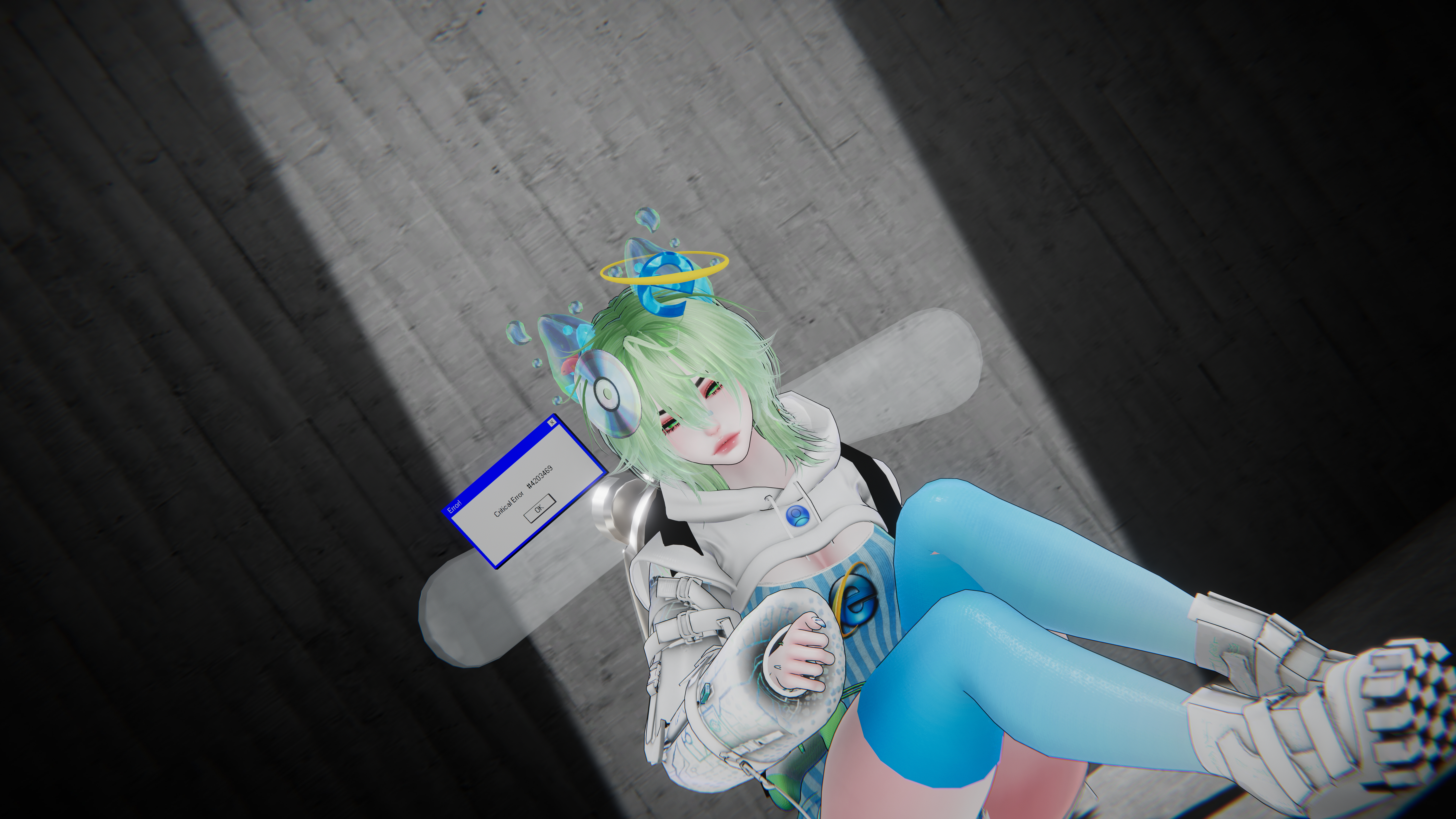
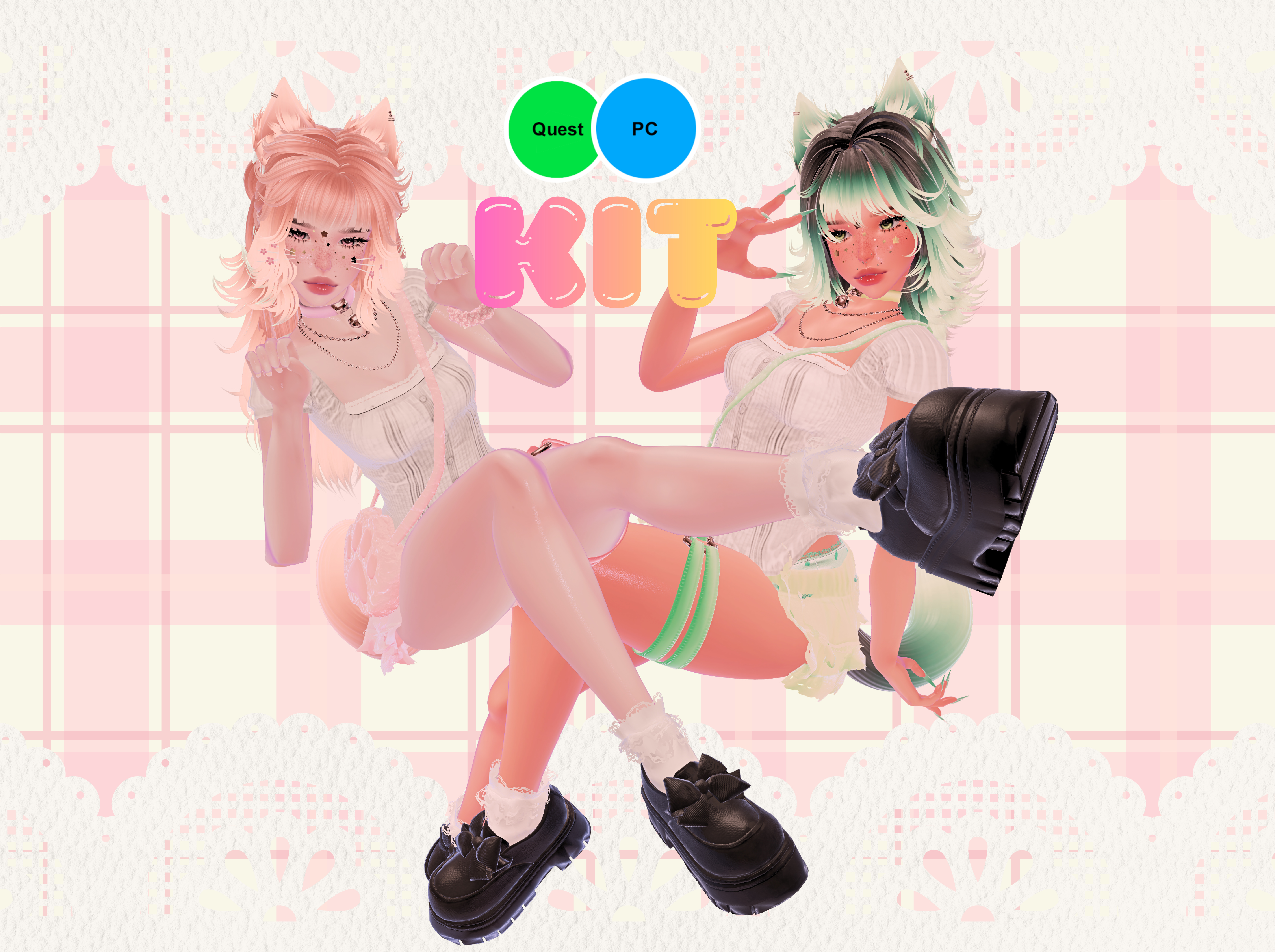

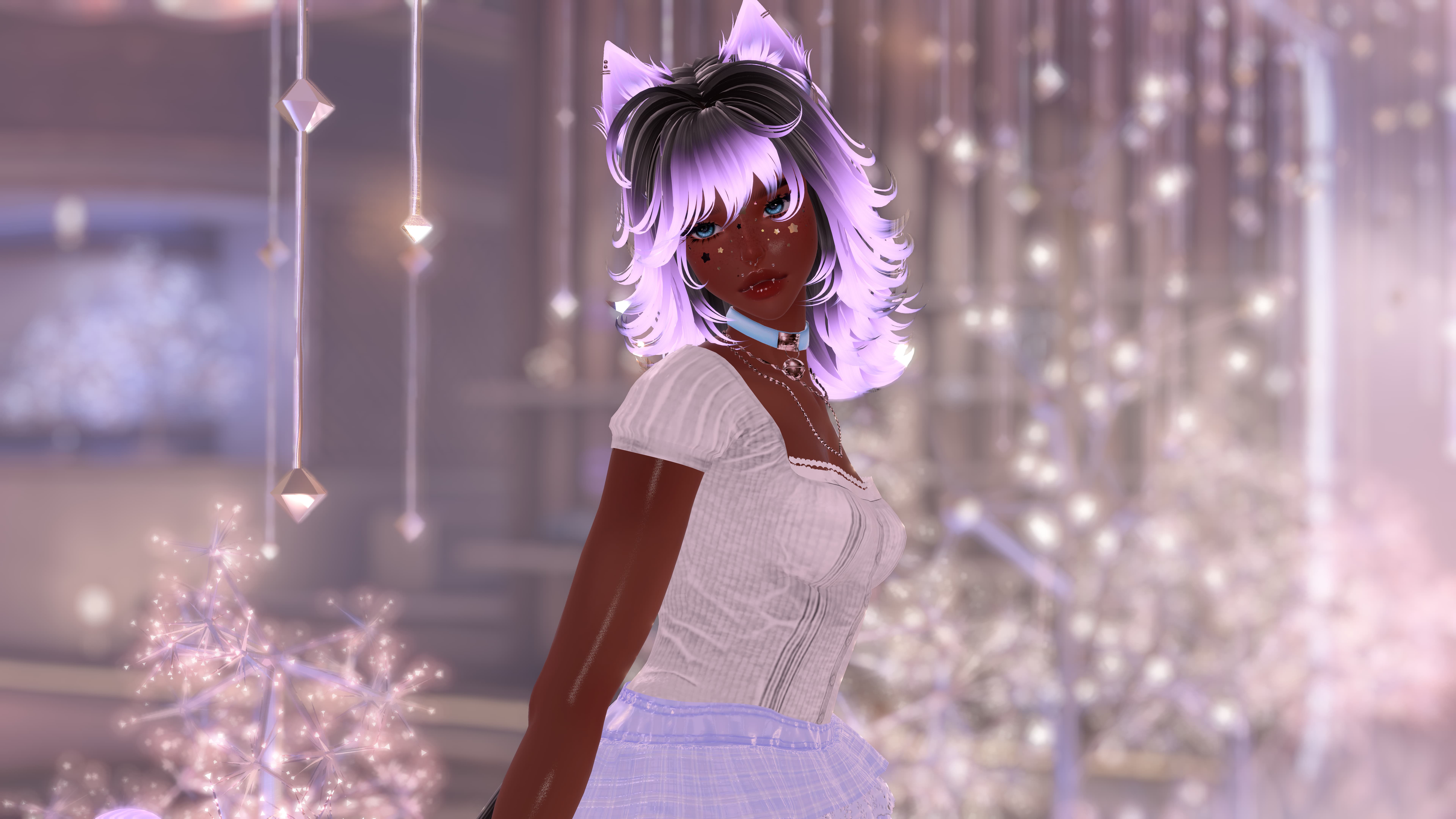
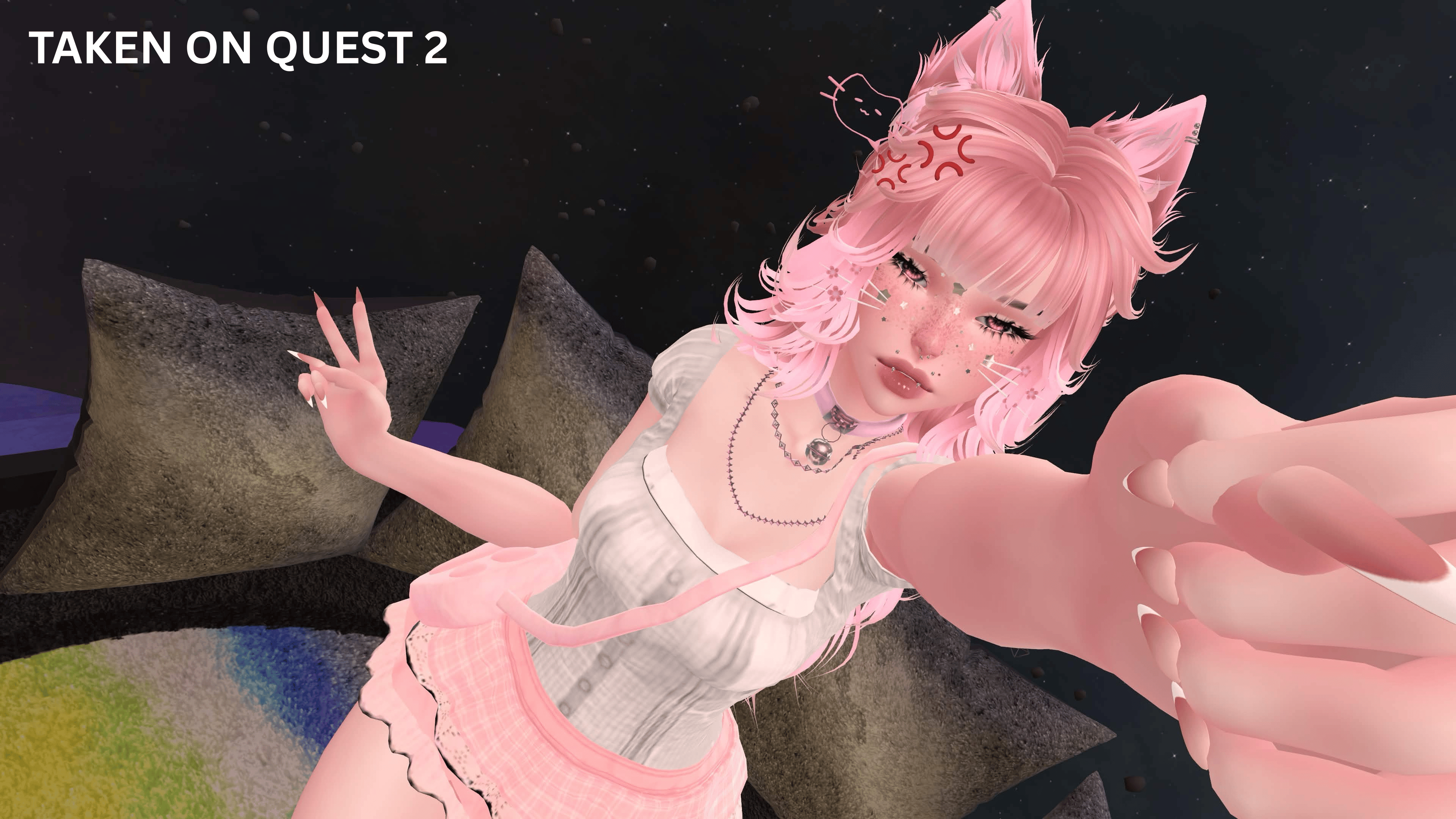
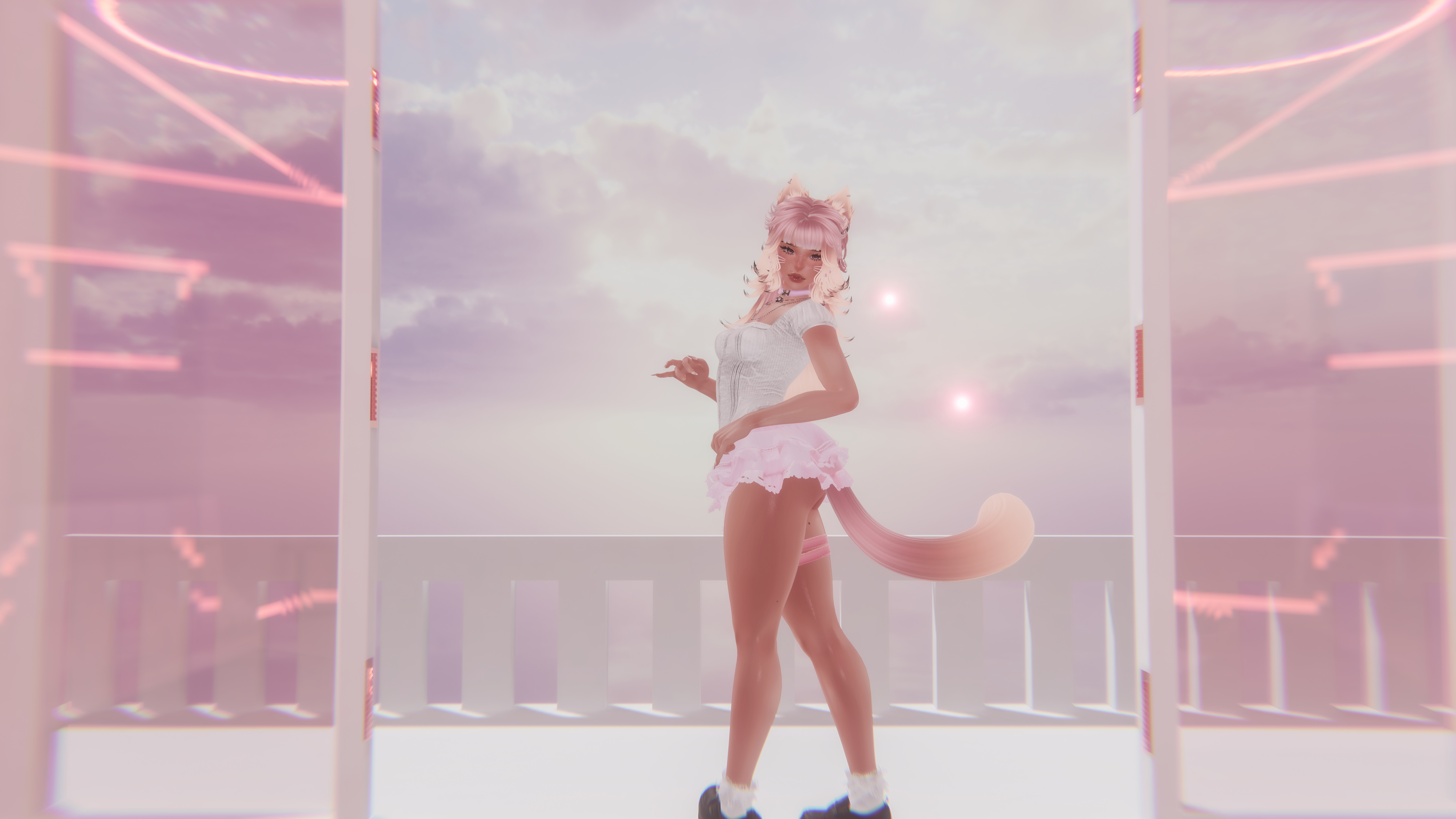
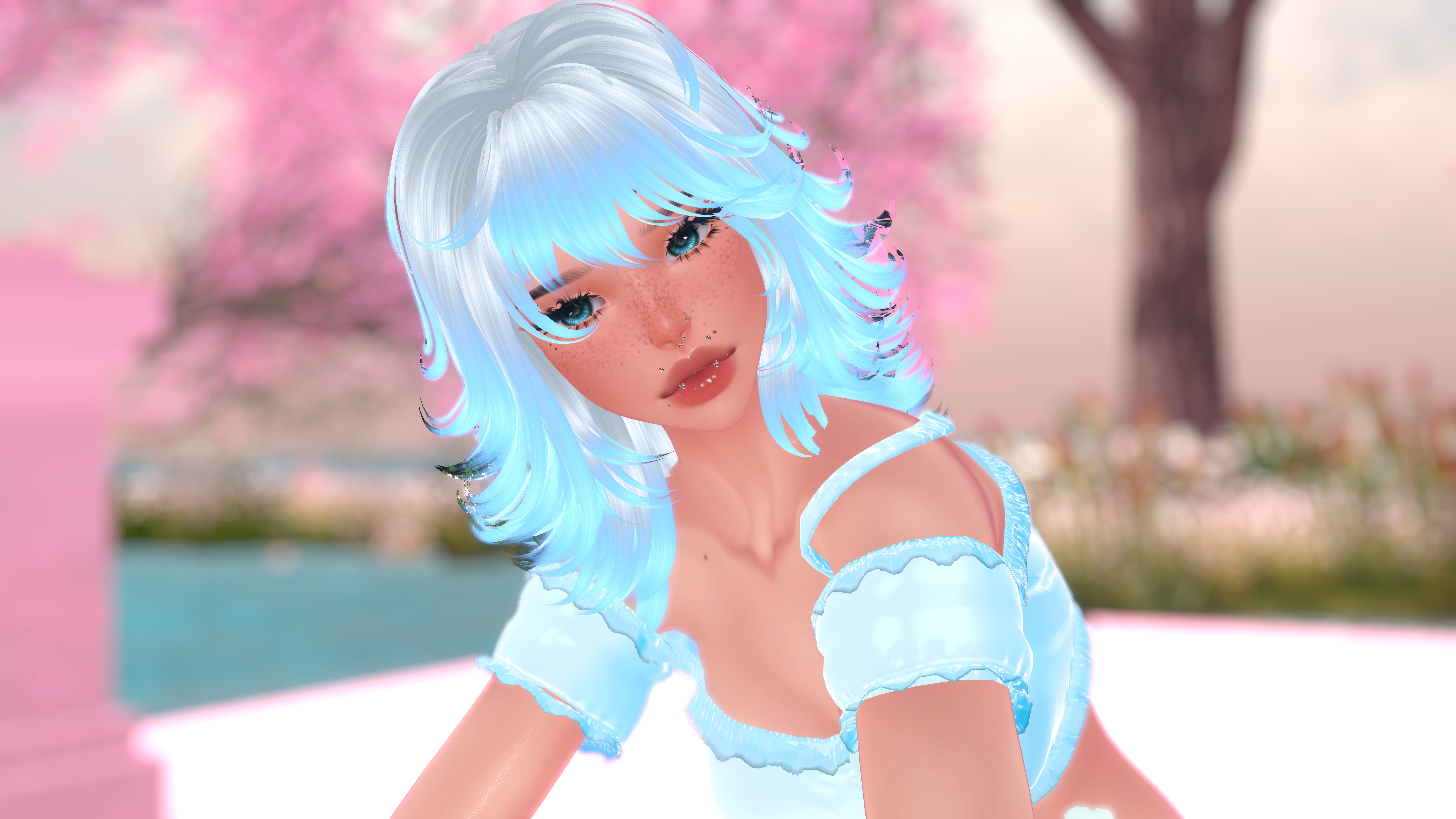
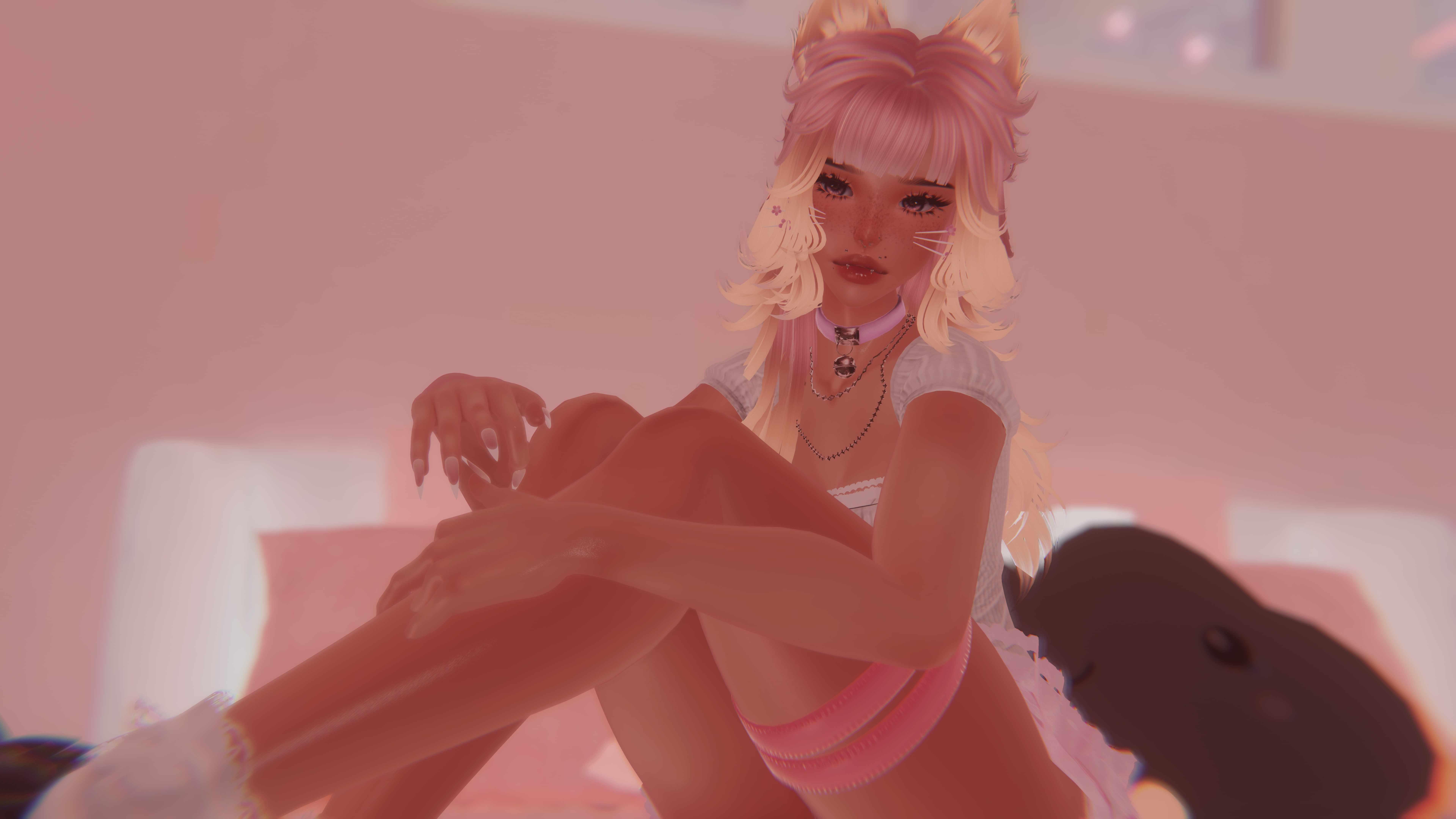
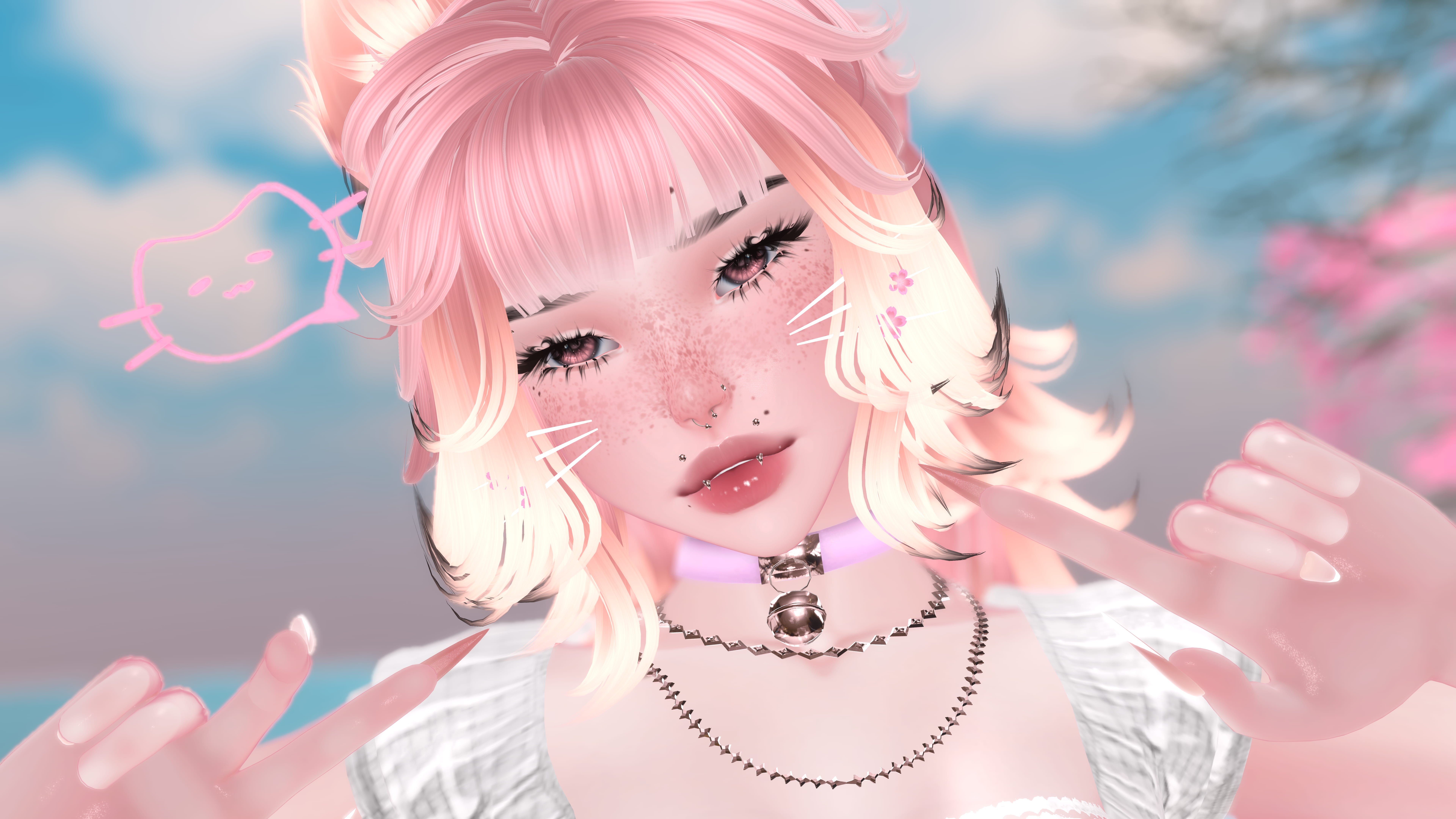
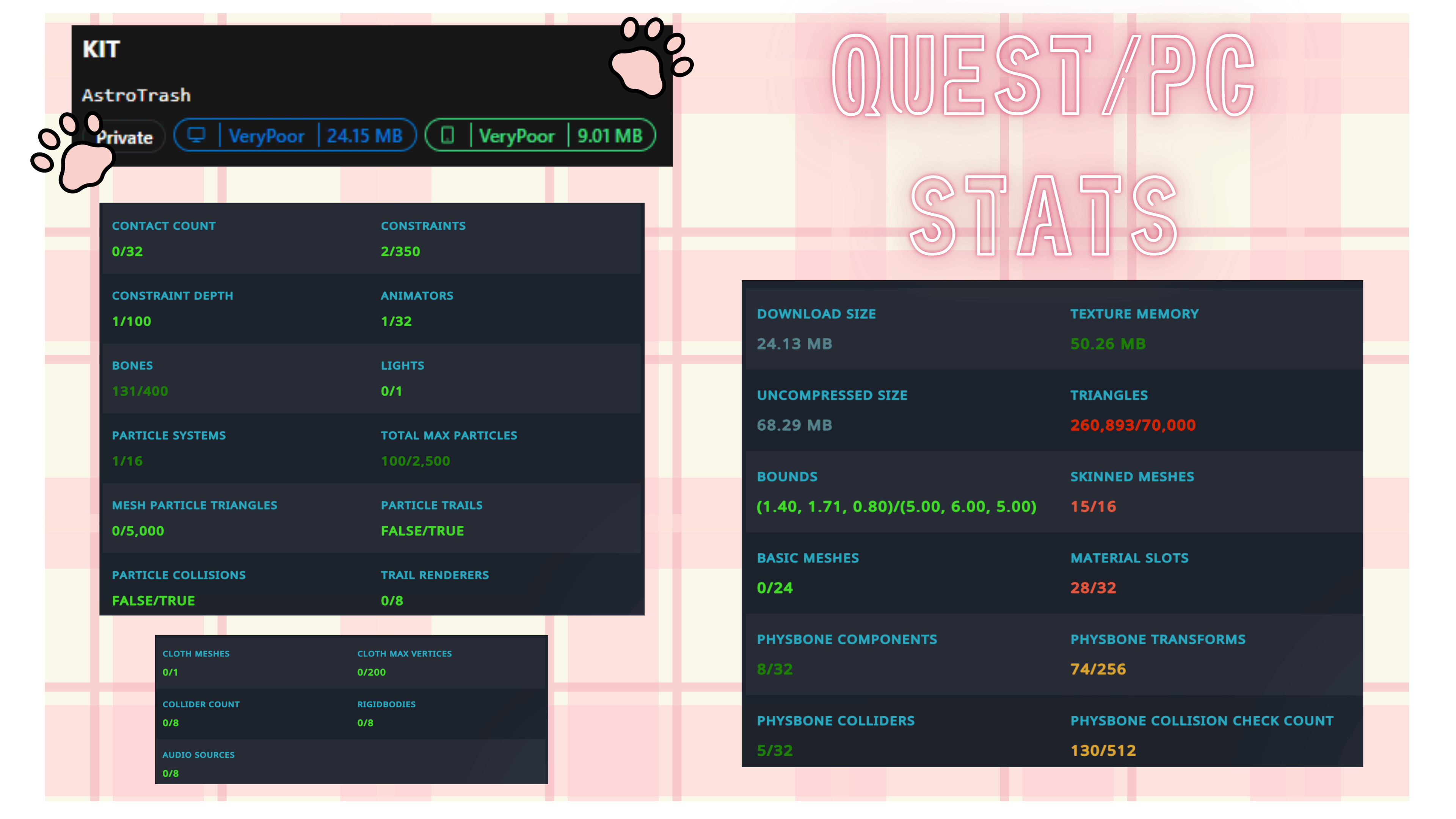
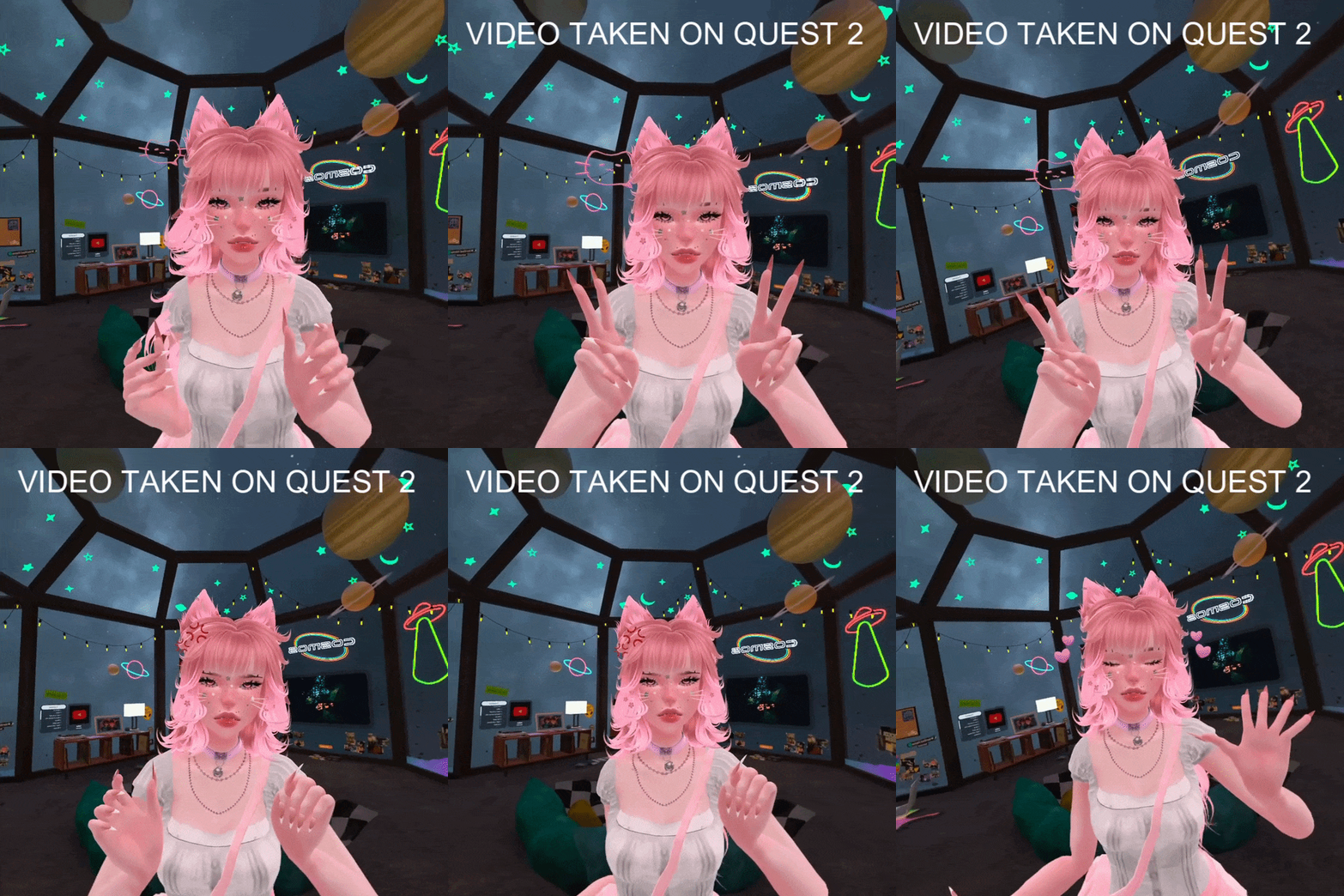
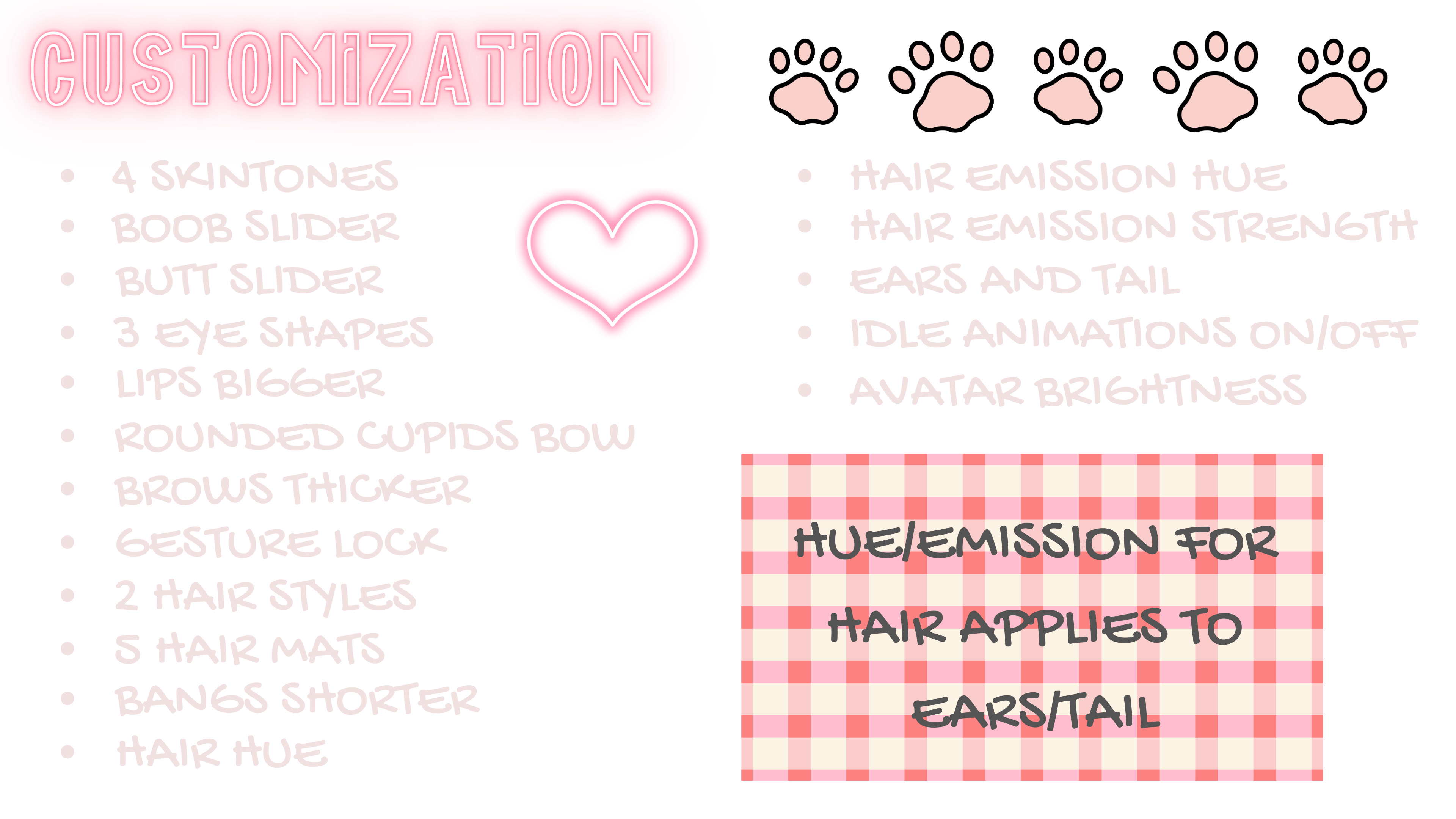
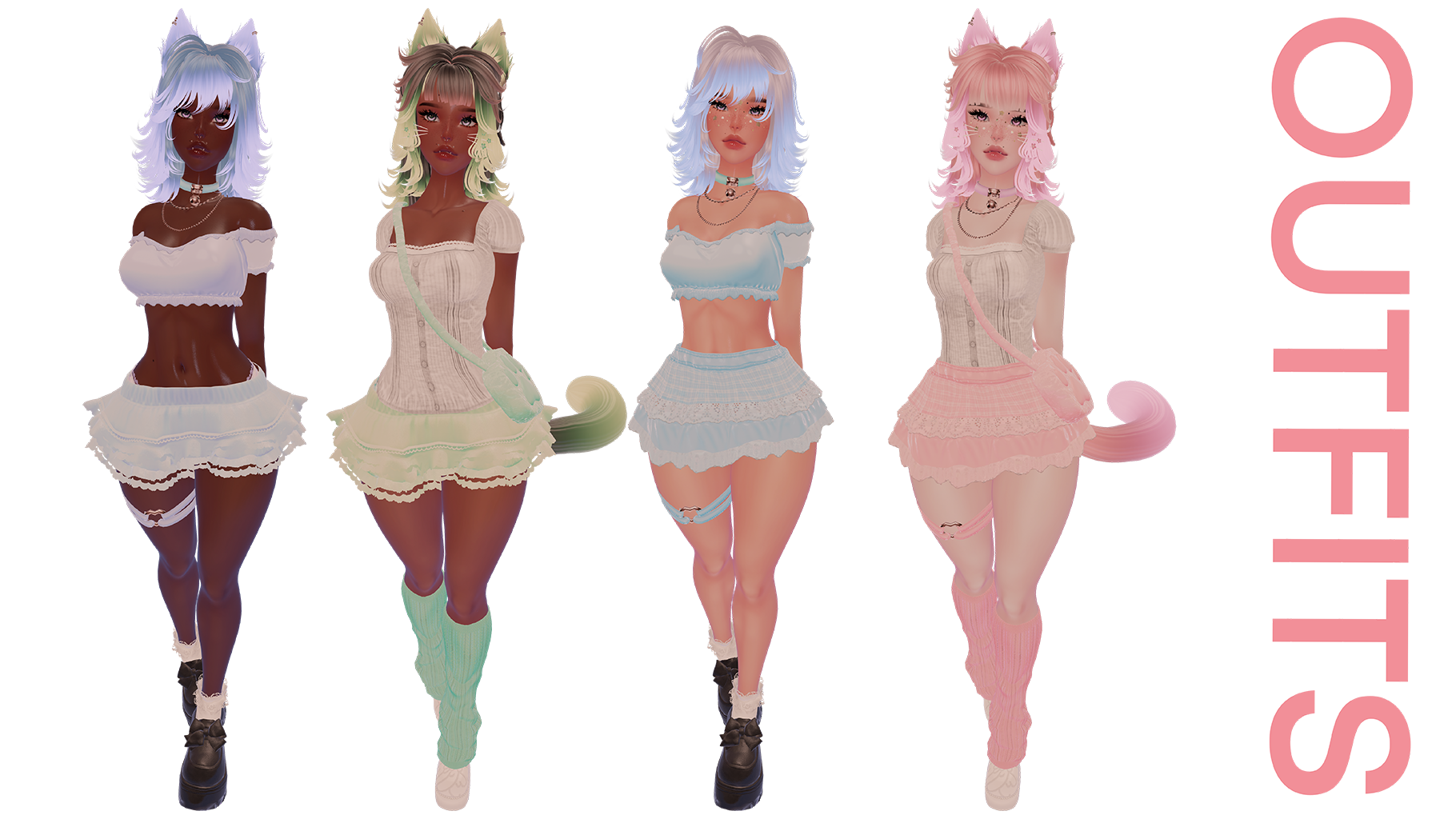

Banner Background
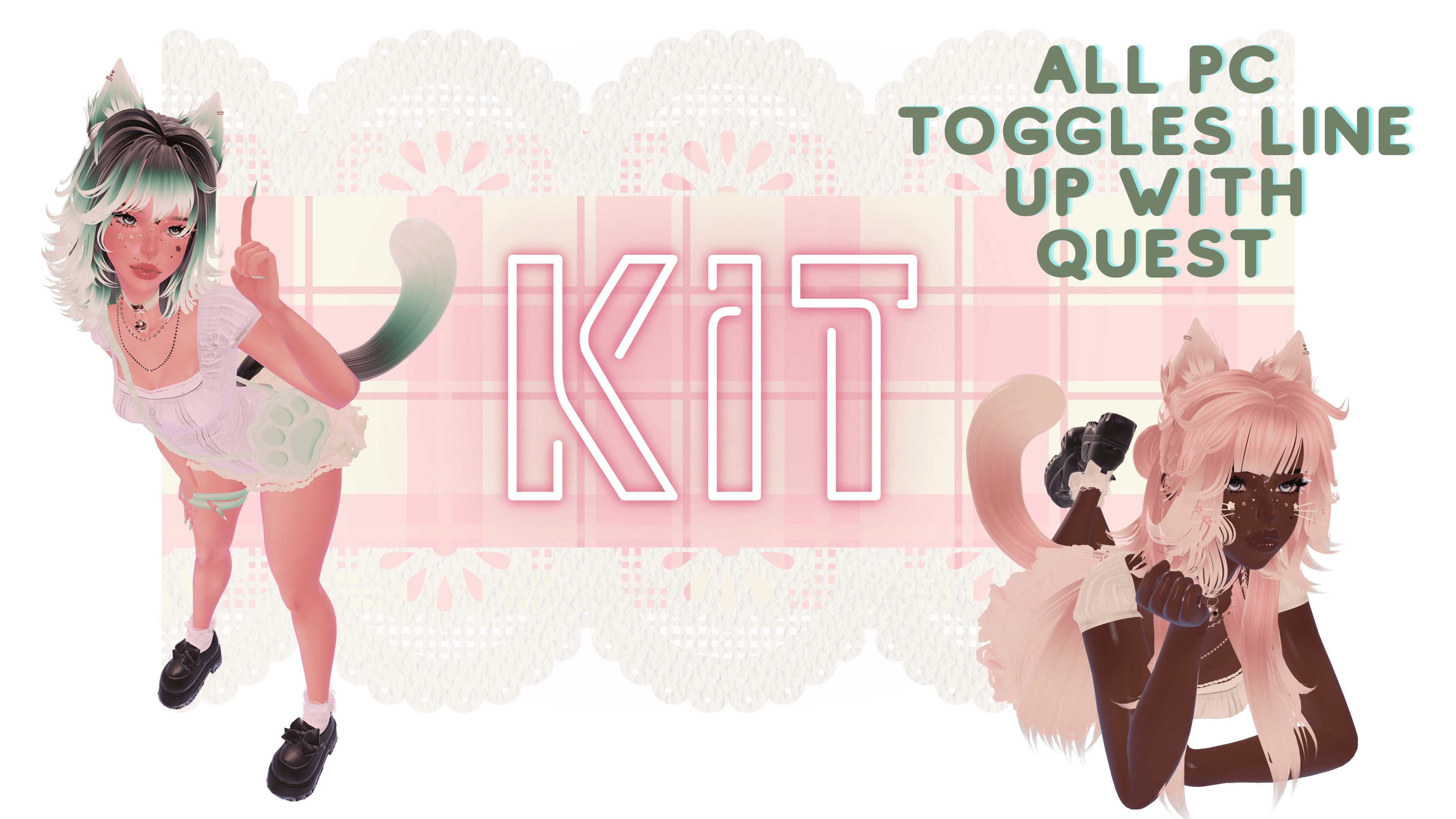
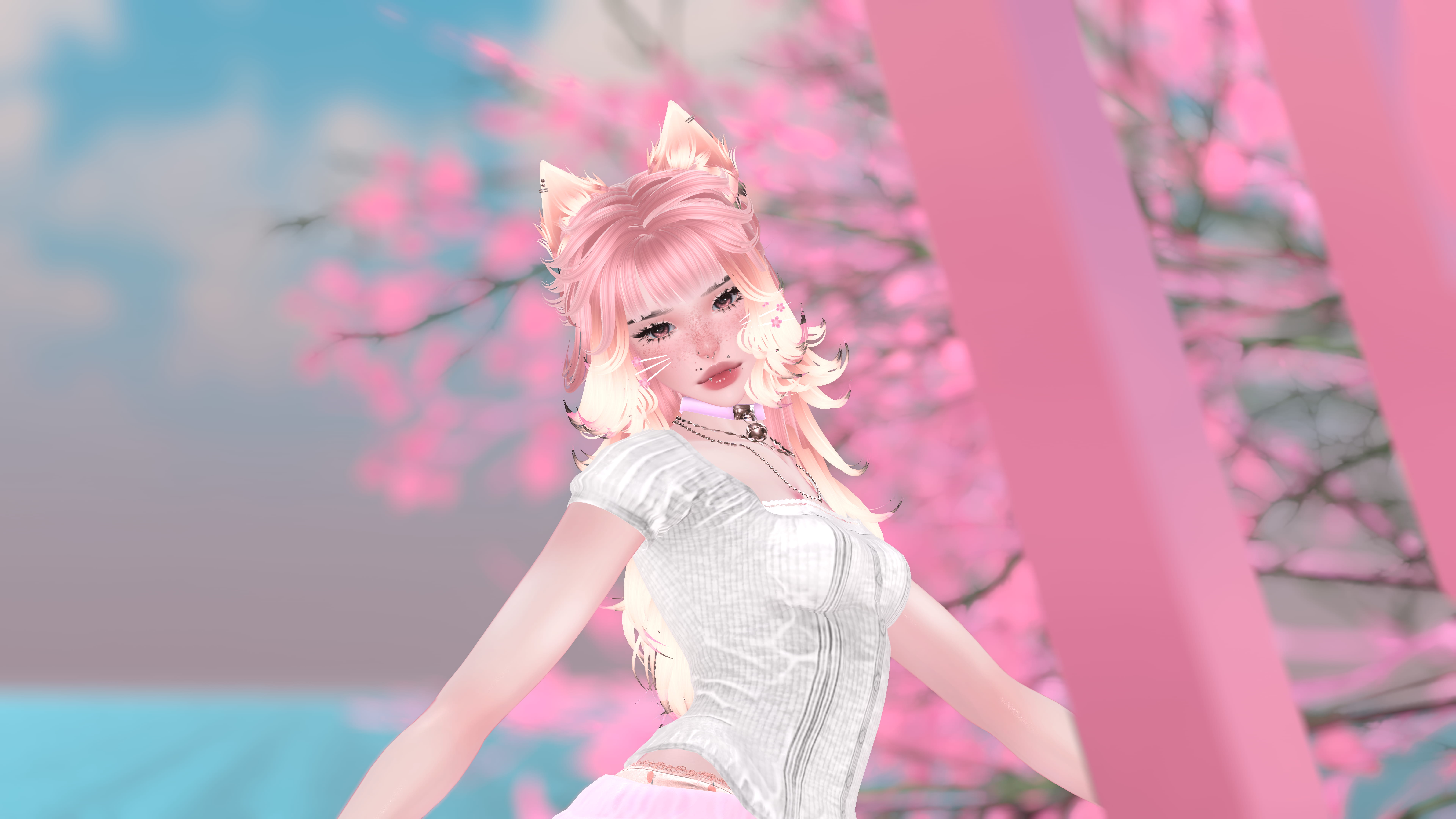
KIT - PC/QUEST/SFW/GOGO

KIT - PC/QUEST/SFW/GOGO

Product Description

https://jinxxy-cdn.com/53a6ad89-16cf-5687-97c2-6b2f1a94ffb2/3835517410480227727/944404020010068992.pnghttps://jinxxy-cdn.com/53a6ad89-16cf-5687-97c2-6b2f1a94ffb2/3835517410480227727/944404085475852288.pnghttps://jinxxy-cdn.com/53a6ad89-16cf-5687-97c2-6b2f1a94ffb2/3835517410480227727/944404152439588864.pnghttps://jinxxy-cdn.com/53a6ad89-16cf-5687-97c2-6b2f1a94ffb2/3835517410480227727/944404481697943552.jpeghttps://jinxxy-cdn.com/53a6ad89-16cf-5687-97c2-6b2f1a94ffb2/3835517410480227727/944404567344576512.pnghttps://jinxxy-cdn.com/53a6ad89-16cf-5687-97c2-6b2f1a94ffb2/3835517410480227727/944404622265594880.gifhttps://jinxxy-cdn.com/53a6ad89-16cf-5687-97c2-6b2f1a94ffb2/3835517410480227727/944404983158348800.pnghttps://jinxxy-cdn.com/53a6ad89-16cf-5687-97c2-6b2f1a94ffb2/3835517410480227727/944405091782253568.pnghttps://jinxxy-cdn.com/53a6ad89-16cf-5687-97c2-6b2f1a94ffb2/3835517410480227727/944405153760861184.pnghttps://jinxxy-cdn.com/53a6ad89-16cf-5687-97c2-6b2f1a94ffb2/3835517410480227727/944405244657823744.jpeghttps://jinxxy-cdn.com/53a6ad89-16cf-5687-97c2-6b2f1a94ffb2/3835517410480227727/944405298282365952.pnghttps://jinxxy-cdn.com/53a6ad89-16cf-5687-97c2-6b2f1a94ffb2/3835517410480227727/944405377643102208.jpeghttps://jinxxy-cdn.com/53a6ad89-16cf-5687-97c2-6b2f1a94ffb2/3835517410480227727/944405439919148032.pnghttps://jinxxy-cdn.com/53a6ad89-16cf-5687-97c2-6b2f1a94ffb2/3835517410480227727/944405497070016512.png

  1. 1. Launch Creator Companion Download Here
  2. This model uses VRC FURY! Download Here
  3. Name project and create it, once your Unity scene is open, add Poiyomi Shaders, the model will have the free version I used in the purchased package.
  4. Add the Unity package into the scene, (drag and drop white box into your hierarchy)
  5. Sign into your SDK, feel free to use the included art or render photo as your thumbnail, or whatever you want.
  6. For Quest upload, finish steps above. NO NEED FOR POIYOMI AND SWITCH TARGET BUILD TO ANDROID. In this project, select which skin tone you want and hide the rest in the project/or delete. Before you upload, make sure to copy the Blueprint ID from your PC upload and attach it in the avatar descriptor. Select android in SDK and upload!
SERVER LINK

https://jinxxy-cdn.com/53a6ad89-16cf-5687-97c2-6b2f1a94ffb2/3835517410480227727/944405662973633536.png- E-Girl Base by Zinpia

- Mina/s Head,Lash Pack & Hair Textures by Saikura

- Purrfect Cat Set by PurrfectPixelsVR

- Nails by BeanieBaby

- Wrist Scrunchie by YamuVR

- Emote System by GM's Box

- Mercedes Hair by Saikura

- Azzy's Hair by Saikura

- Murder Bunny Outfit by PastelAesthetics

- Cutesy Set by Nessy

- Comfy Cat Onsie by AnaRam

- Star Stickers by Skulli

- Sakura Kitty Set by YamuVR

- Warmers and Heels by PastelAesthetics

- Paw Pasties by EmpressMoon

- Comfy Undies by SnailProof

- Basic Dynamics by Rafa

- Hai's Menu Photo Taker

- Main Menu Icons by Me

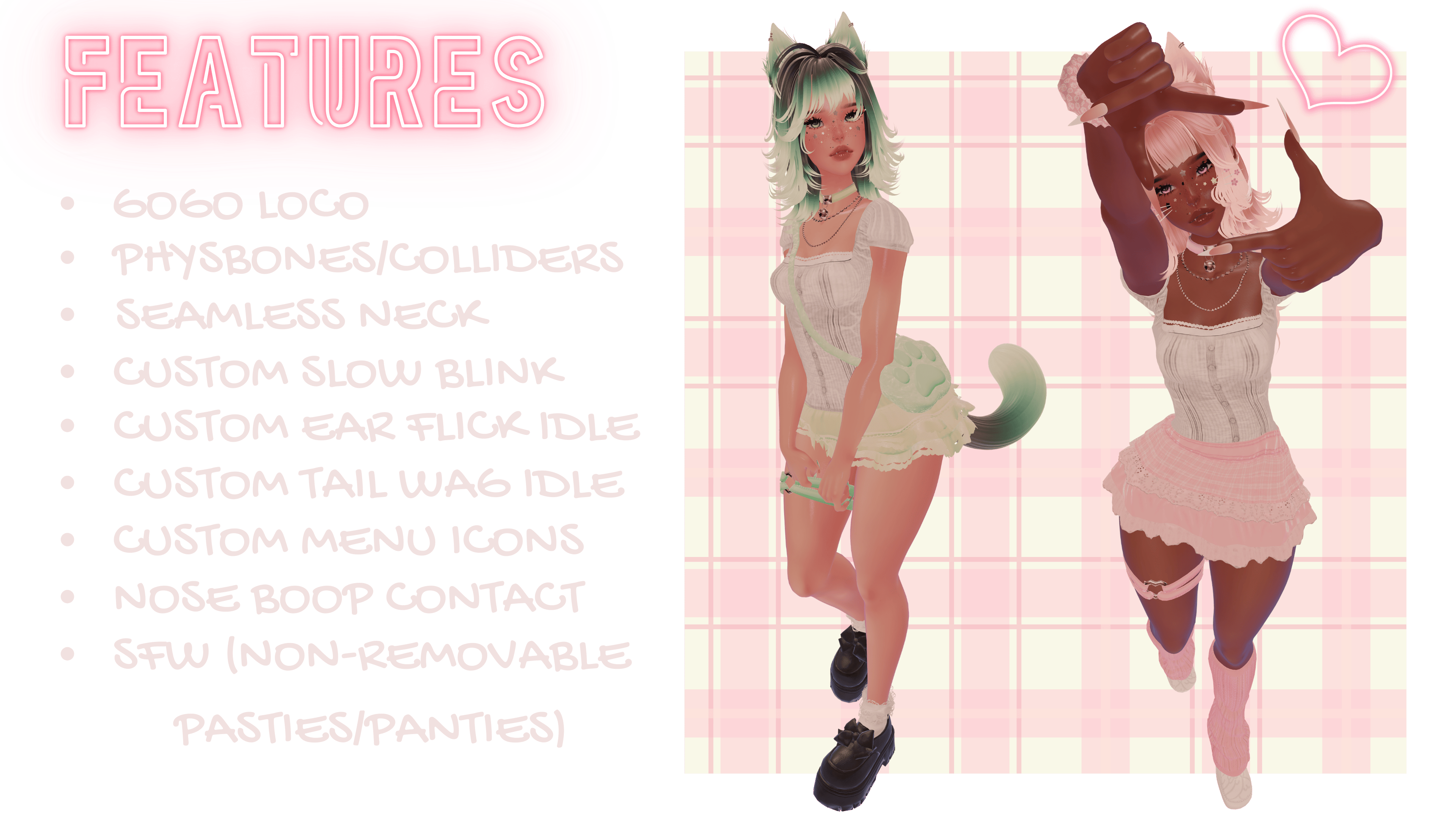
- GoGo Loco

https://jinxxy-cdn.com/53a6ad89-16cf-5687-97c2-6b2f1a94ffb2/3835517410480227727/944405862623974400.jpegWEBHOOKS : KIT, ASTROTRASH, QUEST, AVATAR, VRCHAT, KITTY, CAT

No reviews yet - be the first to review!
$15.00