Product Description
VRChat Now Offers Their Third Person Camera To Non-VRC+ Users
The functionality they offer is very similar to the functionality offered by my product. I will leave this up, as some users have pointed out that my product offers a more convenient way to access and adjust a third-person camera, as well as providing functionality beyond what the built-in tool does by allowing use in VR. If you purchased this before June 24 2026, and you want a refund, contact me and I will issue a full refund.
Description
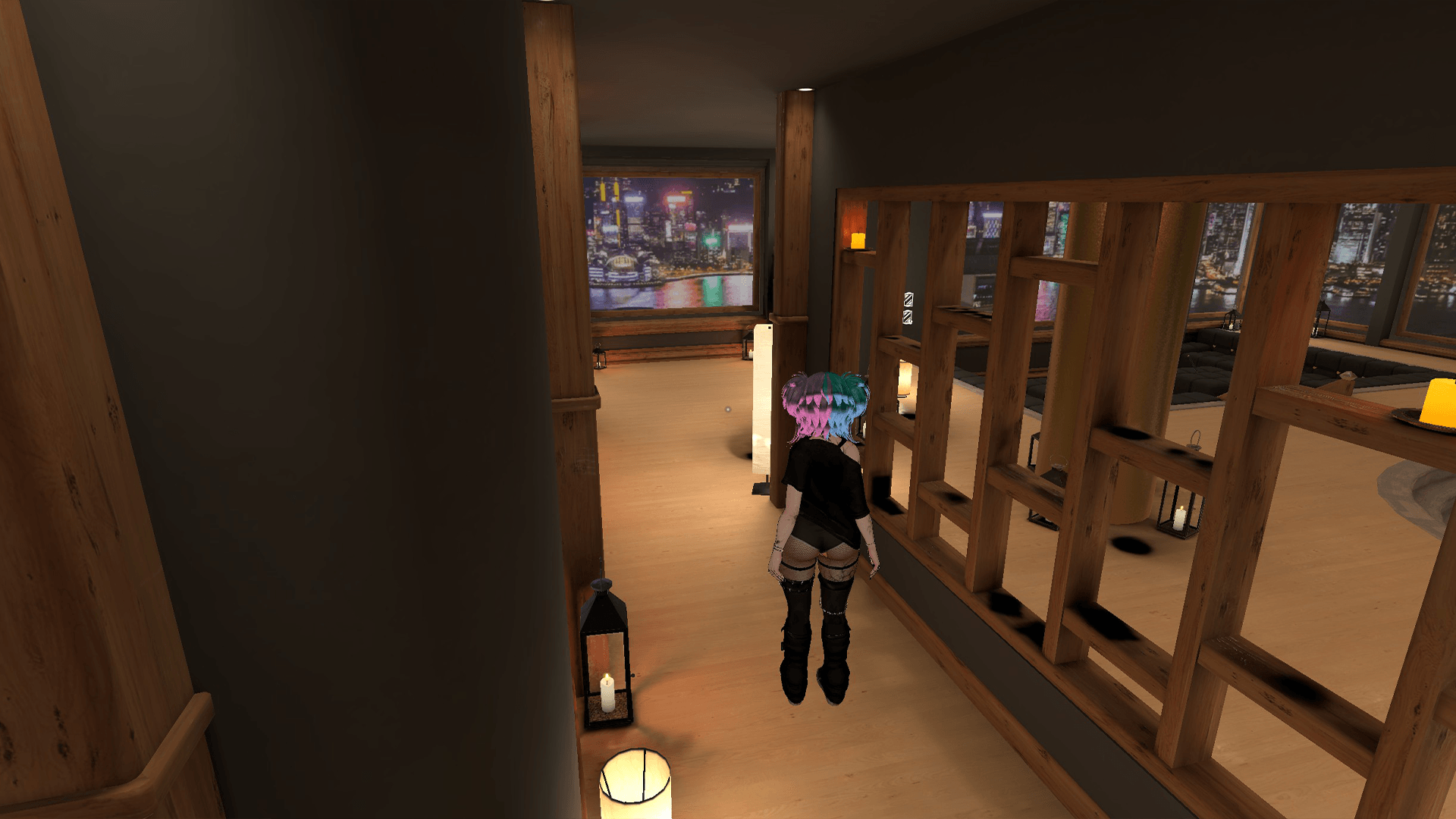
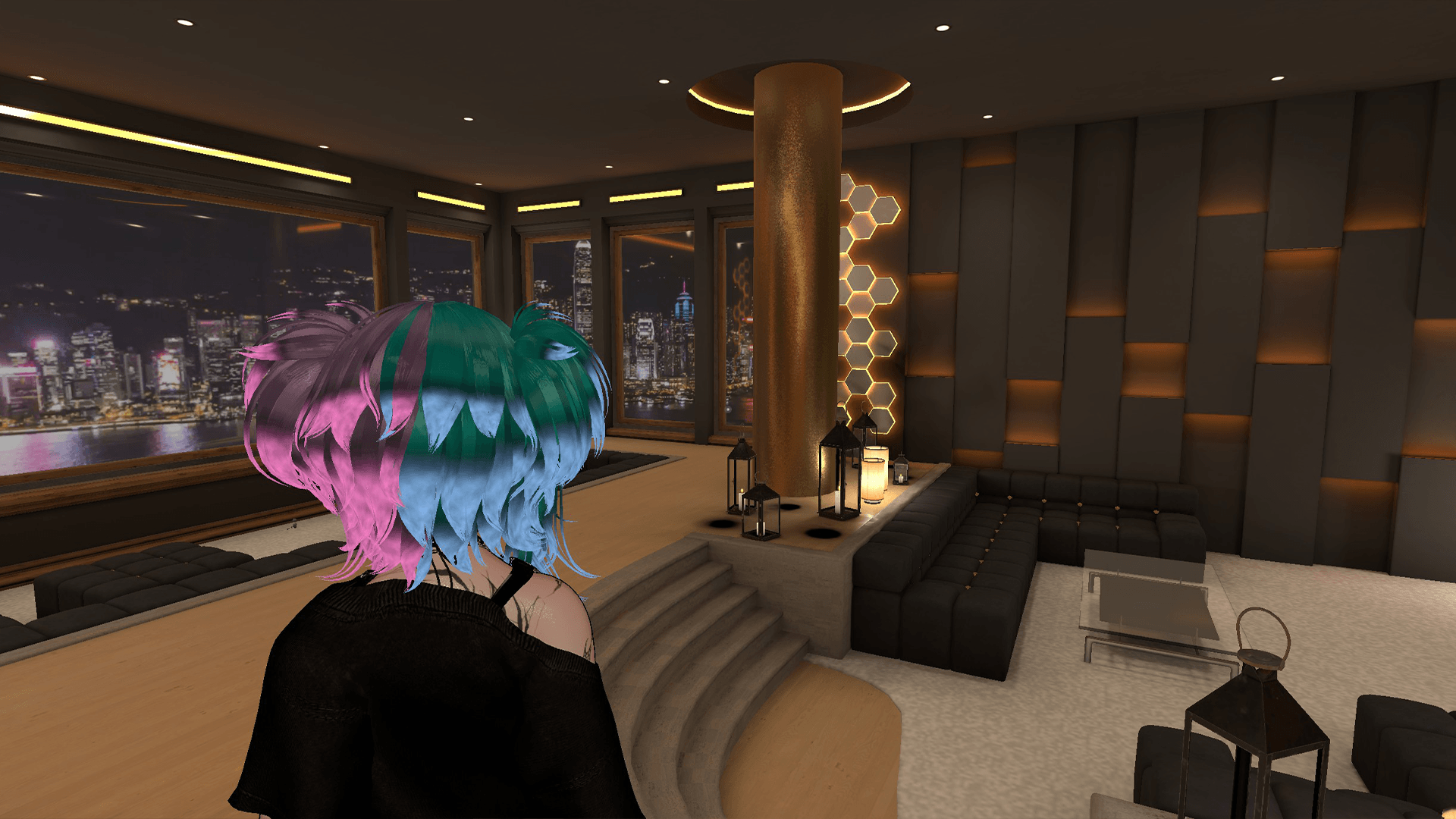
Have you ever wanted to add a third-person camera to your avatar, but felt daunted by the complexity of setting it up correctly? Do you already know how to do it, but you want something convenient because you have ADHD and can't be bothered? Allow me to introduce my latest product, Apoc's Third Person Camera! Simply drag and drop it on your avatar, align it with your head, and upload.
Features
- Super easy installation
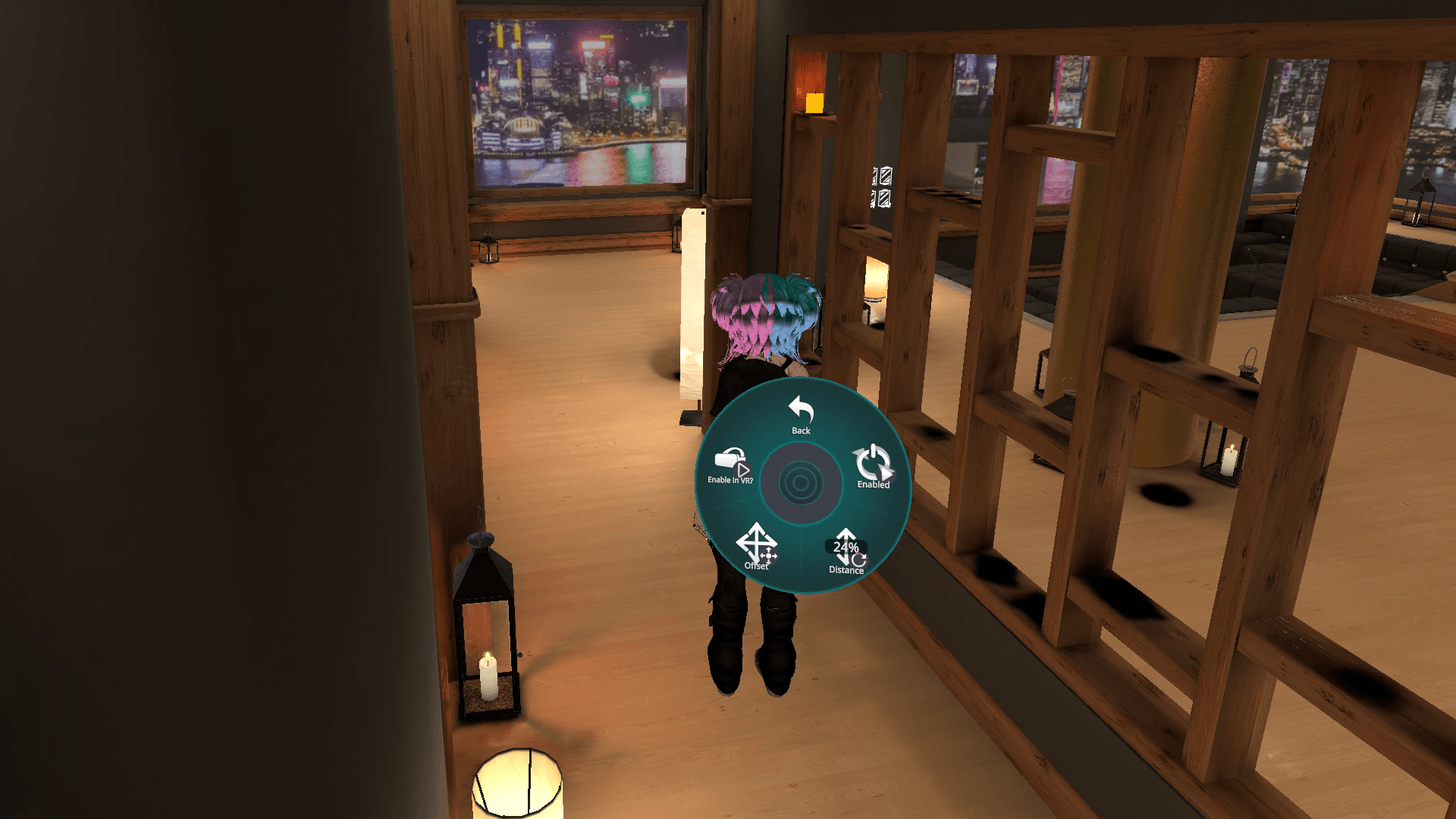
- Toggle-able third-person camera
- Adjustable camera distance
- Adjustable camera offset (horizontal and vertical)
- (Optional) Usable in VR! I'm not sure why you'd want to, but I'll still let you do it!
- Camera settings persist between worlds and avatar reloads
Requirements
- VRCFury
- PC Only
Resource Usage
- 0 parameter cost, since it's local-only
- 1 Constraint
Installation
This is super simple for anyone to install without Unity experience. It doesn't matter if you leave it enabled or disabled before upload, the script will handle everything else! By default, this installs to the same "Tools" menu as my other tools, but you can change it by editing the path under "Full Controller" and "Override Menu Icon" on the prefab. All my future tools will follow this same format, for consistency.
- Import VRCFury (If you haven't already)
- Import "Apoc's Third Person Camera" to your avatar project
- Navigate to "_apoc/Prefabs" and find the "Third Person Camera" prefab
- Left-click the "Third Person Camera" prefab, then drag and drop it onto the root of your avatar
- Align the "Third Person Camera" prefab so that the colored orb is overlapping your head
- Upload! It's okay if you want to toggle the prefab off to hide the orb, it will still work, and the orb is deleted on upload
Allowed
- Edits for personal use
- Uploading privately or publicly to any avatar on your VRChat account
- Use in content creation (VTubing, YouTube, TikTok, other social media, etc.)
- Redistribution in part or as a whole in commercial avatar projects, so long as I am credited
Not Allowed
- Redistribution/sharing that is not part of an avatar project, or without crediting me
- Claiming this as your own work
- Using this asset in any way that violates VRChat TOS
Need help? Want to report a bug?
Join my Discord server: https://discord.gg/xgaAm9WjgE
Join My VRC Group!
Check out my Avatar World!
https://vrchat.com/home/world/wrld_4f88eb43-1663-40cc-9652-050c482b01fe