
Product Description
This product contains AI-generated content.
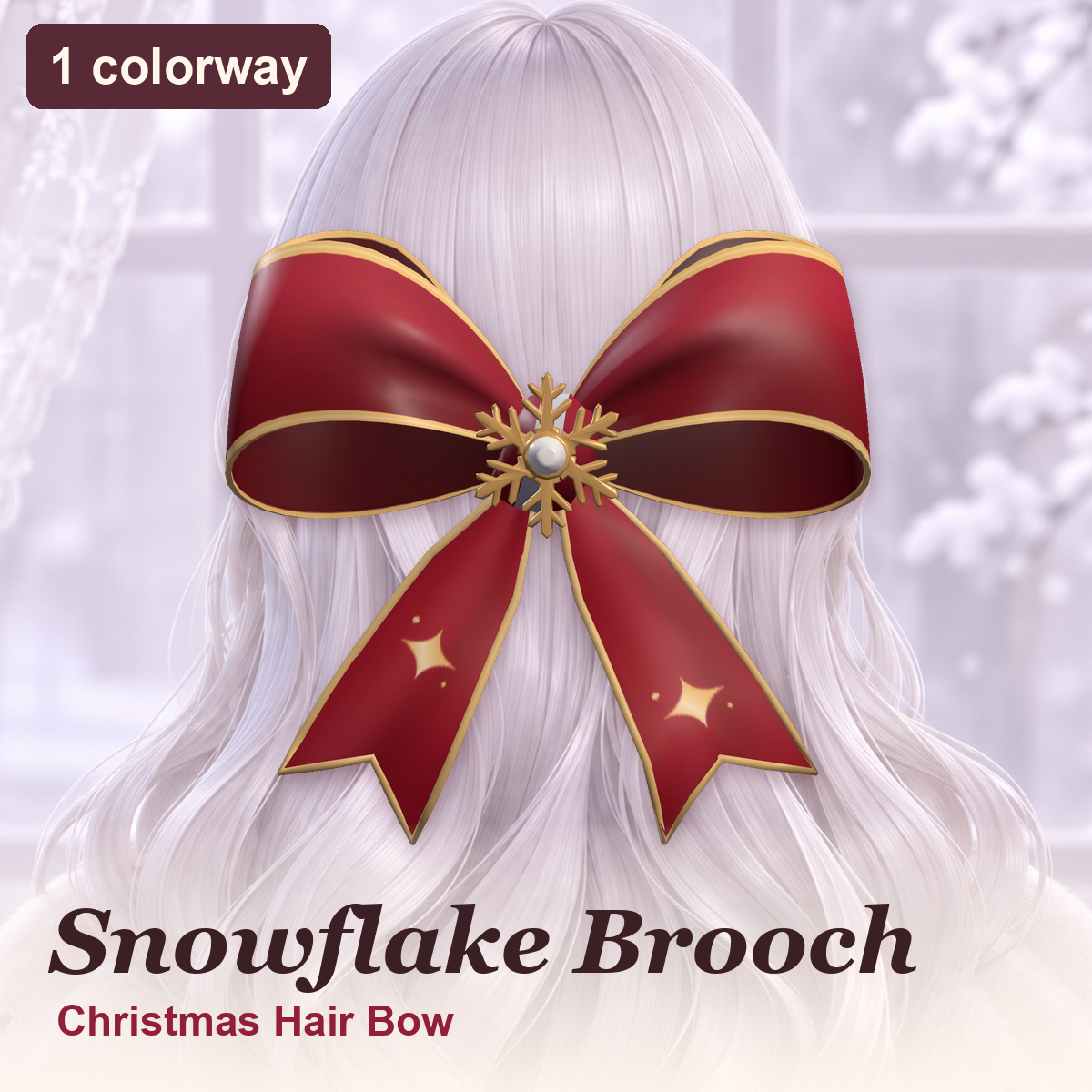
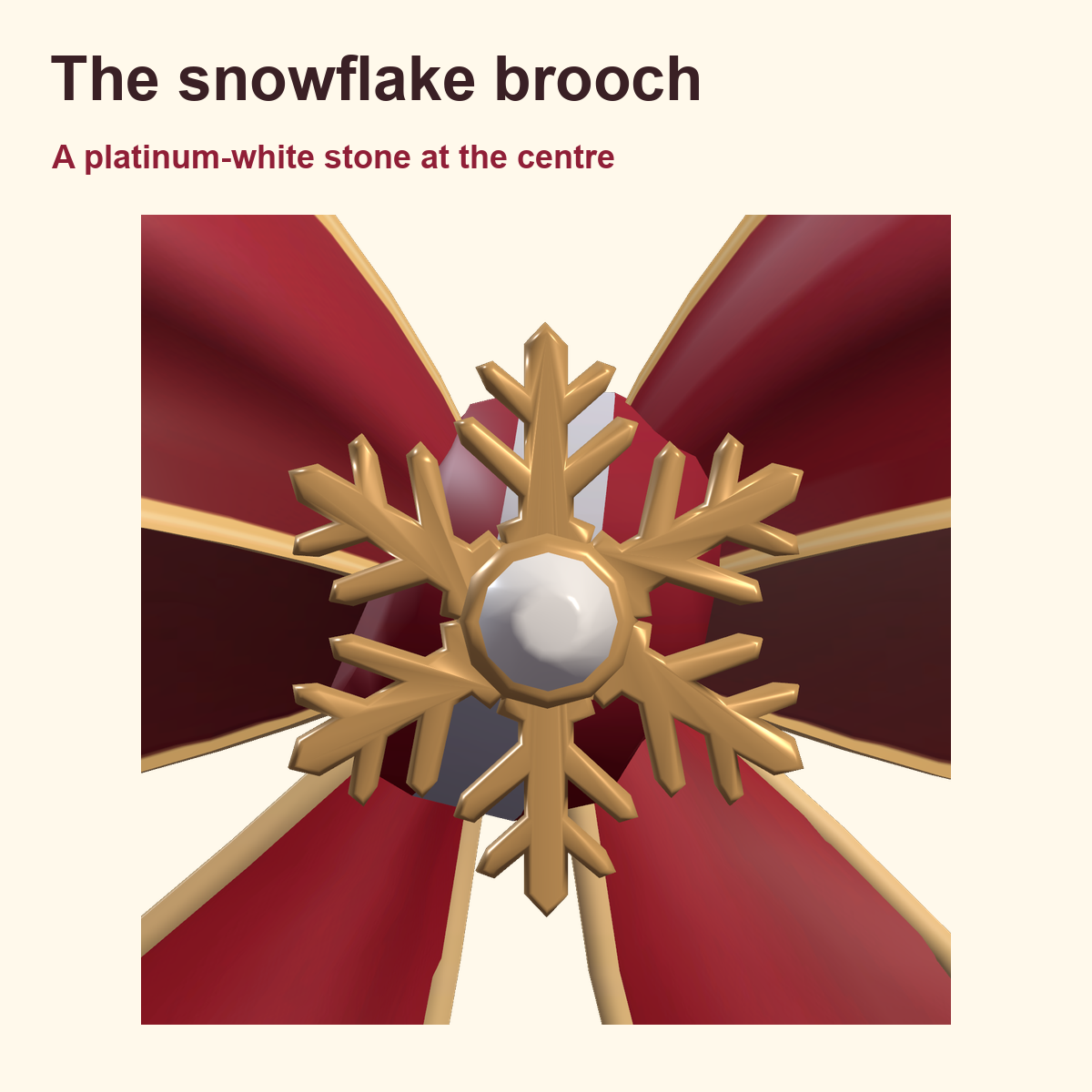
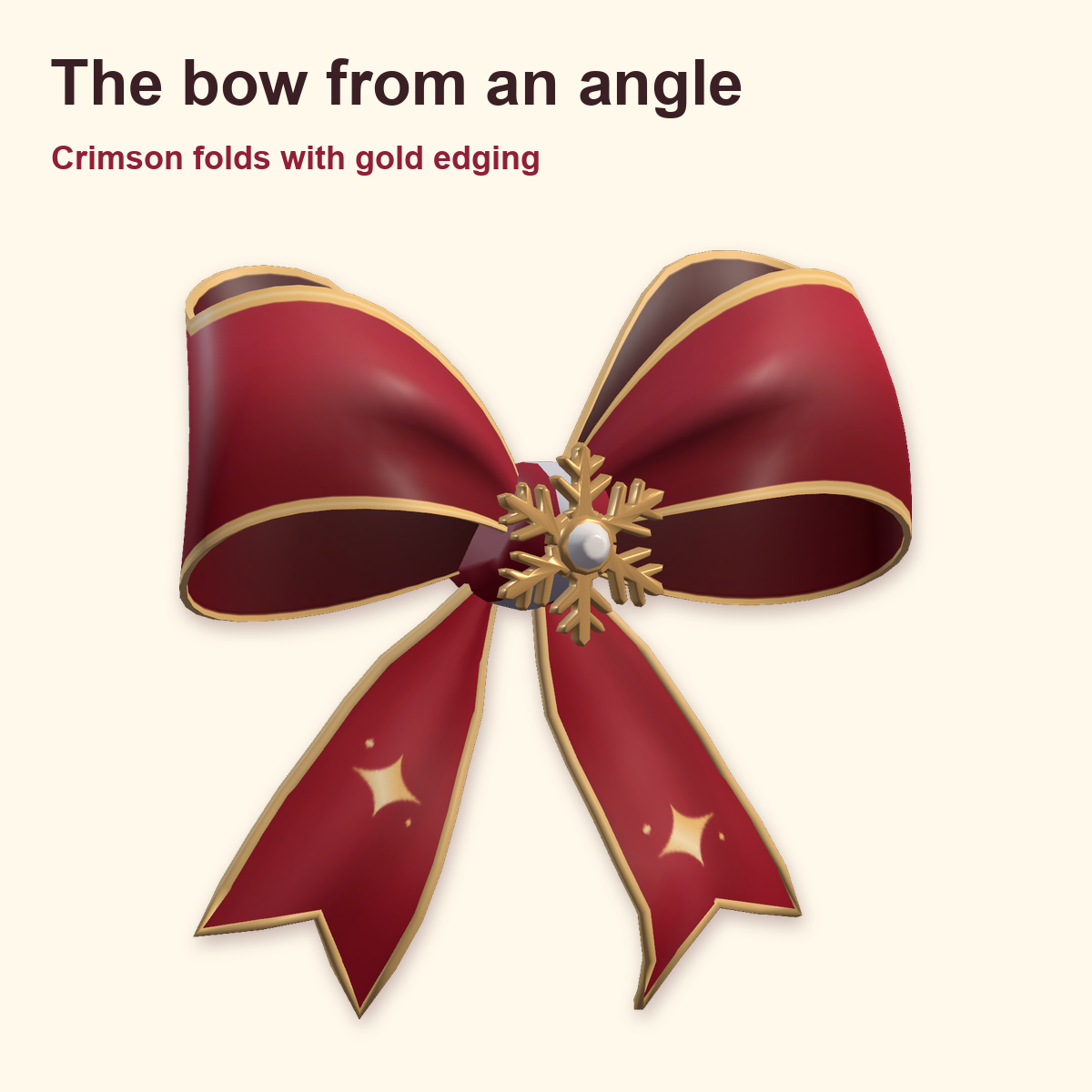
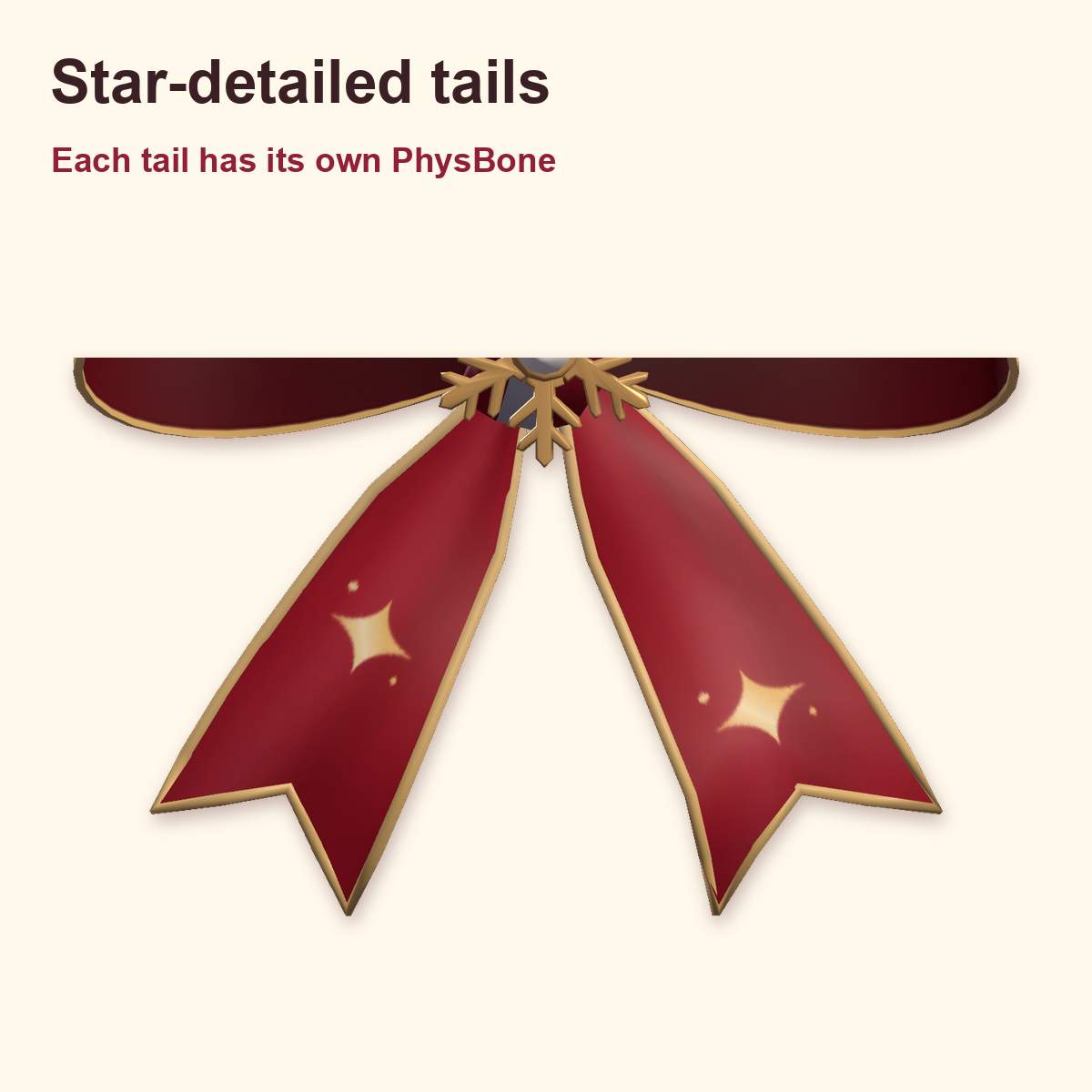
A champagne-gold snowflake brooch catches the light against a crimson hair bow. Fit it at the back of your hairstyle to show off the gold-edged loops, pale centre stone and two V-cut tails that sway independently when you turn.
Triangle count · PC 5,344 / Quest 4,832
One design and colourway. Four meshes, three materials and two VRC PhysBones per version.
What's included
PC and Quest prefabs, a fitting tool, FBX and GLB for both platforms, an editable Blender file, colour textures, English and Japanese guides, and the licence. The snowflake is mounted on the bow. This item can be installed alongside the separate Candy Cane Ribbon in the same project.
Setup in Unity
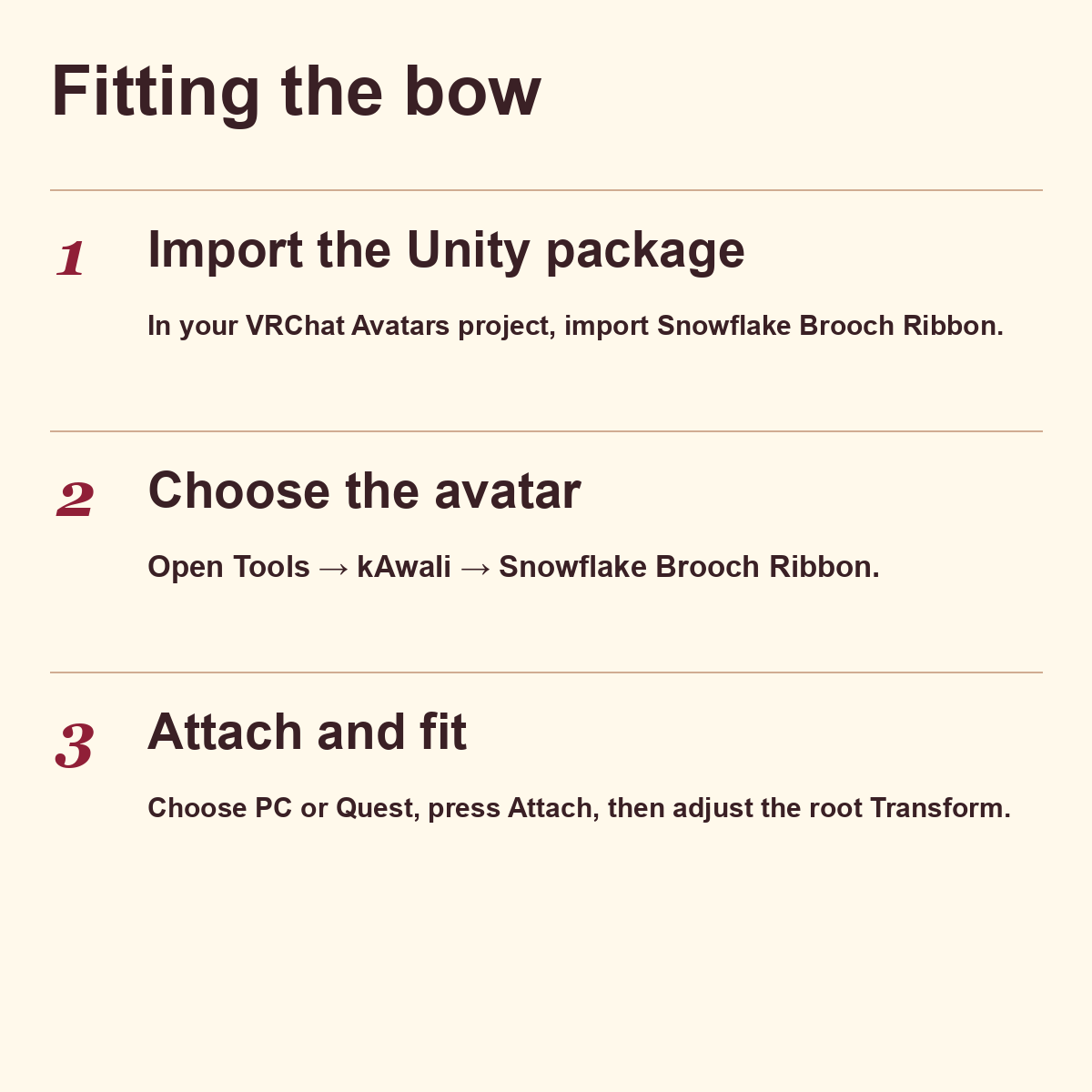
Import the .unitypackage into a Unity 2022.3 project with VRChat SDK – Avatars. Open Tools > kAwaIi > Snowflake Brooch Ribbon. Choose your Humanoid avatar and target platform, then press Attach. The ribbon is parented to the Head bone. Check the back and side views and adjust position, rotation and scale to suit the hair. You can also parent the prefab to any bone or empty GameObject, or make the tails static. Modular Avatar and lilToon are not required.
Notes
About the photographs
More holiday ribbons
For holly, twin bells and five colours of velvet, see the Christmas Big Ribbon.
https://jinxxy.com/00ookAwaIioo00/od8wT
Licence and refunds
Read the included licence for the permitted uses. Refunds after accessing digital files follow Jinxxy’s refund policy, including any applicable statutory rights.
https://jinxxy.com/refund-policy
Credits and AI disclosure
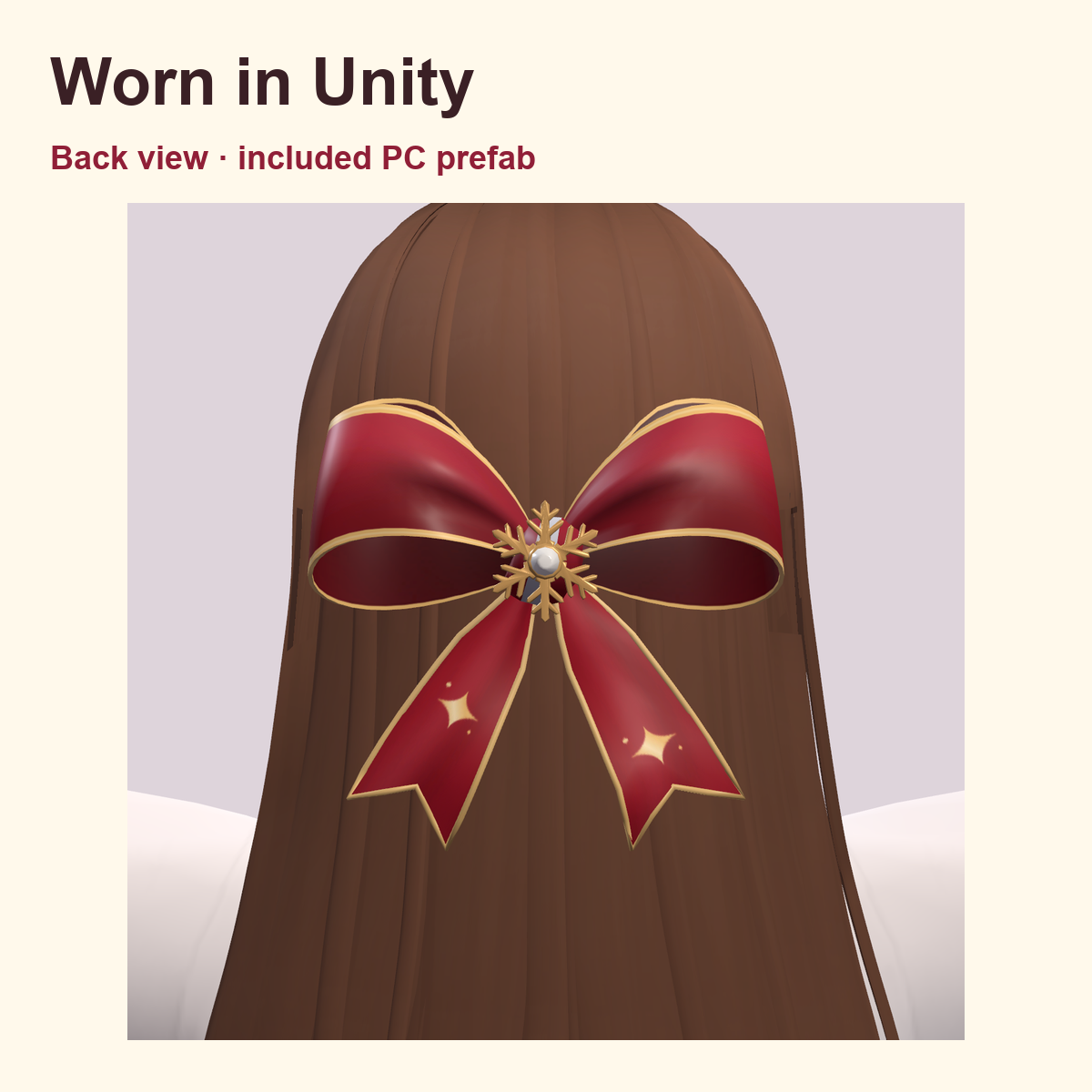
Image 2 shows the fitted bow from the back in Unity.
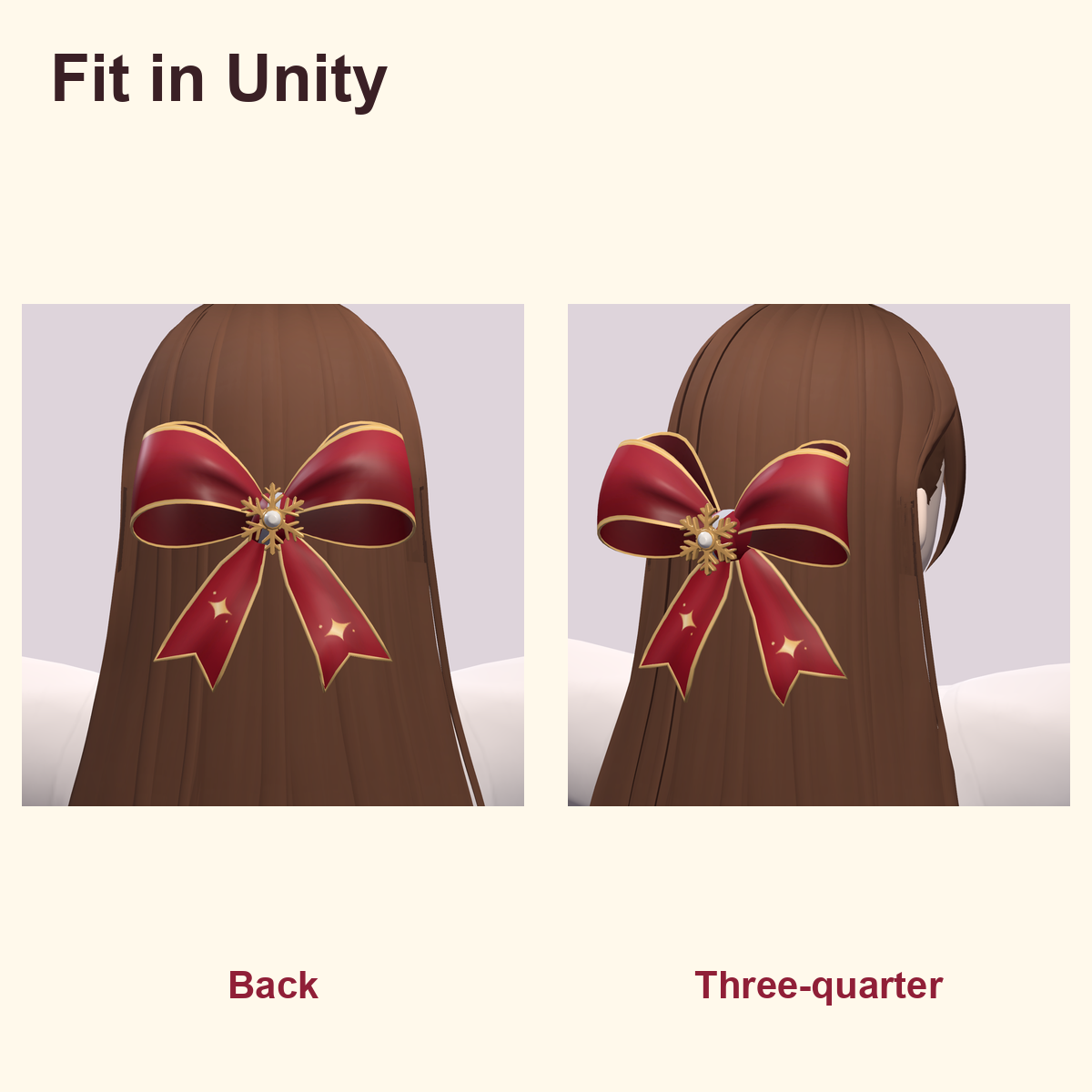
Image 4 shows the fit from the back and at an angle.
Preview avatar, hair, clothing and scenery are not included.
AI was used in the creation of this product.